Every finding,
explained
54 guides, one for each finding that can appear in your report: what it is, how it’s measured, why it matters to you and how to fix it. Written so you can understand them without being technical, with the technical part set aside for whoever runs your website.
 PerformanceBlocks
Performance metrics
What Wakaris measures and which values count as good
 AccessibilityBlocks
Visual contrast
What Wakaris detects and how to fix insufficient color contrast
 LegalBlocks
Consent management
What Wakaris measures and why cookies must wait for the visitor to decide
 AccessibilityBlocks
Accessible names for controls
Why your buttons and links need to say what they do
 SEOBlocks
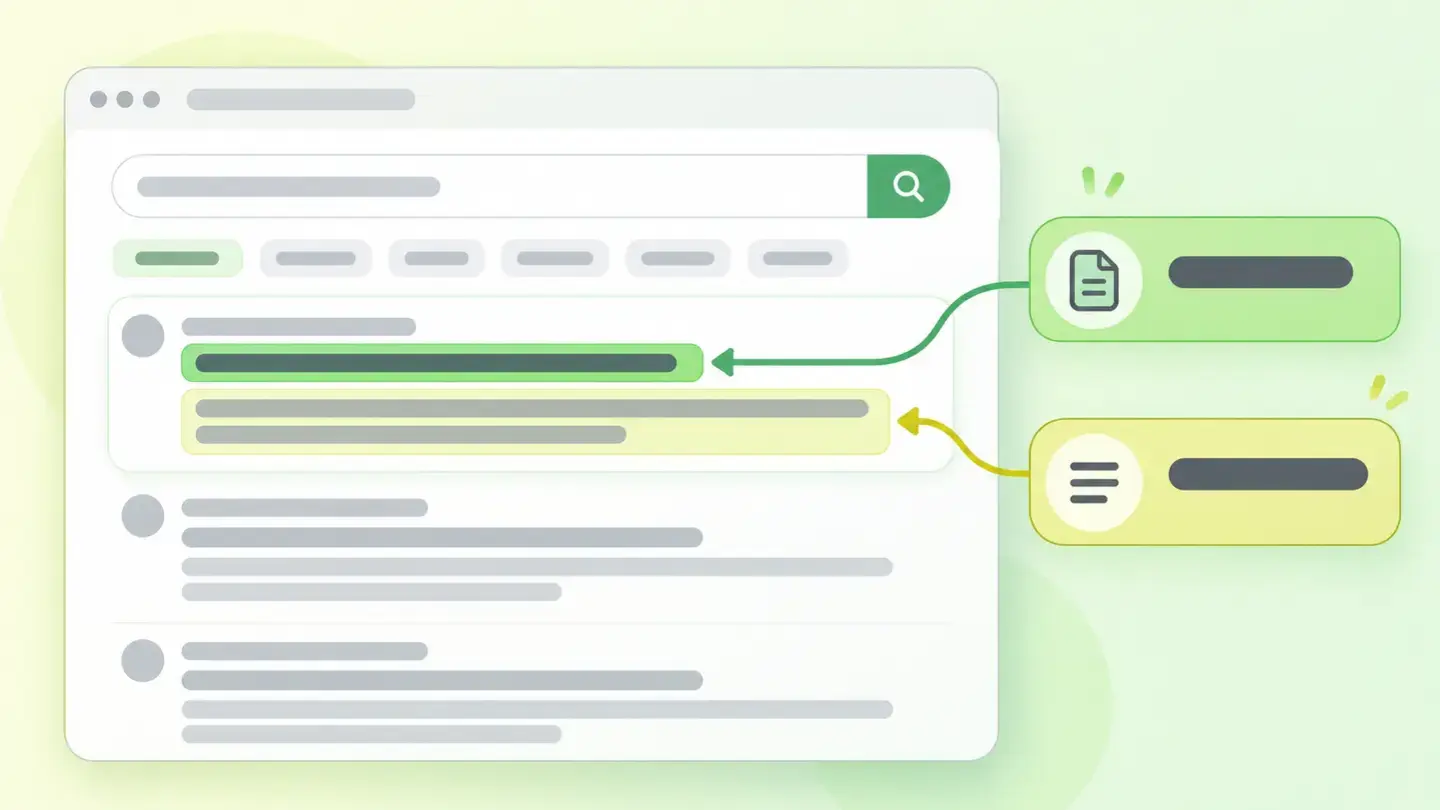
Main meta tags
What happens when your title or meta description is missing or too short
 SecurityBlocks
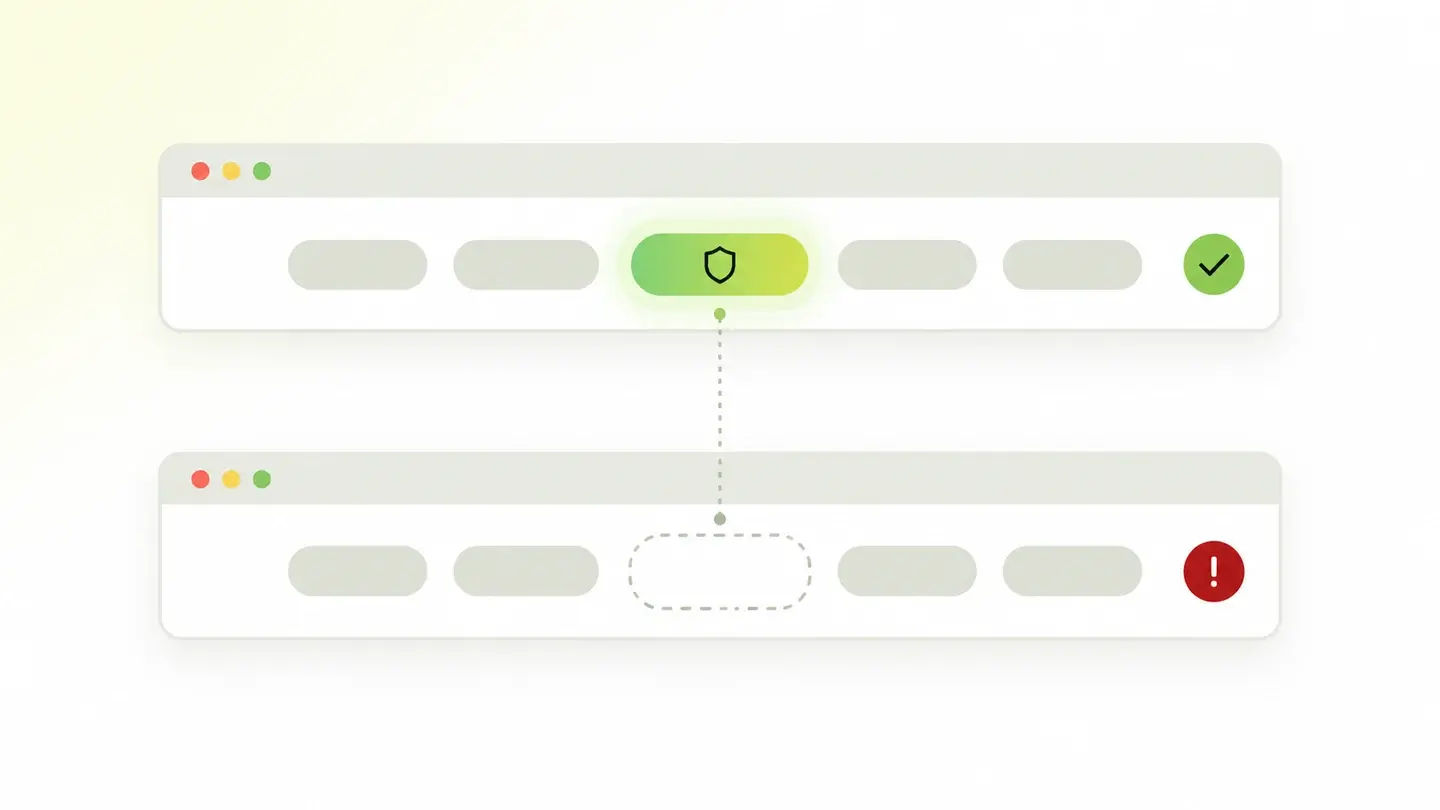
HTTPS secure connection
The six things that can fail even if your website has a padlock
 LegalBlocks
Privacy information
Why your website needs a privacy policy people can find
 User experienceBlocks
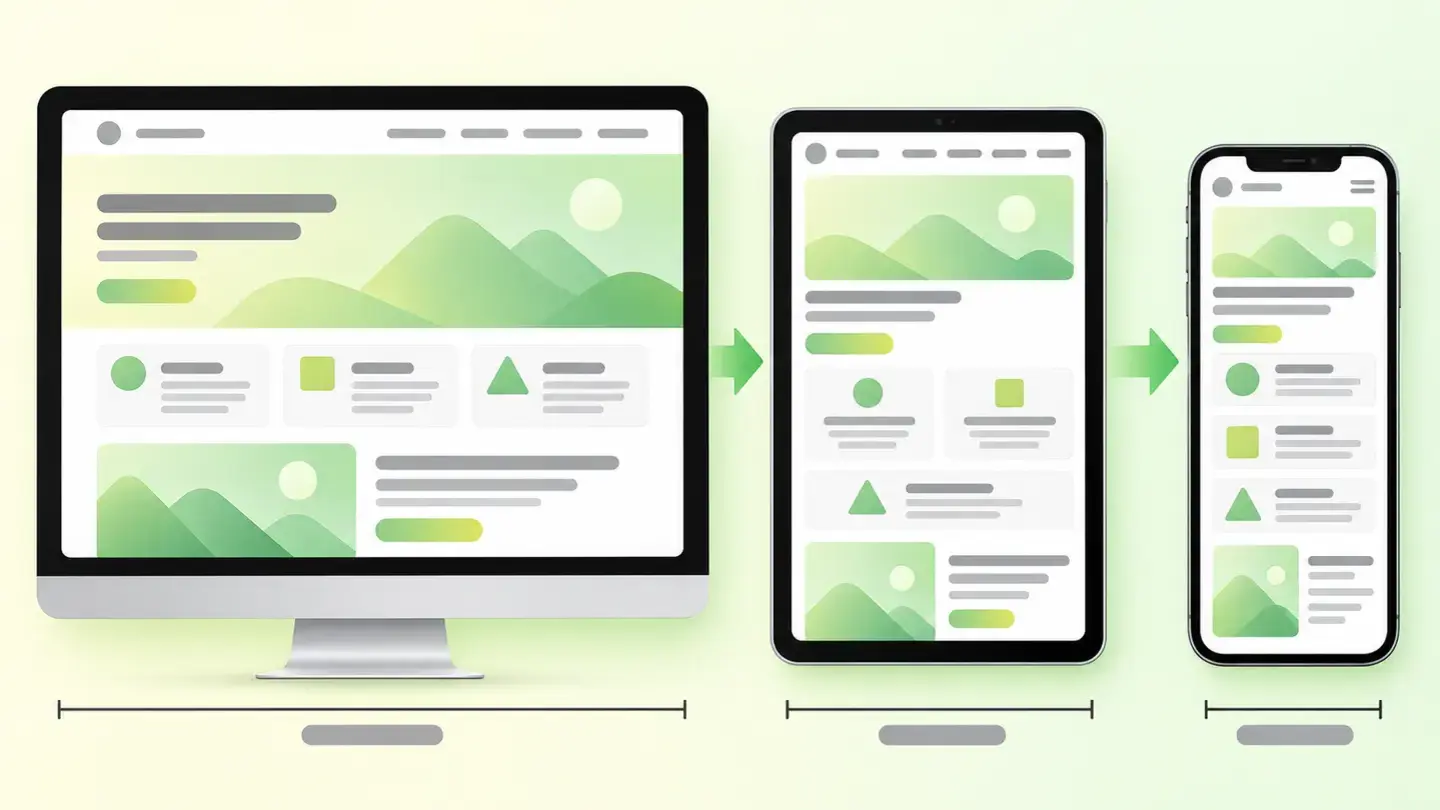
Responsive design
Why your website doesn’t fit mobile screens and how to fix it
 AccessibilityBlocks
Text alternatives
Why your images need alt text and how to write it
 SEOBlocks
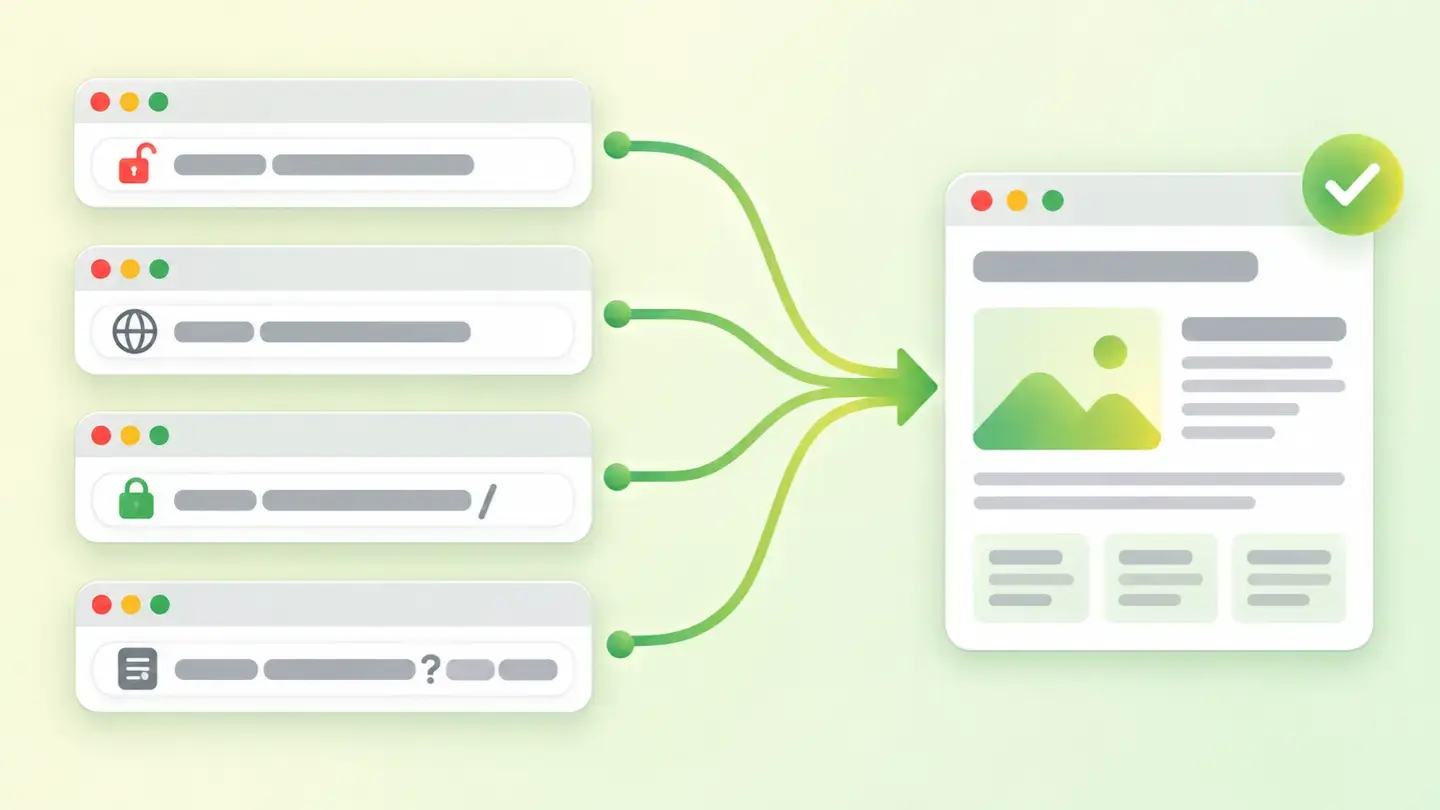
Canonical URL
Why your page needs a single official address and how to declare it
 AccessibilityBlocks
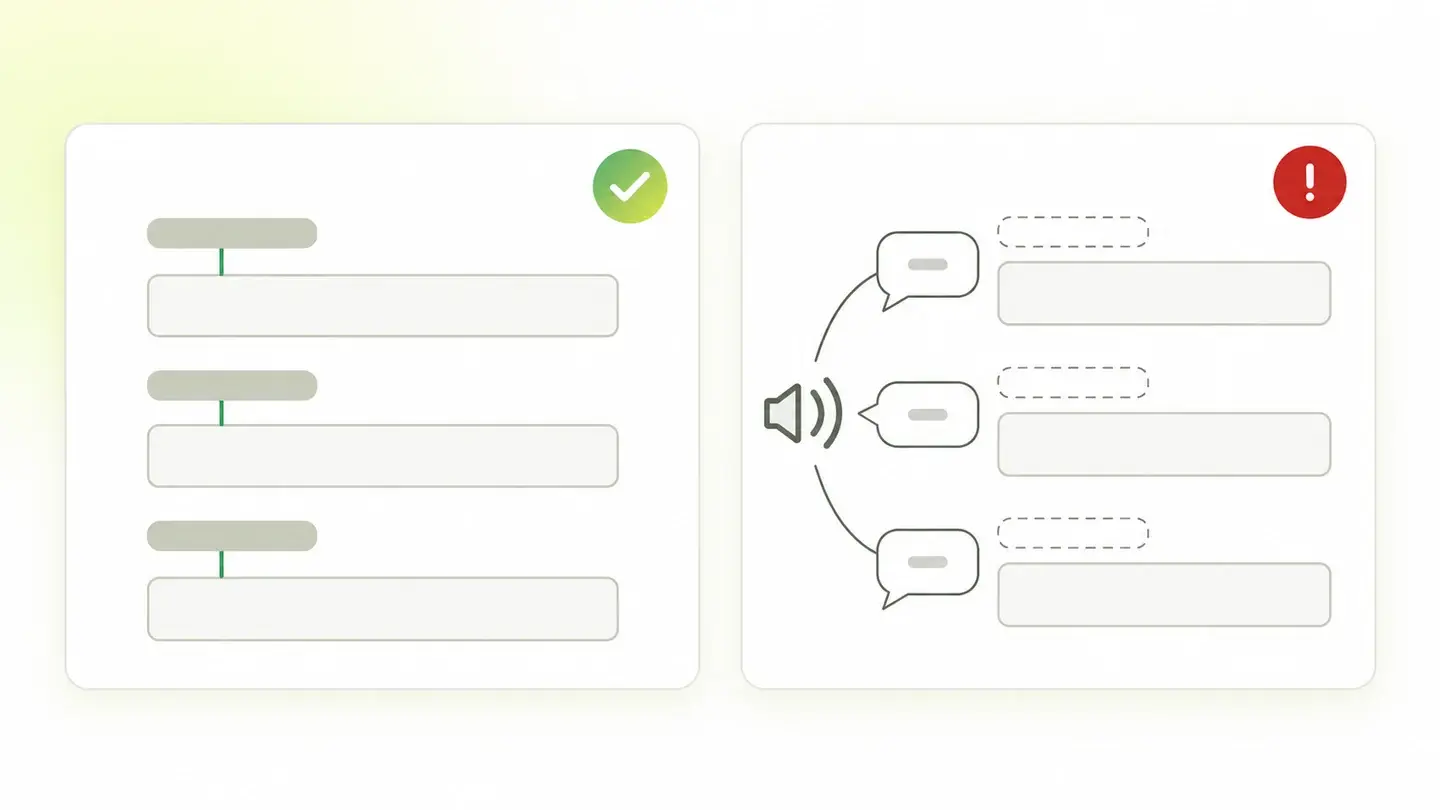
Form labels
Why every field needs an associated label and how to add it
 MarketingBlocks
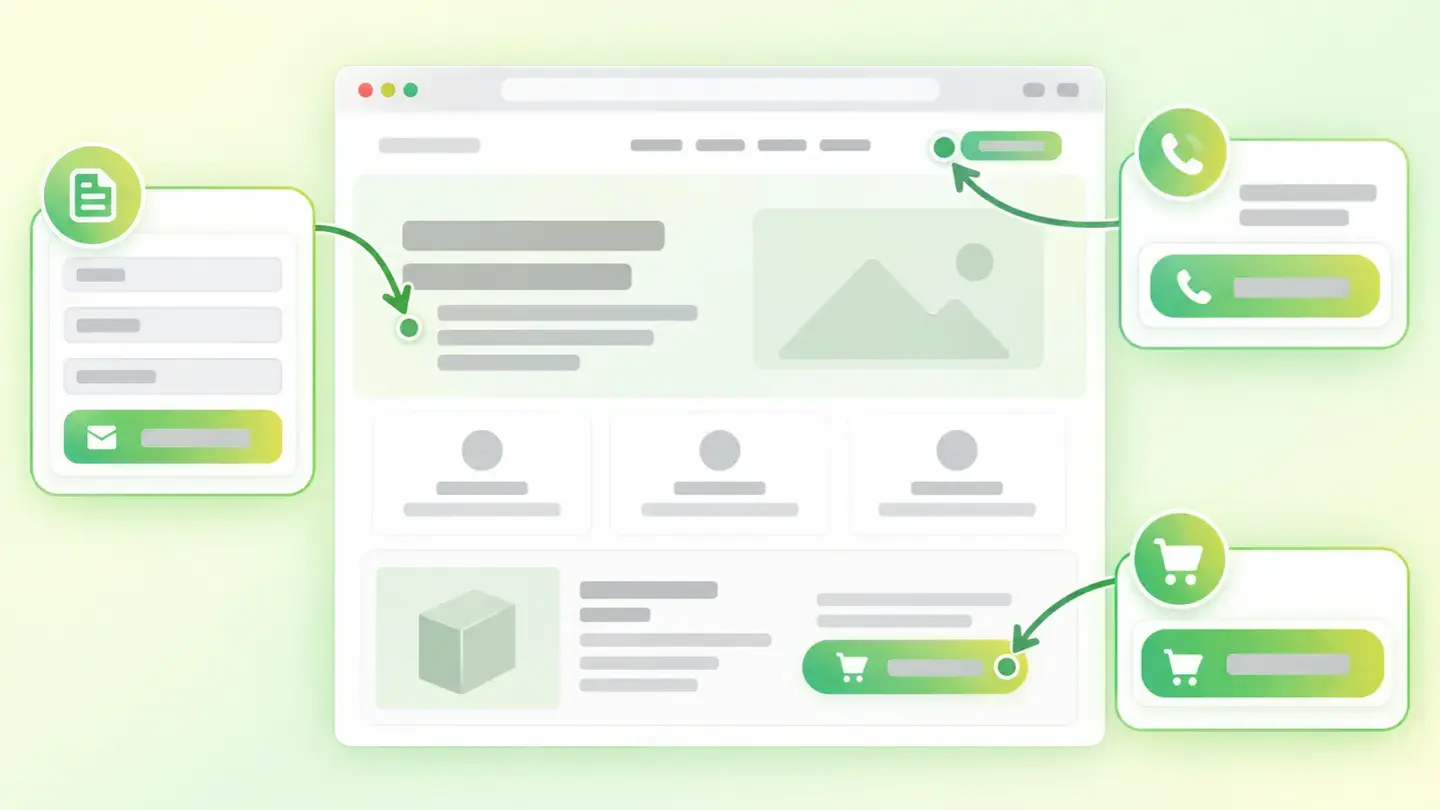
Conversion actions
Why your page needs a way for people to contact you and how Wakaris detects whether it has one
 SEOBlocks
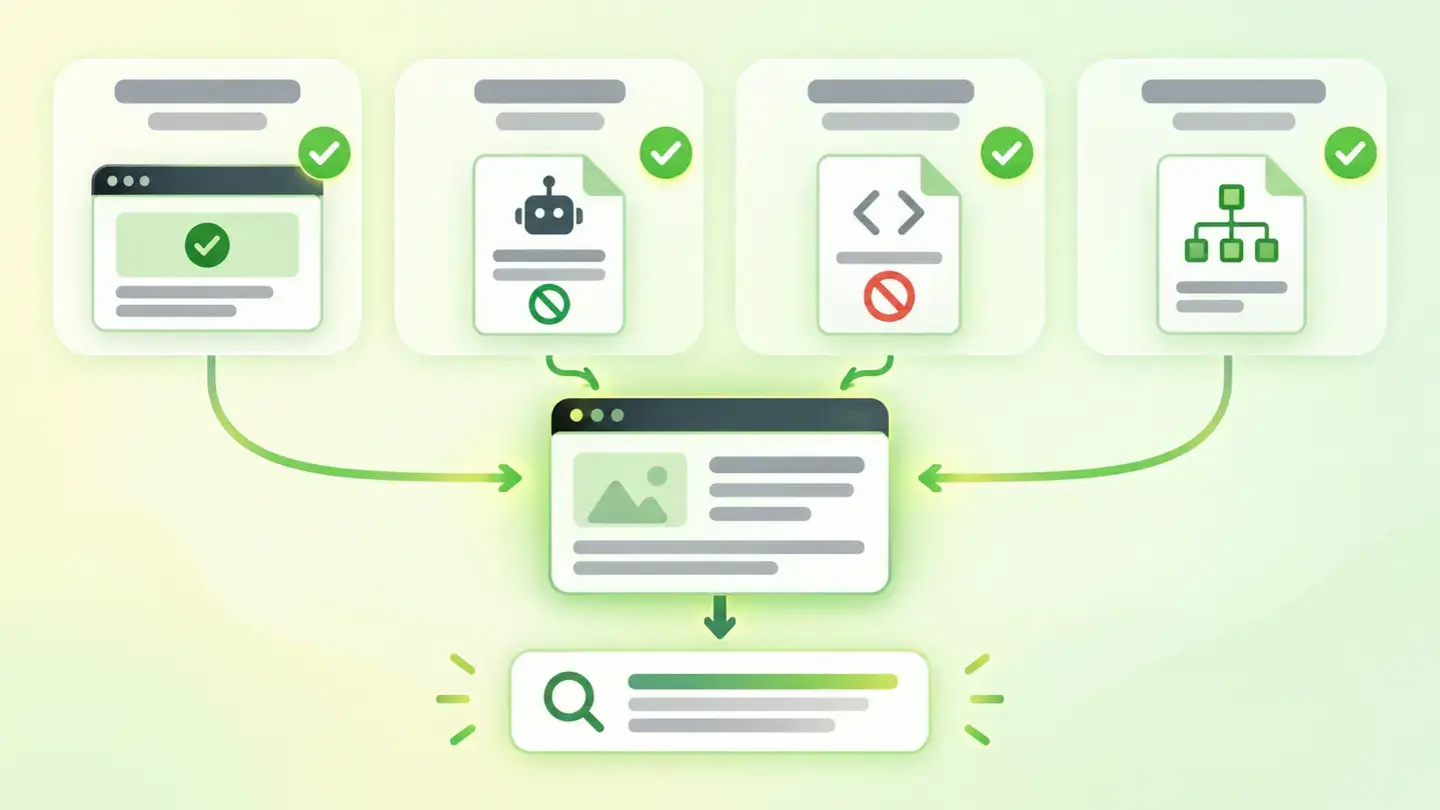
Indexability
Why a page may not exist for Google and how to check it
 SEOBlocks
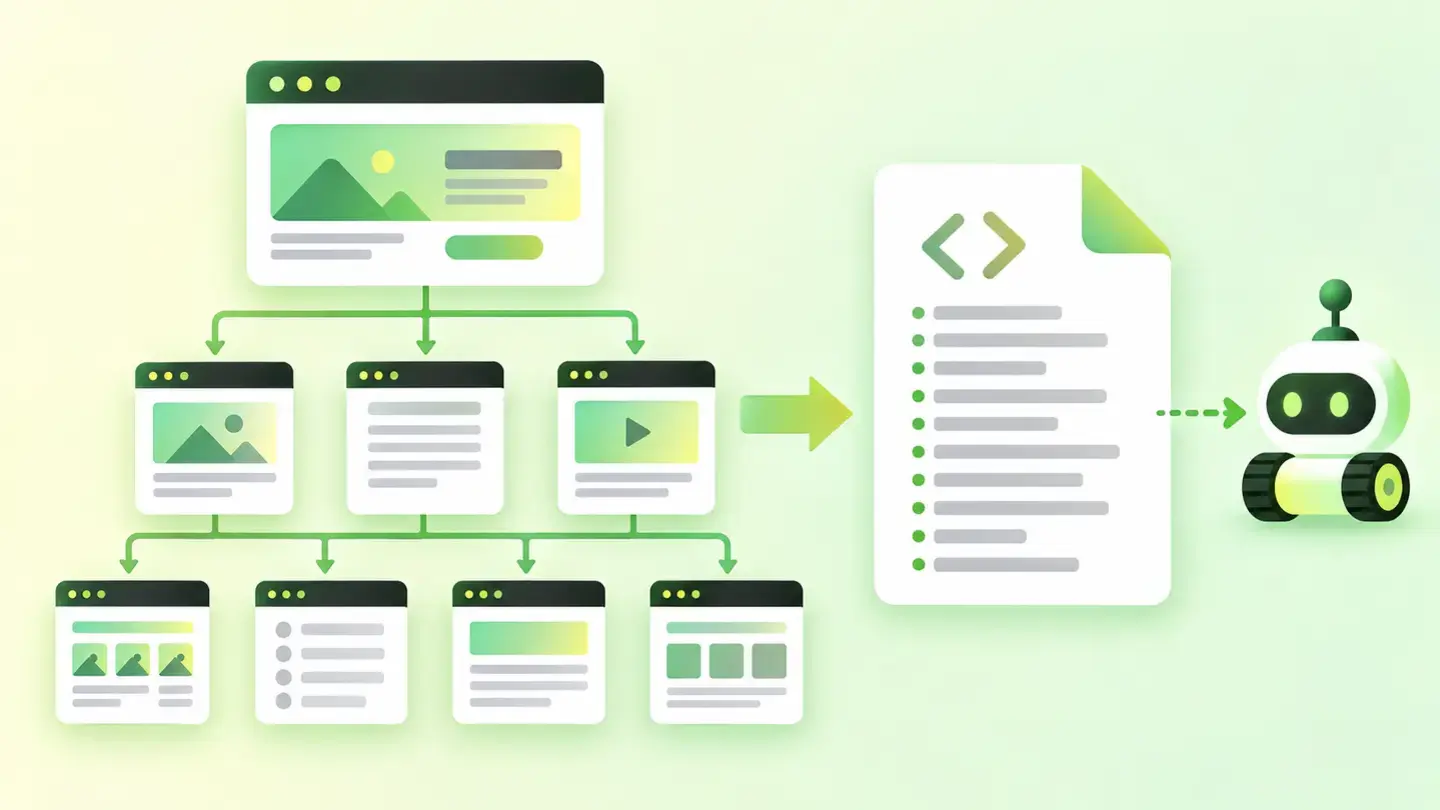
Sitemap
Why your website needs a map for search engines and how Wakaris checks that it has one
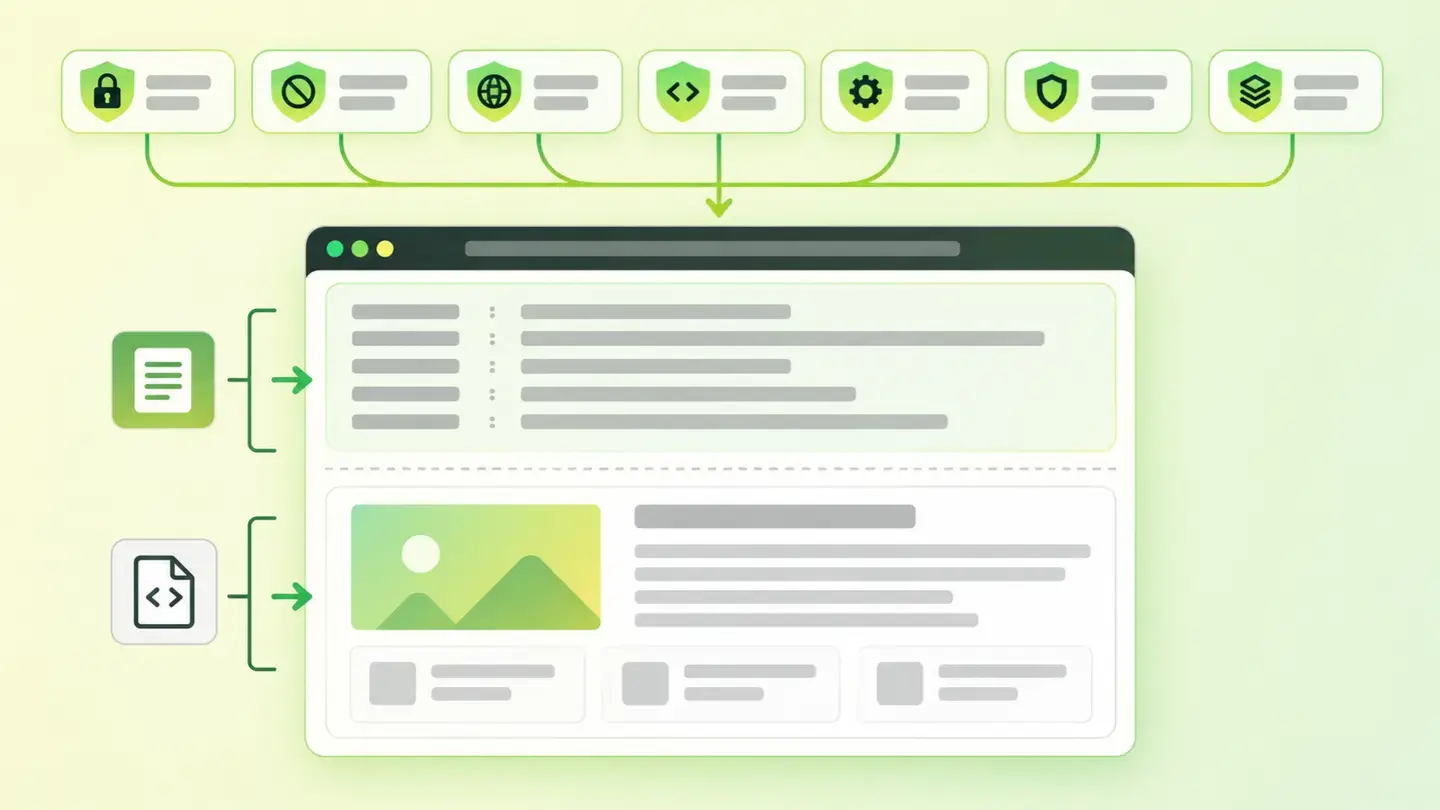 SecurityLimits
Security headers
What they are, what each one does and how to add them
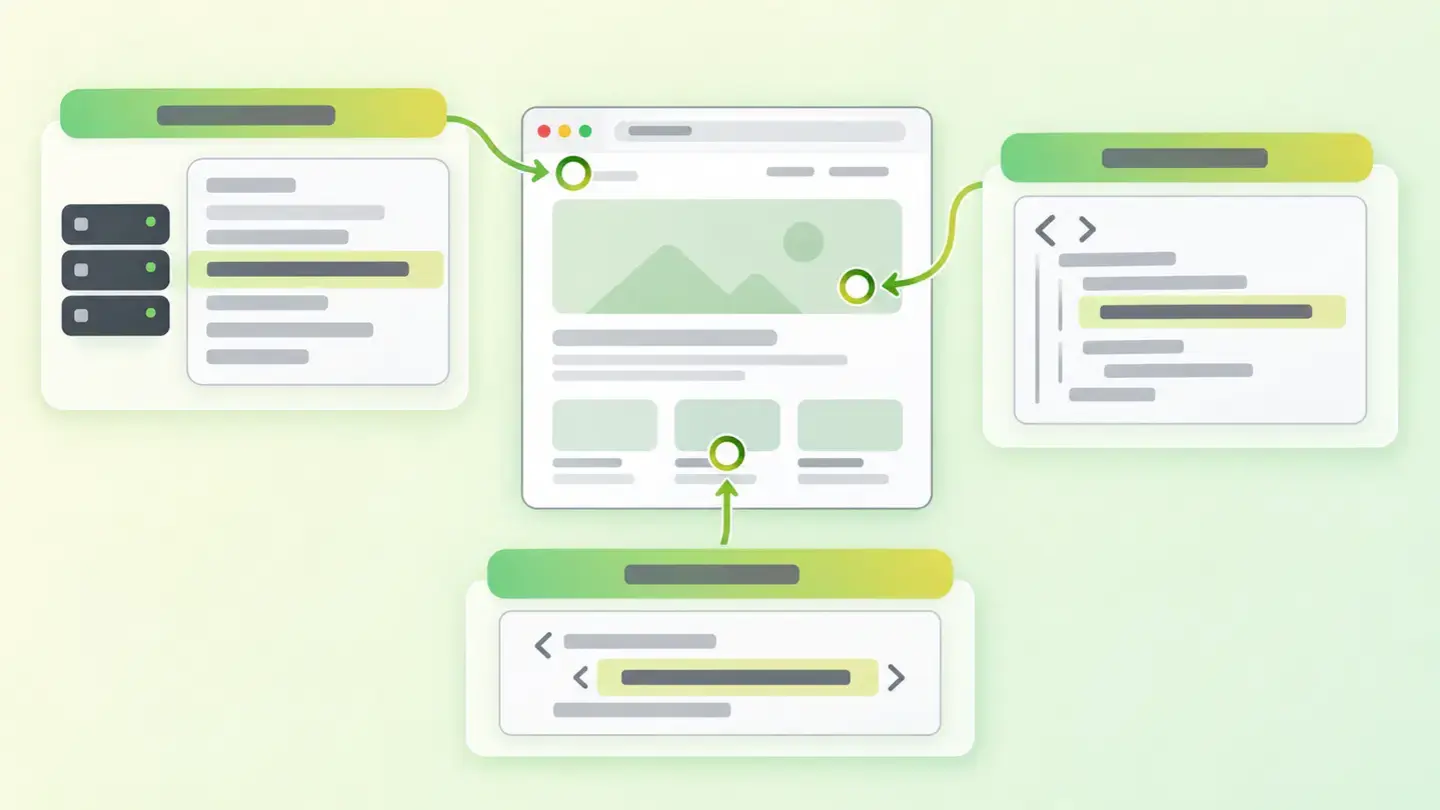 SecurityLimits
Technical information exposure
What your website says about itself without you knowing
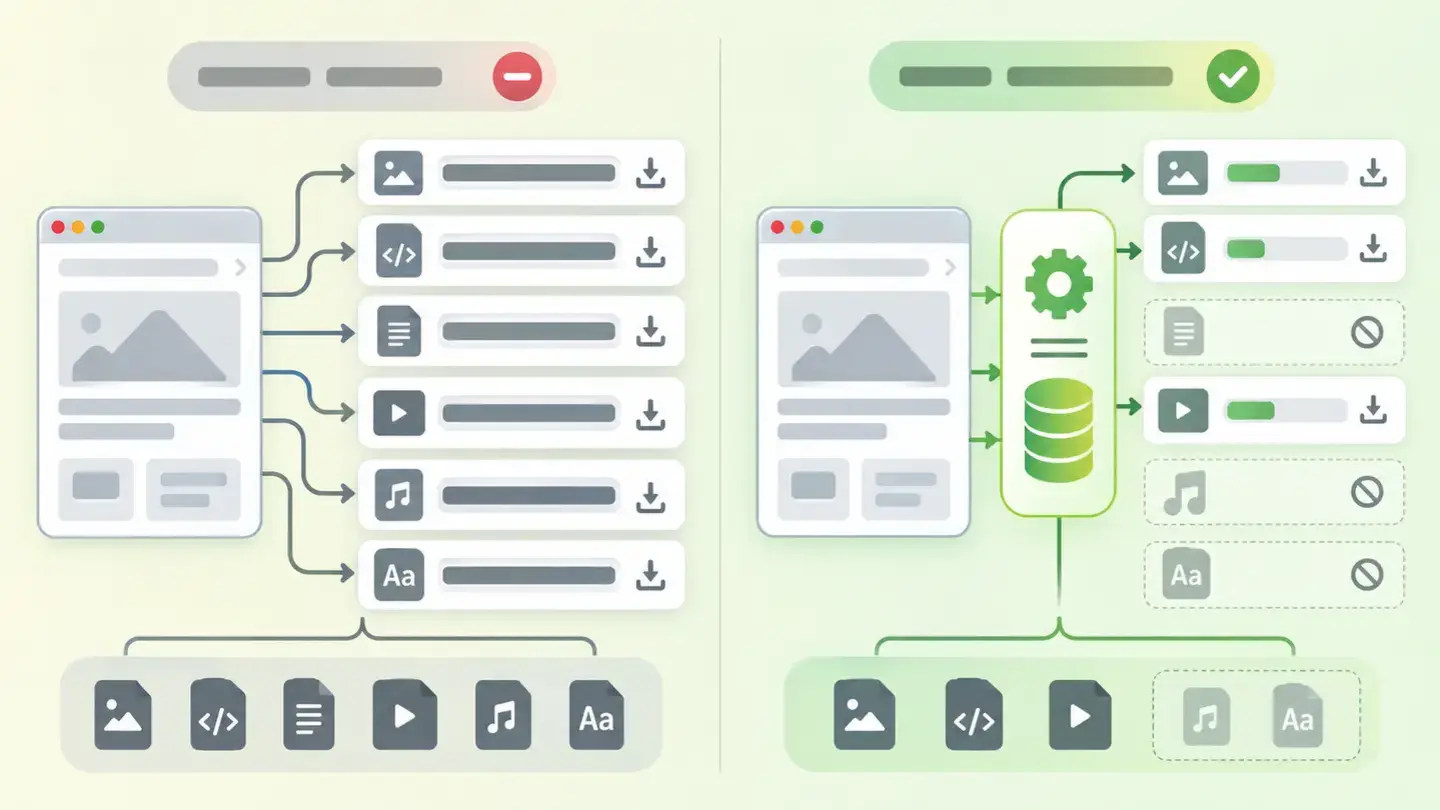 PerformanceLimits
Caching and compression
The two settings that take the most weight off a website
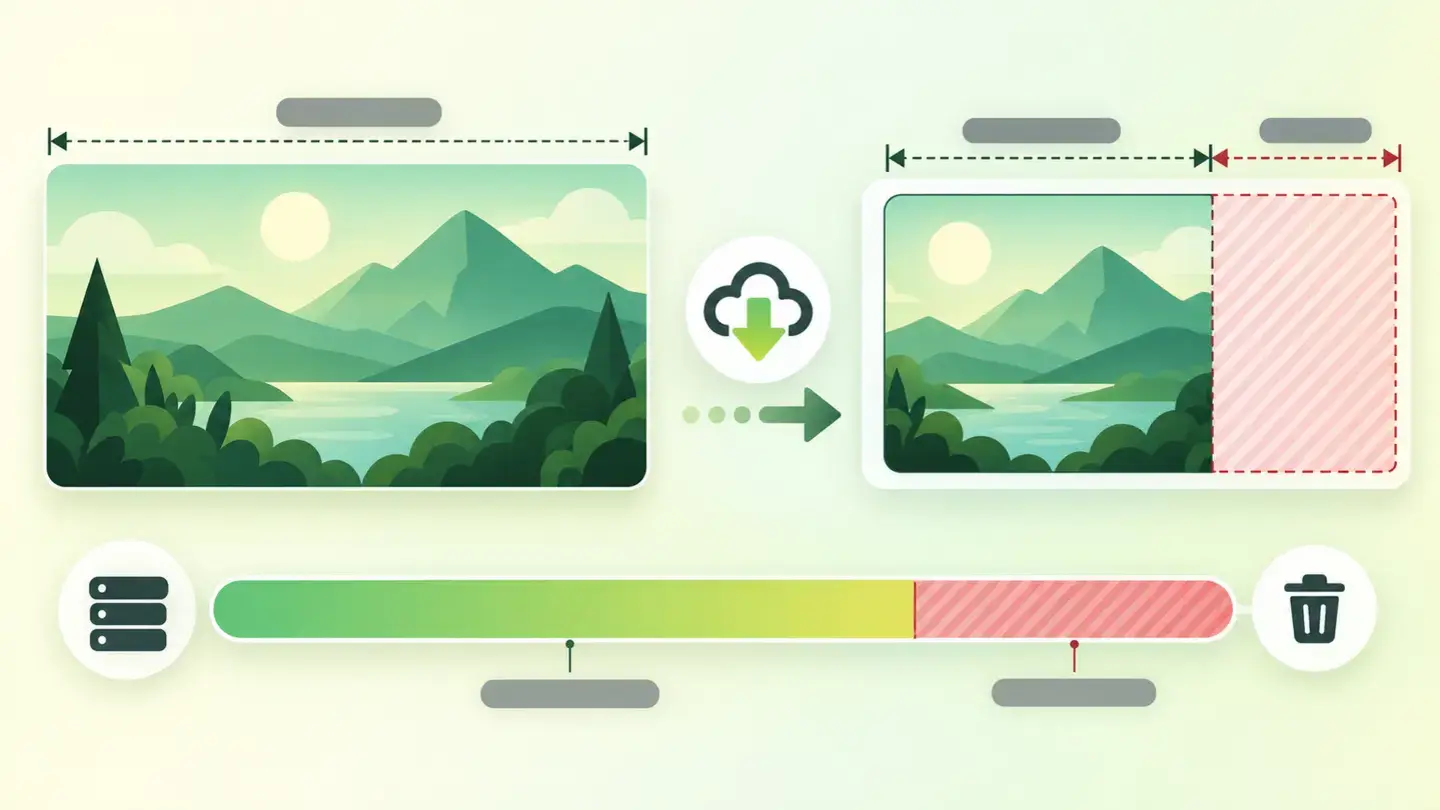 PerformanceLimits
Image optimization
Why they weigh more than they need to and how to fix it
 SecurityLimits
Unverified third-party resources
What they are and how to protect yourself with the integrity attribute
 SecurityLimits
Email security
What SPF and DMARC are and why your domain needs them
 SEOLimits
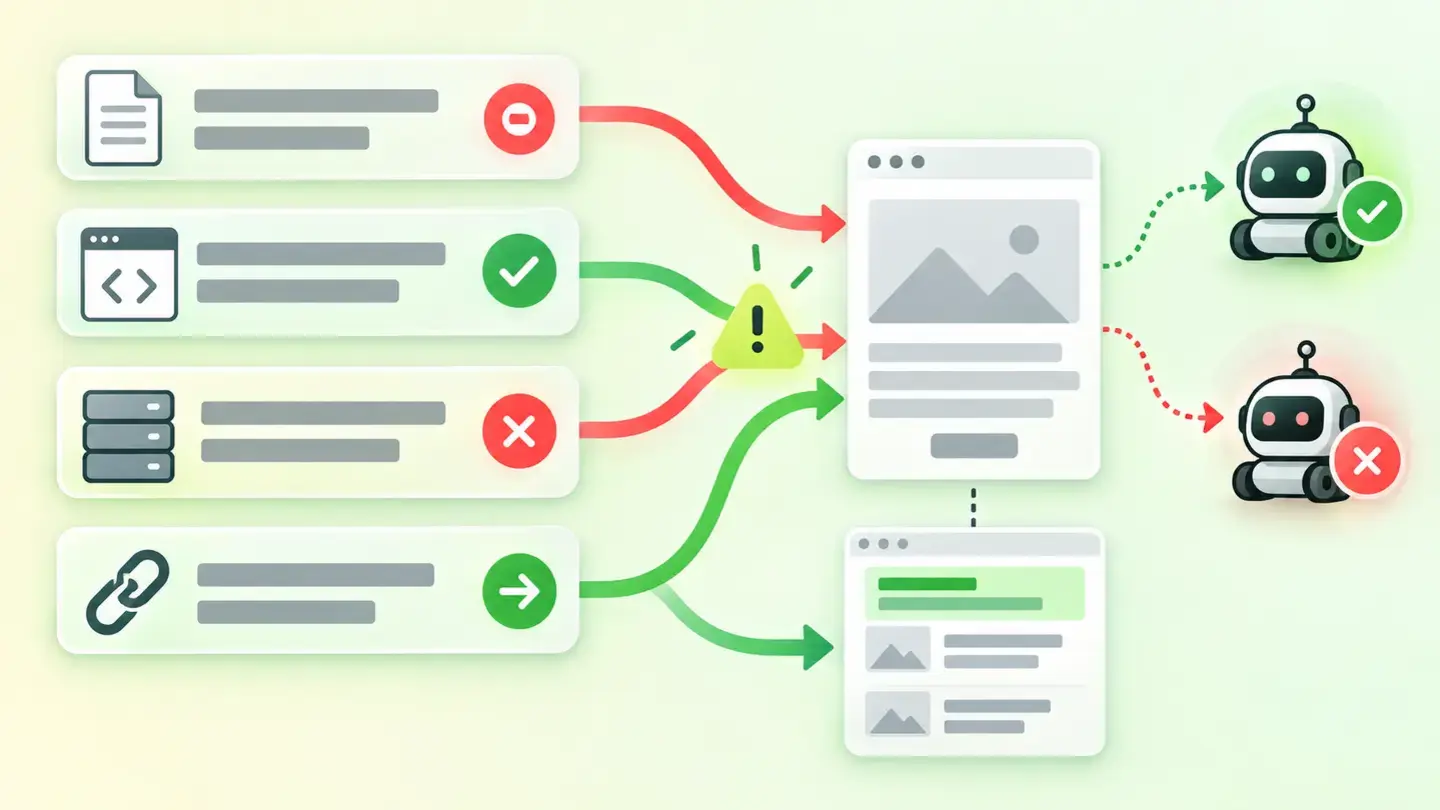
Conflicting SEO directives
When your website tells Google two different things
 PerformanceLimits
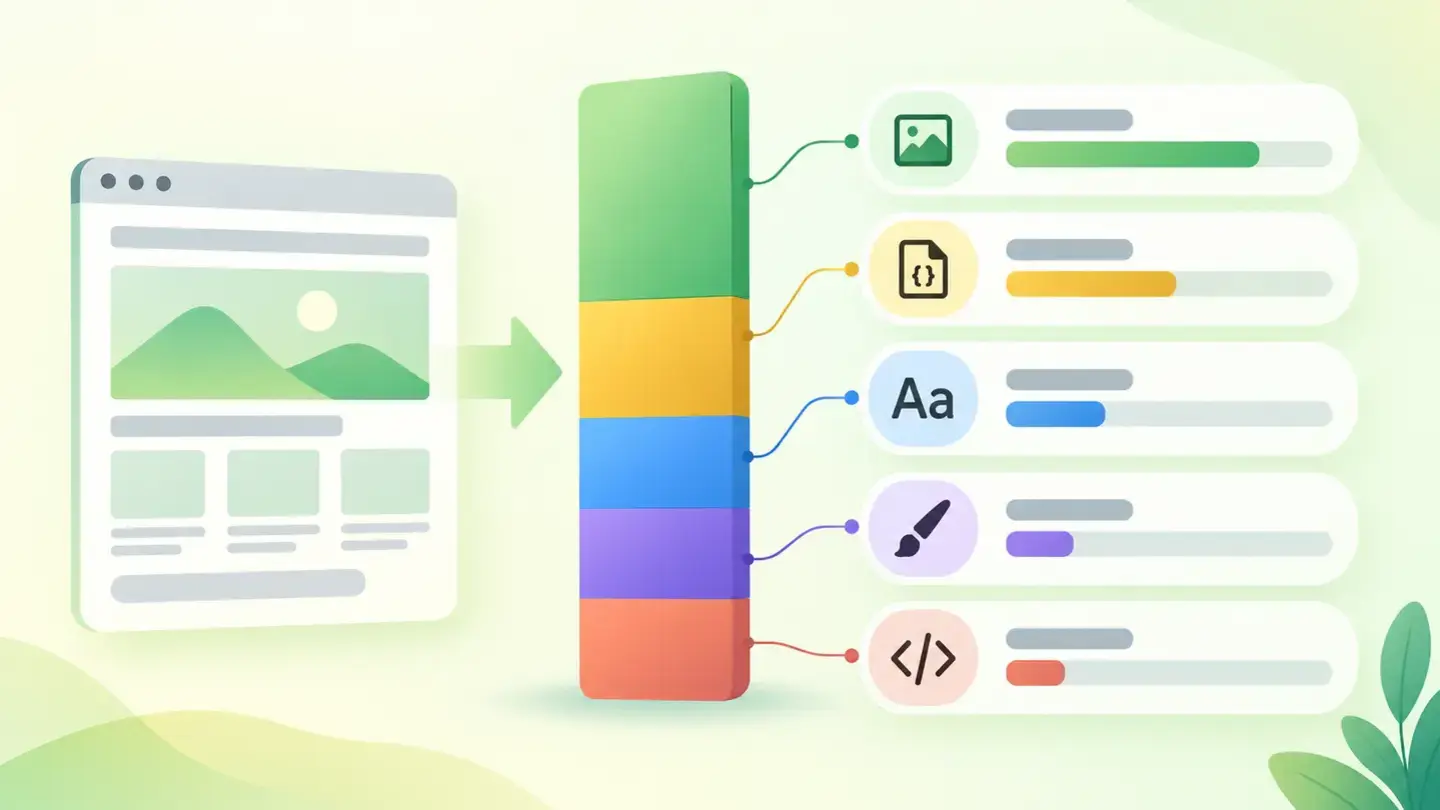
Page weight and load
How much your website should weigh and what to do if it’s too heavy
 SEOLimits
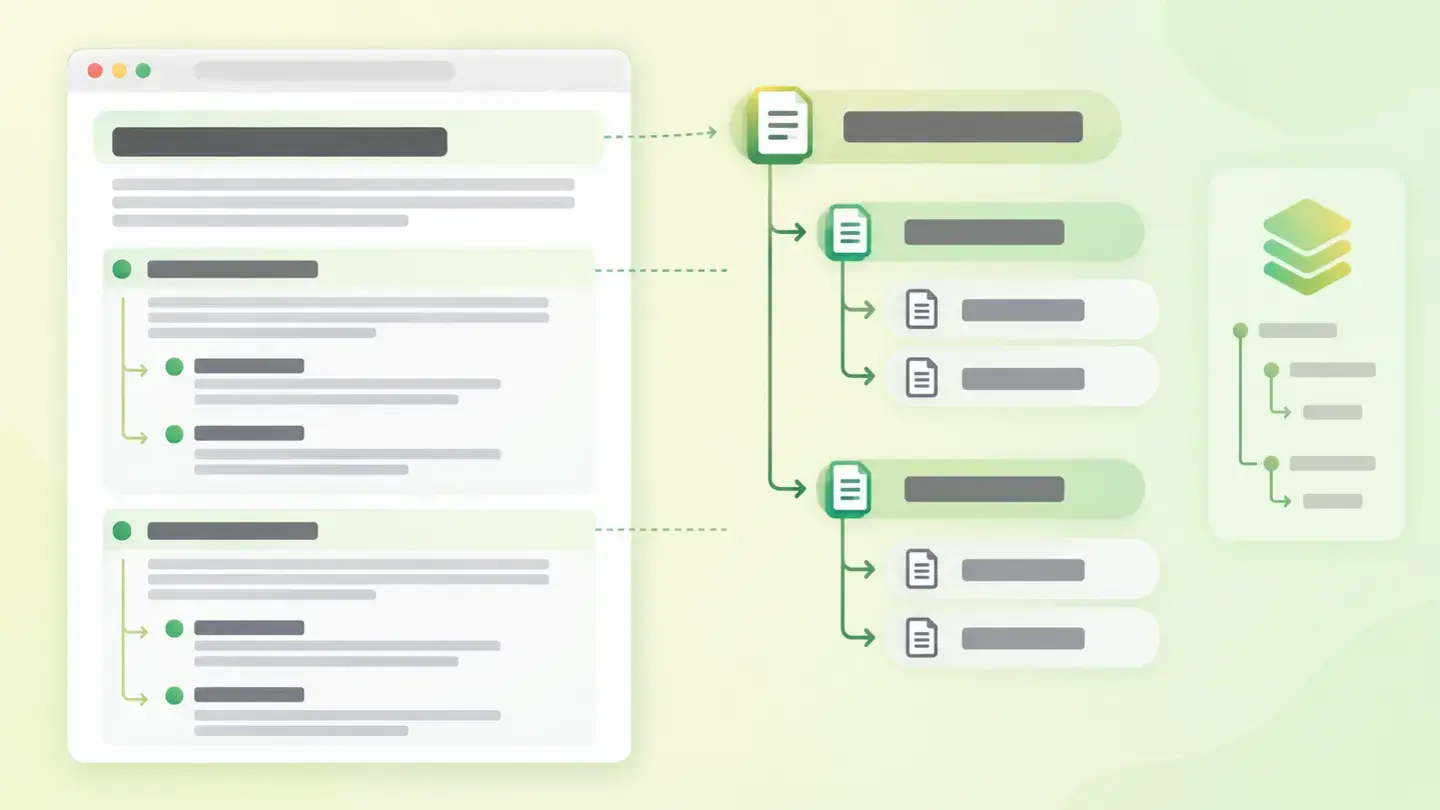
Heading structure
What Wakaris checks and how to order your H1 to H6
 MarketingLimits
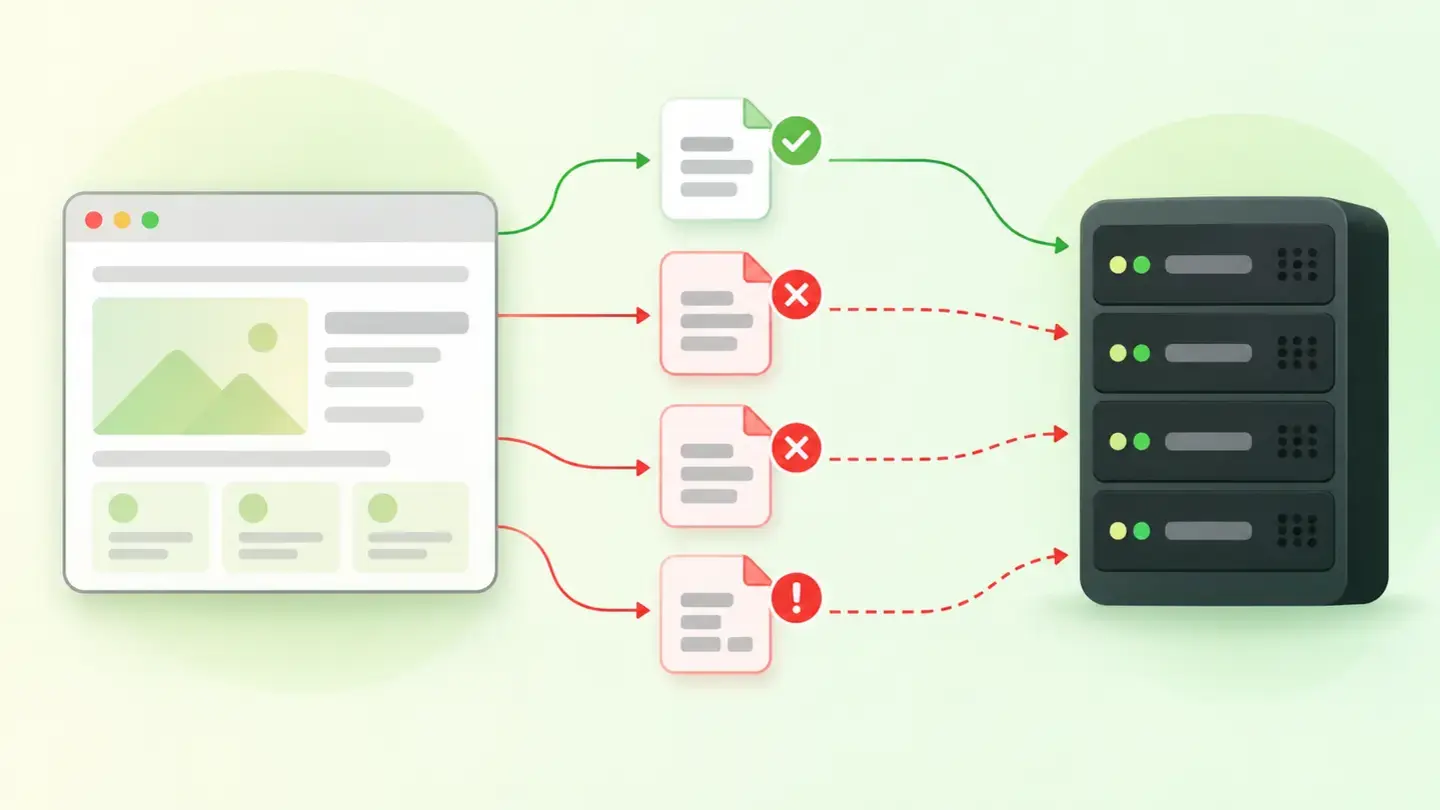
Web tracking
When your analytics is missing, doubled or sending bad data
 MarketingLimits
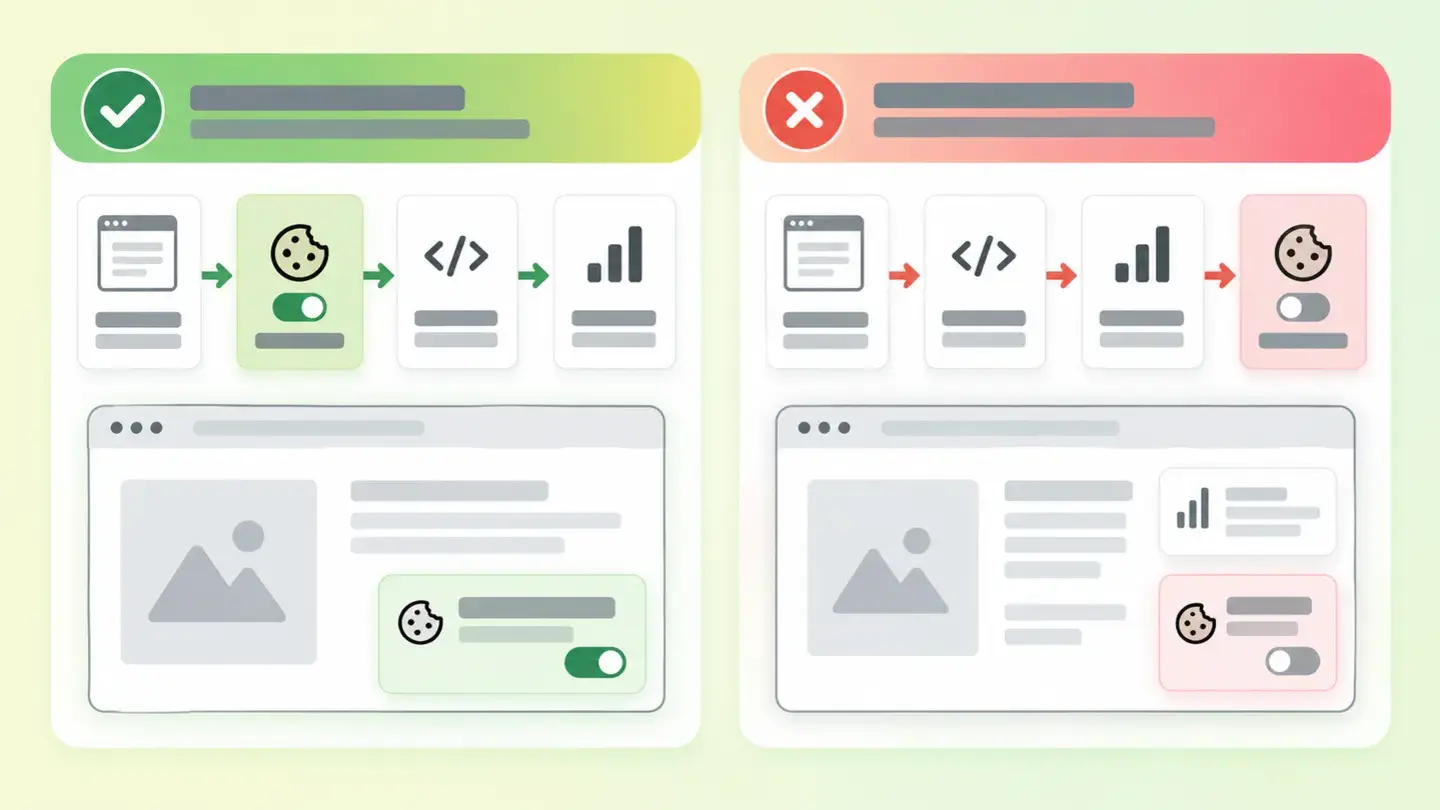
Consent Mode
What initial consent states are and how to tell if your website declares them
 User experienceLimits
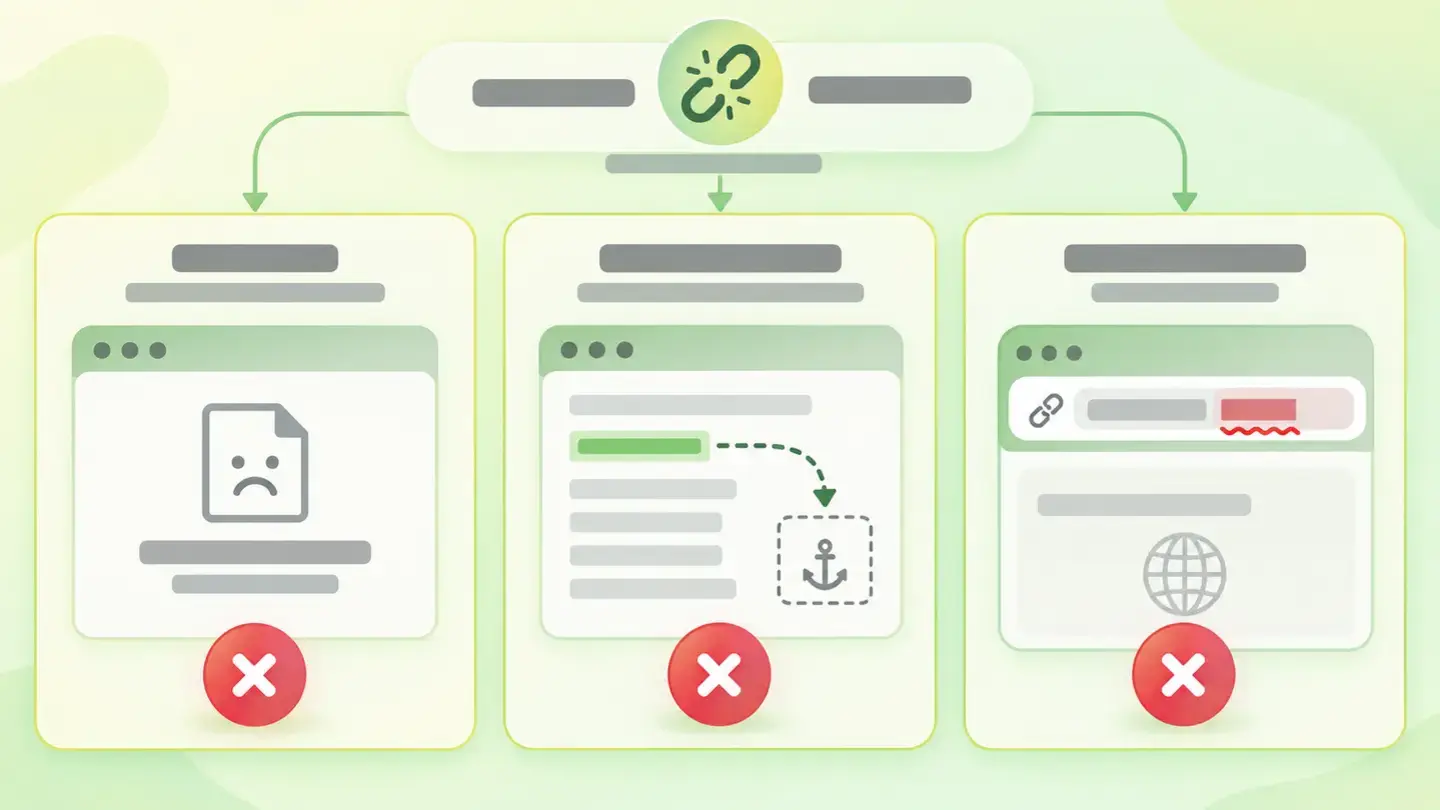
Navigation integrity
Broken links, anchors that lead nowhere and malformed URLs
 Online presenceLimits
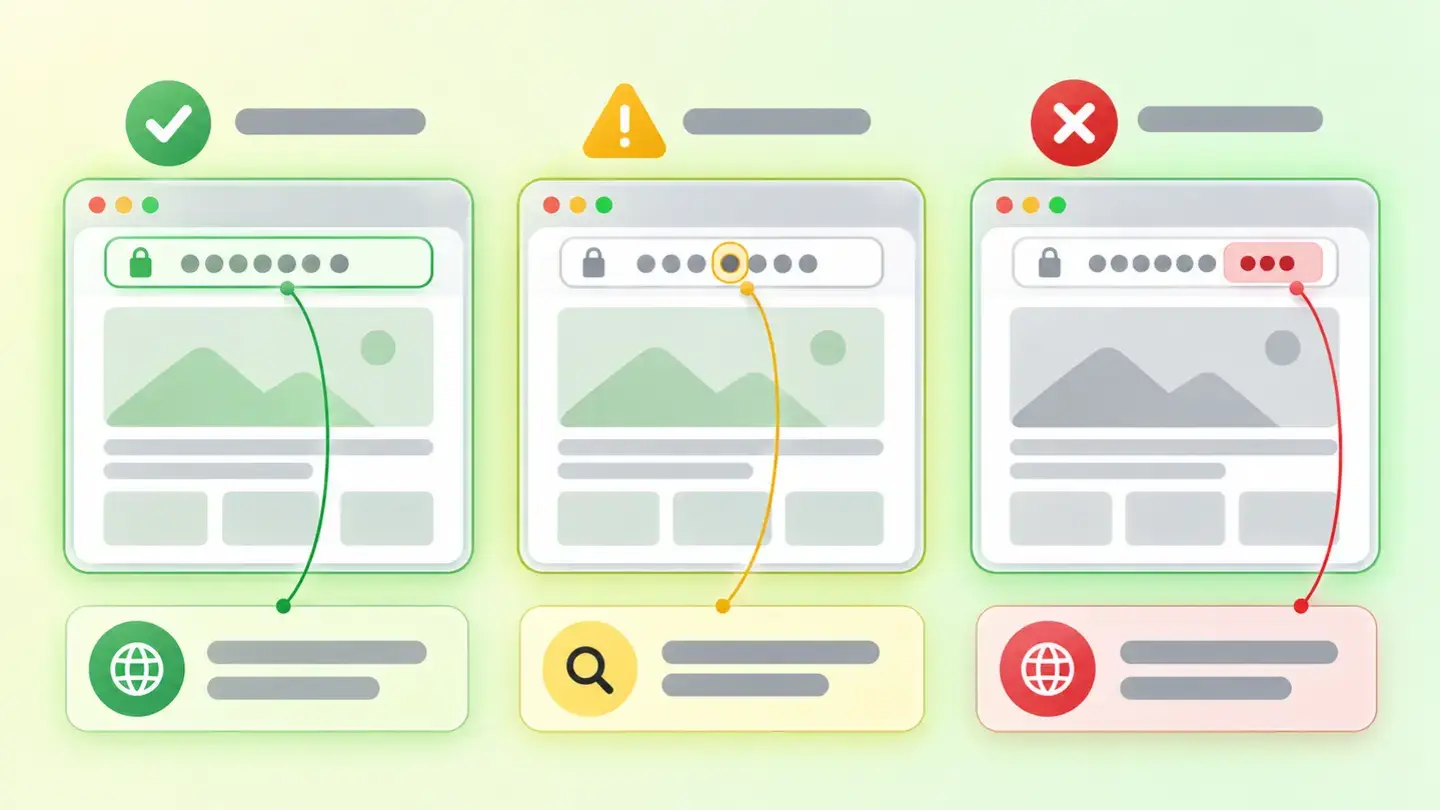
Domains similar to your brand
Why they matter and what to do about them
 PerformanceLimits
Response and delivery
What happens when your server is slow to respond
 LegalLimits
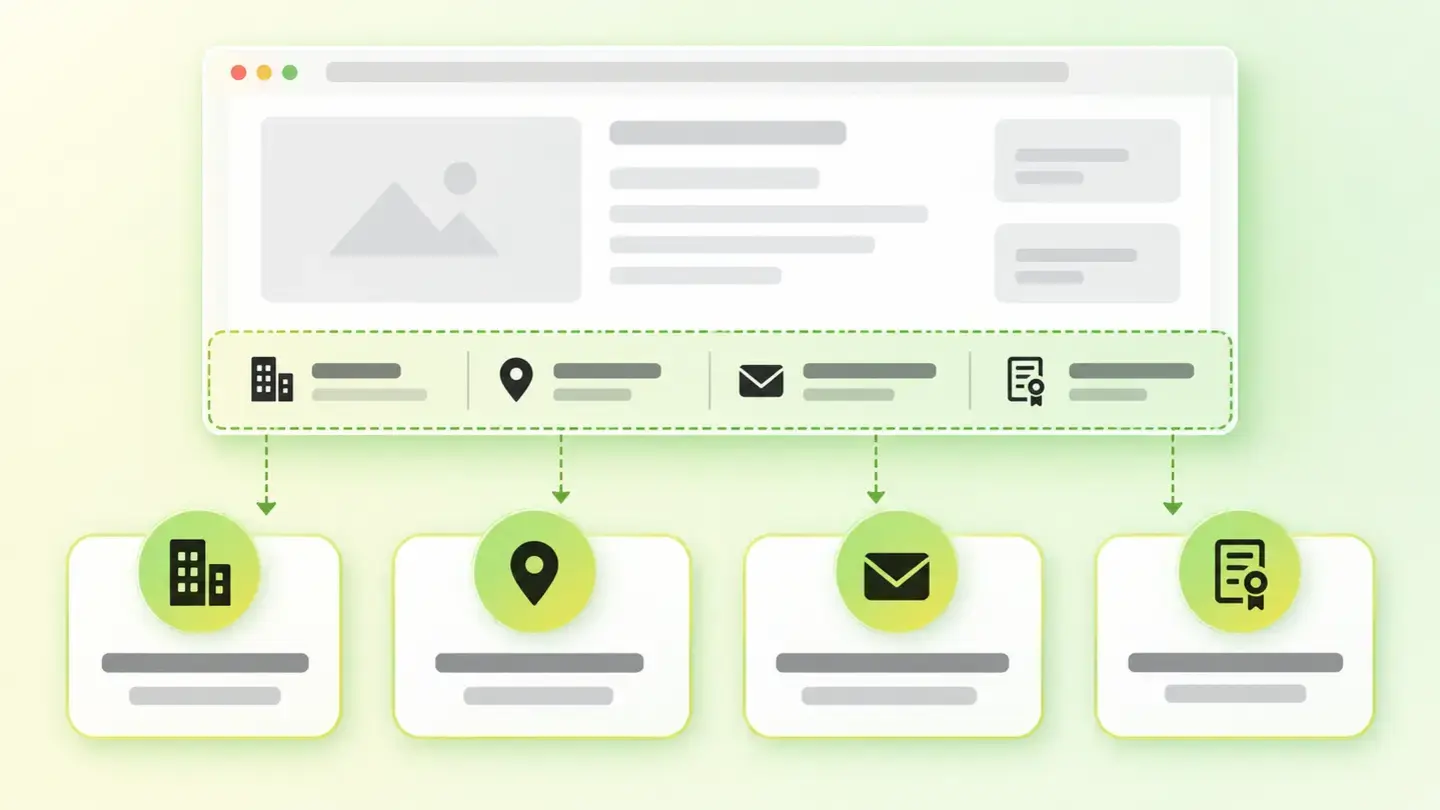
Provider identification
If your website doesn’t say who you are, you’re nobody
 User experienceLimits
Interface errors
The glitches your visitors notice and you don’t see
 AccessibilityLimits
Zoom and scaling
When your website won’t let people enlarge the text
 User experienceLimits
Visual integrity
The website that half-loads and looks broken
 AccessibilityLimits
Valid ARIA
When code meant to help gets in the way
 AI visibilityLimits
AI crawler access blocked
What it means and how to review it
 SEOLimits
Thin content
What it means when your page has little text and how to fix it
 AI visibilityLimits
Content without JavaScript
What can be read on your page when nobody runs your code
 AccessibilityLimits
Document language
Why your page has to say which language it’s written in
 SecurityLimits
XSS risk
What it is, which signals give it away and how to reduce it
 SecurityLimits
Sensitive information exposure
When your website publishes its own errors
 AI visibilityLimits
Structuring for citability
Who signs it, when it was written and what question it answers
 User experienceLimits
Automatic interruptions
What they are, why they annoy and how to remove them from your website
 PerformanceAffects
Rendering cost
What forced reflow is and how to remove it from your website
 AI visibilityAffects
llms txt file
What it is, what it’s really for and how to create it
 Online presenceAffects
Technical branding consistency
The favicon, the sharing image and the declared logo
 AccessibilityAffects
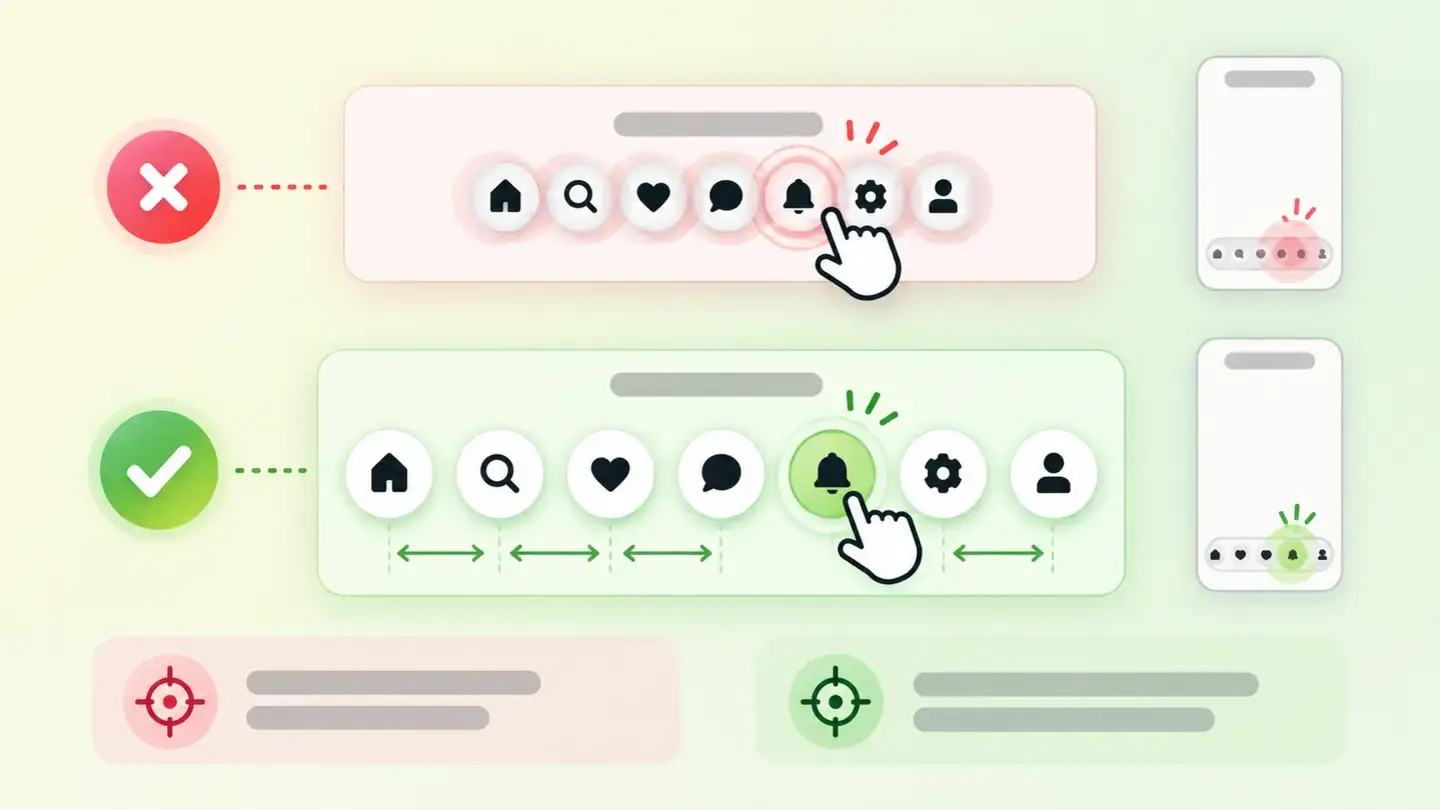
Touch target size
Why it’s hard to tap on your website and how to fix it
 AccessibilityAffects
Semantic structure
Why your page makes sense to look at but not to read
 SEOAffects
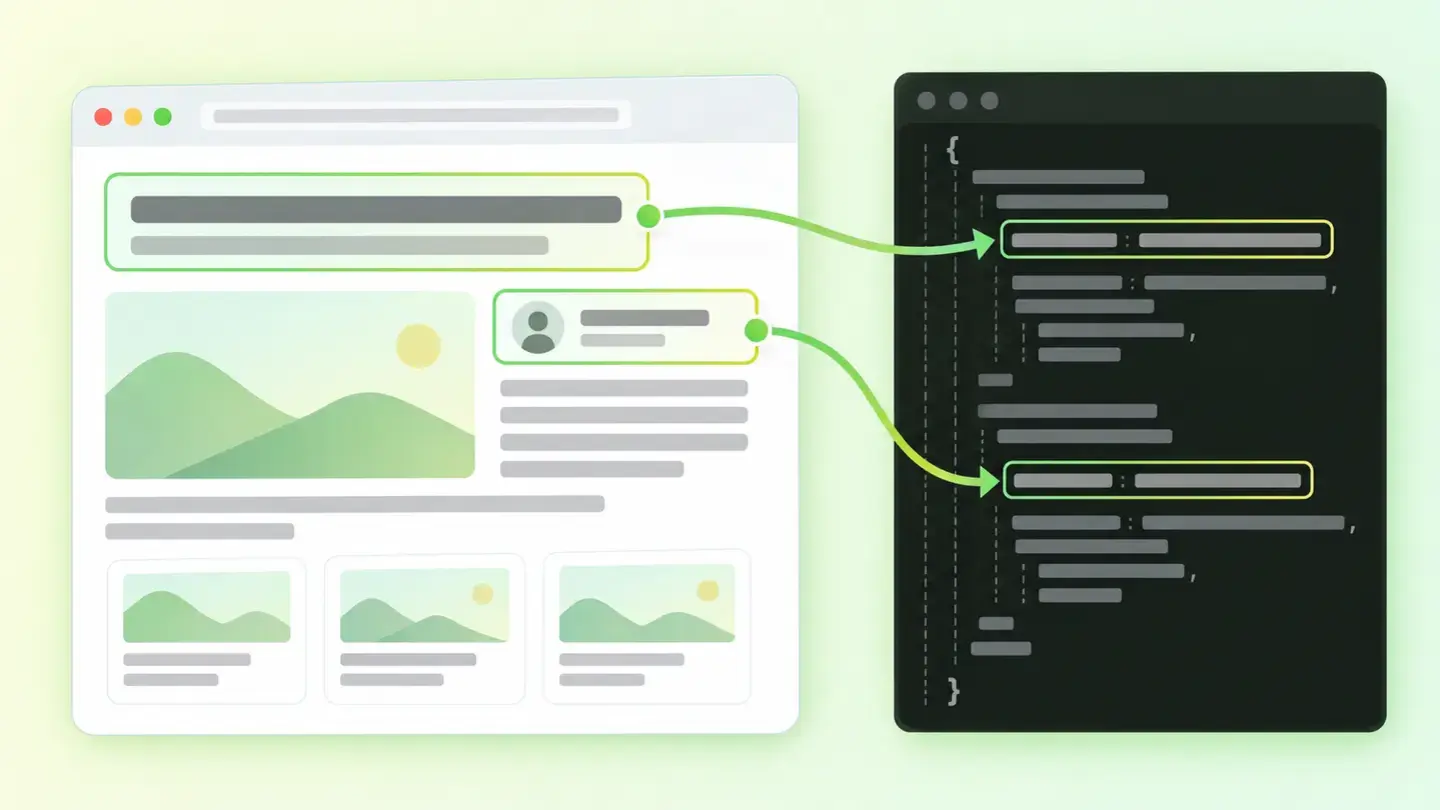
Structured data
What you’re telling search engines about your page
 User experienceAffects
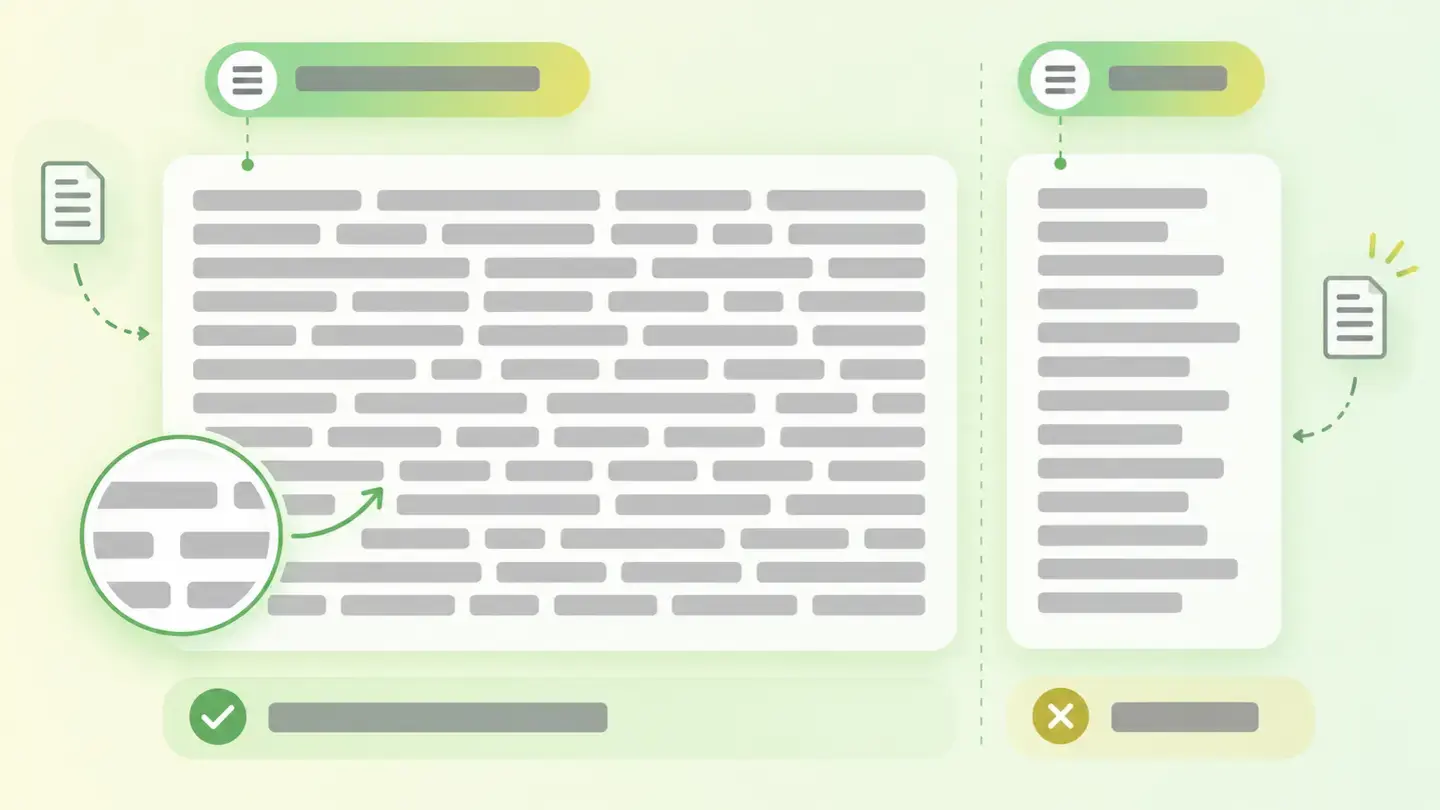
Visual readability
Why your text is tiring even when it’s well written
 SecurityAffects
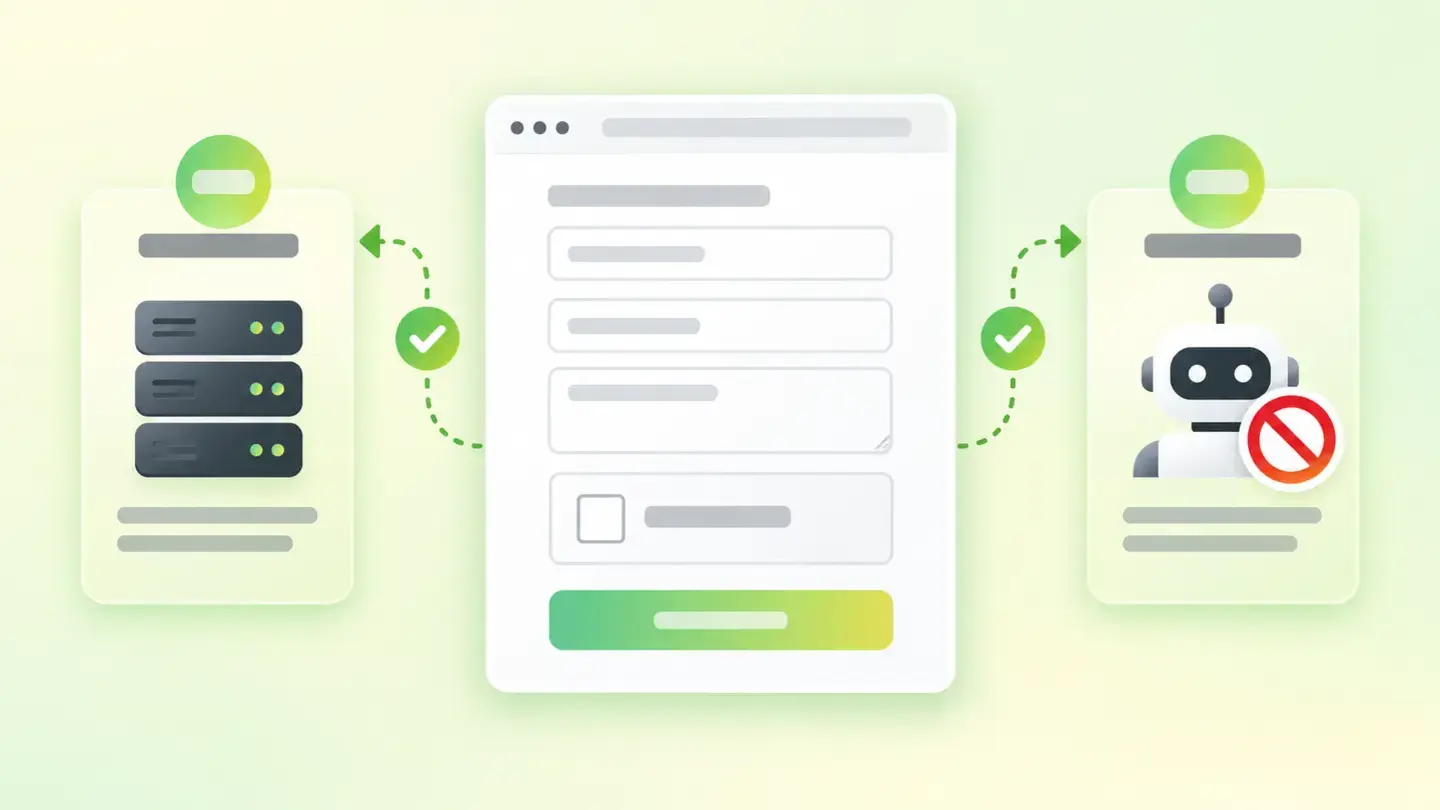
Form protection
Secure submission, anti-spam and how to check yours
 Online presenceAffects
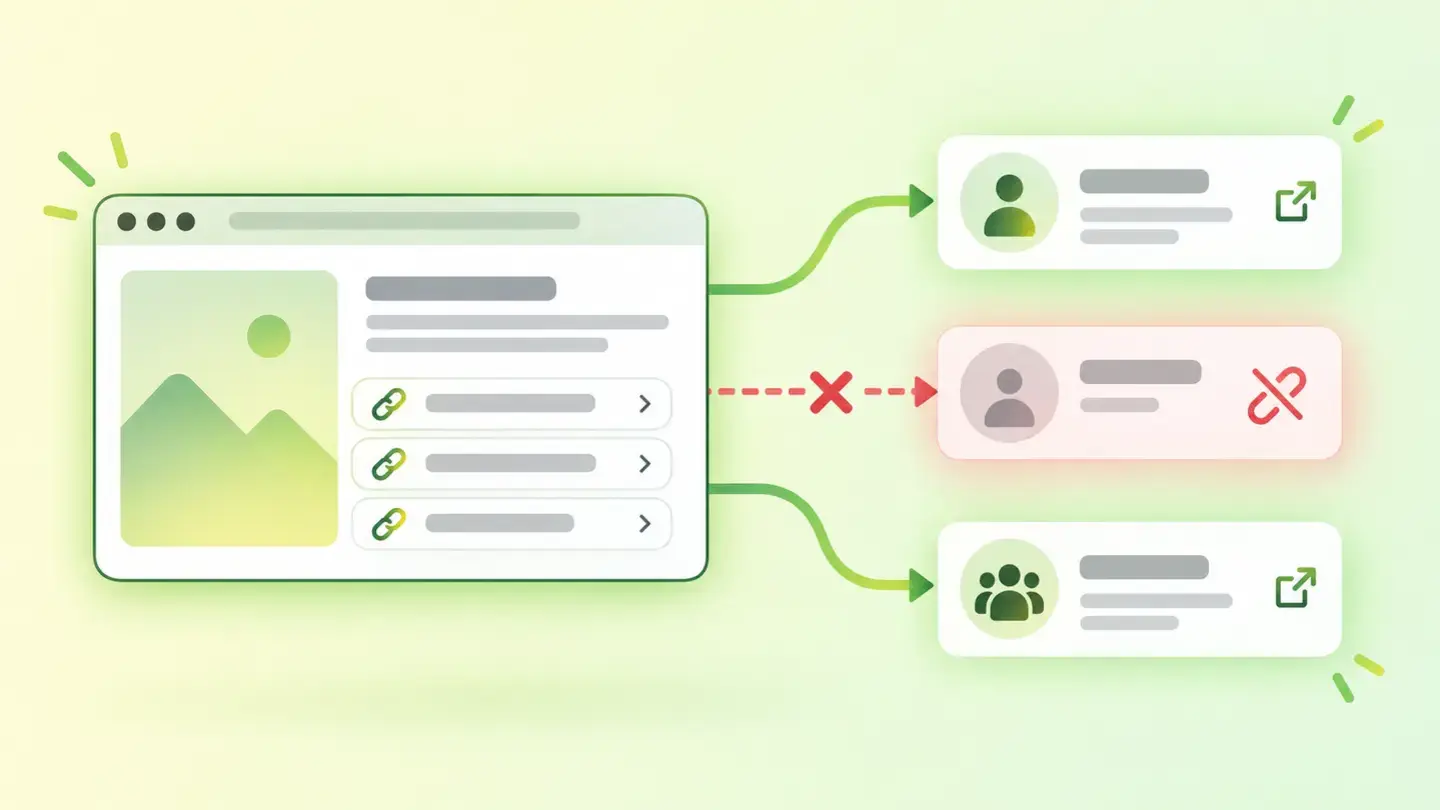
Linked profiles
When the links to your profiles don’t work
 SEOAffects
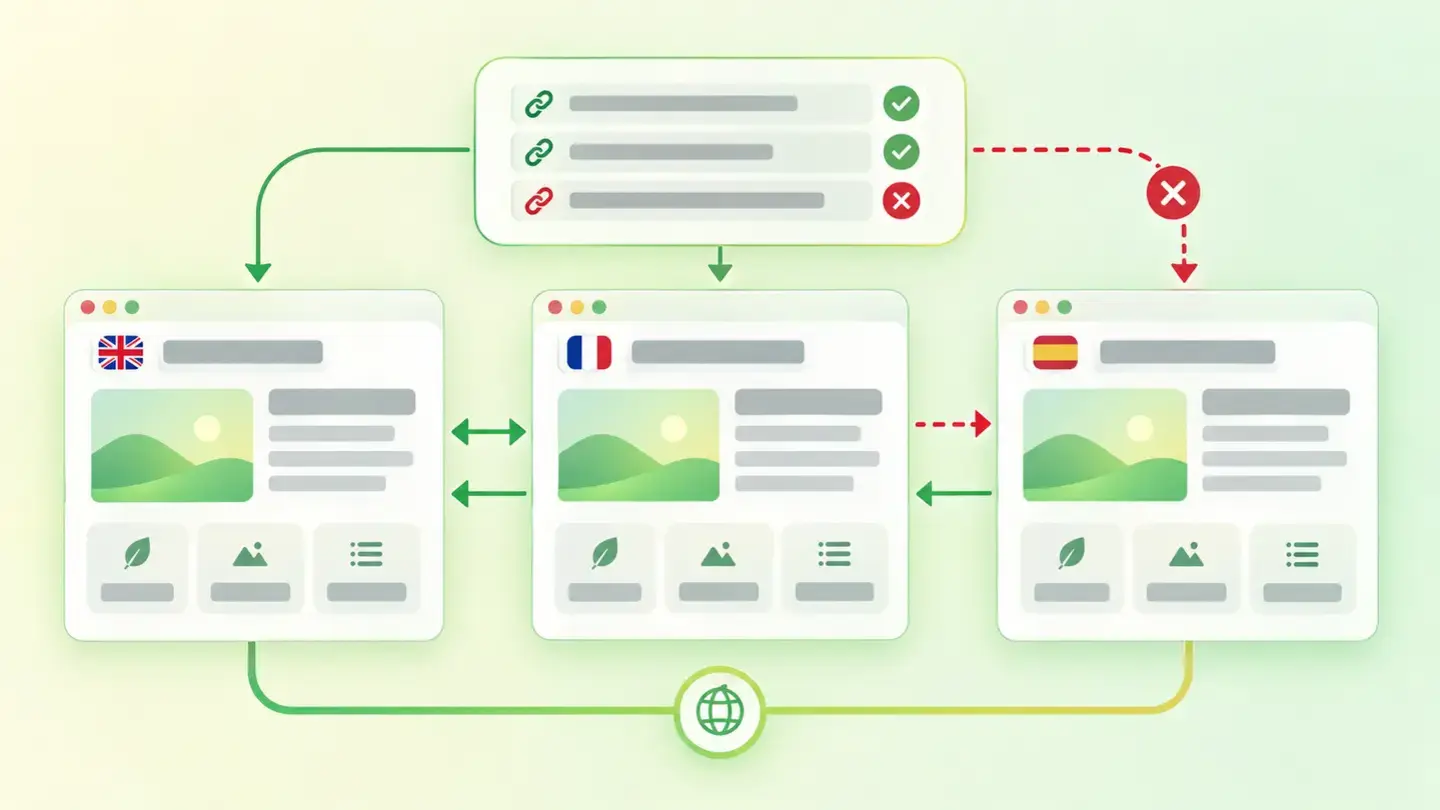
Misdeclared hreflang
The five defects that cancel it out
 MarketingAffects
Tracking quality
When measurement is in place but set up wrong
 AI visibilityAffects
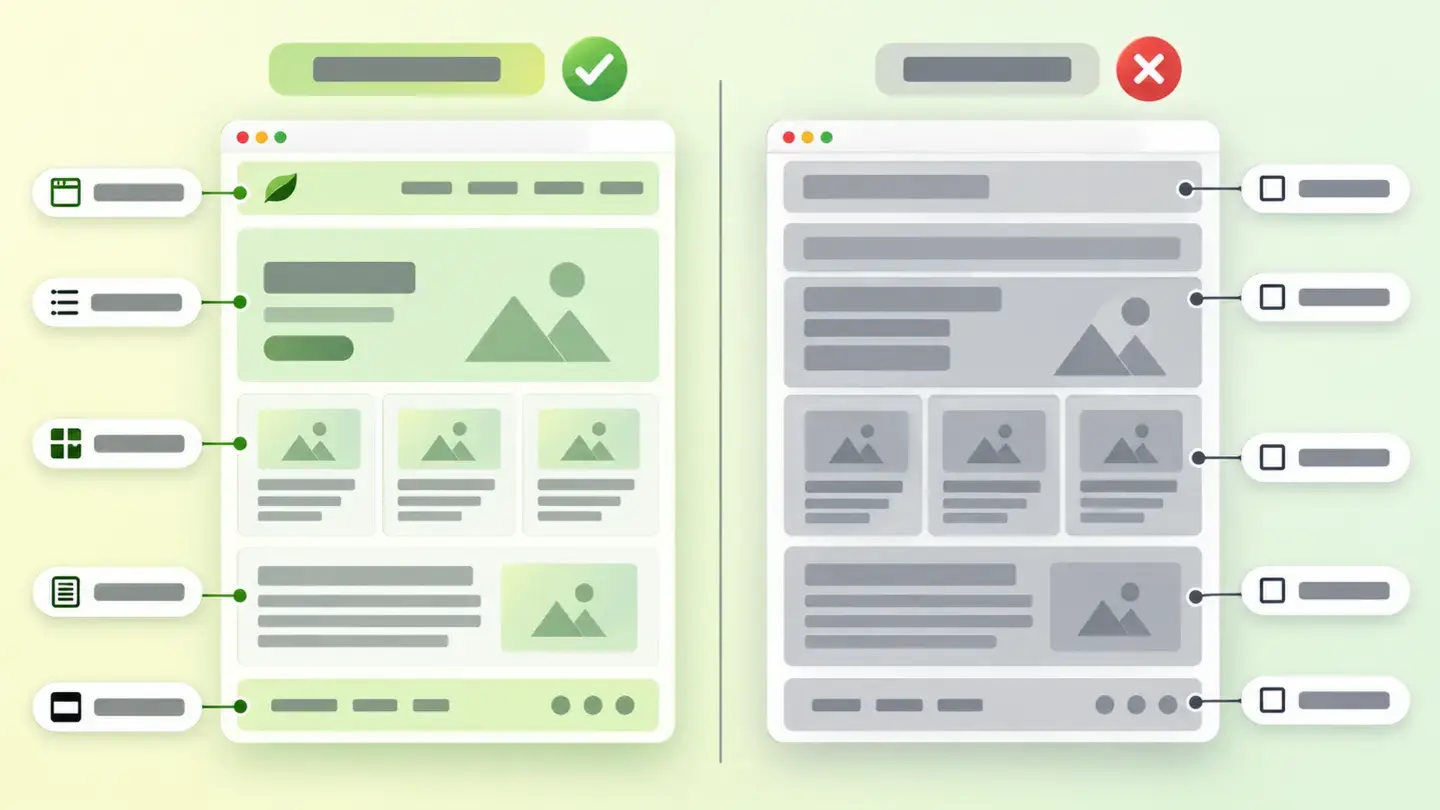
Semantic HTML use
Why how your page is built matters
 MarketingAffects
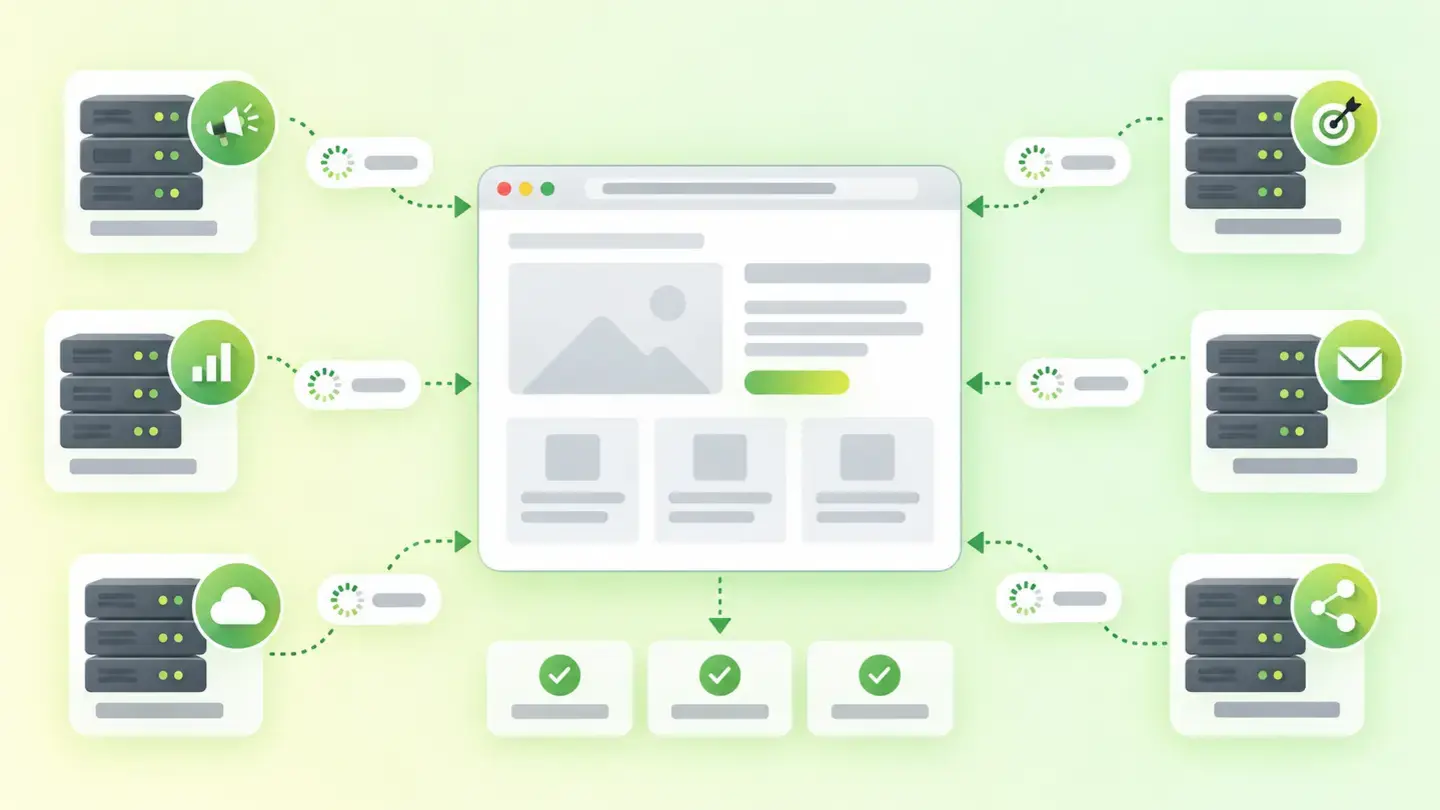
Marketing integrations
What’s loading on your page and why it pays to have the list
No guides match what you’re looking for. Try other words, change the area or remove the severity filter.
See the articles