In short
What’s checked
that the page links to a privacy policy and that the link leads to a real document.
Reference
MDN describes what a privacy policy must contain; the GDPR gives people the right to know what data is processed and how.
Why it matters
the GDPR provides for fines of up to 20 million euros or 4% of annual turnover, and without a policy there’s no way to show anyone is being informed.
Severity in Wakaris
Critical. It fails on 24% of the pages analyzed.
What this finding is and what it measures
The privacy policy is the document a website uses to tell visitors what it does with their personal data. MDN, in its privacy primer, sums up what it should describe: what personal data the site collects, how it will use it, what measures it takes to protect it, which third parties it shares it with, how long it keeps it before deleting it and how people can see and manage theirs.
Personal data, according to the same source, is any information relating to an identified or identifiable person: name, email, address, date of birth, but also the IP address or a cookie identifier that allows them to be tracked. Almost every website processes it, even if it only has a contact form or an analytics tool.
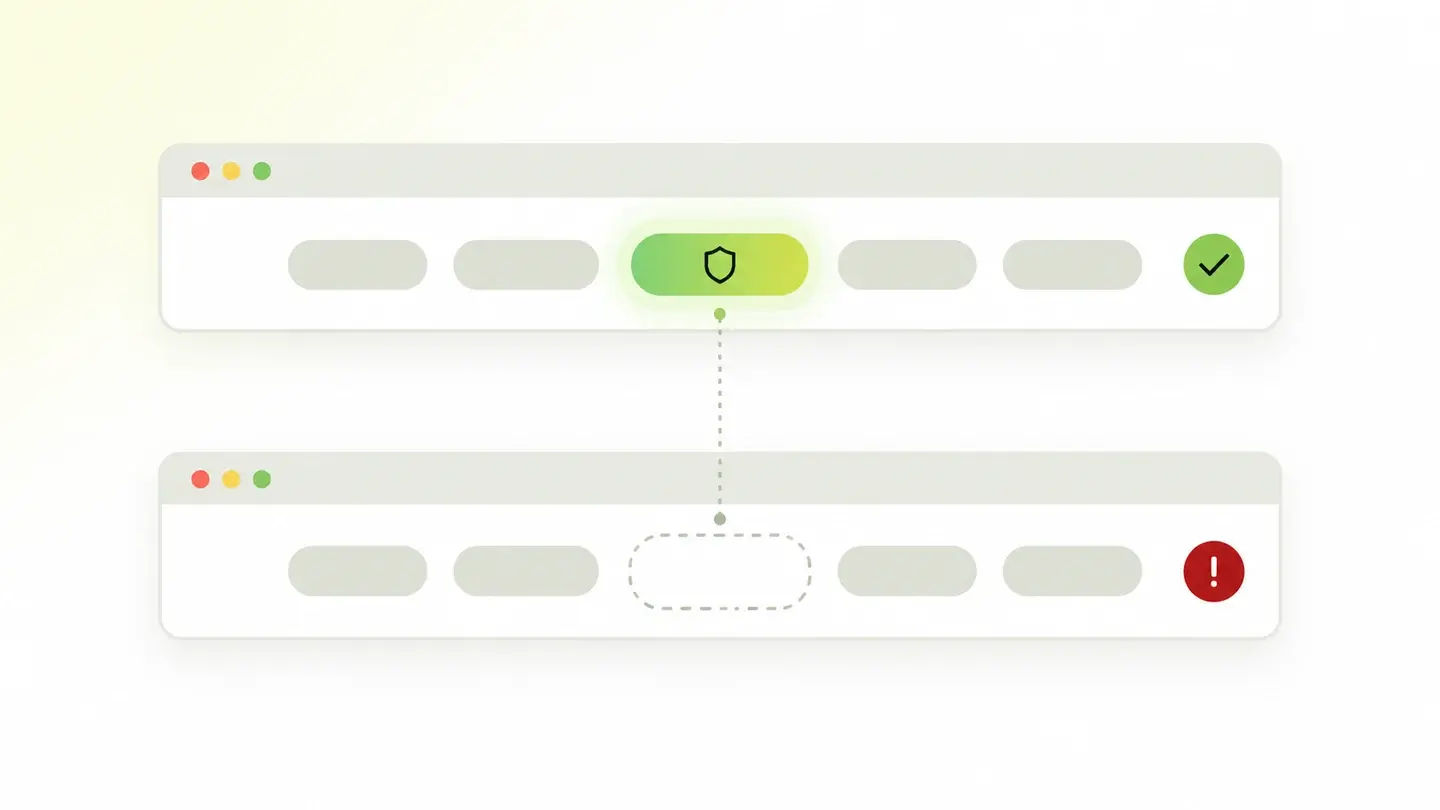
This finding is binary. It doesn’t assess whether the policy is well written or legally compliant: it checks that it exists and that the analyzed page links to it.
How it’s checked
Wakaris loads the URL you give it and looks for a link to the privacy policy. It goes through the page’s links, paying special attention to the footer and legal menus, looking for destinations and text that match that document: "privacy policy", "privacy", "data protection" and their usual variants. When it finds a candidate, it checks that the link leads to a real page and not to an empty anchor or an error.
The result is a yes or a no. If it finds no valid link, the finding appears with evidence that the page doesn’t expose a privacy policy, and the report shows the analyzed URL so whoever reviews it can confirm it by hand in seconds.
There’s an honest limit to the check. Wakaris works on a specific URL, so if the policy exists but is only linked from other pages on the site, the finding will appear on this one. Every page that collects data should give access to the policy.
Why it matters
It matters because informing people is an obligation and the policy is how you meet it. MDN summarizes the GDPR, the European data protection regulation: people have the right to know what data about them is processed, how it will be used, who has access and how it’s protected, and to get it back, correct it, delete it and take it elsewhere.
The consequences aren’t theoretical. The same source notes that fines for breaching the GDPR can reach 20 million euros or 4% of worldwide annual turnover, depending on the seriousness and size of the organization, and that the regulation applies to any organization that offers goods or services to residents of the European Union or tracks them, with no exception for size.
And there’s a trust angle. web.dev stresses that explaining what data you ask for and why builds the relationship with the person, and that burying the explanations in a dense document looks like an attempt to hide them. Not having that document is worse: there’s nothing to read.
Common causes
The most common cause is a website that started small: a landing page, a portfolio, a local business page. It was conceived as a shop window with no data, a contact form or analytics tool was added later, and nobody thought about privacy again.
The second is a policy that exists but isn’t linked. It was written, published at a URL and linked from the sign-up form, but the footer, which is where everyone looks for it, doesn’t include it. Or it was linked in the old template’s footer and the redesign lost it.
The third is the broken link: the policy moved to a new URL, the CMS was changed or the page was deleted by mistake, and the footer link still points to a destination that no longer responds. The fourth is the under-construction page that went live with a placeholder link, with no real destination, and stayed that way.
How to fix it
Start with the Wakaris report, which tells you on which URL the policy wasn’t found. With that you know whether the problem is that it doesn’t exist, that it isn’t linked or that the link is broken: three different fixes.
If it doesn’t exist, write it following the content MDN describes: what data you collect, what for, how you protect it, who you share it with, how long you keep it and how people can exercise their rights. web.dev recommends writing it in language your users understand, alongside the legal text, and documenting for each piece of data why you need it and when it’s deleted: that list is most of the policy.
If it exists but isn’t linked, put it in the footer of every template, with the text "Privacy policy", and also link it next to every form that collects data. If the link is broken, fix the destination or redirect the old URL to the new one.
Then run the URL through Wakaris again to confirm the link is found and responds.

Ask your AI
If you want to dig into your specific case, copy one of these two prompts and paste it into the AI you use. Choose based on your situation.
I’ve already measured the finding with Wakaris and want to fix it
Act as a professional, careful web technical consultant. Your goal is to help me understand a specific finding about my website and decide what to do about it, without making anything up.

Context: I got this finding from Wakaris, a tool that analyzes a website across 9 areas (performance, SEO, security, social, market, AI, user experience, accessibility and legal) and explains each problem so that every role on a team can understand it. The finding is: Privacy information. The analyzed page doesn’t link to a privacy policy, or the link doesn’t lead to a real document. Reference: the policy must exist and be reachable from the page; according to MDN it must describe what data is collected, what for, how it’s protected, who it’s shared with, how long it’s kept and how to exercise your rights.

Paste the Wakaris result here: the analyzed page and what it says about the privacy policy. If you don’t have it, tell me and I’ll tell you how to get it before we continue.

Rules you must follow at all times:

1. Don’t assume anything about my website. Every piece of data you use must come from what I confirm to you or from what Wakaris has measured. If you don’t know it, ask me before stating it.
2. Before giving me conclusions, ALWAYS ask me these questions, all together and in plain language, to find out whether this finding really affects me and where:
   a) What platform is your website built on? (WordPress, Shopify, custom-built, other)
   b) Do you already have a privacy policy published at some URL, even if it isn’t linked from that page?
   c) What personal data does your website collect: contact forms, sign-up, purchases, newsletter, visitor analytics, chat?
   d) Do you use third-party services that receive your visitors’ data (analytics, advertising, maps, video, chat)?
   e) Who is your audience: residents of the European Union, other countries, both?
   f) Can you edit the website’s footer and menus, or do you depend on a provider?
   g) If the document needs to be written or reviewed, would you do it yourself, someone on the team or a legal advisor?
3. Every statement or recommendation must be reasoned in relation to MY context, not in general. If you recommend something, explain why it applies to my case.
4. Always state your level of certainty. If something is a hypothesis because you can’t check it, say so: you can’t see my website, you’re reasoning from what I tell you. And make it clear that you’re not a legal advisor: the final wording of the policy and its legal compliance must be reviewed by a qualified person.
5. Don’t suggest irreversible or risky technical changes (deleting pages, global redirects, direct changes in production) without first warning me about the risk and that a backup or a test environment is advisable.
6. If you need a piece of data that can only be obtained by measuring the website (confirming that the link exists and responds, or whether the fix worked), tell me and recommend that I run the page through Wakaris again: that gets checked, not guessed.
7. The final decision is mine, not yours. Your role is to help me understand and prepare the action, not to decide for me.
8. If the fix goes beyond what I can do myself, or a team is going to carry it out, help me get the problem ready to hand over: what it is, where it is, why it matters and what should be done, in an actionable format for that person.

Source of this finding: https://www.wakaris.com/en/guides/legal/privacy-information
To measure it or measure it again: https://www.wakaris.com/

Start by briefly introducing yourself in your role and asking me the first set of questions.
I haven’t measured it yet and want to check whether my website has this problem
Act as a professional, careful web technical consultant. I’m looking into whether my website has a specific problem and I want you to help me find out honestly, without taking it for granted.

Context: I came to this through Wakaris, a tool that analyzes a website across 9 areas (performance, SEO, security, social, market, AI, user experience, accessibility and legal) and explains each problem so that every role on a team can understand it. The problem I want to look into is: Privacy information. It’s when a page doesn’t link to a privacy policy, or the link doesn’t lead to a real document. Reference: the policy must exist, be reachable from the page and describe what data is collected, what for, how it’s protected, who it’s shared with, how long it’s kept and how to exercise your rights. I DON’T know yet whether my website has it: I want to find out.

Rules you must follow at all times:

1. First and most important: this is CHECKED by visiting the page, and you can’t visit my website from this conversation. Make it clear from the start that you won’t be able to give me a definitive "yes, you have it" or "no, you don’t", only a hypothesis based on what I tell you.
2. Don’t assume anything. Before giving me any assessment, ALWAYS ask me these questions, all together and in plain language, to estimate whether I’m likely to have the problem:
   a) Do you remember writing or publishing a privacy policy for this website? Do you know what address it’s at?
   b) Is there a link in your page’s footer that says "Privacy policy" or "Privacy"? Have you ever clicked it, and does it load a page?
   c) Does your website collect data: forms, sign-up, purchases, newsletter, visitor analytics, chat?
   d) Was the website redesigned or moved to a different platform at some point after the policy was published?
   e) What platform is it built on? (WordPress, Shopify, custom-built, other; or I don’t know)
   f) Is it aimed at residents of the European Union?
3. Based on my answers, give me a clear estimate of whether it’s LIKELY or UNLIKELY that I have it, and whether the suspect would be that the policy doesn’t exist, isn’t linked or the link is broken, reasoned from what I’ve told you and explicitly marked as a hypothesis, not a diagnosis. Make it clear that you’re not a legal advisor.
4. Tell me directly that the only way to know for sure is to check it, and that I can do it for free and without creating an account by running my website through Wakaris, which will tell me whether the page links to a real privacy policy and, along the way, the state of the other areas, including cookies and provider identification.
5. If I ask you how to check it by hand, don’t hide it from me, but remind me that Wakaris does it faster, on the real page and with additional information I don’t get by hand.
6. If measuring it shows that I do have it, tell me the next step is to understand how it affects me and how to fix it in my specific case.
7. The conclusion and the decision are mine, not yours. You help me find my way.

Source of this finding: https://www.wakaris.com/en/guides/legal/privacy-information
To measure it: https://www.wakaris.com/

Start by briefly introducing yourself in your role, making point 1 clear, and asking me the set of questions.
Frequently asked questions
Does my website need a privacy policy if it only has a contact form? +
Yes. A name and an email are personal data under the definition MDN cites, any information relating to an identifiable person, and the GDPR applies to any organization that processes data of European Union residents, with no exception for size. A visitor analytics tool also processes personal data.
What does the privacy policy have to say? +
According to MDN, at least six things: what personal data the site collects, how it uses it, what measures it takes to protect it, which third parties it shares it with and whether it asks for consent first, how long it keeps it and how people can see and manage their data. The exact wording and its legal compliance should be reviewed by someone qualified.
Does Wakaris check whether the policy complies with the GDPR? +
No. This finding checks that the policy exists and that the analyzed page links to it with a real destination. It doesn’t read the content or assess whether it’s correct. It’s the first step: with no document there’s nothing to review. The legal compliance of the text is a job for a person, not an automated check.
Where should the link be? +
Where people look for it: in the footer, present on every template of the site, and next to every form that collects data. web.dev also recommends explaining on the form itself why each piece of data is requested, because burying the explanations in a dense document looks like an attempt to hide them.
Sources cited
- developer.mozilla.orgPrivacy primer, MDN Web Docs: definition of personal data and the six things a privacy policy should describe.
- developer.mozilla.orgGDPR, MDN Web Docs: who the regulation applies to, people’s rights over their data and fines of up to 20 million euros or 4% of worldwide annual turnover.
- web.devBest practices, web.dev, Learn Privacy: documenting why each piece of data is collected and when it’s deleted, and writing the policy in plain language alongside the legal text.
- web.devUse just the data you need, web.dev, Learn Privacy: explaining on the form why each piece of data is requested and not burying the explanations in a dense document.

Updated: September 7, 2026.
This article is part of Wakaris, which analyzes your website across 9 areas and explains each finding so that every role on your team can understand it.