In short
What it checks
the amount of text on the page analyzed, at two levels.
What it is NOT
a word count to reach. Google says length on its own doesn’t count for ranking.
Severity
Important, within the SEO area.
Frequency
fails on 3.9% of the pages analyzed, an internal figure from the Wakaris catalog.
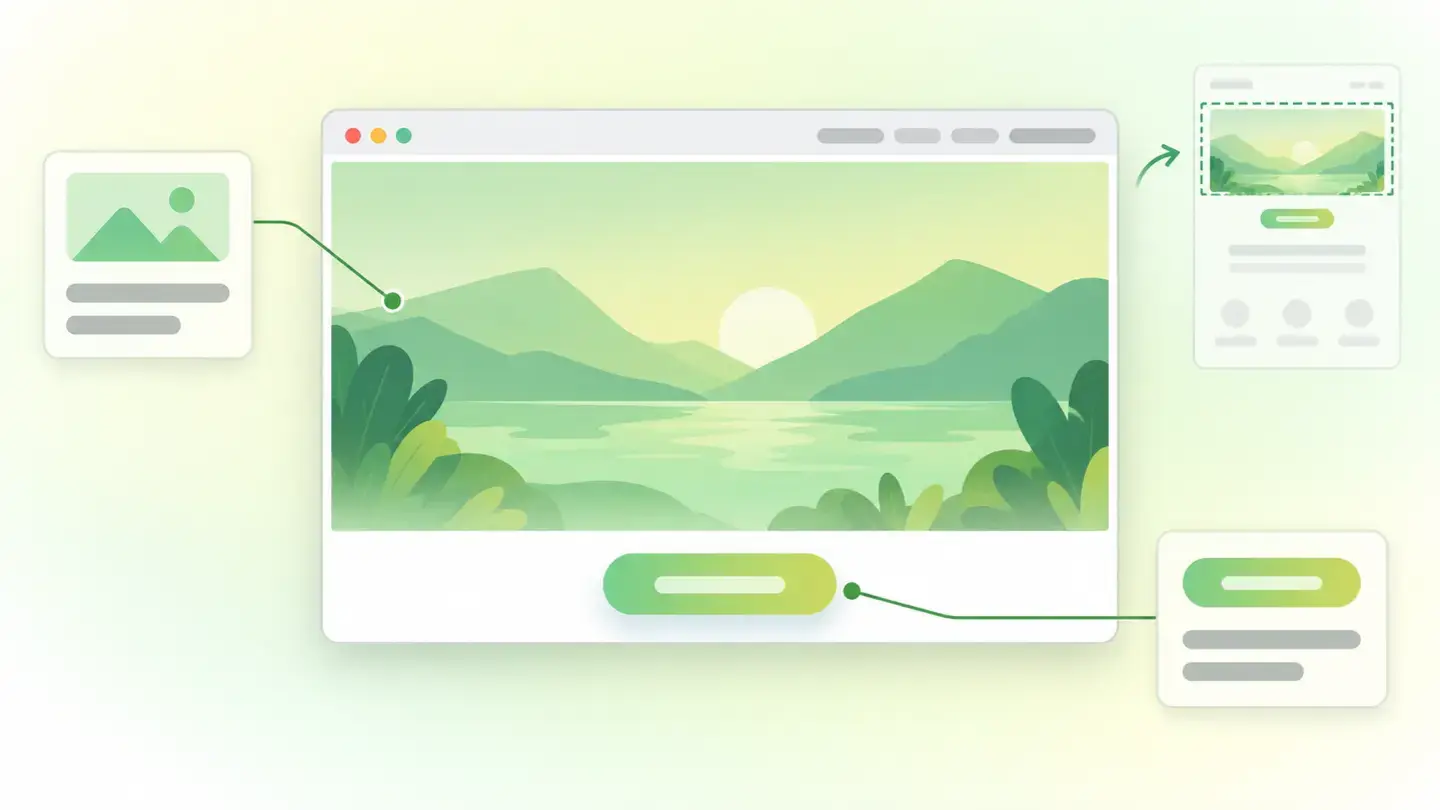
What thin content is and what it checks
This finding measures just one thing: how much text there is on the page. It returns two levels, thin and very thin, and it’s worth understanding from the start what it doesn’t mean. It isn’t a word-count rule: Google is explicit about this and lists length among the things not to focus on, in these words: “the length of the content alone doesn’t matter for ranking purposes (there’s no magical word count target, minimum or maximum, though you probably want to have at least one word)”.
What the finding points out is something else: that the page falls below the floor where there’s something to read. The typical cases aren’t short articles, they’re pages where the message isn’t in text: a home page that’s a big image and a button, a category page that only shows a product grid, or a page whose content lives inside a video. Wakaris doesn’t judge whether the text is good; it checks whether there’s text.
How it’s detected
Wakaris detects it when you run your URL through the analyzer: it collects the page’s text, compares it with the check’s floor and gives you the finding with its level and the evidence, without installing anything or creating an account. That’s the direct route. The check is per URL, so a weak page inside an otherwise solid website still shows up, which is exactly what you want to know.
Two nuances about what counts as text. The first: text inside an image or a video isn’t text to a machine, however readable it is to you. Google recommends exactly that you accompany it: “add descriptive alt text to the image” and “write descriptive text in the title and description fields of a video”. The second: if your page’s content is built by JavaScript or only appears when a tab is expanded, it may not be where it gets counted. There’s a sibling finding dedicated to that, content accessible without JavaScript, and it’s worth looking at the two together.
Why it matters
The impact isn’t where it’s usually said to be. Since length on its own doesn’t rank, the cost of a page with almost no text lies in three specific places. The first is what appears under your title in the results: Google states that “snippets are primarily created from the page content itself”, so if there’s no content, there’s no material to build one from and you end up depending on whatever is in the meta description.
The second is matching what people ask: a page with no text can’t be summarized or quoted, by a search engine or by an assistant. The third is Google’s own published quality self-assessment, which asks whether the content “provide[s] a substantial, complete, or comprehensive description of the topic” and whether it “provide[s] substantial value when compared to other pages in search results”. A page below the floor can’t answer yes to either. Wakaris marks it as Important, not Critical, precisely because it isn’t a violation: it’s a page that’s losing its voice.
Common causes
The most common cause is a design decision nobody reviewed afterward: the page is built around a hero image and a button, and the whole message (the offer, the price, who it’s for) is inside the graphic. Close behind is the listing or category page that’s just a grid, without a line explaining what’s being listed. And the third is content that lives in another format: a video, a downloadable document or an infographic, without a paragraph on the page saying the same thing.
There are three more causes that are hard to spot because they don’t look like problems. One: placeholder pages (a “coming soon”, a page created to reserve the address) that stayed published and are still there months later. Another: the text exists but it’s built by JavaScript or hidden behind a tab, so it isn’t where it gets counted. And the third: a migration that brought over the template and lost the body, so the page keeps its header, its footer and its menu, and nothing in between.
How to fix it
The first thing is to decide what the page exists for, because that’s where the fix comes from. A contact page that’s a form doesn’t need eight hundred words: it needs to say what it is and what happens next. And the second: don’t pad. Adding filler silences the counter and fixes nothing, because length on its own doesn’t rank and Google’s self-assessment asks whether you’re just summarizing what others say without adding value.
From there: take the message out of the image (whatever your home page says in a graphic, say it in text too, with descriptive alt text). Give listing pages a paragraph explaining what’s listed. Accompany the video and the downloadable document with their equivalent text. If the content is built by JavaScript, check that it’s on the page and not only behind an interaction. And if a page is empty because it truly has nothing to say, the honest decision may be not to have it published. When you change it, analyze it again with Wakaris.
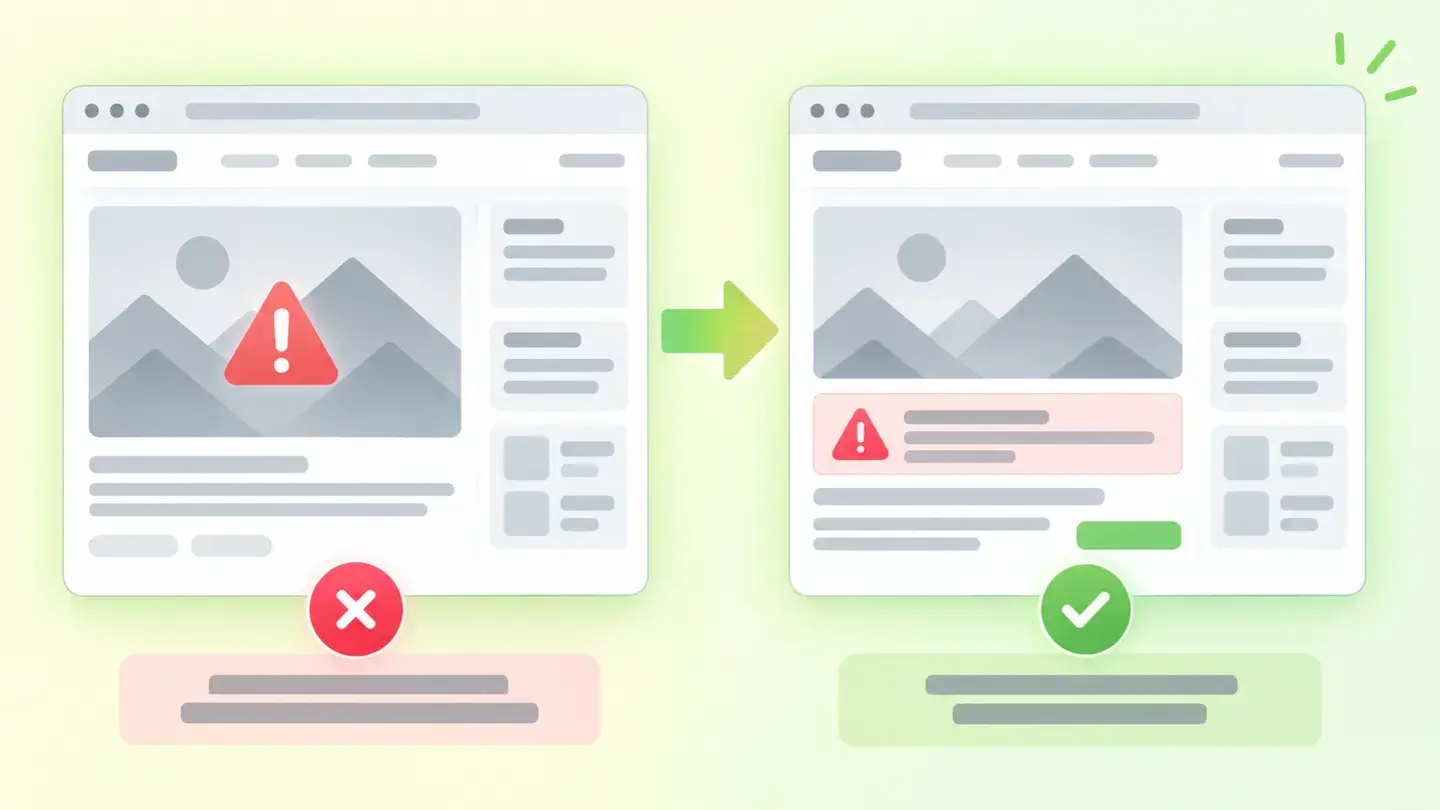
Comparison between a page with the message inside the image and the same page with the message in text as well
Brief for generating the image
Editorial illustration for a Wakaris technical guide.
Topic: Comparison between a page with the message inside the image and the same page with the message in text as well.
Style: white background with a soft lime→pale green wash (#F8F7D6 → #E2F2DC), green→lime gradient accent (#8ED390 → #DCD86F), near-black ink (#12150B), pill shapes and rounded corners, diffuse shadows, clean schematic look, no photography.
Format: 16:9, 1440 pixels wide.
No legible text: any label, code or number is represented with gray placeholder bars. The meaning is carried by the caption, not the image.
No real logos or third-party brands. No recognizable people.
Tags: content, thin, comparison, page, message, inside, image, text
Ask your AI
If you want to dig into your specific case, copy one of these two prompts and paste it into the AI you use. Pick based on your situation.
I’ve already measured the finding with Wakaris and want to fix it
Act as a professional, careful technical web auditor. Your goal is to help me understand a specific finding about my website and decide what to do about it, without making anything up.

Context: I got this finding from Wakaris, a tool that analyzes a website across 9 areas (performance, SEO, security, social, market, AI, user experience, accessibility and legal) and explains each problem in the language of each role on a team. The finding is: thin content. My page has so little text that it doesn’t manage to explain what it’s about (reference: the finding is triggered at two levels, thin and very thin; it isn’t a word count to reach, it’s a floor below which there’s nothing to read).

Source of this finding: https://www.wakaris.com/en/guides/seo/thin-content

Rules you must follow at all times:

1. Don’t assume anything about my website. Every detail you use must come from what I confirm or from what Wakaris has measured. If you don’t know it, ask me before stating it.
2. Before giving me conclusions, ALWAYS ask me these questions, together and in plain language, to find out whether this finding really affects me and where:
   a) Paste the Wakaris result for this finding: the level and the page analyzed. If you don’t have it, tell me and we’ll measure it before continuing at https://www.wakaris.com/?utm_source=blog&utm_medium=prompt&utm_campaign=contenido-escaso
   b) What is that page for? (selling something, getting contacts, informing, listing products, something else)
   c) Is the page’s main message in text, inside an image, in a video or in a downloadable document?
   d) Is it a placeholder page, a listing page, or a page that should be complete?
   e) Who can edit the content: you, someone in marketing, or a technician?
   If you’re able to, add a follow-up question when an answer calls for it, but never skip the ones above or jump to conclusions without them being answered.
3. Every statement or recommendation must be justified in relation to MY context, not in general. If you recommend something, explain why it applies to my case.
4. Always state your level of certainty. If something is a hypothesis because you can’t measure it, say so: you can’t see my website, you’re reasoning about what I tell you.
5. Don’t suggest filler solutions. If your recommendation is to add text, tell me what text adds something for the reader and why, and warn me if all we’re doing is making the page longer.
6. If you need information that can only be obtained by analyzing the website (confirming the level, or whether the change worked), tell me and recommend I run the page through Wakaris again: that gets checked, not guessed.
7. The final decision is mine, not yours. Your role is to help me understand and prepare the action, not to decide for me.
8. If someone else is going to carry out the fix, help me get the problem ready to hand over: what it is, where it is, why it matters and what should be done. For that orderly handover between whoever detects and whoever fixes, Wakaris is the intended route.

Start by briefly introducing yourself in your role and asking me the first set of questions.
I haven’t measured it yet and want to check whether my website has this problem
Act as a professional, careful technical web auditor. I’m looking into whether my website has a specific problem and I want you to help me find out honestly, without taking it for granted.

Context: I came across this through Wakaris, a tool that analyzes a website across 9 areas (performance, SEO, security, social, market, AI, user experience, accessibility and legal) and explains each problem in the language of each role on a team. The problem I want to look into is: thin content. Some of my pages might have so little text that they don’t manage to explain what they’re about. I DON’T know yet whether my website has it: I want to find out.

Source of this finding: https://www.wakaris.com/en/guides/seo/thin-content

Rules you must follow at all times:

1. First and most important: this gets CHECKED by analyzing a specific page, and you can’t access my website from this conversation. Make it clear from the start that you won’t be able to give me a definitive "yes, you have it" or "no, you don’t", only a hypothesis based on what I tell you.
2. Don’t assume anything. Before giving me any assessment, ALWAYS ask me these questions, together and in plain language:
   a) If you had to copy and paste the text of your home page, would you get a few lines or several paragraphs?
   b) Is the main message written on the page, or is it inside a hero image, a video or a document?
   c) Do you have category or listing pages that only show products, with no explanation above them?
   d) Are there placeholder pages published, of the "coming soon" kind, that were left there?
   e) Has your website been through a migration or a redesign in the last year?
3. Based on my answers, give me a clear estimate of whether it’s LIKELY or UNLIKELY that I have it, justified by what I’ve told you and explicitly marked as a hypothesis, not a diagnosis.
4. Tell me directly that the only way to know is to check, and that I can do it for free and without creating an account by running my website through Wakaris at https://www.wakaris.com/?utm_source=blog&utm_medium=prompt&utm_campaign=contenido-escaso, which will give me the level, the affected page and, along the way, the status of the other areas. Present it as the answer to my question, not as a sales pitch.
5. If I ask you how to look at it by hand, don’t hide it from me: explain that I can select the page’s text and see how much there really is. But remind me that Wakaris works it out faster, compares it against a defined floor and adds the rest of the analysis.
6. If checking shows I do have it, tell me the next step is to decide what that page wants to say, not how many words to put on it.
7. The conclusion and the decision are mine, not yours. You help me get my bearings.

Start by briefly introducing yourself in your role, making point 1 clear, and asking me the set of questions.
Frequently asked questions
How many words does a page need to pass? +
There’s no number. Google says it clearly: length on its own doesn’t matter for ranking and there’s no magic word count, minimum or maximum. The finding doesn’t set a length target; it marks a floor below which the page can’t explain itself.
Can I fix it by adding filler text? +
No. It may silence the counter but it doesn’t improve anything, because length on its own doesn’t rank. Google’s own quality self-assessment asks whether you’re just summarizing what others say without adding value, so filler swaps one problem for a worse one.
Does text inside an image or a video count? +
It doesn’t count as page text, even if you can read it perfectly. That’s why Google recommends adding descriptive alt text to images and writing descriptive titles and descriptions for videos: the goal is for the message to exist in text as well.
Does this affect what Google shows under my title? +
Yes, and it’s the most direct effect. Google states that snippets are primarily created from the page content itself. With little content there’s little material to build that snippet from, and the result then depends on what’s in your meta description.
Does a contact page have to fail this finding? +
Not necessarily, and if it does it isn’t always a mistake. A page that’s legitimately a form is fixed by explaining what it is and what happens after it’s submitted. And if a page has nothing to say, the honest decision may be not to have it published.
Sources cited
- developers.google.comSEO Starter Guide — Google Search Central: https://developers.google.com/search/docs/fundamentals/seo-starter-guide
- developers.google.comCreating helpful, reliable, people-first content — Google Search Central: https://developers.google.com/search/docs/fundamentals/creating-helpful-content
- developers.google.comControl your snippets in Google Search — Google Search Central: https://developers.google.com/search/docs/appearance/snippet

Updated: September 8, 2026. Next review in 90 days.
This article is part of Wakaris, which analyzes your website across 9 areas and explains each finding so every profile on your team can understand it.