In short
What’s measured
presence and length in characters of the title tag and the meta description of the analyzed URL.
Reference
search engines show about 55 to 60 characters of the title, according to MDN; Google truncates the title and description to fit the device width.
Why it matters
the title and description are the first thing a person reads from your website, in search results and in the browser tab.
Severity in Wakaris
Critical. It fails on 32% of the pages analyzed.
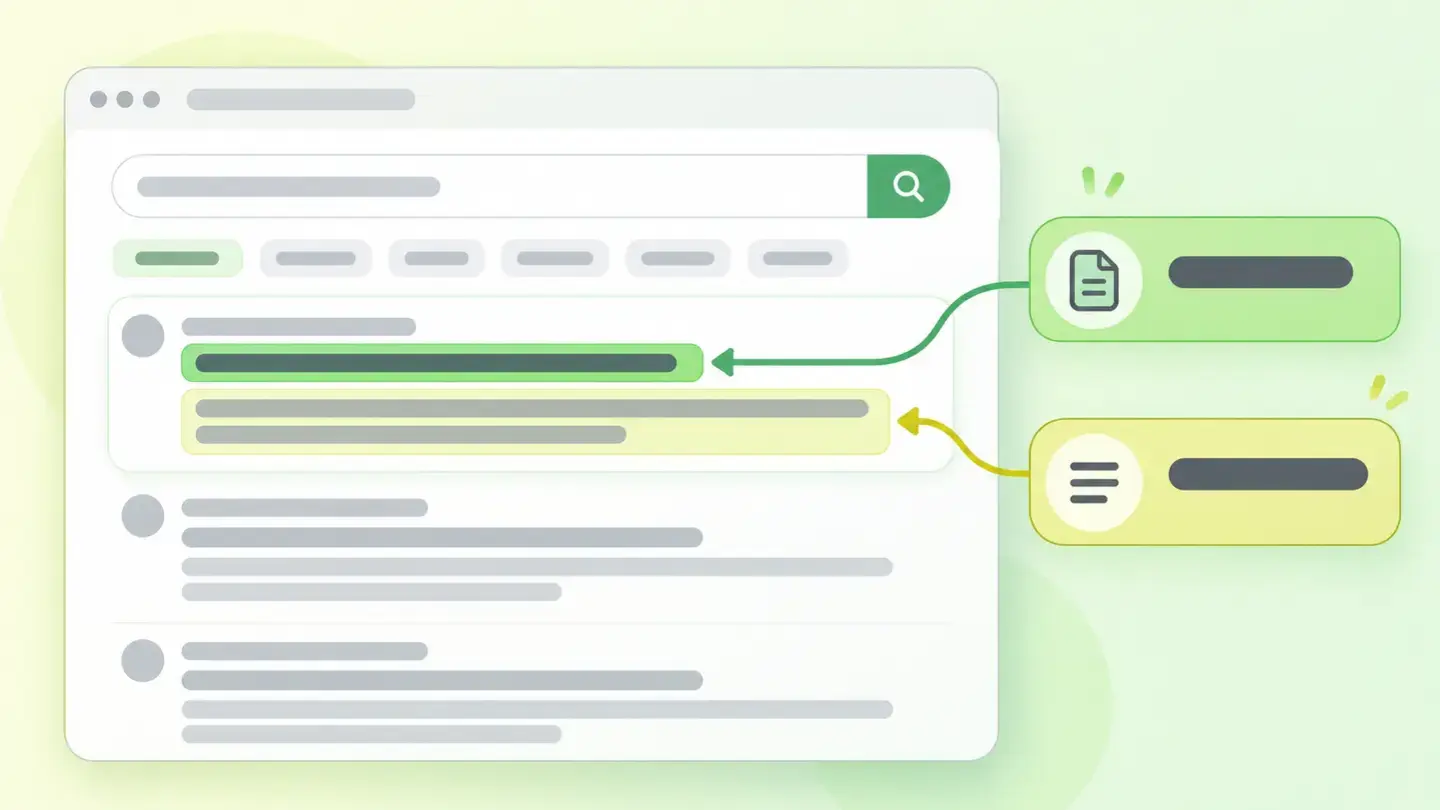
What this finding is and what it measures
The title tag goes in the HTML head and, according to MDN, defines the document title shown in the browser’s title bar or tab. It only accepts text, must be unique on the page and must sit inside head. According to Google’s documentation, it’s also one of the main sources of the title link: the headline of your search result.
The meta description is a tag in the same head that summarizes the page in one or two sentences. Google explains that a result’s snippet comes mainly from the page content, but that it sometimes uses the meta description when it gives a more accurate description than text taken directly from the page.
This finding appears when either of the two is missing, empty or below a reasonable minimum length. It doesn’t measure whether the text is good: it measures whether it exists and has enough substance to say what the page is about.
How it’s measured
Wakaris downloads the HTML of the URL you give it, finds the title tag and the meta description in the head and counts the characters in each. It returns the exact text of both, their length and the threshold each one misses, with the code snippet so whoever fixes it sees exactly what’s written.
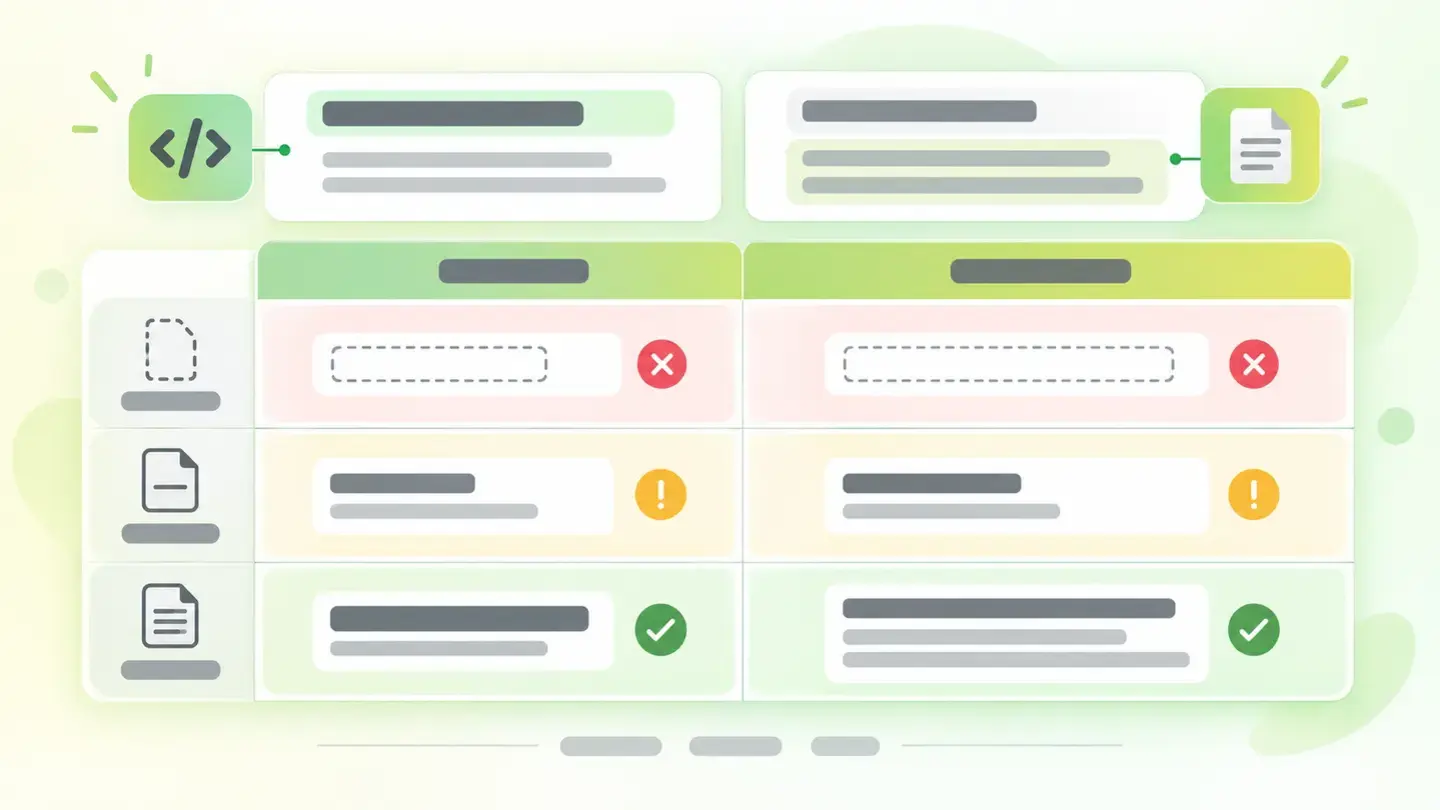
The cut-offs are for minimum length, not maximum. A title under 30 characters and a description under 120 trigger the first warning, and there are stricter cut-offs for nearly empty or completely missing text, which is the most serious reading of the finding. The logic is simple: a 40-character description can’t summarize anything, and a two-word title doesn’t set your page apart from any other.
There’s no upper threshold because Google doesn’t set one either: its documentation says there’s no length limit for the meta description and that the title and snippet are truncated in results based on device width. Wakaris gives you the real length; the decision to shorten is yours.
Why it matters
It matters because the title and description are your page’s calling card outside your website. Google’s guide says it plainly: the title link is the headline part of the result and can help people decide which result to click. An empty or generic title is at a disadvantage against any result that does say what it offers.
There’s a second front: control over what gets shown. When the title is missing, incomplete or doesn’t match the visible content, Google replaces it with one it generates from headings, prominent text or links pointing to the page. The same goes for the description: if there isn’t one that summarizes the page well, the snippet comes from whatever piece of text the search engine considers relevant to the query.
And there’s an accessibility angle. MDN explains that assistive technology users often read the page title to work out its content before going in, because going through the whole page is slow. Without a title, that person arrives blind.
Common causes
The most common cause is a template that doesn’t fill in the tag: the CMS generates the title from a field nobody completed, or uses the site name and nothing else. The result is a one- or two-word title, which MDN expressly advises against, or simply the same title on every page, which Google flags as repeated text that makes it impossible to tell two pages apart.
The second is the forgotten meta description. Many editors treat it as optional because the page looks the same with or without it. The page goes live with no description, or with a three-word one copied from the title, and the result snippet is left in the search engine’s hands.
The third is the JavaScript-generated page that injects the title and description after loading. The HTML served comes with an empty head or placeholder text. The fourth is listing and pagination pages, which inherit a generic head.
How to fix it
Start with the Wakaris report, which gives you the exact text and length of both tags: that way you know whether the problem is absence or brevity, and which of the two it affects.
For the title, write a descriptive, concise phrase, unique within your site, with the brand name at the start or end separated by a delimiter, as Google recommends. MDN suggests staying under about 55 to 60 characters, because that’s what search engines usually show. And don’t repeat keywords: Google warns that it makes the result look like spam.
For the description, write one or two sentences that summarize the page with the information that really matters, not a list of words. Google gives the example: "sewing supplies, thread, needles, bobbins" is bad; "everything you need to sew your next garment, open Monday to Friday" is good.
If your CMS generates the tags, check which field it uses and fill it in page by page. Then run the URL through Wakaris again.
Table with the length cut-offs Wakaris applies to the title and meta description: missing, very short and short
Brief to generate the image
Editorial illustration for a Wakaris technical guide.
Topic: Table with the length cut-offs Wakaris applies to the title and meta description: missing, very short and short.
Style: white background with a soft lime→pale green wash (#F8F7D6 → #E2F2DC), green→lime gradient accent (#8ED390 → #DCD86F), near-black ink (#12150B), pill shapes and rounded corners, soft shadows, clean schematic look, no photography.
Format: 16:9, 1440 pixels wide.
No legible text: any label, code or figure is shown as gray placeholder bars. The caption carries the meaning, not the image.
No real logos or third-party brands. No recognizable people.
Tags: meta, tags, main, table, cut-offs, length, applies, wakaris
Ask your AI
If you want to dig into your specific case, copy one of these two prompts and paste it into the AI you use. Choose based on your situation.
I’ve already measured the finding with Wakaris and want to fix it
Act as a professional, careful web technical consultant. Your goal is to help me understand a specific finding about my website and decide what to do about it, without making anything up.

Context: I got this finding from Wakaris, a tool that analyzes a website across 9 areas (performance, SEO, security, social, market, AI, user experience, accessibility and legal) and explains each problem so that every role on a team can understand it. The finding is: Main meta tags. My page has a title tag or meta description that’s missing, empty or too short. Reference: Wakaris considers a title under 30 characters and a description under 120 to be short; search engines show about 55 to 60 characters of the title and truncate the rest depending on the device.

Paste the Wakaris result here: the exact text of the title and the description, their length, which tag fails and on which page. If you don’t have it, tell me and I’ll tell you how to get it before we continue.

Rules you must follow at all times:

1. Don’t assume anything about my website. Every piece of data you use must come from what I confirm to you or from what Wakaris has measured. If you don’t know it, ask me before stating it.
2. Before giving me conclusions, ALWAYS ask me these questions, all together and in plain language, to find out whether this finding really affects me and where:
   a) What platform is your website built on? (WordPress, Shopify, custom-built, other)
   b) Is it the title, the description or both that fail? Are they missing, empty or just short?
   c) What is the affected page about, and what would you want someone to read about it in a search result?
   d) Do you write the title and description yourself in a CMS field, or does the template generate them automatically?
   e) Does it happen on a single page or on many similar ones (listings, categories, product pages)?
   f) Does the page build its content with JavaScript after loading?
   g) If a technical fix is needed, would you do it yourself, an in-house technician or an agency?
3. Every statement or recommendation must be reasoned in relation to MY context, not in general. If you suggest a title or description, explain why it fits my page.
4. Always state your level of certainty. If something is a hypothesis because you can’t measure it, say so: you can’t see my website, you’re reasoning from what I tell you.
5. Don’t suggest irreversible or risky technical changes (editing the global template, direct changes in production) without first warning me about the risk and that a backup or a test environment is advisable.
6. If you need a piece of data that can only be obtained by measuring the website (confirming the real text and length, or whether the fix has gone live), tell me and recommend that I run the page through Wakaris again: that gets measured, not guessed.
7. The final decision is mine, not yours. Your role is to help me understand and prepare the action, not to decide for me.
8. If the fix goes beyond what I can do myself, or a team is going to carry it out, help me get the problem ready to hand over: what it is, where it is, why it matters and what should be done, in an actionable format for that person.

Source of this finding: https://www.wakaris.com/en/guides/seo/main-meta-tags
To measure it or measure it again: https://www.wakaris.com/

Start by briefly introducing yourself in your role and asking me the first set of questions.
I haven’t measured it yet and want to check whether my website has this problem
Act as a professional, careful web technical consultant. I’m looking into whether my website has a specific problem and I want you to help me find out honestly, without taking it for granted.

Context: I came to this through Wakaris, a tool that analyzes a website across 9 areas (performance, SEO, security, social, market, AI, user experience, accessibility and legal) and explains each problem so that every role on a team can understand it. The problem I want to look into is: Main meta tags. It’s when a page’s title tag or meta description is missing, empty or too short. Reference: a title under 30 characters and a description under 120 are considered short. I DON’T know yet whether my website has it: I want to find out.

Rules you must follow at all times:

1. First and most important: this is MEASURED by reading the page’s code, and you can’t read my website from this conversation. Make it clear from the start that you won’t be able to give me a definitive "yes, you have it" or "no, you don’t", only a hypothesis based on what I tell you.
2. Don’t assume anything. Before giving me any assessment, ALWAYS ask me these questions, all together and in plain language, to estimate whether I’m likely to have the problem:
   a) When you search for your website on Google, does the result’s headline say what the page is about, or is it just the company name?
   b) Does the text under the headline look deliberately written, or is it a randomly cut piece of the page?
   c) Does the browser tab show a different title on each page, or the same one on all of them?
   d) Do you know whether your CMS has a field for each page’s title and description, and whether anyone fills it in?
   e) What platform is your website built on? (WordPress, Shopify, custom-built, other; or I don’t know)
   f) Do you have many similar pages (categories, listings, product pages)?
3. Based on my answers, give me a clear estimate of whether it’s LIKELY or UNLIKELY that I have it, and whether the suspect would be the title, the description or both, reasoned from what I’ve told you and explicitly marked as a hypothesis, not a diagnosis.
4. Tell me directly that the only way to know for sure is to measure it, and that I can do it for free and without creating an account by running my website through Wakaris, which will give me the exact text of both tags, their length and, along the way, the state of the other areas.
5. If I ask you how to check it by hand, don’t hide it from me, but remind me that Wakaris does it faster, on the real page and with additional information I don’t get by hand.
6. If measuring it shows that I do have it, tell me the next step is to understand how it affects me and how to fix it in my specific case.
7. The conclusion and the decision are mine, not yours. You help me find my way.

Source of this finding: https://www.wakaris.com/en/guides/seo/main-meta-tags
To measure it: https://www.wakaris.com/

Start by briefly introducing yourself in your role, making point 1 clear, and asking me the set of questions.
Frequently asked questions
How many characters should the title have? +
There’s no official limit. MDN notes that search engines usually show the first 55 to 60 characters and anything beyond that may be lost, so it’s best not to go over. At the low end, Wakaris considers a title under 30 characters short, because with fewer it’s hard to describe the page and set it apart from others.
And the meta description? +
Google says there’s no length limit and that the snippet is truncated based on device width. Wakaris flags a description under 120 characters as short, because with fewer it’s hard to summarize a page in one or two sentences with the relevant information, which is what Google recommends including.
Why does Google show a different title from the one I set? +
Because the title is one source among several. Google explains that it also uses headings, prominent text, the og:title tag and links pointing to the page, and that it replaces the title when it sees it as incomplete, outdated, repeated across many pages or different from the visible content.
Does the meta description affect rankings? +
Google describes it as a source for the result snippet, not as a ranking factor. Its effect is indirect: a clear description helps people choose your result. Wakaris measures that it exists and is long enough; what it says is your editorial decision.
Sources cited
- developers.google.comInfluencing Title Links in Google Search, Google Search Central: what the title link is, best practices, the sources Google uses and the reasons it replaces a title.
- developers.google.comHow to Write Meta Descriptions, Google Search Central: how snippets are generated, when the meta description is used, the lack of a length limit and examples of good and bad descriptions.
- developers.google.comSEO Starter Guide, Google Search Central: the title link as an aid in deciding what to click and the characteristics of a good title and a good description.
- developer.mozilla.org<title>: The Document Title element, MDN Web Docs: definition, rules, the 55 to 60 visible characters, one- or two-word titles and how assistive technology uses the title.

Updated: September 7, 2026.
This article is part of Wakaris, which analyzes your website across 9 areas and explains each finding so that every role on your team can understand it.