In short
What it measures
images and image buttons without an alt attribute.
Benchmark
WCAG success criterion 1.1.1, level A: all non-text content needs a text alternative that serves the same purpose.
Why it matters
without alt, some screen readers announce the file name; Google uses alt to understand what the image is about.
Severity in Wakaris
Critical. Fails on 22% of the pages analyzed.
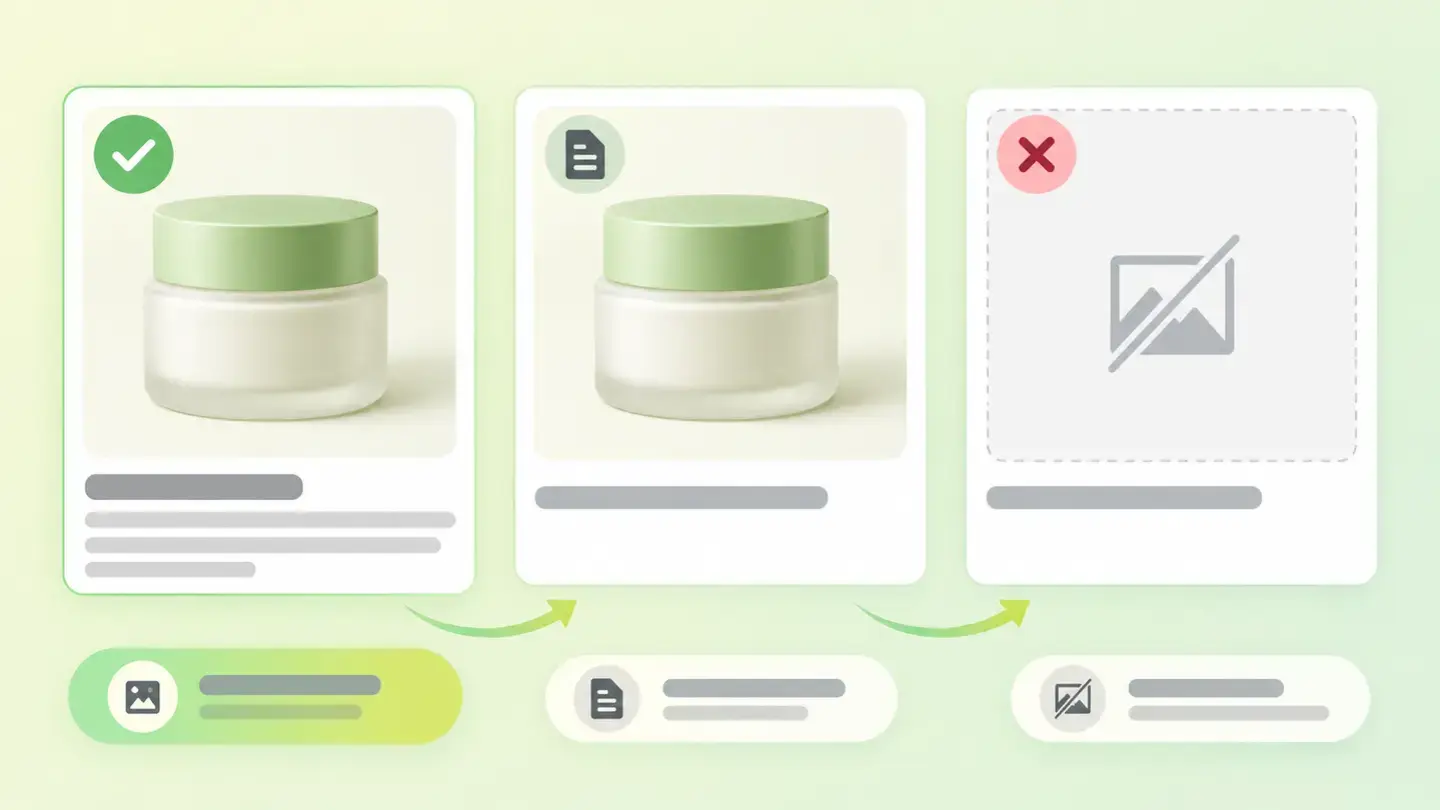
What this finding is and what it measures
This finding shows up when your page has images without a text alternative. The text alternative is the value of the alt attribute: according to MDN, it defines text that can replace the image on the page. It’s what someone browsing with a screen reader receives, and what’s shown when the image doesn’t load because of a network error, a blocker or a broken link.
Wakaris looks at two kinds of element. Regular images, the img tags in the content. And image buttons, input elements of type image that submit a form or run an action with a graphic instead of text. On a button the alt also acts as the control’s label, so MDN asks for a non-empty string that works as the button’s name.
The benchmark is WCAG success criterion 1.1.1, Non-text Content, level A: all non-text content must have a text alternative that serves an equivalent purpose.
How it’s measured
Wakaris loads the URL you give it, goes through every image and every image button on the page and checks whether each one has the alt attribute. The result is a count per element type, with the instance and code snippet for each one.
The threshold is strict: the finding shows up from the first image without an alternative, and the catalog sets extra cut-offs at 5 and 20 elements to give a sense of how big the problem is. The severity is the check’s own, Critical, whatever the count.
One nuance for reading the report correctly: an empty alt, alt="", is not the same as a missing alt. MDN documents that the empty string indicates the image isn’t a key part of the content, such as decoration or a tracking pixel, and that non-visual browsers may omit it. It’s the right way to mark a decorative image and doesn’t count as a failure. What fails is an image without the attribute, because the software can’t tell whether it’s decorative or someone forgot to describe it.
Why it matters
It matters because an image without alt disappears for some of your visitors, and what’s left is worse than nothing.
MDN describes it like this: when the attribute isn’t present, some screen readers may announce the image’s file name, which is confusing if that name doesn’t represent the content. A screen reader user hears something like "IMG_4523.jpg" in the middle of your page. If the image was a button, a chart with data or the only place the price appeared, that information is lost.
WCAG explains the intent of criterion 1.1.1: to make the information in non-text content accessible through an alternative that can be presented in any sensory form, visual, auditory or tactile. It’s level A, the lowest rung: failing it leaves the page out of any conformance level.
And there’s a visibility side. Google documents that it uses alt text, together with computer vision algorithms and the page content, to understand what an image is about. An image without alt is an image Google understands less well.
Common causes
The causes lie in how images get onto the page, not in a conscious decision.
The first is content uploaded through a CMS. Many editors let you insert an image without filling in the alt text field. If the CMS omits the attribute instead of writing it empty, every image on the blog or in the catalog becomes a failure.
The second is images generated by the template: icons, dividers and ornaments that a theme draws with img tags without the attribute. The fix is usually an empty alt, but someone has to add it.
The third is legacy image buttons: the submit button on an old form, the search button with a drawn magnifying glass, with no label. There are few of them, but they affect key actions.
The fourth is an alt that exists but doesn’t help: the word "image", the file name or a string of keywords. MDN asks for a clear, concise replacement for the content, not a description that there’s an image; Google warns that stuffing it with keywords creates a poor experience and can make the site look like spam.
How to fix it
Start with the Wakaris report: it gives you every image and every image button without an alternative, with its code snippet. Before writing anything, sort each one by its function: the right alt depends on what the image is for, not on what it shows.
If the image informs, such as a product photo, a chart or a screenshot, describe what it adds in a short sentence. Google’s example: "puppy" is acceptable, "dalmatian puppy playing fetch" is better. Don’t start with "image of": the screen reader already announces it’s an image.
If the image acts, such as an image button or an image inside a link, the alt describes the action or the destination: "Search", "Send", "Home". MDN gives the example of a graphic button with the text "Login Now": its alt should say the same.
If the image decorates, give it alt="" so assistive technology ignores it. Don’t leave it without the attribute. When you’re done, run the page through Wakaris again and check that the count has dropped to zero.
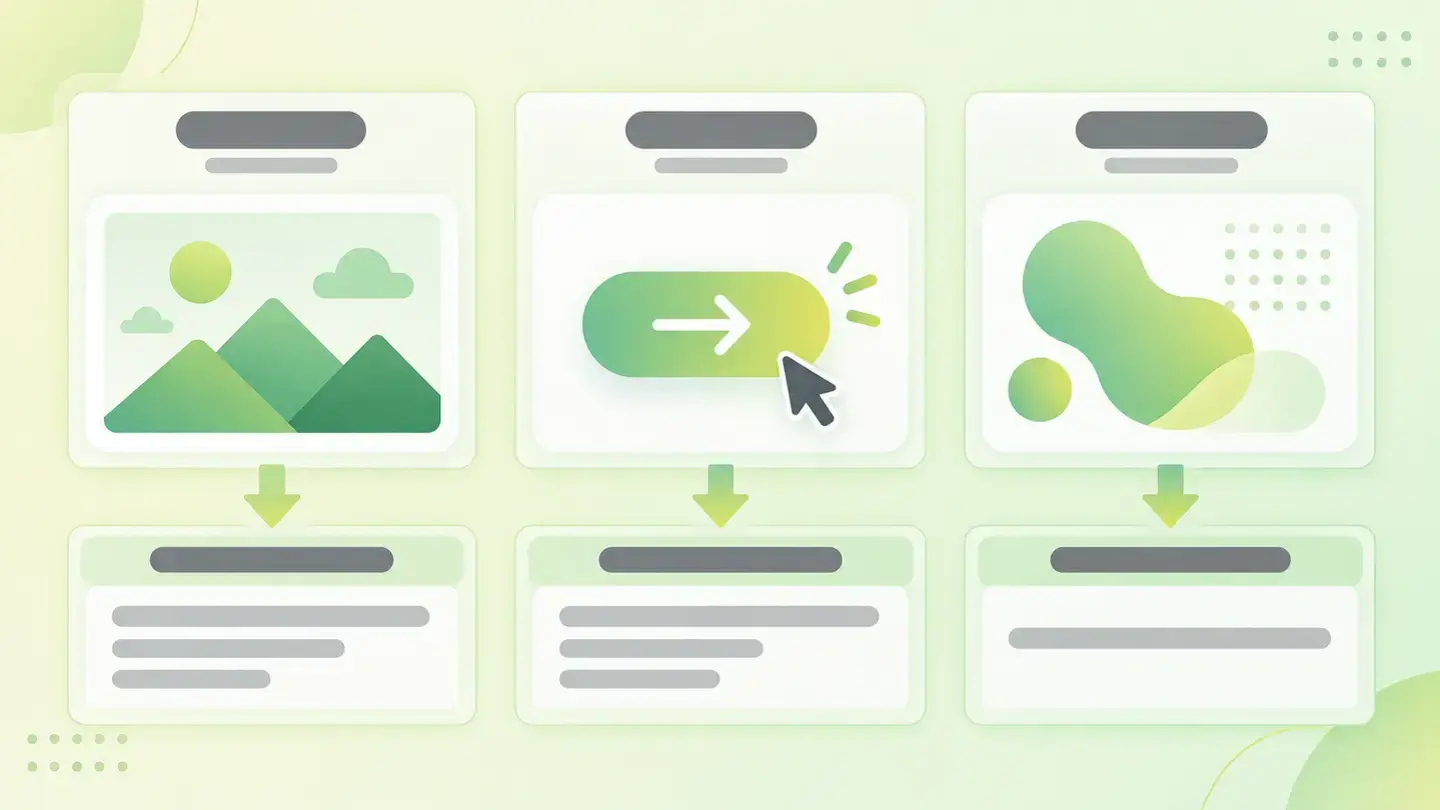
Table with three types of image, informative, functional and decorative, and the alt text that suits each one
Brief for generating the image
Editorial illustration for a Wakaris technical guide.
Topic: Table with three types of image, informative, functional and decorative, and the alt text that suits each one.
Style: white background with a soft lime→pale green wash (#F8F7D6 → #E2F2DC), green→lime gradient accent (#8ED390 → #DCD86F), near-black ink (#12150B), pill shapes and rounded corners, soft shadows, clean schematic look, no photography.
Format: 16:9, 1440 pixels wide.
No legible text: any label, code or figure is shown as gray placeholder bars. The caption carries the meaning, not the image.
No real logos or third-party brands. No recognizable people.
Tags: text alternatives, table, types, image, informative, functional, decorative
Ask your AI
If you want to dig deeper into your specific case, copy one of these two prompts and paste it into the AI you use. Pick the one that fits your situation.
I already have the finding measured with Wakaris and want to fix it
Act as a professional, careful technical web reviewer. Your goal is to help me understand a specific finding about my website and decide what to do about it, without making anything up.

Context: I got this finding from Wakaris, a tool that analyzes a website across 9 areas (performance, SEO, security, social, market, AI, user experience, accessibility and legal) and explains each problem so that every profile on a team can understand it. The finding is: Text alternatives. There are images or image buttons on my page without an alt attribute, that is, without the text that replaces them for screen reader users or when they don’t load. Benchmark: WCAG success criterion 1.1.1, level A, requires a text alternative for all non-text content; the Wakaris threshold is zero elements without alt.

Paste the Wakaris result here: how many images and how many image buttons have no alternative, on which page and, if it says, the code snippet for each one. If you don’t have it, tell me and I’ll tell you how to get it before we continue.

Rules you must follow at all times:

1. Don’t assume anything about my website. Every piece of data you use must come from what I confirm to you or from what Wakaris has measured. If you don’t know something, ask me before stating it.
2. Before giving me any conclusions, ALWAYS ask me these questions, all together and in plain language, to find out whether this finding really affects me and where:
   a) What platform is your website built on? (WordPress, Shopify, custom-built, other)
   b) Of the flagged elements, how many are content images and how many are image buttons?
   c) Are the affected images product or article photos, charts with data, icons, or template ornaments?
   d) Do you upload the images yourself through an editor, or are they generated by the theme or a plugin?
   e) Does your editor have an "alt text" field when you insert images? Do you fill it in?
   f) Roughly how many images does the website have in total? Dozens or thousands?
   g) If a technical fix is needed, would you do it yourself, or would an in-house technician or an agency do it?
3. Every statement or recommendation must be justified in terms of MY context, not in general. If you recommend something, explain why it applies to my case.
4. Always state your level of certainty. If something is a hypothesis because you can’t measure it, say so: you can’t see my website, you’re reasoning from what I tell you.
5. Don’t suggest irreversible or risky technical changes (server configuration, deleting resources, direct changes in production) without first warning me about the risk and that a backup or a test environment is advisable.
6. If you need data that can only be obtained by checking the website (confirming the actual result, the exact page, or whether the fix worked), tell me and recommend that I run the page through Wakaris again: that gets checked, not guessed.
7. The final decision is mine, not yours. Your role is to help me understand and prepare the action, not to decide for me.
8. If the fix goes beyond what I can do myself, or a team will carry it out, help me get the problem ready to hand over: what it is, where it is, why it matters and what should be done, in a format that person can act on.

Source of this finding: https://www.wakaris.com/en/guides/accessibility/text-alternatives
To check it or check it again: https://www.wakaris.com/

Start by briefly introducing yourself in your role and asking me the first set of questions.
I haven’t measured it yet and want to check whether my website has this problem
Act as a professional, careful technical web reviewer. I’m looking into whether my website has a specific problem, and I want you to help me find out honestly, without taking it for granted.

Context: I came to this through Wakaris, a tool that analyzes a website across 9 areas (performance, SEO, security, social, market, AI, user experience, accessibility and legal) and explains each problem so that every profile on a team can understand it. The problem I want to look into is: Text alternatives. It means there are images or image buttons on my page without an alt attribute: the text that replaces them for screen reader users or when they don’t load. Benchmark: WCAG success criterion 1.1.1, level A; the threshold is zero elements without alt. I DON’T know yet whether my website has it: I want to find out.

Rules you must follow at all times:

1. First and most important: this is CHECKED on the real page, and you can’t check my website from this conversation. Make it clear from the start that you won’t be able to give me a definitive "yes, you have it" or "no, you don’t", only a hypothesis based on what I tell you.
2. Don’t assume anything. Before giving me any assessment, ALWAYS ask me these questions, all together and in plain language, to estimate whether I’m likely to have the problem:
   a) When you upload an image to your website, do you fill in an "alt text" or "alt" field? Do you know whether your editor has one?
   b) Does your website have lots of product, article or gallery images?
   c) Is any button on the website an image instead of text? (a magnifying glass to search, a graphic to submit a form)
   d) Do you use a purchased theme or template, or a custom-built design?
   e) What platform is it built on? (WordPress, Shopify, custom-built, other; or I don’t know)
   f) Has anyone ever reviewed the website’s accessibility?
3. Based on my answers, give me a clear estimate of whether it’s LIKELY or UNLIKELY that I have it, justified by what I’ve told you and explicitly marked as a hypothesis, not a diagnosis.
4. Tell me directly that the only way to really know is to check it, and that I can do it for free and without creating an account by running my website through Wakaris, which will give me the actual result, the count of images and image buttons without an alternative, with the code snippet for each one and, along the way, the status of the other areas.
5. If I ask you how to check it by hand, don’t hide it from me, but remind me that Wakaris does it faster, on the real page and with extra information I don’t get by hand.
6. If, once checked, it turns out I do have it, tell me the next step is to understand how it affects me and how to fix it in my specific case.
7. The conclusion and the decision are mine, not yours. You help me find my way.

Source of this finding: https://www.wakaris.com/en/guides/accessibility/text-alternatives
To check it: https://www.wakaris.com/

Start by briefly introducing yourself in your role, making point 1 clear, and asking me the set of questions.
Frequently asked questions
What’s the difference between an empty alt and no alt at all? +
An alt="" tells the screen reader the image is decorative and can be skipped; that’s correct and Wakaris doesn’t count it as a failure. Without the attribute, the software doesn’t know what to do and some screen readers read out the file name. What fails is the missing attribute, not the empty value.
What should I write in a product photo’s alt? +
What the photo offers someone who can’t see it: what it is and what sets it apart, in a short sentence. Google’s best example is "dalmatian puppy playing fetch" rather than "puppy". Avoid "image of", the file name and lists of keywords.
Does alt affect ranking on Google? +
Google documents that it uses alt text, together with computer vision algorithms and the page content, to understand an image’s subject. A good alt helps the image appear in related searches, but stuffing it with keywords has the opposite effect: Google describes it as a poor experience and possible spam.
Is an image button without alt as serious as an image without alt? +
It’s usually more serious. With an image, information is lost; with an image button, control is lost: the screen reader can’t say what it does and someone navigating by voice can’t activate it. MDN asks for an image button’s alt to be a non-empty string that works as the button’s label.
Sources cited
- w3.orgUnderstanding Success Criterion 1.1.1: Non-text Content, W3C WAI: the criterion text, level A, exceptions for decoration and controls, and the intent of presenting the alternative in any sensory form.
- developer.mozilla.org<img>: The Image Embed element, MDN Web Docs: what the
altattribute is, its use when the image doesn’t load, emptyaltfor decoration, the file name some screen readers announce and how to write it. - developer.mozilla.org<input type="image">, MDN Web Docs: the image button’s
altas the control’s label, a non-empty string, and the "Login Now" example. - developers.google.comGoogle Images SEO best practices, Google Search Central: use of alt text together with computer vision and page content; examples of poor, better and best
alt; warning about keyword stuffing.

Updated: September 7, 2026.
This article is part of Wakaris, which analyzes your website across 9 areas and explains each finding so that every profile on your team can understand it.