Guides on
Accessibility
9 guides in this area, one for each Accessibility finding that can appear in your report: what it is, how it’s measured, why it matters to you and how to fix it. See all 56 guides. And to see the whole area: Website accessibility analysis.
Guides on Accessibility
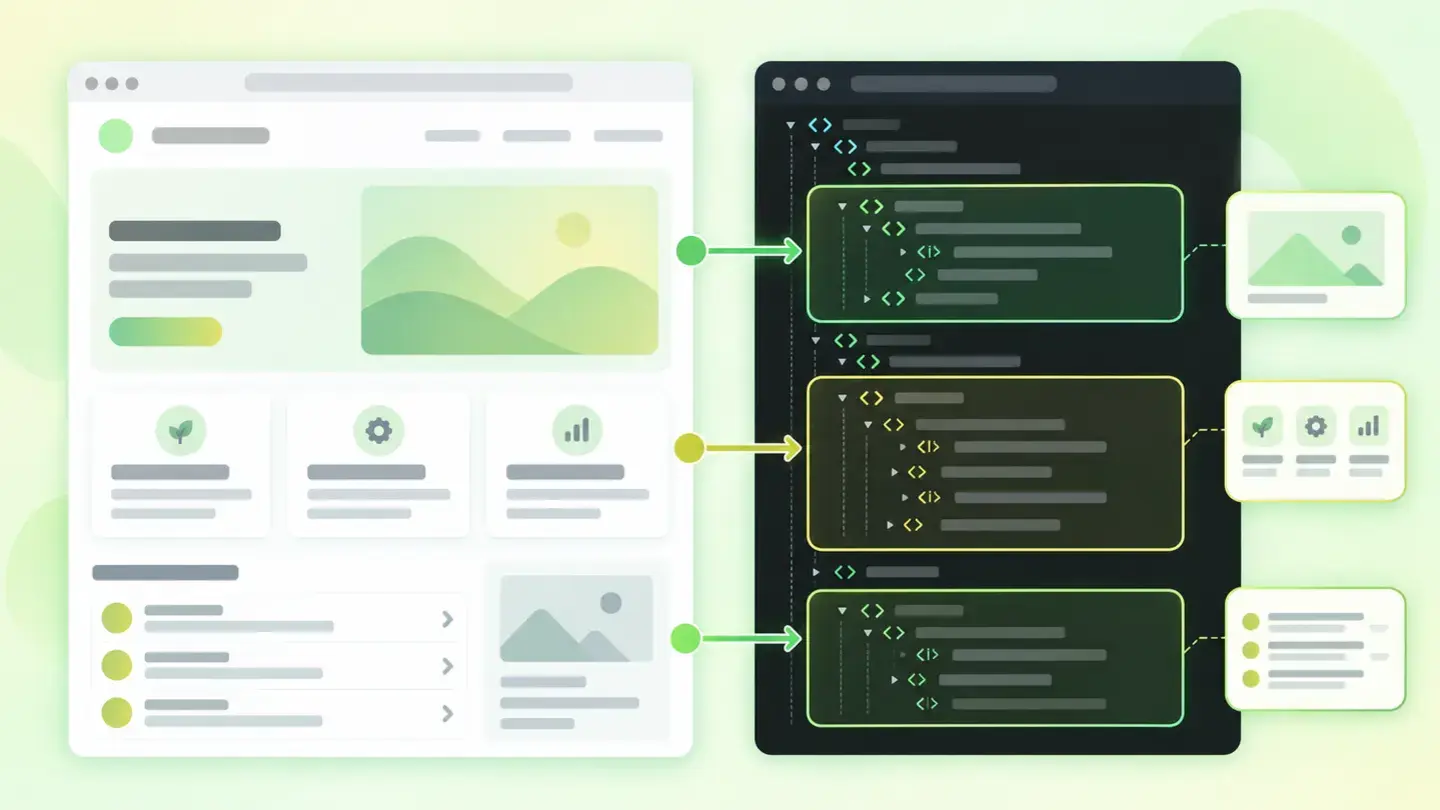 AccessibilityAffects
Semantic structure
Why your page makes sense to look at but not to read
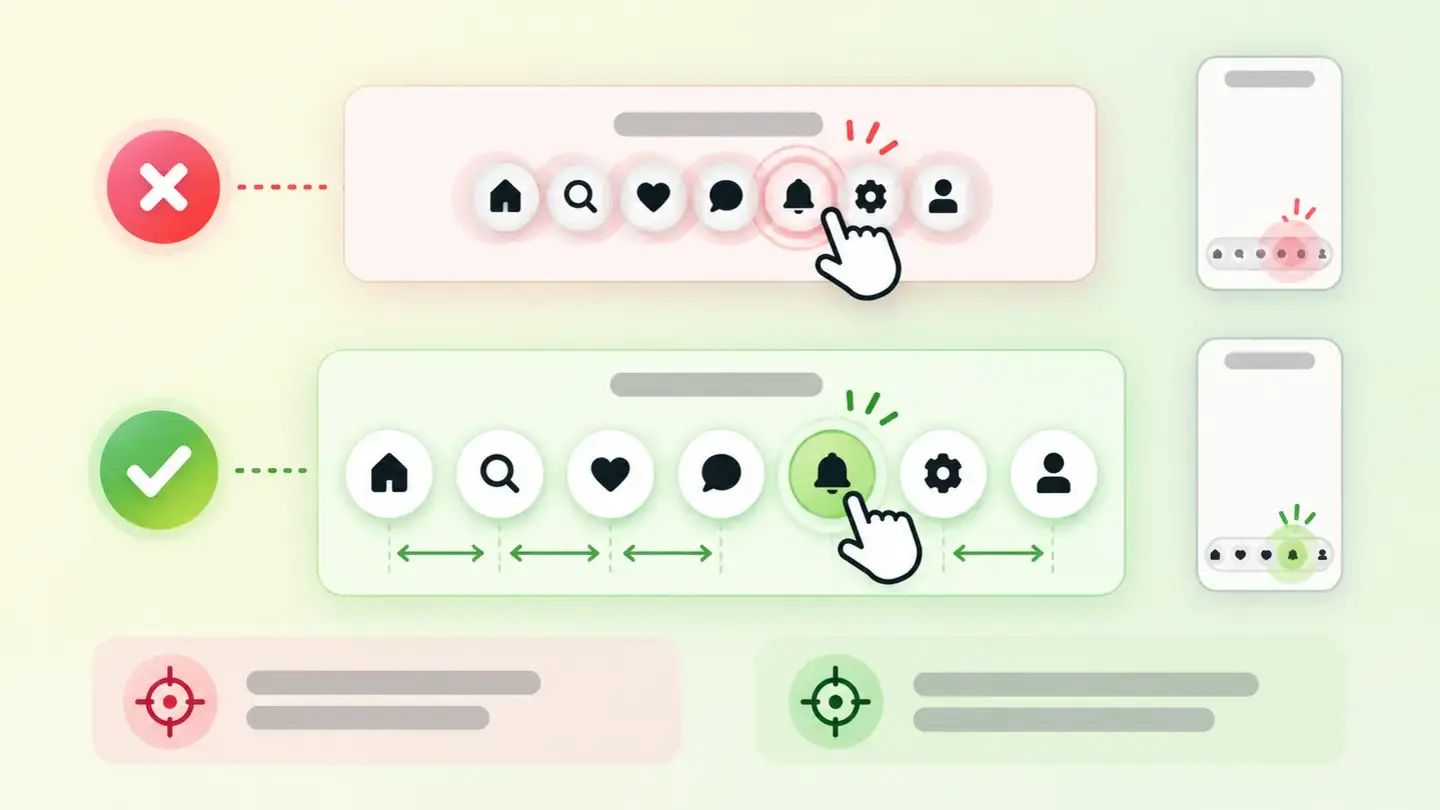 AccessibilityAffects
Touch target size
Why it’s hard to tap on your website and how to fix it
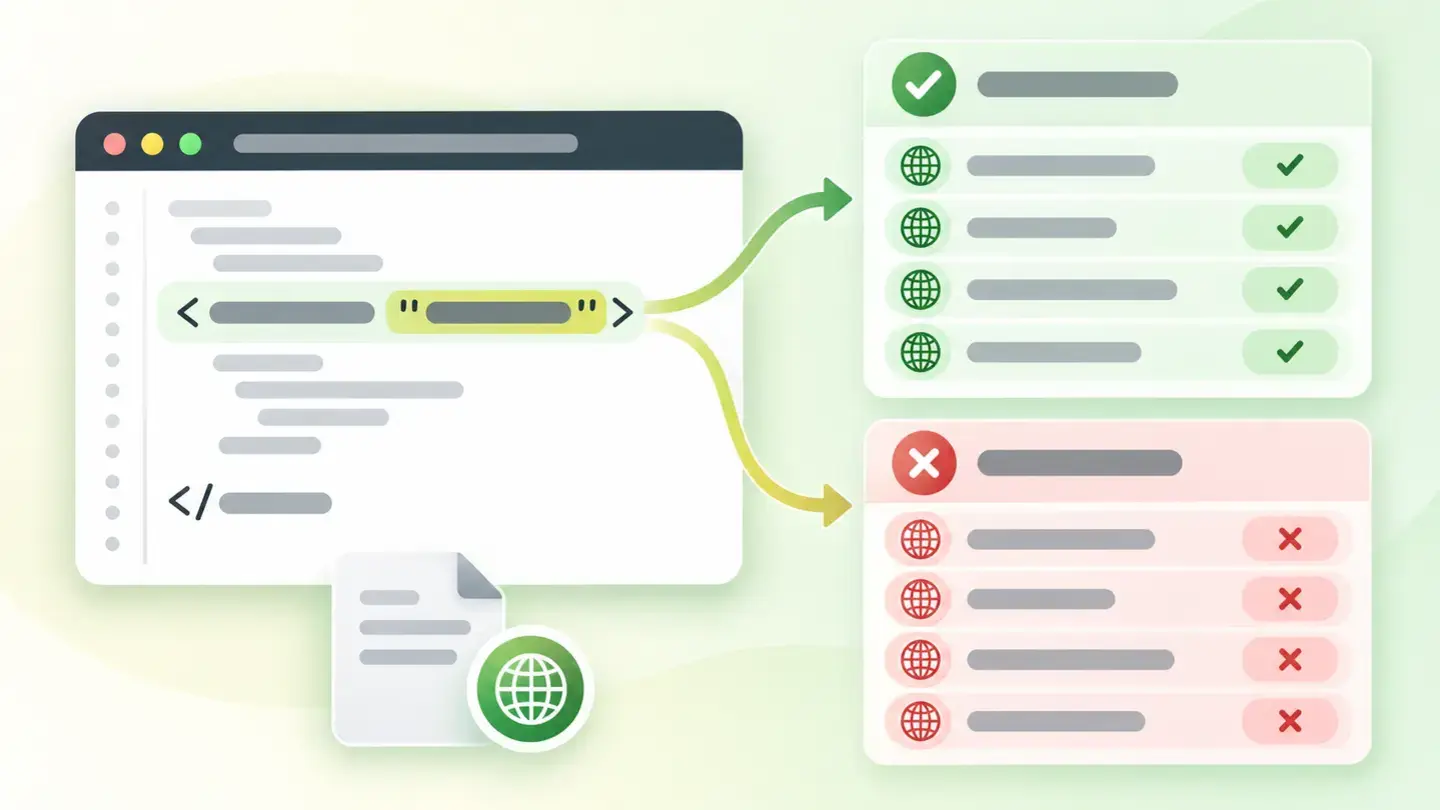 AccessibilityLimits
Document language
Why your page has to say which language it’s written in
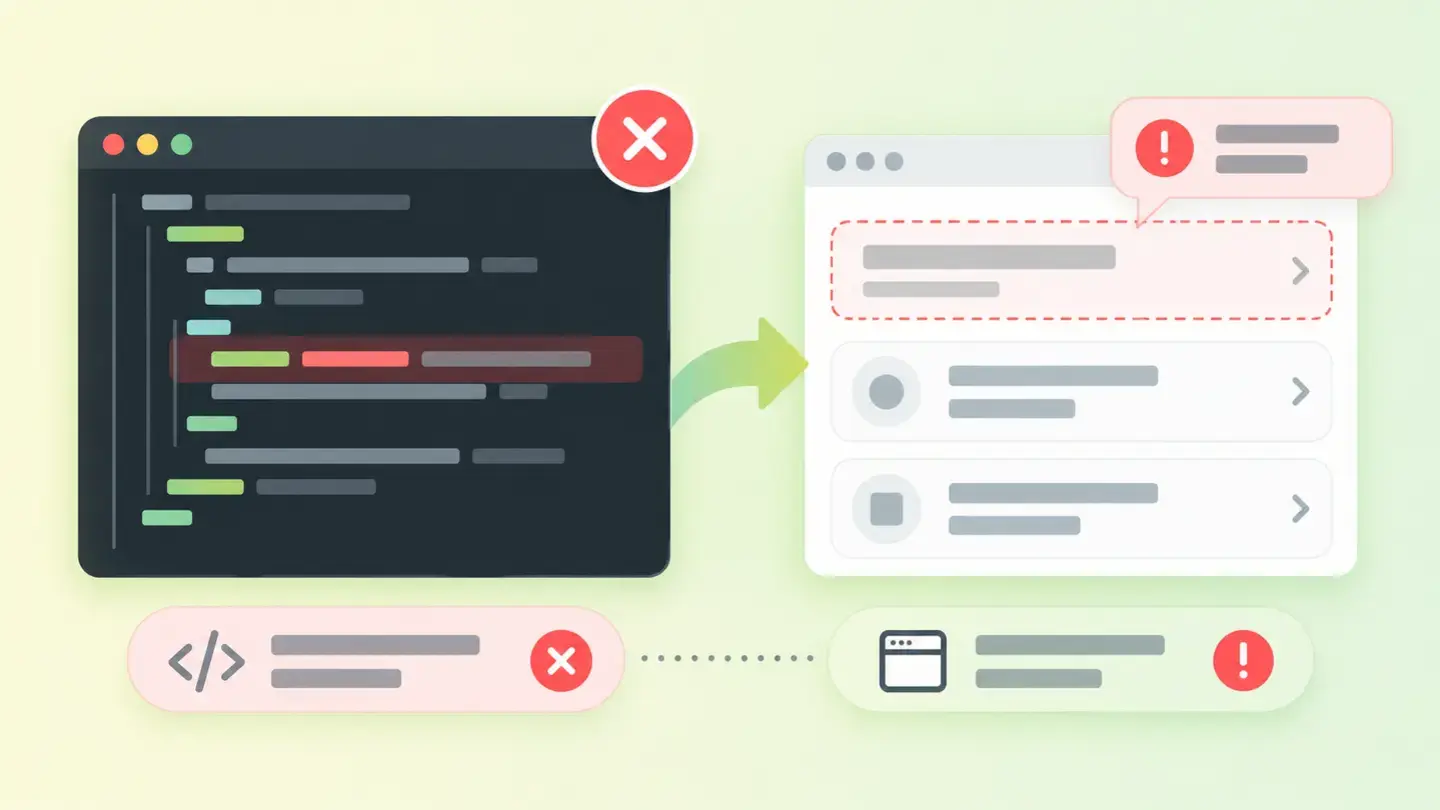 AccessibilityLimits
Valid ARIA
When code meant to help gets in the way
 AccessibilityLimits
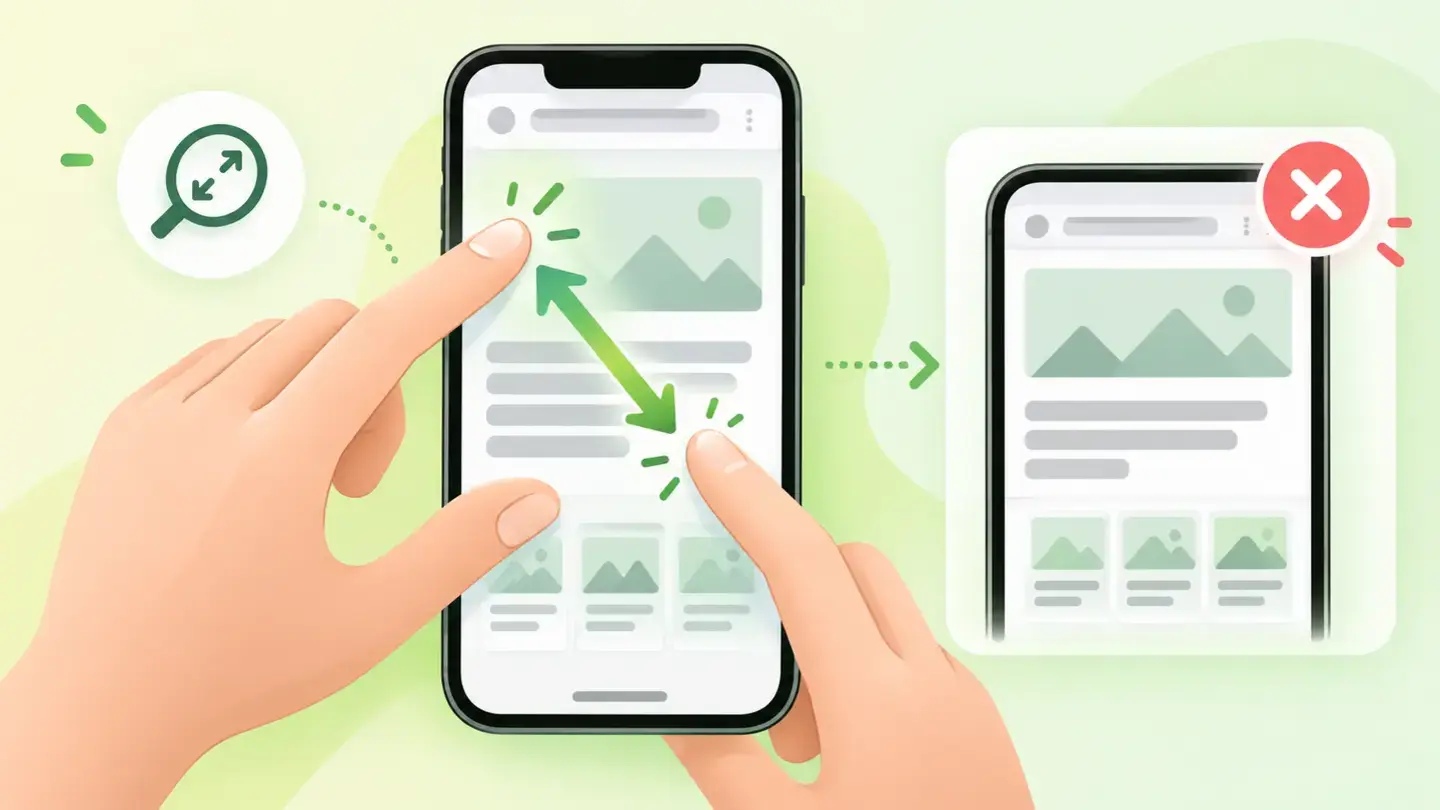
Zoom and scaling
When your website won’t let people enlarge the text
 AccessibilityBlocks
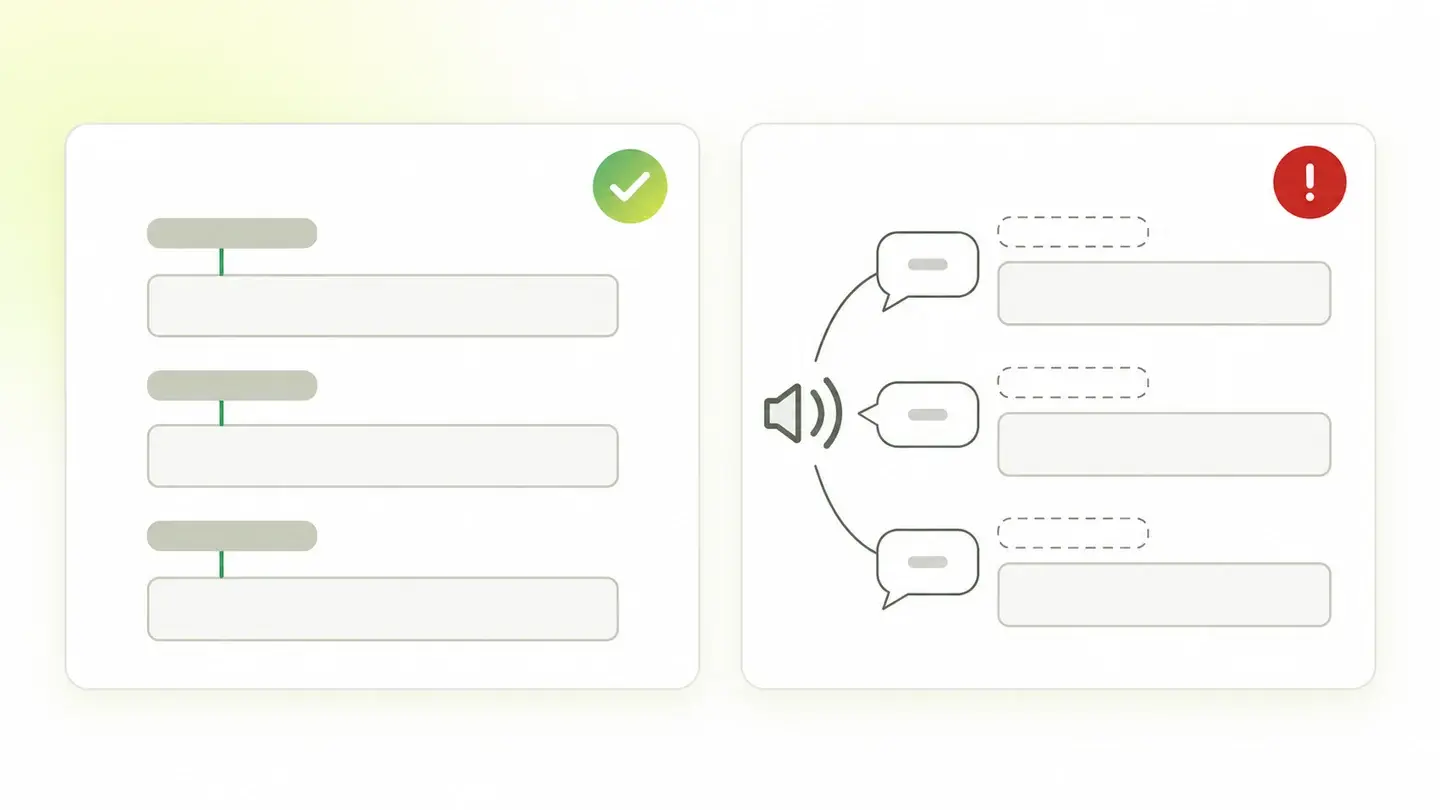
Form labels
Why every field needs an associated label and how to add it
 AccessibilityBlocks
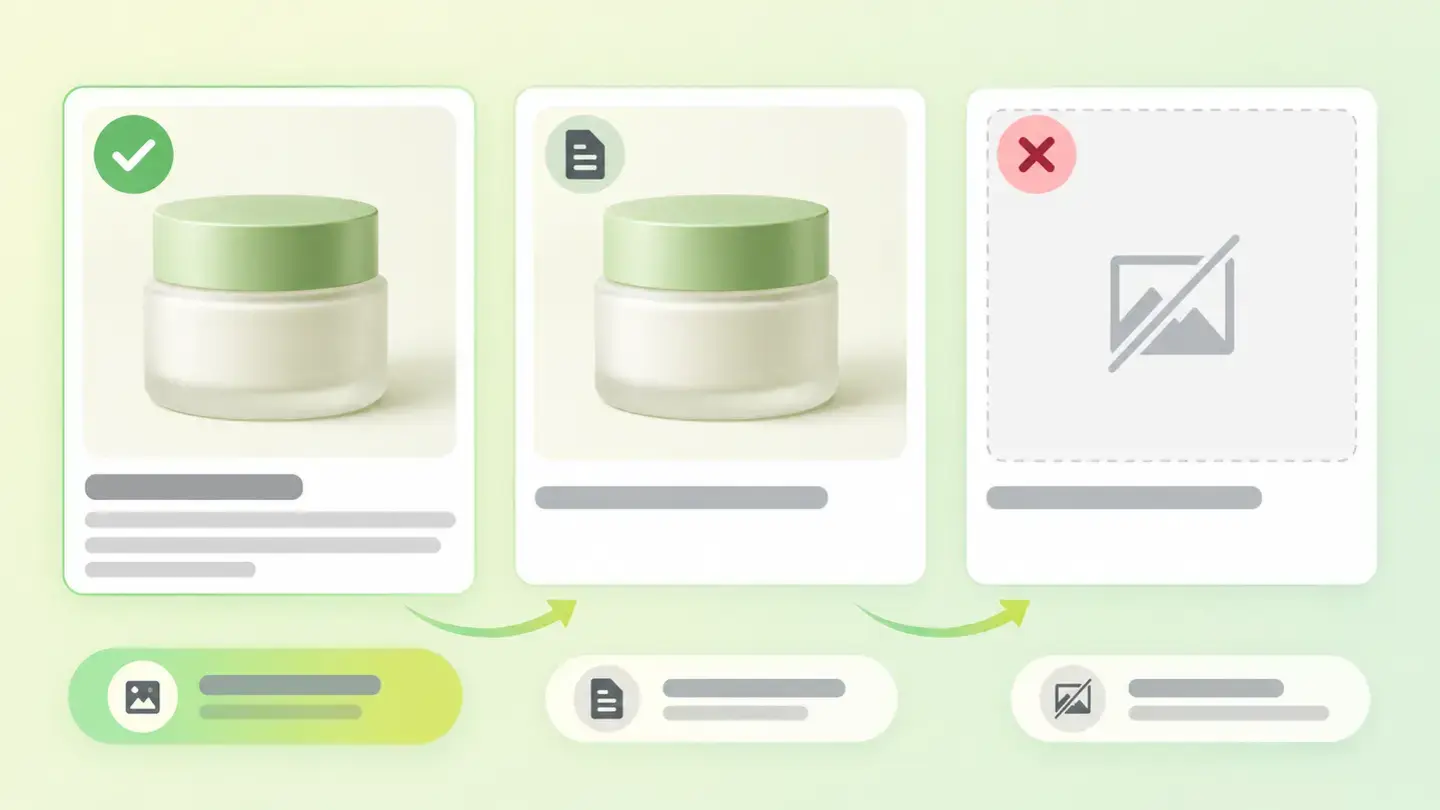
Text alternatives
Why your images need alt text and how to write it
 AccessibilityBlocks
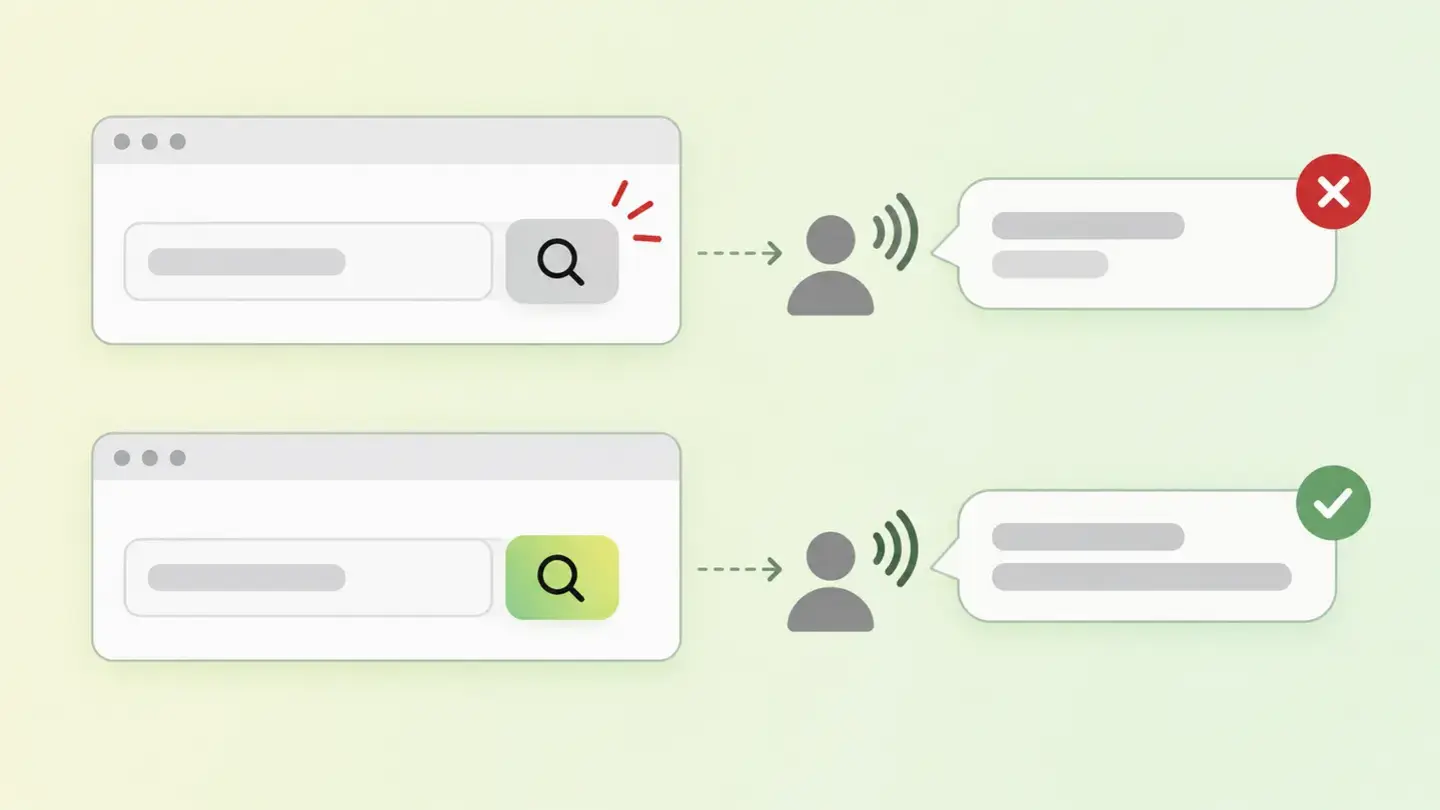
Accessible names for controls
Why your buttons and links need to say what they do
 AccessibilityBlocks
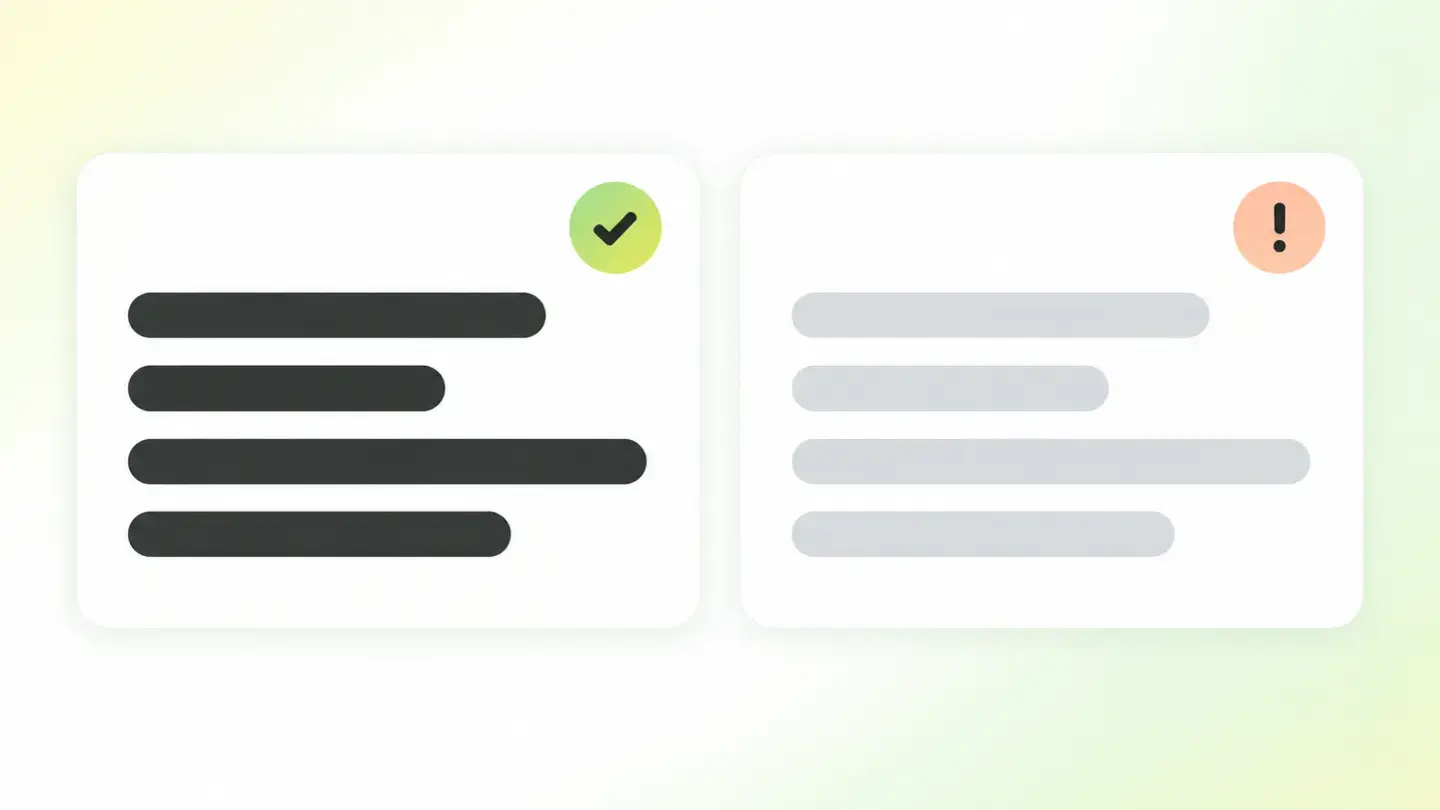
Visual contrast
What Wakaris detects and how to fix insufficient color contrast
No guides match what you’re looking for. Try other words, change the area or remove the severity filter.
Go to the blogDoes your website have
any of these findings?
We only read what your website already makes public. The check is passive: we don’t send anything that could affect your server. If someone else has checked the same website in the last 24 hours, we’ll show you that same result instead of running the check again.