In short
What’s checked
that the page declares its language and that the declared code is valid.
Where it’s declared
in the lang attribute of the html tag, and the other elements inherit it from there.
Why it matters
it’s WCAG 2.2 success criterion 3.1.1, level A, the most basic of the three conformance levels.
Severity in Wakaris
Important. It fails on 2.3% of analyzed pages, according to Wakaris’s own catalog.
What this finding is and what it measures
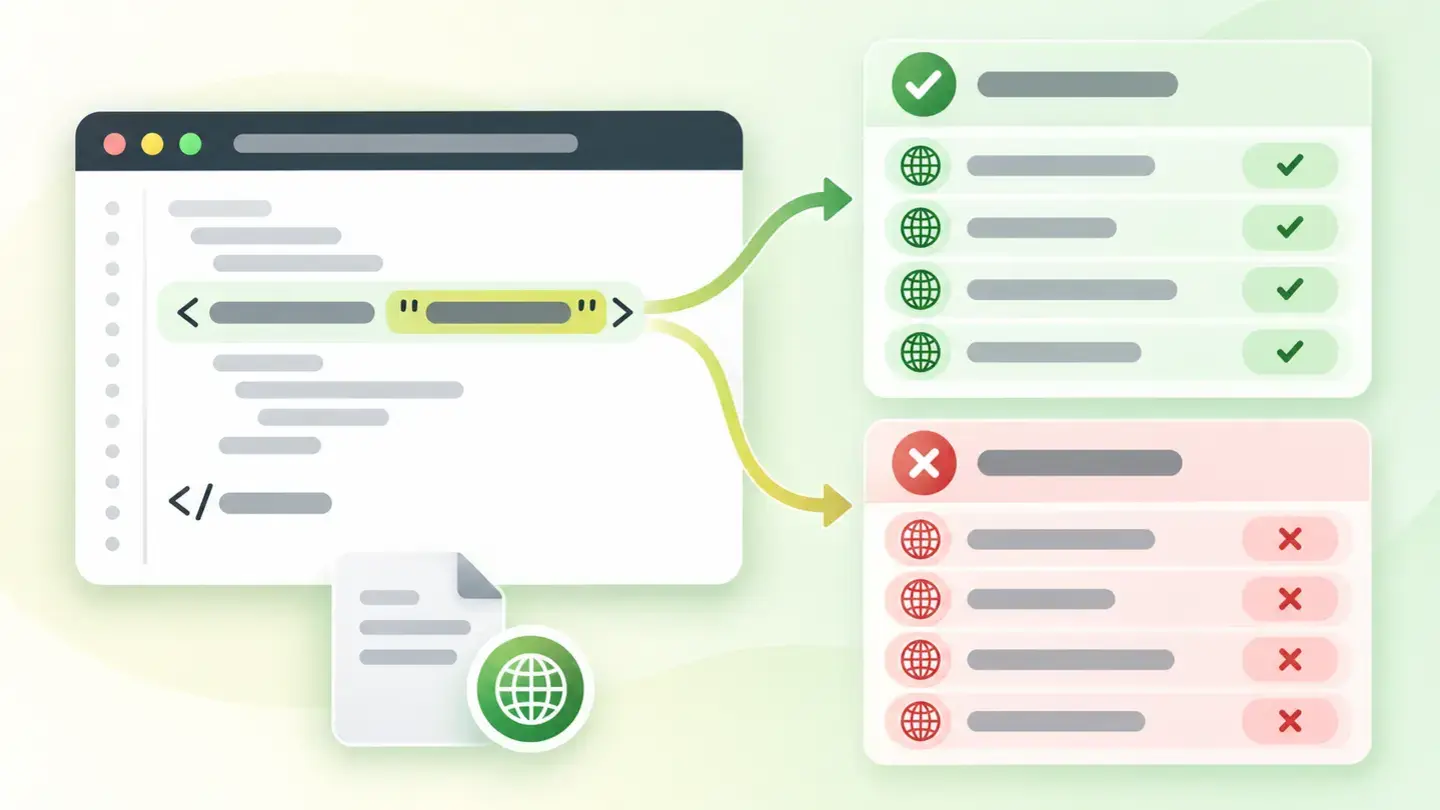
A web page doesn’t state anywhere which language it’s in unless someone says so explicitly. That “saying so” is the lang attribute. MDN documentation defines it as the global attribute that helps define the language of an element, and specifies that its value is a single BCP 47 language tag: es, es-ES, en-GB. The W3C recommends always putting it on the html tag, because from there every other element in the document inherits it.
This finding groups two separate checks on that declaration. The first is about presence: whether the page declares a language or doesn’t declare one at all. The second is about validity: whether the code it uses actually exists in the language subtag registry. They’re separate because they fail for separate reasons, and because a page can have the attribute in place and it can still be useless.
How it’s measured
Wakaris reads the HTML of the URL you give it and returns the two checks separately, with the exact value it found declared. That’s the direct route: nothing to install, no account to create, and the report shows whether the problem is a missing declaration or an incorrect code, which is the difference between adding a line and correcting one.
The first piece of evidence is binary and answers “is a language declared?”. The second is a count, which means it doesn’t just look at the tag that opens the document: it counts how many language codes are invalid, and a document can declare a language on several elements at once. An honest caveat here: the Wakaris catalog doesn’t document whether the count includes lang attributes on inner elements, or how it handles lang="", which according to MDN means “language explicitly unknown.” There’s no tiered threshold either: one or twenty invalid codes produce the same finding with the same severity.
Why it matters
The main reason is reading aloud. MDN says the purpose of these requirements is, above all, to let assistive technologies such as screen readers invoke the correct pronunciation. The W3C puts it the other way round in its explanation of the criterion: with the language declared, screen readers can load the correct pronunciation rules, visual browsers can display characters and scripts correctly, and media players can show captions properly. Without a declaration, each one guesses.
The list of people who benefit, according to the W3C, is broader than it seems: screen reader users, people who have trouble reading fluently and accurately, people who use text-to-speech software because of a cognitive or language disability, and people who rely on captions. And there are uses beyond accessibility: the W3C lists that the language declaration governs hyphenation at line ends, automatic font selection, the style of generated quotation marks, spell checking in editing tools and how translation tools recognize the page.
Common causes
The first cause is an inherited template. Many themes and layouts were written with a bare html tag, with no attribute, and nobody has touched it since because it doesn’t break anything visible: the page looks exactly the same with or without a declared language.
The second is a template in one language and content in another. It’s the most common case in practice: a downloaded layout declares lang="en" because it came from an English example, it gets filled with Spanish text, and nobody changes the attribute. Here the presence check isn’t triggered (a language is declared, and it’s valid) but the result for someone listening to the page is worse than declaring nothing, because the speech synthesizer applies English pronunciation rules to Spanish text.
The third is an invented or malformed code. Values like español, ES_es or sp don’t exist in the subtag registry; MDN is explicit that if the tag isn’t valid under BCP 47, it’s marked as invalid. The fourth, rarer, is pages assembled from pieces, where one part injects its own attribute with a different value.
How to fix it
It’s probably the most cost-effective fix in the accessibility family: one line, no risk and no visual effect. Wakaris tells you whether the declaration is missing or the code is invalid, and that tells you which of the two steps applies to you.
If it’s missing, add the attribute to the tag that opens the document: <html lang="es">. In a content management system you set it once in the site settings or the base template, not page by page. If the code is wrong, replace it with a tag from the IANA subtag registry, the list the W3C points to: use the short form (es) unless you need a regional variant (es-MX, pt-BR).
Two final notes. The W3C says never to use a meta element with http-equiv="Content-Language" to indicate the page’s language: the declaration in the page itself takes precedence over the HTTP header. And if your website mixes languages, the language of parts is a separate criterion, with its own attribute on each fragment.
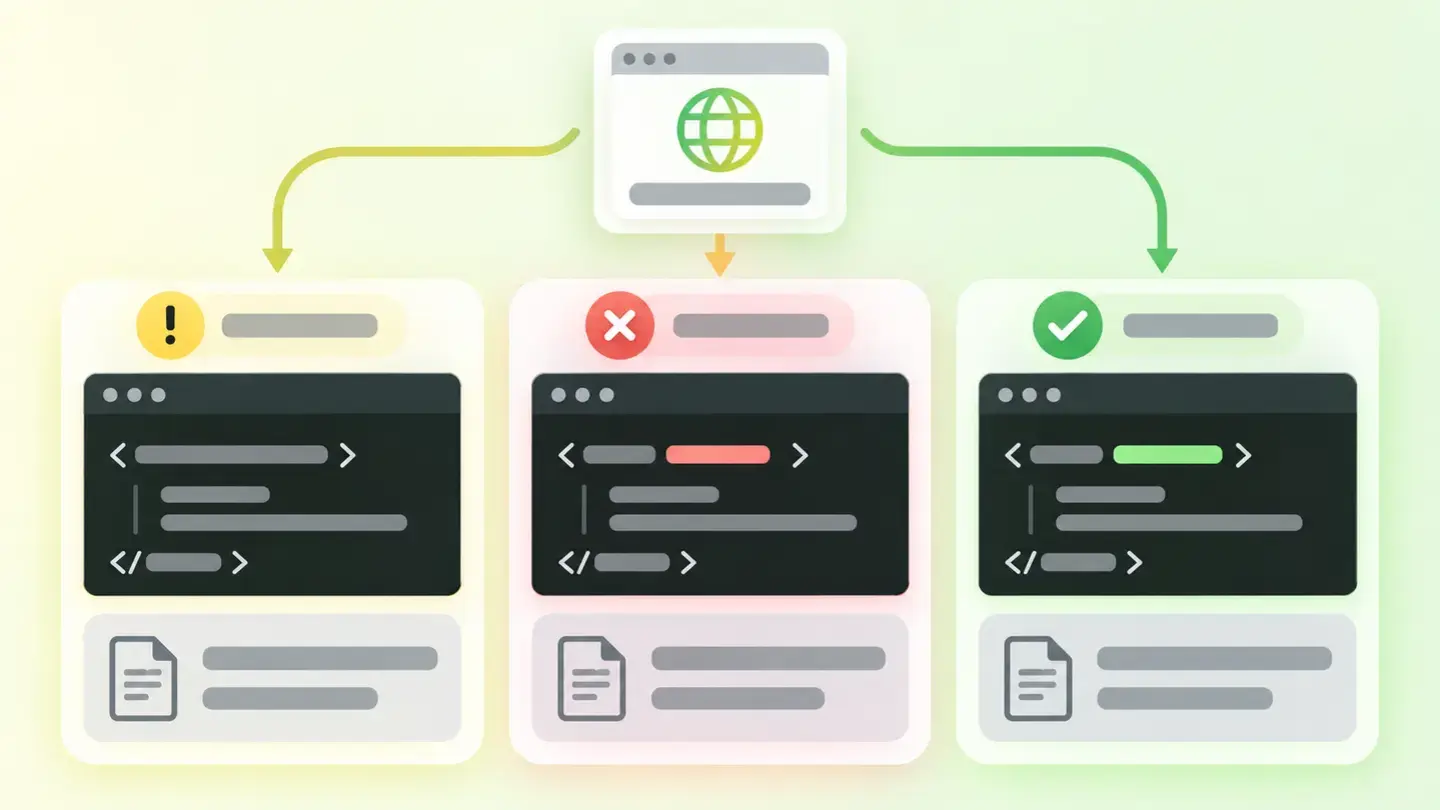
Comparison of an html tag without a lang attribute, with an invalid code and with the correct es code
Brief to generate the image
Editorial illustration for a Wakaris technical guide.
Topic: Comparison of an html tag without a lang attribute, with an invalid code and with the correct es code.
Style: white background with a soft lime→pale green wash (#F8F7D6 → #E2F2DC), green→lime gradient accent (#8ED390 → #DCD86F), near-black ink (#12150B), pill shapes and rounded corners, soft shadows, clean schematic look, no photography.
Format: 16:9, 1440 pixels wide.
No legible text: any label, code or figure is shown as gray placeholder bars. The caption carries the meaning, not the image.
No real logos or third-party brands. No recognizable people.
Tags: language, document, comparison, tag, html, attribute, lang, code
Ask your AI
If you want to dig into your specific case, copy one of these two prompts and paste it into the AI you use. Pick the one that fits your situation.
I already have the finding measured with Wakaris and want to fix it
Act as a professional, careful web technical auditor. Your goal is to help me understand a specific finding about my website and decide what to do about it, without making anything up.

Context: I got this finding with Wakaris, a tool that analyzes a website across 9 areas (performance, SEO, security, social, market, AI, experience, accessibility and legal) and explains each problem so that every role on a team can understand it. The finding is: Document language. It checks two things: that my page declares which language it’s written in, and that the declared language code actually exists. Reference: it’s declared with the lang attribute on the html tag, and the code follows the BCP 47 standard (for example "es" or "es-ES").

Paste the Wakaris result here: whether it says the declaration is missing or the code is invalid, what value it found and on which page. If you don’t have it, tell me and I’ll explain how to get it before we continue.

Rules you must follow at all times:

1. Don’t assume anything about my website. Every piece of data you use must come from what I confirm or from what Wakaris has measured. If you don’t know it, ask me before stating it.
2. Before giving me conclusions, ALWAYS ask me these questions, together and in plain language, to find out whether this finding really affects me and where:
   a) What language is your website’s content written in?
   b) What platform is it on? (WordPress, Shopify, custom-built site, other; or I don’t know)
   c) Did you buy or download your template or theme ready-made, or did someone build it for you?
   d) Does your website have versions in several languages, or parts in a language other than the main one (quotes, names, a form, a menu)?
   e) Can you edit the site’s base template, or only the content of the pages?
   f) If the template needs changing, would you do it yourself, an in-house technician or an agency?
3. Every statement or recommendation must be argued in relation to MY context, not in general. If you recommend something, explain why it applies to my case.
4. Always state your level of certainty. If something is a hypothesis because you can’t measure it, say so: you can’t see my website, you’re reasoning from what I tell you.
5. Don’t propose irreversible or risky technical changes (editing template files, direct changes in production) without first warning me about the risk and that a backup or a test environment is advisable.
6. If you need data that can only be obtained by analyzing the website (confirming the declared value, how many invalid codes there are, or whether the fix worked), tell me and recommend that I run the page through Wakaris again: that gets checked, not guessed.
7. The final decision is mine, not yours. Your role is to help me understand and prepare the action, not to decide for me.
8. If the fix is beyond what I can do myself, or a team is going to carry it out, help me get the problem ready to hand over: what it is, where it is, why it matters and what needs to be done, in an actionable format for that person.

Source for this finding: https://www.wakaris.com/en/guides/accessibility/document-language
To check it or check it again: https://www.wakaris.com/

Start by briefly introducing yourself in your role and asking me the first block of questions.
I haven’t measured it yet and want to check whether my website has this problem
Act as a professional, careful web technical auditor. I’m investigating whether my website has a specific problem and I want you to help me find out honestly, without taking it for granted.

Context: I got here through Wakaris, a tool that analyzes a website across 9 areas (performance, SEO, security, social, market, AI, experience, accessibility and legal) and explains each problem so that every role on a team can understand it. The problem I want to investigate is: Document language. It means my page doesn’t declare which language it’s written in, or declares it with a code that doesn’t exist. Reference: it’s declared with the lang attribute on the html tag, and the code follows the BCP 47 standard. I DON’T know yet whether my website has it: I want to find out.

Rules you must follow at all times:

1. First and most important: this is checked by reading my page’s code, and you can’t analyze my website from this conversation. Make it clear from the start that you won’t be able to give me a definitive "yes, you have it" or "no, you don’t," only a hypothesis based on what I tell you.
2. Don’t assume anything. Before giving me any assessment, ALWAYS ask me these questions, together and in plain language, to estimate whether I’m likely to have the problem:
   a) What language is your website’s content written in?
   b) Did you buy or download the template or theme ready-made? Did it come with sample text in English?
   c) What platform is your website on? (WordPress, Shopify, custom-built site, other; or I don’t know)
   d) Has the website ever had an accessibility review?
   e) Do you have versions in several languages, or parts in a language other than the main one?
3. With my answers, give me a clear estimate of whether it’s LIKELY or UNLIKELY that I have it, and which of the two cases would be the suspect (missing declaration or incorrect code), argued from what I’ve told you and explicitly marked as a hypothesis, not a diagnosis.
4. Tell me directly that the only way to really know is to check it, and that I can do it for free and without creating an account by running my website through Wakaris, which will tell me the declared value, whether it’s valid, and the status of the other areas too.
5. If I ask you how to check it by hand, don’t hide it from me, but remind me that Wakaris does it faster, on the real page, and with extra information I don’t get by hand.
6. If, once checked, it turns out I do have it, tell me the next step is to understand how it affects me and how to fix it in my specific case.
7. The conclusion and the decision are mine, not yours. You help me find my bearings.

Source for this finding: https://www.wakaris.com/en/guides/accessibility/document-language
To check it: https://www.wakaris.com/

Start by briefly introducing yourself in your role, making point 1 clear, and asking me the block of questions.
Frequently asked questions
Where do you set a web page’s language? +
In the lang attribute of the html tag, the one that opens the document: <html lang="es">. The W3C recommends always declaring it there because all other elements inherit it, so a single line covers the whole page.
Is "es" enough, or do I need "es-ES"? +
"es" is fine and is usually the best option. The codes come from the IANA language subtag registry, which the W3C points to, and the regional variant only helps when the distinction really matters: for example "es-MX", or "pt-BR" versus "pt-PT".
What if my website mixes two languages? +
This finding looks at the document’s default language. Declaring parts in another language separately is a different WCAG requirement, 3.1.2, and it’s solved by putting the lang attribute on each specific fragment, not by changing the one on the main tag.
Does declaring the language improve my Google ranking? +
No source says so, so we don’t claim it. The W3C does say language markup can improve the quality of search results according to the searcher’s language preferences. The solid reason to fix it is accessibility, not SEO.
Sources cited
- developer.mozilla.orgThe lang global attribute, MDN: definition of the attribute, BCP 47 format, the meaning of
lang="", marking as invalid, and pronunciation in assistive technologies. - w3.orgUnderstanding SC 3.1.1: Language of Page, W3C: the criterion’s level A, intent, groups that benefit, and what it enables screen readers, browsers and media players to do.
- w3.orgDeclaring language in HTML, W3C: the recommendation to declare it on the
htmltag and inheritance, the IANA subtag registry, precedence over the HTTP header, and the ban onContent-Languagein ameta. - w3.orgWhy use the language attribute?, W3C: the concrete uses of the language declaration, from hyphenation and typography to speech synthesis and translation.

Updated: September 8, 2026.
This article is part of Wakaris, which analyzes your website across 9 areas and explains each finding so that every role on your team can understand it.