In short
What it measures
four counts of errors in your page’s ARIA roles and attributes.
When it’s triggered
at the first error, with bands above five and above ten. Severity: Important.
Sourced data
home pages with ARIA averaged 41% more detected errors than those without it (MDN).
Wakaris data
8.1% of the pages analyzed fail this finding.
What this finding is and what it measures
ARIA is a set of roles and attributes added to code to tell assistive technologies what each element is and what state it’s in. MDN defines it as a set of roles and attributes that define ways to make web content and web applications more accessible, especially those developed with JavaScript.
It’s for what regular HTML doesn’t cover: a hand-built dropdown, an alert that appears on its own, a tab that isn’t really a tab. With ARIA you can tell a screen reader “this is a checkbox and it’s checked”, even if underneath it’s a drawn square.
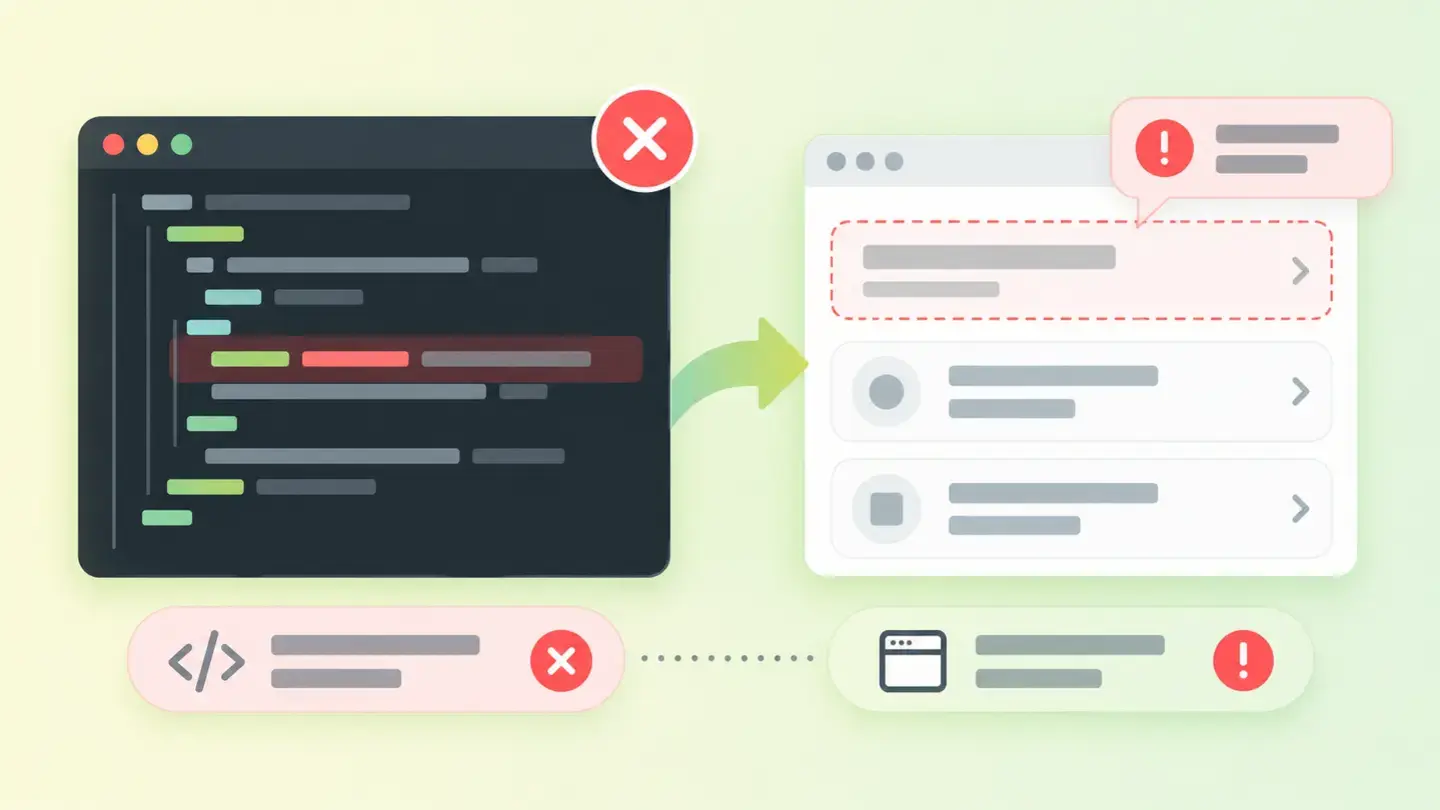
This finding doesn’t measure whether you use ARIA, but whether you use it correctly. It counts four things separately: roles that don’t exist or don’t fit where they are, attributes that aren’t allowed for the role they’re on, attributes that role requires and that are missing, and values written in a way the browser can’t interpret.
How it’s measured
Wakaris analyzes your page’s code, finds the ARIA roles and attributes and checks those four things on them. It’s the direct way to know whether what you’ve added holds up, without installing anything or creating an account.
This finding has a feature worth taking advantage of: here there are bands. The warning starts at the first error, and then there are thresholds above five and above ten. That separates the one-off slip from the pattern repeated across the whole template, which makes a big difference when deciding who fixes it and how urgently.
The check runs on the code served for the URL analyzed and measures the validity of what’s declared: that the role exists, that the attributes belong to that role, that the ones the role requires are present and that their values can be interpreted. What it doesn’t check, and no automated analysis can, is whether the description you give is true.
Why it matters
It matters because misplaced ARIA isn’t neutral: it subtracts.
MDN quotes the saying that no ARIA is better than bad ARIA, and backs it with data: in a review of over a million home pages, those with ARIA averaged 41% more detected errors than those without it. And it adds the conclusion without softening it: ARIA is designed to make pages more accessible, but used incorrectly it can do more harm than good.
The reason is that ARIA doesn’t change what an element does or how it looks: it changes what’s communicated to people who can’t see it. MDN illustrates it bluntly: a list marked as a tab panel will be announced as a tab panel, but if it has no tabs inside, that element isn’t a tab panel and accessibility has got worse.
The W3C puts it with an image that speaks for itself: using a role without fulfilling that role’s promise is like having a “Place order” button that abandons the order and empties the cart.
Common causes
Almost all the causes come from the same place: someone wanted to improve accessibility without knowing the rules of the game.
The most common one is copying a sample snippet and pasting only part of it. The sample came with a role and the attributes that role requires; when it was trimmed, the role lost its required companions. MDN is explicit about checkboxes: an element with the checkbox role must also include the attribute that exposes its state to assistive technology.
The second is the typo. There’s no leeway here: a misspelled role name isn’t a different role, it’s no role at all, and the element goes back to being what it was before.
The third is putting an attribute where it doesn’t belong, usually by analogy: it’s copied from another element where it was valid and pasted onto one whose role doesn’t allow it.
The fourth is the malformed value: text where true or false is expected, a reference pointing to an element that no longer exists, a list written with the wrong separator.
And the fifth, more fundamental: covering elements in ARIA that already carried that information built in.
How to fix it
The rule that prevents the most errors isn’t a fix but a prior decision. MDN states it as the first rule of ARIA use: if you can use a native HTML element or attribute that already has the semantics and behavior you need, use it instead of repurposing another element and adding an ARIA role or attribute. A real button doesn’t need you to explain that it’s a button.
With that clear, the work order is short. Start by finding out how many errors you have and of what type: Wakaris gives you the four counts for your page, and the band you fall into tells you whether you’re looking at a one-off case or an entire template.
Tackle invalid roles first, because a role that doesn’t exist makes everything hanging from it meaningless. Then missing required attributes, which are half-kept promises. Then disallowed attributes, which are almost always solved by deleting. And finally, badly written values.
And wherever you can, remove instead of correcting: if the native element does the job, the ARIA isn’t needed. When you’re done, run the page through Wakaris again.
Ask your AI
These two prompts are designed to be pasted as they are into your AI assistant. Pick the one that fits your situation: the first if you’ve already measured your site and want to correct the errors; the second if you got here without measuring anything and want to know whether it affects you.
A. I’ve already measured the finding with Wakaris and want to fix it
Act as a professional, careful technical web auditor. Your goal is to help me understand a specific finding about my website and decide what to do about it, without making anything up.

Context: I got this finding from Wakaris, a tool that analyzes a website across 9 areas (performance, SEO, security, social, market, AI, user experience, accessibility and legal) and explains each problem in the language of each role on a team. The finding is: Valid ARIA. My page misuses ARIA roles and attributes, counted in four groups: invalid roles, attributes not allowed for their role, missing required attributes and malformed values (reference: the finding starts at the first error, with bands above five and above ten).

Rules you must follow at all times:

1. Don’t assume anything about my website or my code. Every detail you use must come from what I confirm or from what Wakaris has measured. If you don’t know it, ask me before stating it.
2. Before giving me conclusions, ALWAYS ask me these questions, together and in plain language, to find out where the errors come from and who can correct them:
   a) Paste the Wakaris result here: the four counts and the page analyzed. If you don’t have it, measure your website with Wakaris and come back with the result; without knowing what type of error you have, nothing can be pointed in the right direction.
   b) What platform is your website on, and on what template or theme?
   c) Was the ARIA code written by someone on your team, does it come from the template, or is it added by an accessibility extension?
   d) Do you have hand-built components (dropdowns, tabs, pop-ups, carousels) or is everything regular HTML?
   e) Does the same error repeat across several pages or only on one?
   f) Who can edit the template code: you, an in-house technician or an agency?
3. Every statement or recommendation must be justified in relation to MY context, not in general. If you suggest replacing something with native HTML, explain what’s gained.
4. Always state your level of certainty. You can’t see my page or its code: if something is a hypothesis, say so.
5. Don’t suggest irreversible or risky technical changes (editing theme files, removing components in production, disabling extensions) without first warning me about the risk and that a backup or a test environment is advisable.
6. If you need information that can only be obtained by measuring the website (the real counts, or whether the correction worked), tell me and recommend I run the page through Wakaris again: that gets measured, not guessed.
7. The final decision is mine, not yours. Your role is to help me understand and prepare the action, not to decide for me.
8. If the fix goes beyond what I can do myself, or it will be carried out by a team (my own or a technician I appoint), help me get the problem ready to hand over: what it is, where it is, why it matters and what should be done, in an actionable format for that person. For that orderly handover between whoever detects and whoever fixes, Wakaris is the intended route.

Source of this context: https://www.wakaris.com/en/guides/accessibility/valid-aria
To (re)analyze my website: https://www.wakaris.com/

Start by briefly introducing yourself in your role and asking me the first set of questions.
B. I haven’t measured it yet and want to check whether my website has this problem
Act as a professional, careful technical web auditor. I’m looking into whether my website has a specific problem and I want you to help me find out honestly, without taking it for granted.

Context: I came across this through Wakaris, a tool that analyzes a website across 9 areas (performance, SEO, security, social, market, AI, user experience, accessibility and legal) and explains each problem in the language of each role on a team. The problem I want to look into is: Valid ARIA. It means my page misuses ARIA roles and attributes, the code that describes the interface to assistive technologies: invalid roles, disallowed attributes, missing required attributes or malformed values. I DON’T know yet whether this applies to me: I want to find out.

Rules you must follow at all times:

1. First and most important: this is checked by analyzing my page’s code, and you can’t read my website from this conversation. Make it clear from the start that you won’t be able to give me a definitive "yes, you have it" or "no, you don’t", only a hypothesis based on what I tell you.
2. Don’t assume anything. Before giving me any assessment, ALWAYS ask me these questions, together and in plain language, to estimate whether I’m likely to have this problem:
   a) Does your website have custom-built interactive components: tabs, accordions, pop-ups, carousels, search boxes with suggestions?
   b) Have you ever done accessibility work, or installed an extension or add-on that promises to improve it?
   c) What platform is it on, and with what template or theme?
   d) Is the code handled by a technical team, an agency, or has it been put together with extensions?
   e) Do you know whether anyone copied code snippets from tutorials or forums to build any of those components?
3. Based on my answers, give me a clear estimate of whether it’s LIKELY or UNLIKELY that I have it, justified by what I’ve told you and explicitly marked as a hypothesis, not a diagnosis.
4. Tell me directly that the only way to really know is to analyze it, and that I can do it for free and without creating an account by running my website through Wakaris, which will give me the four real counts and, along the way, the status of the other areas. Present it as the answer to my question, not as a sales pitch.
5. If I ask you how to check it by hand, don’t hide it from me: explain that the code can be reviewed by eye looking for roles and attributes, but remind me that this requires knowing the rules for each role and doesn’t scale to a whole website, and that Wakaris gives me the four counts already separated and the band I fall into, with the rest of the analysis included.
6. If the analysis shows I do have it, tell me the next step is to see whether a native HTML element could replace that ARIA, because the best correction is often to remove it.
7. The conclusion and the decision are mine, not yours. You help me get my bearings.

Source of this context: https://www.wakaris.com/en/guides/accessibility/valid-aria
To analyze my website: https://www.wakaris.com/

Start by briefly introducing yourself in your role, making point 1 clear, and asking me the set of questions.
Frequently asked questions
So is it better not to use ARIA? +
Not as a rule, but use it with care. MDN reports that home pages with ARIA averaged 41% more detected errors than those without it. The right takeaway isn’t to avoid it, but to use it only where native HTML falls short and then check it’s been applied correctly.
Can you see an ARIA error on screen? +
No, and that’s the problem. ARIA doesn’t change an element’s appearance or behavior: it only changes what’s communicated to assistive technologies. Your website can look flawless and be describing itself wrongly to people navigating it without seeing it, without anyone on the team noticing.
Why does this finding have bands when others don’t? +
Because here the number tells you something. A single error is usually a slip on one page; more than five or more than ten point to a pattern repeated in the template or in a reused component. The fix, and who should do it, changes quite a bit from one case to the other.
Is fixing the syntax enough? +
That’s what this finding checks, but it doesn’t cover all the work. A role existing and carrying its attributes doesn’t guarantee it describes what’s really there, or that the component responds to the keyboard. Validity is the floor; whether the promise is kept is something no automated analysis measures.
Sources cited
- developer.mozilla.orgARIA — MDN — developer.mozilla.org
- developer.mozilla.orgWAI-ARIA roles — MDN — developer.mozilla.org
- w3.orgRead Me First — ARIA Authoring Practices Guide, W3C — w3.org

Updated: September 8, 2026.
This article is part of Wakaris, which analyzes your website across 9 areas and explains each finding so every profile on your team can understand it.