In short
What is checked
whether there are oversized images, whether the format could be better and whether the compression leaves room to spare.
What’s at stake
in MDN’s example, the same photo takes up 128 KB at 800 pixels and only 63 KB at 480 pixels.
Why it matters
people visiting on mobile download the desktop version and pay for its bytes.
Severity in Wakaris
Important. It fails on 90% of the pages analyzed.
What this finding is and what it checks
This finding shows up when the images on your page could be improved, and Wakaris looks at it in three different ways that are worth not mixing up.
The first is size: oversized images, that is, served with far more pixels than they take up on screen. The browser downloads them in full and then shrinks them.
The second is format: still using an old format when there are others that achieve the same visual result with fewer bytes. WebP, for example, started as a lossy format and later added lossless compression, transparency and animation, as web.dev explains.
The third is compression: the same image, in the same format, can be saved with a more or less aggressive setting. A photo exported at maximum quality weighs several times as much as the same photo at a setting you can’t tell apart by eye.
How it is checked
Wakaris loads your URL, finds the images on the page and checks all three things: how big they are compared with the slot they’re shown in, what format they arrive in and how much they weigh for what they are. The report tells you which specific images could be improved and for which of the three reasons, with the address of each one.
It’s worth understanding what the check can’t decide for you. An image that could be improved doesn’t mean it looks bad, but that the same result could have been achieved with fewer bytes. Where the balance between weight and quality lies is an editorial decision: it isn’t the same for a jewelry store as for a blog.
The check covers the page you point it to, not your whole image library, so the home page may be fine and a product page may not.
Why it matters
It matters because images are almost always the heaviest part of what gets downloaded, and because the waste falls on whoever has the worst connection.
MDN puts it bluntly: there’s no need to embed such large images if the page is viewed on a mobile screen, and doing so wastes bandwidth; people browsing on mobile don’t want to spend it downloading an image meant for desktop when a small one would do. Its example puts numbers on it: the same photo takes up 128 KB at 800 pixels wide and 63 KB at 480, a saving of 65 KB on a single image.
Multiply that by the images on a page and you’ll see why this drags down loading metrics. The main image is also usually the largest element on the screen, the one that marks the moment the page looks loaded.
Common causes
The most common cause is uploading the photo just as it comes out of the camera or the stock library. A file several thousand pixels wide ends up displayed in a four-hundred-pixel slot, and the content management system doesn’t always serve the smaller version.
The second is the template that doesn’t offer variants: a single image address for every screen, without the srcset and sizes attributes that let the browser choose the right size.
The third is exporting at maximum quality, out of habit or fear that it will look bad, on images where the difference isn’t noticeable.
The fourth is format inertia: the library has been in JPEG and PNG for years and nobody has checked whether it’s worth serving more efficient formats to browsers that support them.
How to fix it
Start from the Wakaris report, which tells you which images could be improved and why; the most cost-effective order is usually size, compression and format.
For size, the solution MDN describes is responsive images: several versions of the same file declared in srcset with their real width, and sizes stating which slot the image will take up under each screen condition. The browser looks at the screen size, the pixel density and the available slot, and downloads the version that fits.
For compression, lower the quality setting and compare at real size until you find the point where it stops being noticeable. There’s usually plenty of room before that happens.
For format, serve modern formats with a fallback for those that don’t support them. AVIF, for example, has been supported by the main browsers since 2020, 2021 and 2022 according to web.dev, a short track record compared with JPEG or PNG. Then run the page through Wakaris again.
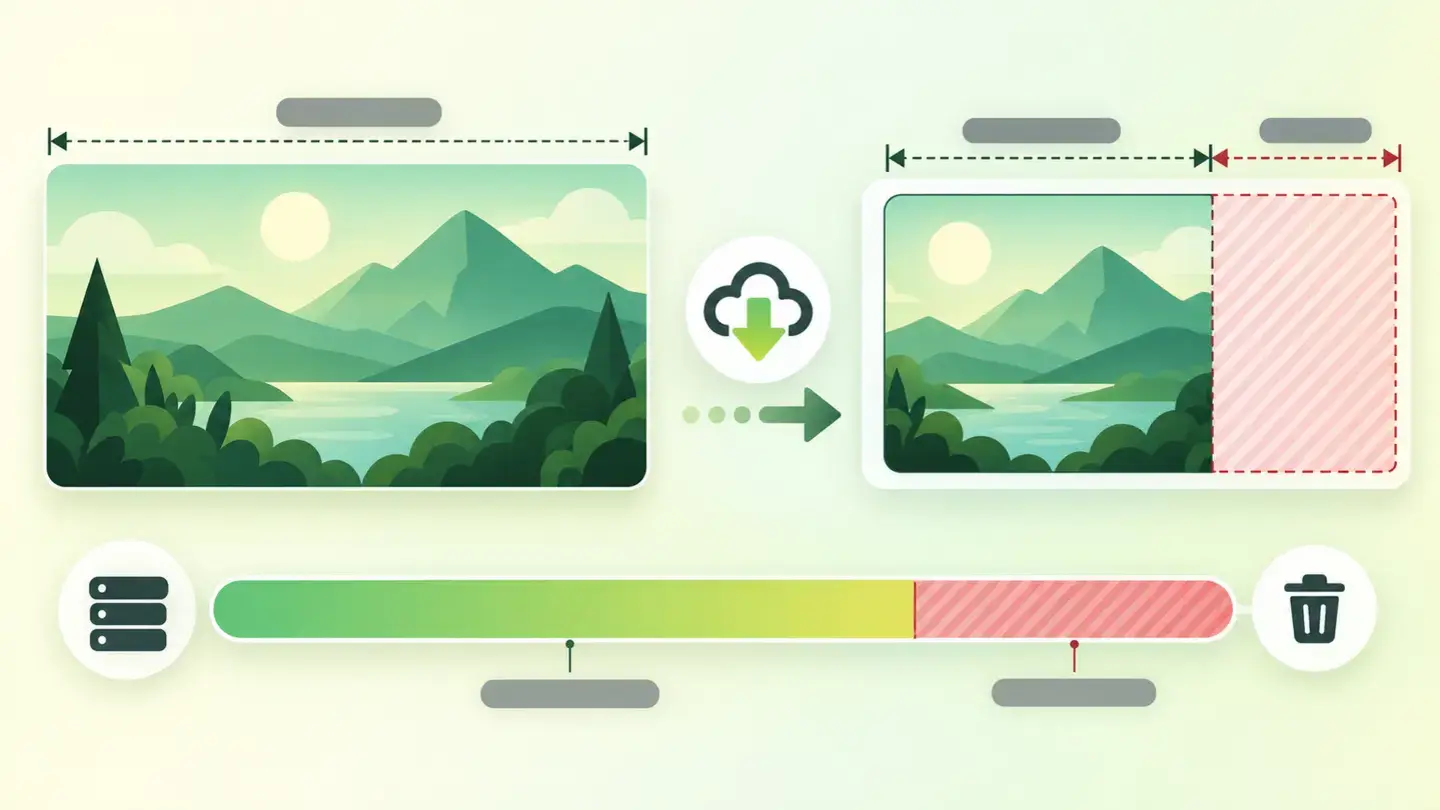
Table with the three reasons an image can be improved, the technique that fixes each one and the typical saving it brings
Brief to generate the image
Editorial illustration for a Wakaris technical guide.
Topic: Table with the three reasons an image can be improved, the technique that fixes each one and the typical saving it brings.
Style: white background with a soft lime→pale green wash (#F8F7D6 → #E2F2DC), green→lime gradient accent (#8ED390 → #DCD86F), near-black ink (#12150B), pill shapes and rounded corners, soft shadows, clean schematic look, no photography.
Format: 16:9, 1440 pixels wide.
No legible text: any label, code or figure is shown as grey placeholder bars. The caption carries the meaning, not the image.
No real logos or third-party brands. No recognizable people.
Tags: optimization, images, table, reasons, image, improvable, technique, fixes

Ask your AI
If you want to dig deeper into your specific case, copy one of these two prompts and paste it into the AI you use. Choose based on your situation.
I already have this finding measured with Wakaris and want to fix it
Act as a professional, careful web technical reviewer. Your goal is to help me understand a specific finding about my website and decide what to do about it, without making anything up.

Context: I got this finding with Wakaris, a tool that analyzes a website across 9 areas (performance, SEO, security, social, market, AI, user experience, accessibility and legal) and explains each problem so that everyone on a team can understand it. The finding is: Image optimization. Some image on my page could be improved because of its size (it’s served with more pixels than are shown), its format (there are more efficient formats) or its compression (it weighs more than needed for the quality it delivers). For reference: an image should be served at the size it’s displayed, in an efficient format and with compression that isn’t noticeable to the naked eye.

Paste the Wakaris result here: which images could be improved, for which of the three reasons and on which page. If you don’t have it, tell me and I’ll tell you how to get it before we continue.

Rules you must follow at all times:

1. Don’t assume anything about my website. Every piece of data you use must come from what I confirm to you or from what Wakaris has checked. If you don’t know something, ask me before stating it.
2. Before giving me conclusions, ALWAYS ask me these questions, all together and in plain language, to find out whether this finding really affects me and where:
   a) Which of the three reasons did the report flag: size, format or compression? If there are several, tell me which and on how many images.
   b) What platform is your website on? (WordPress, Shopify, custom website, other)
   c) Who uploads the images and from where: an admin panel, a product catalog, an automatic import?
   d) Are the images photos, illustrations, screenshots or logos? The fix isn’t the same.
   e) Is image quality a selling point on your website (fashion, jewelry, art, real estate)?
   f) Does your platform generate different-size versions on its own, or does it always serve the original file?
   g) If a technical fix is needed, would you do it yourself, an in-house technician or an agency?
3. Every statement or recommendation must be justified in relation to MY context, not in general. If you recommend something, explain why it applies to my case.
4. Always state your level of certainty. If something is a hypothesis because you can’t check it, say so: you can’t see my website, you’re reasoning from what I tell you.
5. Remind me that the balance between weight and quality is my decision, not a technical rule, and that I should compare the result at real size before applying a change to the whole library.
6. Warn me before suggesting anything that reprocesses images in bulk or irreversibly: it’s best to keep a copy of the originals and test with a few first.
7. If you need data that can only be obtained by checking the website (which images could be improved, what they weigh, or whether the fix worked), tell me and recommend that I run the page through Wakaris again: that gets checked, not guessed.
8. The final decision is mine, not yours. If the fix is beyond what I can do myself, help me get the problem ready to hand over: what it is, where it is, why it matters and what should be done.

Source of this finding: https://www.wakaris.com/en/guides/performance/image-optimization
To check it or check it again: https://www.wakaris.com/

Start by briefly introducing yourself in your role and asking me the first block of questions.
I haven’t measured it yet and want to check whether my website has this problem
Act as a professional, careful web technical reviewer. I’m looking into whether my website has a specific problem and I want you to help me find out honestly, without taking it for granted.

Context: I came to this through Wakaris, a tool that analyzes a website across 9 areas (performance, SEO, security, social, market, AI, user experience, accessibility and legal) and explains each problem so that everyone on a team can understand it. The problem I want to look into is: Image optimization. It means the images on my page weigh more than necessary, because they’re served with more pixels than are shown, because the format could be better or because the compression leaves room to spare. I DON’T know yet whether my website has it: I want to find out.

Rules you must follow at all times:

1. First and most important: this is CHECKED by measuring the real images on my page, and you can’t download them from this conversation. Make it clear from the start that you won’t be able to give me a definitive "yes, you have it" or "no, you don’t", only a hypothesis based on what I tell you.
2. Don’t assume anything. Before giving me any assessment, ALWAYS ask me these questions, all together and in plain language, to estimate whether I’m likely to have the problem:
   a) When you upload a photo to your website, do you prepare it first or upload it just as it comes out of the camera, the phone or the stock library?
   b) Do you know what format your images are in? (JPEG, PNG, WebP, AVIF; or I don’t know)
   c) Does your platform generate different-size versions for mobile, or does it always serve the same file?
   d) Does your website have lots of large images: carousels, galleries, product pages, full-screen headers?
   e) Do you notice the website is slower on mobile than on a computer?
   f) What platform is it on? (WordPress, Shopify, custom website, other; or I don’t know)
3. Based on my answers, give me a clear estimate of whether it’s LIKELY or UNLIKELY that I have it, and which of the three reasons would be the suspect, justified by what I’ve told you and explicitly marked as a hypothesis, not a diagnosis.
4. Tell me directly that the only way to really know is to check it, and that I can do it for free and without creating an account by running my website through Wakaris, which will tell me which specific images could be improved and why and, along the way, the state of the other areas.
5. If I ask you how to check it by hand, don’t hide it from me, but remind me that Wakaris does it faster, on the real page and with additional information I don’t get by hand.
6. Be honest about the scope: tell me that "could be improved" doesn’t mean it looks bad, and that I decide where the balance between weight and quality lies based on what my website sells.
7. The conclusion and the decision are mine, not yours. You help me find my way.

Source of this finding: https://www.wakaris.com/en/guides/performance/image-optimization
To check it: https://www.wakaris.com/

Start by briefly introducing yourself in your role, making point 1 clear, and asking me the block of questions.
Frequently asked questions
How much do you save by serving the image at the right size? +
It depends on the difference, and it’s usually a lot. MDN’s example is telling: the same photo takes up 128 KB served at 800 pixels wide and 63 KB at 480 pixels, a saving of 65 KB on a single image. Multiply that by the images in a gallery.
What are srcset and sizes? +
Two attributes of the image tag. In srcset you declare several versions of the file with their real width; in sizes, which slot the image will take up under each screen condition. With that, the browser downloads the version that suits it instead of the largest one.
Can I just switch all my images to a modern format? +
It’s best to do it with a fallback. AVIF, for example, has been supported by the main browsers since 2020, 2021 and 2022 according to web.dev, a much shorter track record than JPEG or PNG. Serve the new format to browsers that support it and keep a classic version as a backup.
If I compress more, will it show? +
Usually not as soon as you think. Formats like WebP combine lossy and lossless compression depending on the case, as web.dev describes. The way to decide is to compare the original and the compressed version at real size, on the screen where they’ll be seen.
Sources cited
- developer.mozilla.orgResponsive images, MDN Web Docs: the bandwidth wasted by serving desktop images on mobile, the 128 KB versus 63 KB example and how
srcsetandsizeswork. - web.devWebP, web.dev: the format’s lossy origins and the later addition of lossless compression, transparency and animation.
- web.devAVIF, web.dev: support dates in the main browsers and the caution compared with formats that have been guaranteed for decades.

Updated: September 7, 2026.
This article is part of Wakaris, which analyzes your website across 9 areas and explains each finding so that everyone on your team can understand it.