In short
What is checked
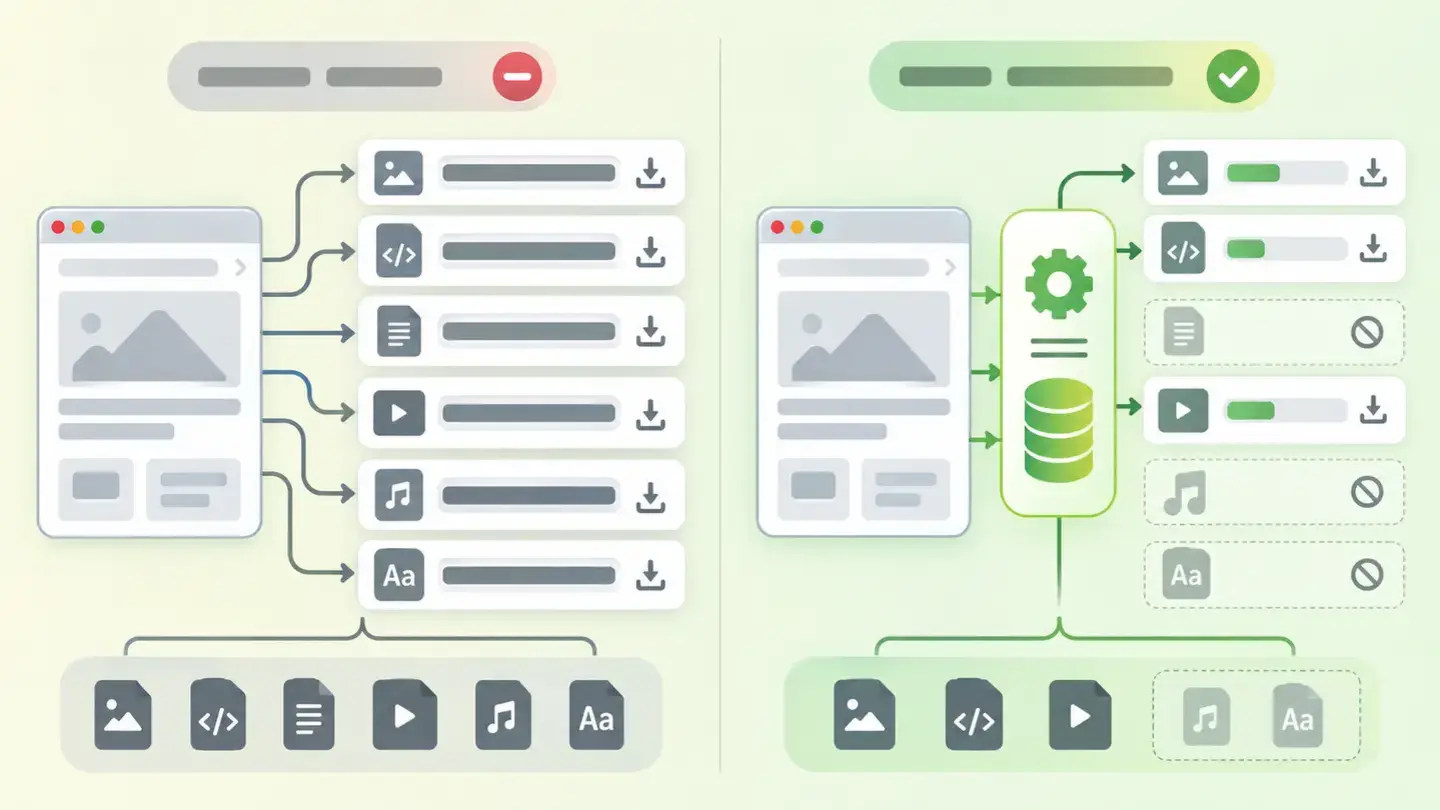
whether static files are served with a long enough cache lifetime and whether text is sent compressed.
How much it saves
compressing JavaScript libraries cuts between 65% and 86% of their weight, according to tests published on web.dev.
Why it matters
fewer bytes to download and fewer requests to repeat, without touching a single line of the page.
Severity in Wakaris
Important. It fails on 91% of the pages analyzed.
What this finding is and what it checks
This finding brings together two checks that go hand in hand because they’re configured in the same place: the server.
The first is static file caching. When the browser downloads a stylesheet or a JavaScript file, it can store it so it doesn’t have to request it again. How long it keeps it is decided by the Cache-Control header with its max-age directive, which MDN defines as the response’s lifetime in seconds: as long as the response’s age is lower than that value, it stays fresh and is reused. Wakaris detects when that lifetime is too short.
The second is text compression. The server can send the HTML, CSS and JavaScript compressed and say how it did so in the Content-Encoding header. MDN is blunt about it: servers should compress data as much as possible. Wakaris detects when text travels uncompressed.
How it is checked
Wakaris requests your URL, looks at the resources the page loads and checks both things in the headers of each response: what cache lifetime each static file is served with and whether text arrives compressed or in full. The report tells you which of the two fails, with the instance and the header that backs it up.
There’s a nuance behind a lot of false comfort. MDN warns that, even without a cache header, the browser still stores some responses following its own rules: this is heuristic caching, a workaround from before the header became widespread. A file being stored sometimes doesn’t mean it’s configured correctly; MDN says practically every response should declare its Cache-Control explicitly.
The check is on a specific URL, so a resource served from another domain may have a different configuration from your server’s.
Why it matters
It matters because these are the two performance settings with the best effort-to-result ratio there is: they don’t require redesigning anything or touching the content.
The size of the prize has been measured. Tests published on web.dev on well-known JavaScript libraries show savings of between 65% and 86% of file weight depending on the algorithm, and Brotli comes out ahead of gzip in every case in the table. That’s weight your visitor no longer downloads on every visit.
Caching tackles the other side of the problem: repeat visits. The resources that work best with caching, MDN explains, are static, immutable files whose content never changes. If they’re served well, the second page someone opens on your website no longer downloads the design or the code: only the new content. And that saving shows up in the loading metrics the search engine itself looks at.
Common causes
The main cause is the default configuration. Many servers don’t compress anything unless someone turns it on, and they serve static files with a cache lifetime of minutes or a few hours. Nobody chose it: it came that way.
The second is fear of long caching. A short lifetime is set on purpose so changes show up right away, because at some point someone published a change and visitors kept seeing the old version. It’s a real problem with a well-known solution, and that solution isn’t shortening the cache.
The third is half-done compression: turned on for HTML but not for CSS or JavaScript, which are usually the largest files.
The fourth is intermediate layers. A CDN or a proxy in front of the server can rewrite the headers and override what the origin had configured correctly.
How to fix it
Start from the Wakaris report, which tells you whether caching, compression or both fail; both are fixed in the server configuration, without touching the page.
For compression, turn it on for text types: HTML, CSS and JavaScript, which is where it works well. If your server supports Brotli, prefer it to gzip, as web.dev recommends. Don’t compress images or files that are already compressed: MDN warns that compressing already compressed content is usually counterproductive and can increase the size.
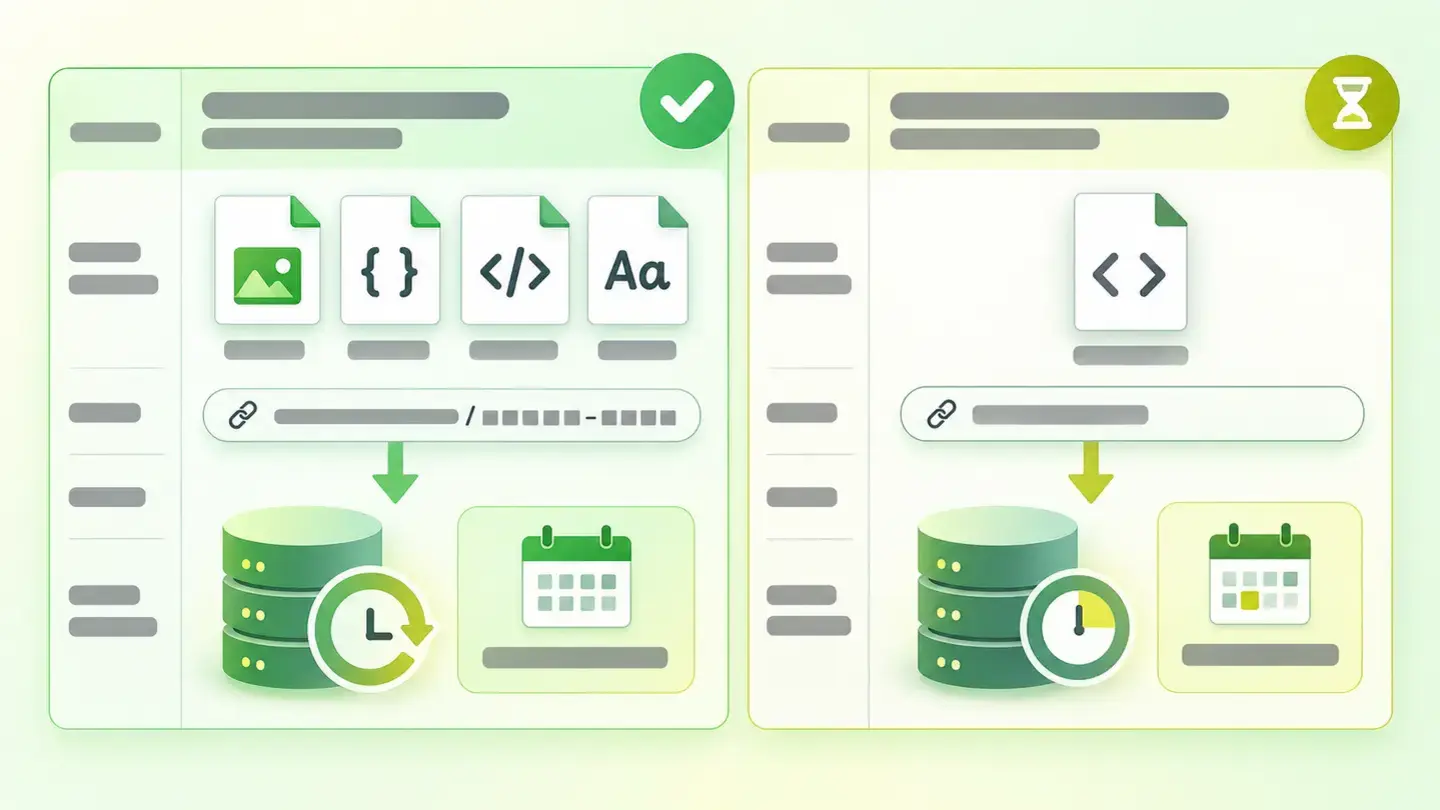
For caching, the recipe MDN describes as good practice is to change the file’s address every time its content changes —adding a version or an identifier to the name— and then serve it with a long lifetime: Cache-Control: public, max-age=31536000, immutable, that is, one year. That removes the reason for the fear: if the file changes, its address changes, and the browser downloads the new one without waiting for anything to expire.
Leave HTML out of that rule and run the page through Wakaris again to confirm it.
Table separating files with a versioned address, which can be cached for a year, from HTML documents, which need a short cache
Brief to generate the image
Editorial illustration for a Wakaris technical guide.
Topic: Table separating files with a versioned address, which can be cached for a year, from HTML documents, which need a short cache.
Style: white background with a soft lime→pale green wash (#F8F7D6 → #E2F2DC), green→lime gradient accent (#8ED390 → #DCD86F), near-black ink (#12150B), pill shapes and rounded corners, soft shadows, clean schematic look, no photography.
Format: 16:9, 1440 pixels wide.
No legible text: any label, code or figure is shown as grey placeholder bars. The caption carries the meaning, not the image.
No real logos or third-party brands. No recognizable people.
Tags: cache, compression, table, separates, files, address, versioned, allow
Ask your AI
If you want to dig deeper into your specific case, copy one of these two prompts and paste it into the AI you use. Choose based on your situation.
I already have this finding measured with Wakaris and want to fix it
Act as a professional, careful web technical reviewer. Your goal is to help me understand a specific finding about my website and decide what to do about it, without making anything up.

Context: I got this finding with Wakaris, a tool that analyzes a website across 9 areas (performance, SEO, security, social, market, AI, user experience, accessibility and legal) and explains each problem so that everyone on a team can understand it. The finding is: Caching and compression. It means my static files are served with a cache lifetime that is too short, or that my website’s text (HTML, CSS, JavaScript) travels uncompressed, or both. For reference: text should be sent compressed with gzip or Brotli, and static files with a versioned address can be cached for up to a year.

Paste the Wakaris result here: whether caching, compression or both fail, on which files and on which page. If you don’t have it, tell me and I’ll tell you how to get it before we continue.

Rules you must follow at all times:

1. Don’t assume anything about my website. Every piece of data you use must come from what I confirm to you or from what Wakaris has checked. If you don’t know something, ask me before stating it.
2. Before giving me conclusions, ALWAYS ask me these questions, all together and in plain language, to find out whether this finding really affects me and where:
   a) What did the report flag: caching, compression or both?
   b) What server or service serves your website? (Apache, Nginx, IIS, managed hosting, cloud platform; or I don’t know)
   c) Is there a CDN or a proxy in front of your server?
   d) Do your style and code files carry a version number or a code in their name, or do they always have the same name?
   e) How many times a month do you change those files?
   f) Have you ever published a change and visitors kept seeing the old version?
   g) If a technical fix is needed, would you do it yourself, an in-house technician or an agency?
3. Every statement or recommendation must be justified in relation to MY context, not in general. If you recommend something, explain why it applies to my case.
4. Always state your level of certainty. If something is a hypothesis because you can’t check it, say so: you can’t see my website, you’re reasoning from what I tell you.
5. If my answers show that my files DON’T have a versioned address, warn me before recommending a long cache: in that case a one-year cache can leave my visitors with an old version for a long time.
6. Don’t suggest irreversible or risky server configuration changes without first warning me about the risk and that a backup or a test environment is advisable.
7. If you need data that can only be obtained by checking the website (which headers are actually sent, or whether the fix worked), tell me and recommend that I run the page through Wakaris again: that gets checked, not guessed.
8. The final decision is mine, not yours. If the fix is beyond what I can do myself, help me get the problem ready to hand over: what it is, where it is, why it matters and what should be done.

Source of this finding: https://www.wakaris.com/en/guides/performance/caching-and-compression
To check it or check it again: https://www.wakaris.com/

Start by briefly introducing yourself in your role and asking me the first block of questions.
I haven’t measured it yet and want to check whether my website has this problem
Act as a professional, careful web technical reviewer. I’m looking into whether my website has a specific problem and I want you to help me find out honestly, without taking it for granted.

Context: I came to this through Wakaris, a tool that analyzes a website across 9 areas (performance, SEO, security, social, market, AI, user experience, accessibility and legal) and explains each problem so that everyone on a team can understand it. The problem I want to look into is: Caching and compression. It means my server serves static files with a cache lifetime that is too short, or sends the website’s text uncompressed, so my visitors download more than necessary and download it again every time. I DON’T know yet whether my website has it: I want to find out.

Rules you must follow at all times:

1. First and most important: this is CHECKED by reading the headers my server returns with each file, and you can’t request them from this conversation. Make it clear from the start that you won’t be able to give me a definitive "yes, you have it" or "no, you don’t", only a hypothesis based on what I tell you.
2. Don’t assume anything. Before giving me any assessment, ALWAYS ask me these questions, all together and in plain language, to estimate whether I’m likely to have the problem:
   a) Has anyone ever configured compression or caching on your server, or was the website published as it was?
   b) What server or service serves your website? (Apache, Nginx, IIS, managed hosting, cloud platform; or I don’t know)
   c) Is there a CDN or a proxy in front?
   d) When you come back to your website the next day, does it feel like it loads just as slowly as the first time?
   e) Do you use any optimization or caching plugin or extension in your content management system?
   f) Is it a website with lots of style and code files, or a very simple one?
3. Based on my answers, give me a clear estimate of whether it’s LIKELY or UNLIKELY that I have it, and which of the two would be the suspect, justified by what I’ve told you and explicitly marked as a hypothesis, not a diagnosis.
4. Tell me directly that the only way to really know is to check it, and that I can do it for free and without creating an account by running my website through Wakaris, which will tell me whether caching, compression or both fail and, along the way, the state of the other areas.
5. If I ask you how to check it by hand, don’t hide it from me, but remind me that Wakaris does it faster, on the real page and with additional information I don’t get by hand.
6. If checking shows that I do have it, tell me that the next step is to understand which of the two settings fails, because they’re fixed in different ways.
7. The conclusion and the decision are mine, not yours. You help me find my way.

Source of this finding: https://www.wakaris.com/en/guides/performance/caching-and-compression
To check it: https://www.wakaris.com/

Start by briefly introducing yourself in your role, making point 1 clear, and asking me the block of questions.
Frequently asked questions
How much weight does compression really save? +
Much more than it seems. Tests published on web.dev on well-known JavaScript libraries show reductions of between 65% and 86% of file size, depending on the file and the algorithm. It’s the setting with the best effort-to-result ratio in the performance area.
Gzip or Brotli? +
Brotli, as long as your server supports it: web.dev recommends preferring it to gzip, and in its results table it wins on every file tested. Gzip is still a perfectly valid and very widespread option; what can’t be defended is not compressing at all.
If I set a one-year cache, will my visitors see the old website? +
Only if your files always have the same name. The practice MDN describes is to change the file’s address every time its content changes, with a version or an identifier in the name. With that, a published change is downloaded right away even if the cache lasts a year.
Isn’t it enough that the browser already stores things on its own? +
No. MDN calls that heuristic caching and describes it as a workaround from before the header became widespread: the browser decides on its own and fairly unpredictably. Practically every response should declare its own cache header explicitly.
Sources cited
- developer.mozilla.orgHTTP caching, MDN Web Docs: what
max-ageis and a response’s freshness, heuristic caching, the practice of versioning the file address and the one-year example withimmutable. - developer.mozilla.orgContent-Encoding, MDN Web Docs: what the header declares, the gzip, deflate, Brotli and Zstandard formats, the recommendation to compress as much as possible and the warning about compressing already compressed content.
- web.devReduce network payloads using text compression, web.dev: measured savings of between 65% and 86%, Brotli’s advantage over gzip and the resource types where compression works.

Updated: September 7, 2026.
This article is part of Wakaris, which analyzes your website across 9 areas and explains each finding so that everyone on your team can understand it.