In short
What gets checked
two separate things: that the file is at the root and that its content follows the expected format.
Where it goes
at the root of the domain, as yourdomain.com/llms.txt.
What it doesn’t do
Google says its search engine ignores it and that having it neither helps nor hurts rankings.
Severity in Wakaris
Improvement. Missing or malformed on 90.8% of analyzed pages (internal Wakaris figure).
What it is and what this finding checks
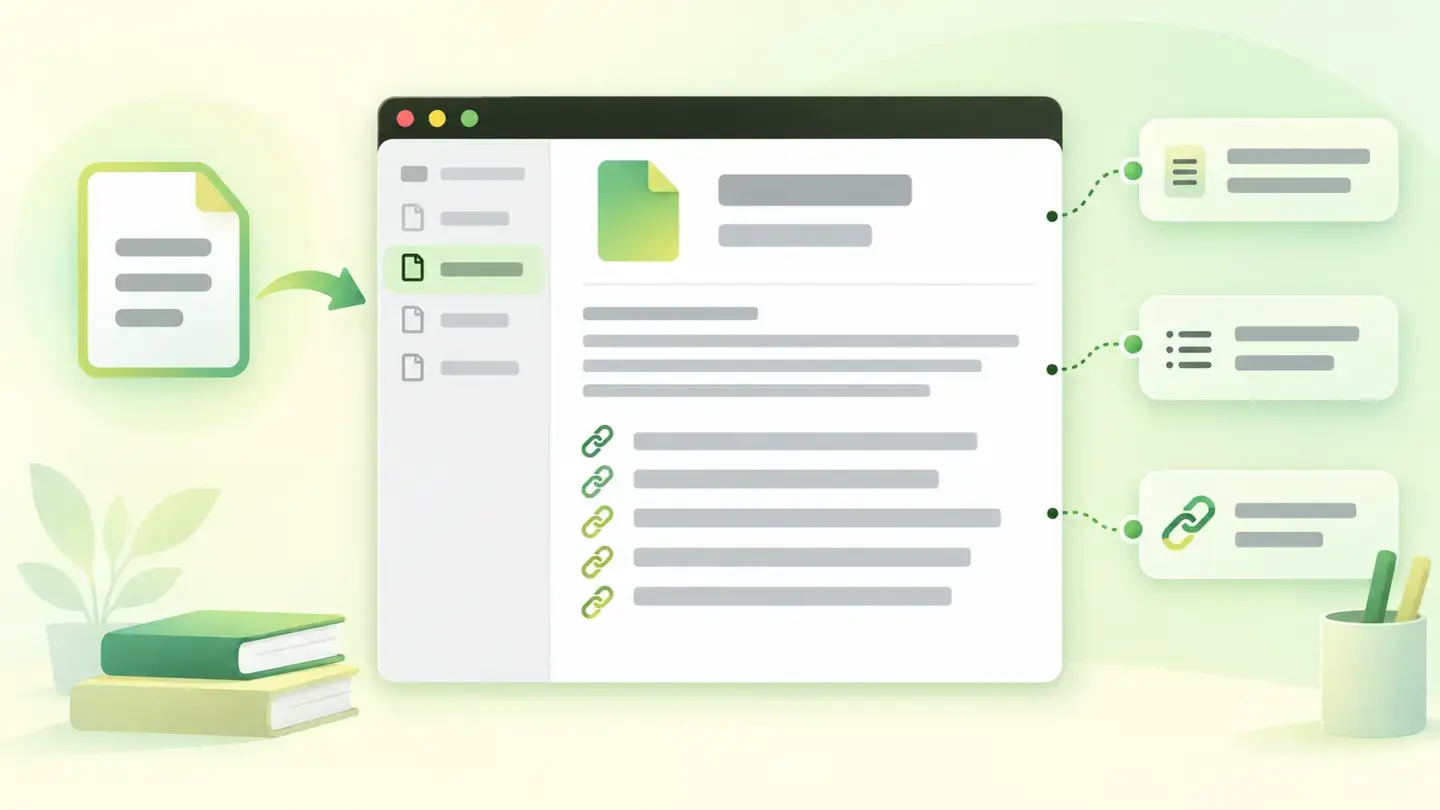
llms.txt is an emerging convention, not a standard approved by any body. The idea is simple: put a Markdown file at the root of the domain that explains in a few lines what the site is and links to its important pages, so an automated system can understand the structure without crawling all of it. Chrome’s developer documentation describes it as a machine-readable summary of a site’s content, meant for language models and agents.
This finding checks two different things, one per piece of evidence. The first is whether the file exists at the root. The second, only relevant if it exists, is whether its content matches the expected format rather than being a random dump. Missing and badly written are separate problems, and the Wakaris report tells you which one you have.
How it’s detected
Wakaris requests the file at the root of the domain you analyze and examines what comes back. The result has no grades: either the file isn’t there, or it’s there but its format isn’t the expected one, or it’s correct. Each of those two failures matches one of the finding’s two pieces of evidence, so the reading is direct and there’s no ambiguity about what the warning refers to.
One note on scope. llms.txt belongs to the domain, not the page: it lives at the root just like robots.txt, so this finding doesn’t change depending on the specific URL you give Wakaris. It’s the second case in the catalog with that trait, alongside AI crawler access, and it’s worth keeping in mind when reading a report for an inner page: the warning is about your whole site, not that address.
Why it matters
Precision matters here, because there’s a lot of exaggeration going around. Google says it plainly in its documentation: you don’t need to create machine-readable files, AI text files or Markdown to appear in its search engine, including its generative features, because the search engine doesn’t use them. And it adds that having them “will neither harm nor help your site’s visibility or rankings in Google Search, as Google Search ignores them”.
So why is it a finding? Because Google’s search engine isn’t the only one reading your website. Chrome’s developer documentation gives the concrete reason: without this file, an agent may have to spend more time crawling the site to understand its structure and main content. That’s the real value, and it’s modest and limited.
That’s why the severity in Wakaris is Improvement, the lowest of the three. It’s not an obligation or a shortcoming: it’s a convenience you can offer or not.
Common causes
The number one reason it’s missing is the simplest: most websites were built before the convention existed, and nobody has added anything since. With 90.8% of analyzed pages lacking it, the file is the exception, not the norm.
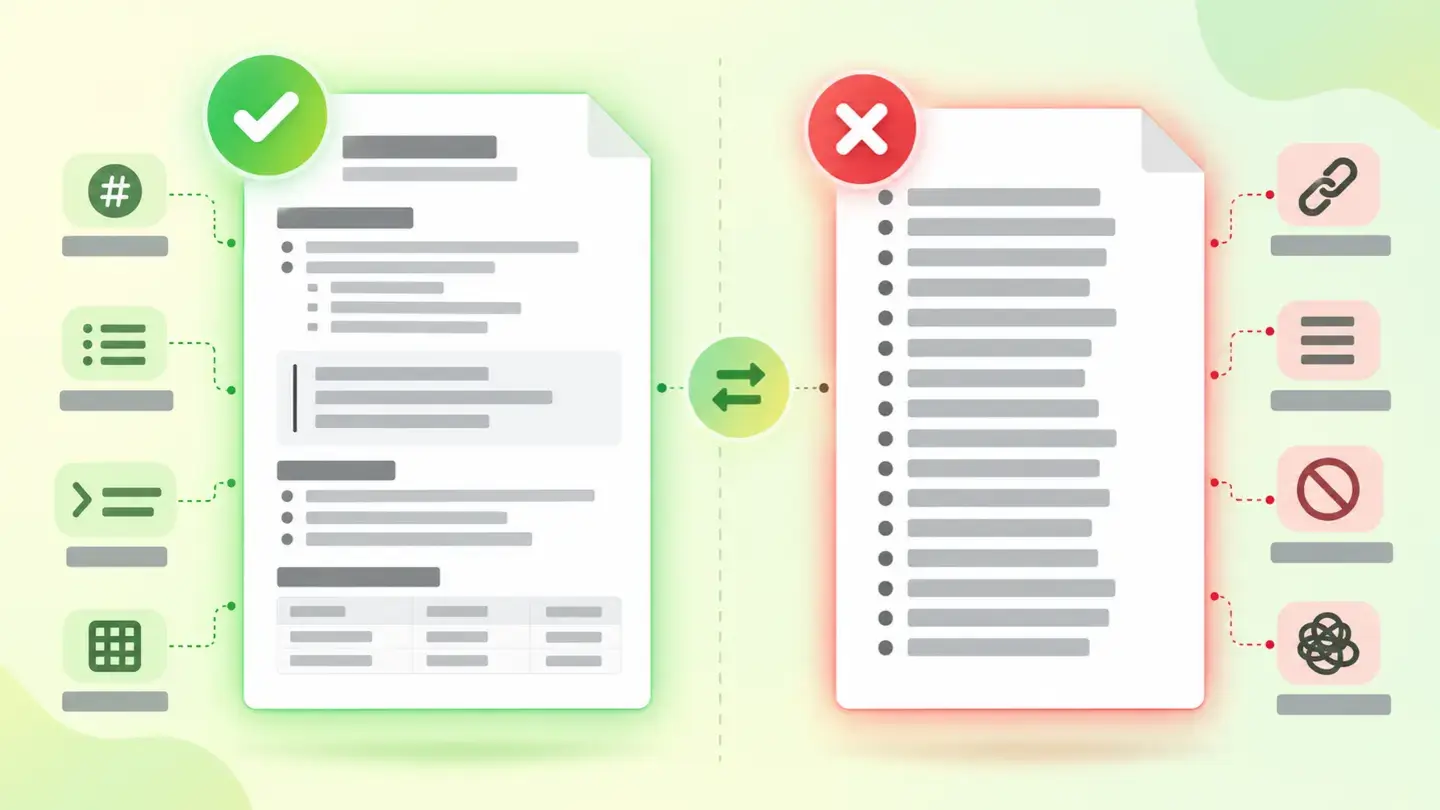
When the finding points to the format rather than its absence, the reasons repeat. The most frequent is having put a bare list of addresses there, a plain-text copy of the sitemap, when what’s expected is a Markdown document with a title, a short summary and lists of links with their descriptions.
Then come server slip-ups: the file placed in a subfolder instead of the root, or a domain set up to return the home page for any unknown address, so the request for llms.txt gets HTML instead of the file. In that case the file “exists” for the server and is unreadable for whoever asks for it.
How to fix it
First decide whether you want it: it’s not mandatory and it doesn’t affect your rankings. Wakaris tells you whether you have it and whether it’s well written, which keeps you from taking it for granted.
If you decide to have it, publish it at the root of the domain, reachable at yourdomain.com/llms.txt and served as text. Write it in Markdown and keep it short: a title with the site name, one line explaining what you do and lists of links with a short description for each. Prioritize what defines your business over an exhaustive index.
And one rule you shouldn’t skip: whatever you put there has to match what a person sees on your website. Serving automated systems a different version of reality isn’t optimization, it’s deception that eventually gets caught.
If what you want is to control AI systems’ access to your content, this isn’t the file: that’s done with robots.txt directives and the preview controls Google documents.
Comparison between a correct Markdown llms.txt and a plain, unformatted list of addresses
Brief to generate the image
Editorial illustration for a Wakaris technical guide.
Topic: Comparison between a correct Markdown llms.txt and a plain, unformatted list of addresses.
Style: white background with a soft lime→pale green wash (#F8F7D6 → #E2F2DC), green→lime gradient accent (#8ED390 → #DCD86F), near-black ink (#12150B), pill shapes and rounded corners, soft shadows, clean schematic look, no photography.
Format: 16:9, 1440 pixels wide.
No legible text: any label, code or figure is shown as grey filler bars. The caption carries the meaning, not the image.
No real logos or third-party brands. No recognizable people.
Tags: file, llms, txt, comparison, correct, markdown, plain, list
Ask your AI
If you want to dig into your specific case, copy one of these two prompts and paste it into the AI you use. Pick the one that fits your situation.
I already have the finding measured with Wakaris and want to fix it
Act as a professional, careful technical web consultant. Your goal is to help me understand a specific finding about my website and decide what to do about it, without making anything up.

Context: I got this finding from Wakaris, a tool that analyzes a website across 9 areas (performance, SEO, security, social, market, AI, user experience, accessibility and legal) and explains each problem so every role on a team can understand it. The finding is: llms.txt file. It’s a Markdown file that sits at the root of the domain and summarizes what the site is about and which pages are key, so AI agents don’t have to crawl the whole thing. Reference: either it’s missing, or it’s there but its format isn’t the expected one.

Paste the Wakaris result here: whether it says the file is missing or the format is wrong, and for which domain. If you don’t have it, tell me and I’ll explain how to get it before we continue.

Rules you must follow at all times:

1. Don’t assume anything about my website. Every piece of data you use must come from what I confirm or from what Wakaris measured. If you don’t know something, ask me before stating it.
2. Be honest about the scope from the start: this file is an emerging convention and Google’s search engine says it ignores it, so don’t sell it to me as an SEO lever. Help me decide whether it’s worth having.
3. Before giving me any conclusions, ALWAYS ask me these questions, all together and in plain language, to find out whether this finding really affects me and where:
   a) What platform is your website on? (WordPress, Shopify, custom build, other)
   b) Can you upload files to the root of the domain, or do you only have an admin panel?
   c) Roughly how many sections or page types does the site have?
   d) Do you care about AI assistants describing your business well, or is classic search your priority?
   e) Do you already have a published sitemap, and do you know where it is?
   f) Who would maintain the file when sections change: you, an in-house technician or an agency?
4. Every statement or recommendation must be argued with respect to MY context, not in general. If you recommend something, explain why it applies to my case.
5. Always flag your level of certainty. If something is a hypothesis because you can’t check it, say so: you can’t see my website, you’re reasoning from what I tell you.
6. If you help me write the file, the content must describe what’s actually on my website. Don’t suggest putting anything there that doesn’t exist or doesn’t match what a person sees when they visit.
7. If you need data that can only be obtained by checking the website (whether the file is there, whether the format is correct, or whether the fix worked), tell me and recommend I run the page through Wakaris again: that gets checked, not guessed.
8. The final decision is mine, not yours. Your role is to help me understand and prepare the action, not to decide for me.

Source of this finding: https://www.wakaris.com/en/guides/ai-visibility/llms-txt-file
To check it or check it again: https://www.wakaris.com/

Start by briefly introducing yourself in your role and asking me the first block of questions.
I haven’t measured it yet and want to check whether my website has this problem
Act as a professional, careful technical web consultant. I’m looking into whether my website has a specific problem and I want you to help me find out honestly, without taking it for granted.

Context: I came to this through Wakaris, a tool that analyzes a website across 9 areas (performance, SEO, security, social, market, AI, user experience, accessibility and legal) and explains each problem so every role on a team can understand it. The problem I want to look into is: llms.txt file. It’s a Markdown file that sits at the root of the domain and summarizes what the site is about and which pages are key, for AI agents. Reference: either it’s missing, or it exists with a format that isn’t the expected one. I do NOT know yet whether my website has it: I want to find out.

Rules you must follow at all times:

1. First and most important: this is checked by requesting the file from the domain, and you can’t access my website from this conversation. Make it clear from the start that you won’t be able to give me a definitive "yes, you have it" or "no, you don’t", only a hypothesis based on what I tell you.
2. Be honest about its importance too: it’s an emerging convention, not a standard, and Google’s search engine says it ignores it. Don’t present it to me as urgent.
3. Don’t assume anything. Before giving me any assessment, ALWAYS ask me these questions, all together and in plain language, to estimate whether I’m likely to have it:
   a) Do you know whether anyone has added a file meant for AI systems to your website in recent months?
   b) What platform is it on and who maintains it?
   c) Was the site launched or rebuilt recently, or has it been the same for years?
   d) Do you have a sitemap and a robots.txt file, or don’t you know that either?
   e) Has anyone on your team worked on visibility in AI assistants?
4. Based on my answers, give me a clear estimate of whether it’s LIKELY or UNLIKELY that I have it, explicitly marked as a hypothesis and not a diagnosis.
5. Tell me directly that the only way to really know is to check, and that I can do it for free and without creating an account by running my website through Wakaris, which will tell me whether the file is there, whether its format is valid and, along the way, the state of the other areas.
6. If I ask you how to check it by hand, don’t hide it from me, but remind me that Wakaris does it faster and also gives me the rest of the analysis.
7. If checking shows I don’t have it, help me decide whether it’s worth creating before I start writing it.
8. The conclusion and the decision are mine, not yours. You help me find my bearings.

Source of this finding: https://www.wakaris.com/en/guides/ai-visibility/llms-txt-file
To check it: https://www.wakaris.com/

Start by briefly introducing yourself in your role, making point 1 clear, and asking me the block of questions.
Frequently asked questions
Does having an llms.txt improve my ranking on Google? +
No. Google states in its documentation that its search engine doesn’t use these files and that having them will neither help nor hurt your site’s visibility or rankings. If your goal is search, the work is in your content and in making it crawlable, not in this file.
Is it the same as robots.txt? +
No, and it’s worth not mixing them up. robots.txt says what automated systems can and can’t crawl: it’s an access control. llms.txt controls nothing, it only summarizes and points the way. They share a location, the root of the domain, and little else.
If Google ignores it, why does Wakaris flag it? +
Because Google isn’t the only one reading your website. Chrome’s developer documentation notes that without this file an agent may take longer to understand the site’s structure. It’s a modest help, which is why the finding is listed as Improvement and not as something urgent.
Can I just put my sitemap in there? +
That’s not what’s expected. A list of addresses with no context is precisely the most common format mistake. The file should be a Markdown document with a title, a short summary of the site and lists of links, each with its own description.
Sources cited
- developers.google.comOptimization guide for generative AI features in Search, Google Search Central: “You don't need to create new machine readable files, AI text files, markup, or Markdown to appear in Google Search (including its generative AI capabilities), as Google Search itself doesn't use them”, and that keeping them “will neither harm nor help your site's visibility or rankings in Google Search”.
- developer.chrome.comllms.txt, Chrome for Developers: the definition of the file as an emerging convention and a machine-readable summary, its location at the site root, the Markdown format and the cost of not having it (“agents may spend more time crawling the site to understand its high-level structure and primary content”).
- developers.google.comAI features and your website, Google Search Central: “There are no additional requirements to appear in AI Overviews or AI Mode”, and that the real controls are robots.txt directives and preview controls.

Updated: September 8, 2026.
This article is part of Wakaris, which analyzes your website across 9 areas and explains each finding so every role on your team can understand it.