In short
What’s measured
three separate counts: broken links, broken internal anchors and invalid link URLs.
Threshold
more than zero. A single broken link already counts as a finding.
Why it matters
the reference documentation recommends minimizing broken links, internal and external, so as not to frustrate readers.
Severity in Wakaris
Important. It fails on 43% of the pages analyzed.
What this finding is and what it measures
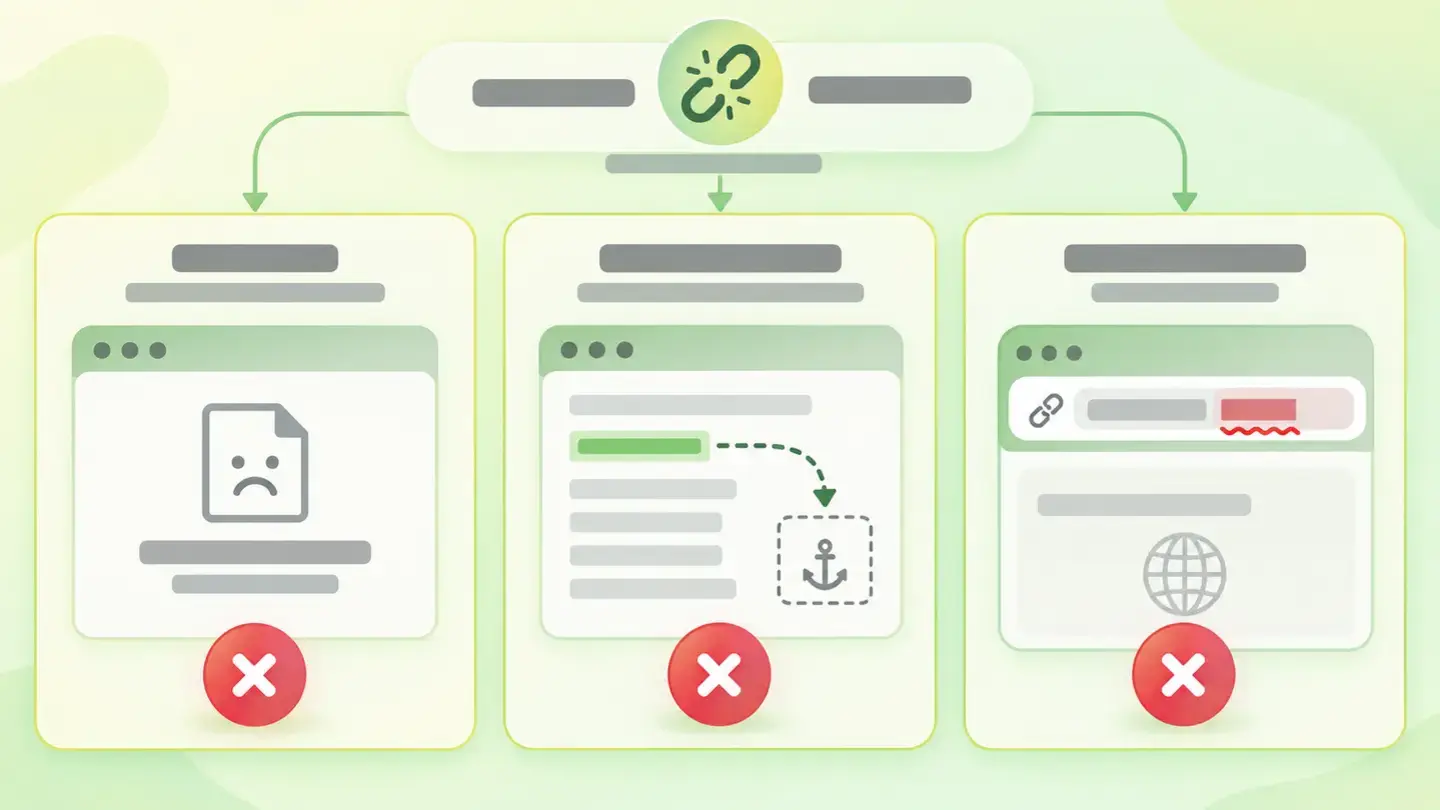
A link is a promise: it shows visible text and commits to taking you somewhere. This finding measures how many times your page breaks that promise, and distinguishes three ways of breaking it.
Broken links point to an address that exists as an address but doesn’t return the page. The typical case is the 404 error, which according to the reference documentation means the server can’t find the requested resource, without saying whether the absence is temporary or permanent.
Broken internal anchors are links with a hash, such as #precios, that point to a specific spot in the document. The browser resolves the part after the hash by looking for the element with that ID and scrolling to it. If the ID isn’t on the page, the link stays where it was.
Invalid link URLs are malformed addresses: incomplete paths, spaces, badly closed quotes or addresses that aren’t really addresses at all.
How it’s measured
Wakaris goes through the links on the URL you give it and tells you how many there are of each type, with details of which ones they are and the severity of the finding, without installing anything. It’s the direct way to know where you stand.
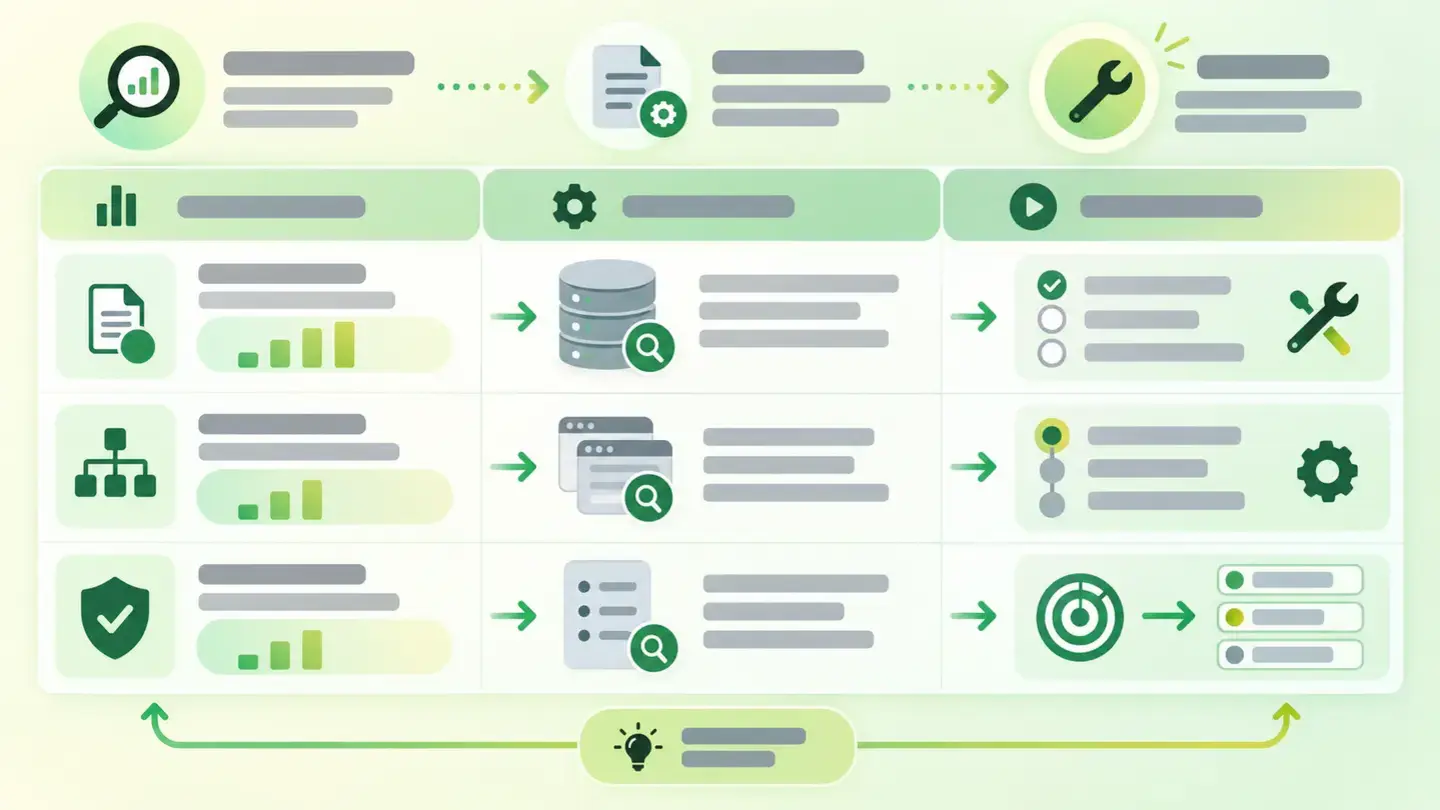
They’re three independent counts, and each one is obtained differently. Broken links are checked by requesting the address and seeing what comes back. Internal anchors are resolved within the document itself: the part after the hash is taken and the element with that ID is looked up. And invalid addresses are detected by reading the link, without requesting anything.
The threshold is the same for all three: more than zero. It’s worth understanding the consequence, because it isn’t minor. One broken link and fifty broken links produce the same finding with the same severity. The count helps you size the work, not grade how serious it is.
Inferred scope: the catalog doesn’t document whether the broken link count also includes links to other domains, nor how many redirects it follows before giving up.
Why it matters
The first reason is the most direct, and it’s the one the reference documentation gives: 404 errors make the experience worse for your visitors, which is why you should keep the number of broken links, both internal and external, to a minimum so as not to frustrate readers.
The second is about crawling. Search engines reach your pages by following links, and Google’s documentation is explicit about what it can follow: it only crawls a link if it’s an <a> element with an href attribute, and it doesn’t reliably extract addresses from elements without href or from other tags that act as links through code. A malformed address, or one placed where it shouldn’t be, is a page nobody may ever reach.
And the third is about credibility, which isn’t measured but is noticed. A menu with a dead link or a table of contents whose sections lead nowhere conveys neglect, and that impression carries over to the rest of the content.
Common causes
The most frequent cause is the passage of time. The site gets reorganized, addresses change, a page is unpublished, and the links pointing to it are still there. A link doesn’t warn you when its destination disappears.
The second is changes to the content structure. Internal anchors depend on specific IDs, and those IDs are usually generated from headings: if someone rewrites a heading, the ID changes and the links pointing to it stop finding anything. The reference documentation adds two rules that are easy to break: the ID must be unique across the whole document and can’t contain spaces.
The third is copy and paste. Addresses dragged in from a text document with curly quotes, relative paths copied from another section that now resolve incorrectly, or the classic half-written link.
And the fourth is the template: a faulty link in the header or footer is multiplied across every page of the site.
How to fix it
First, get the list, and for which page: Wakaris gives it to you in the report. From there, in order of effort versus result.
Start with the links in the template, the menu and the footer. There are few of them, they’re fixed in one place and the fix spreads to every page. It’s the best change per unit of effort.
Next, the internal anchors, which you can fix without leaving the document: check that the ID each link points to exists exactly as written, without spaces and without being repeated on the page.
With broken links, decide destination by destination. If the page exists at another address, point to the new one; if it’s gone, send the link to the closest equivalent content or remove it. And if the content was removed for good, the reference documentation recommends returning a 410 instead of a 404: a 410 says the absence is permanent.
Leave invalid addresses for last, as they’re almost always typos, and check that every link is an <a> element with its href.
Table with the finding’s three counts, how each one is obtained and where to start fixing them
Brief to generate the image
Editorial illustration for a Wakaris technical guide.
Topic: Table with the finding’s three counts, how each one is obtained and where to start fixing them.
Style: white background with a soft lime→pale green wash (#F8F7D6 → #E2F2DC), green→lime gradient accent (#8ED390 → #DCD86F), near-black ink (#12150B), pill shapes and rounded corners, soft shadows, clean schematic look, no photography.
Format: 16:9, 1440 pixels wide.
No legible text: any label, code or figure is shown as gray placeholder bars. The caption carries the meaning, not the image.
No real logos or third-party brands. No recognizable people.
Tags: integrity, navigation, table, counts, finding, how, obtained, where
Ask your AI
If you want to dig into your specific case, copy one of these two prompts and paste it into the AI you use. Pick the one that fits your situation.
I already have the finding measured with Wakaris and want to fix it
Act as a professional, careful technical web analyst. Your goal is to help me understand a specific finding about my website and decide what to do about it, without making anything up.

Context: I got this finding from Wakaris, a tool that analyzes a website across 9 areas (performance, SEO, security, social, market, AI, user experience, accessibility and legal) and explains each problem so that every profile on a team can understand it. The finding is: Navigation integrity. My page has links that don’t take you where they promise, and three types are counted separately: broken links (the address doesn’t return the page), broken internal anchors (the hash link points to a spot in the document that doesn’t exist) and invalid link URLs (the address is written incorrectly). Reference: the threshold is more than zero, so a single faulty link already counts.

Paste the Wakaris result here: how many links of each type came up, on which analyzed page and, if it lists them, which ones they are. If you don’t have it, tell me and I’ll explain how to get it before we continue.

Rules you must follow at all times:

1. Don’t assume anything about my website. Every piece of data you use must come from what I confirm or what Wakaris has measured. If you don’t know something, ask me before stating it.
2. Before giving me conclusions, ALWAYS ask me these questions, all together and in plain language, to find out whether this finding really affects me and where:
   a) What platform is your website on? (WordPress, Shopify, custom-built, other)
   b) Of the three types, which one came up with the most cases?
   c) Are the faulty links in the menu, the footer or inside the text of the pages? Do you know whether any come from the template and repeat across the whole site?
   d) Have you reorganized the site, changed addresses or unpublished pages in recent months?
   e) Do you add the links by hand in the editor, or are they generated by the template or a plugin?
   f) If the template or server configuration needs changing, would you do it yourself, an in-house technician or an agency?
3. Every statement or recommendation must be reasoned in relation to MY context, not in general. If you recommend something, explain why it applies to my case.
4. Always flag your level of certainty. If something is a hypothesis because you can’t measure it, say so: you can’t see my website, you’re reasoning about what I tell you.
5. Don’t suggest irreversible or risky technical changes (server redirects, deleting pages, direct changes on the live site) without first warning me about the risk and that a backup or test environment is advisable.
6. Help me prioritize: tell me which fixes repair the most links with the least work and which I can leave for later.
7. If you need data that can only be obtained by measuring the website (confirming the count, or whether the fix worked), tell me and recommend that I run the page through Wakaris again: that gets measured, not guessed.
8. The final decision is mine, not yours. Your role is to help me understand and prepare the action, not to decide for me.
9. If the fix goes beyond what I can do myself, or a team will carry it out, help me get the problem ready to hand over: what it is, where it is, why it matters and what needs to be done, in an actionable format for that person.

Source for this finding: https://www.wakaris.com/en/guides/user-experience/navigation-integrity
To measure it or measure it again: https://www.wakaris.com/

Start by briefly introducing yourself in your role and asking me the first set of questions.
I haven’t measured it yet and want to check if my website has this problem
Act as a professional, careful technical web analyst. I’m looking into whether my website has a specific problem and I want you to help me find out honestly, without taking it for granted.

Context: I came across this through Wakaris, a tool that analyzes a website across 9 areas (performance, SEO, security, social, market, AI, user experience, accessibility and legal) and explains each problem so that every profile on a team can understand it. The problem I want to look into is: Navigation integrity. It means having links that don’t take you where they promise, and three types are counted: broken links, broken internal anchors and mistyped addresses. Reference: the threshold is more than zero, so a single faulty link already counts. I DON’T know yet whether my website has it: I want to find out.

Rules you must follow at all times:

1. First and most important: this is checked link by link, and you can’t open my website’s links from this conversation. Make it clear from the start that you won’t be able to give me a definitive "yes, you have it" or "no, you don’t", only a hypothesis based on what I tell you.
2. Don’t assume anything. Before giving me any assessment, ALWAYS ask me these questions, all together and in plain language, to estimate whether I’m likely to have the problem:
   a) How old is your website and roughly how much content does it have?
   b) Have you ever reorganized the site, changed addresses or removed pages without then checking the links that pointed to them?
   c) Do you have pages with an internal table of contents, like "go to" or "jump to a section"? Have you rewritten those section headings after creating the table of contents?
   d) Do you link a lot to third-party websites, for example in older articles?
   e) Has anyone ever told you that a link on your website doesn’t work?
3. Based on my answers, give me a clear estimate of whether it’s LIKELY or UNLIKELY that I have it, and which of the three types would be the suspect, reasoned from what I’ve told you and explicitly marked as a hypothesis, not a diagnosis.
4. Tell me plainly that the only way to know for sure is to measure it, and that I can do it for free and without creating an account by running my website through Wakaris, which will give me the count for each type, which links are affected and the status of the other areas too.
5. If I ask you how to check it by hand, don’t hide it from me, but remind me that checking links one by one doesn’t scale and that Wakaris does it faster, on the real page and with additional information I don’t get by hand.
6. If measuring shows that I do have it, tell me the next step is to understand how it affects me and where to start fixing it in my specific case.
7. The conclusion and the decision are mine, not yours. You help me find my bearings.

Source for this finding: https://www.wakaris.com/en/guides/user-experience/navigation-integrity
To measure it: https://www.wakaris.com/

Start by briefly introducing yourself in your role, making point 1 clear, and asking me the set of questions.
Frequently asked questions
How many broken links are too many? +
For this finding, one. The threshold is more than zero, so a single faulty link already triggers it. The count Wakaris gives you helps you size the work and decide where to start, not tell whether the situation is serious or minor.
What is a broken internal anchor? +
A link with a hash, such as #precios, that points to a spot in the document that doesn’t exist. The browser looks for the element with that ID to scroll to it; if it doesn’t find it, nothing happens and whoever clicked stays where they were.
Is it my fault if an external link breaks? +
The page that disappeared isn’t, but the link is yours. Whoever clicks runs into the error from your website, so the bad experience is yours. Outgoing links age on their own and are worth reviewing now and then, especially in older content.
Is a nice 404 page enough? +
It helps, but it doesn’t fix the link. A good error page rescues people who are already lost; the faulty link keeps sending people to the wrong place. Fix the link first, then take care of the error page for the cases you don’t control.
Sources cited
- developer.mozilla.org404 Not Found, MDN: the definition of the 404 code, which doesn’t distinguish whether the absence is temporary or permanent, the recommendation to return 410 when the resource is removed for good and to minimize the number of broken links, internal and external, so as not to frustrate readers.
- developer.mozilla.orgFragment, MDN: what the part of the address after the hash is, that it’s resolved by the browser and not the server, and that it corresponds to the ID of an element in the document.
- developer.mozilla.orgid, MDN: the ID must be unique across the whole document, can’t contain spaces and serves as the target of a hash link.
- developers.google.comMake your links crawlable, Google Search Central: Google only crawls a link if it’s an
<a>element with anhrefattribute, and doesn’t reliably extract addresses from elements withouthref.

Updated: September 7, 2026.
This article is part of Wakaris, which analyzes your website across 9 areas and explains each finding so that every profile on your team can understand it.