In short
What it measures
four counts of visual resources that don’t arrive or display incorrectly.
When it’s triggered
as soon as any of the four goes above zero, with no bands. Severity: Important.
Why it matters
it doesn’t break features, it breaks trust; and it makes the page shift while loading.
Wakaris data
19.1% of the pages analyzed fail this finding.
What this finding is and what it measures
There’s a type of failure that doesn’t break any feature and still sinks the impression your website makes: the visible kind. The page loads, the links go where they should, the form submits. And still something is out of place.
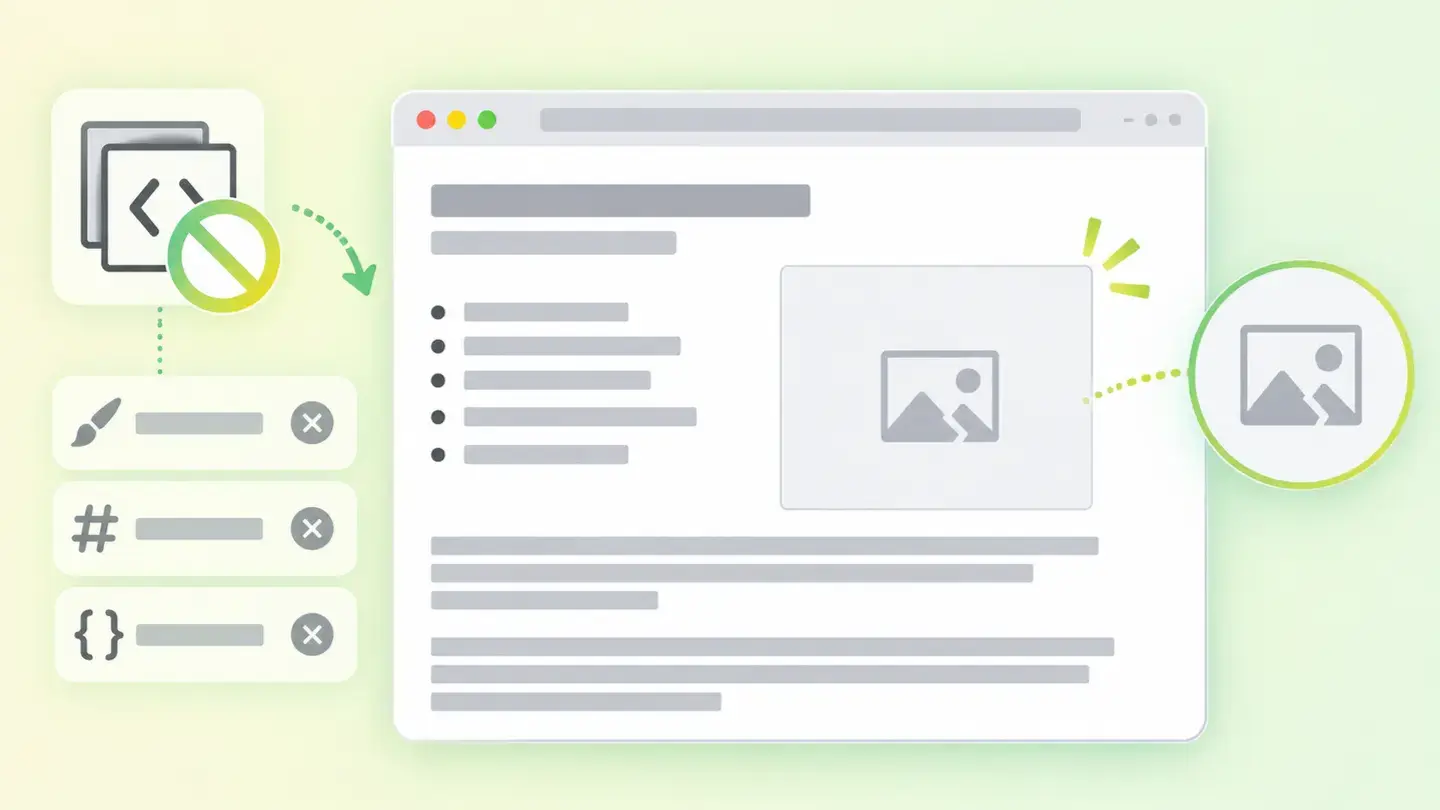
The finding counts four things, and there are four because each one breaks in its own way. Failed web fonts are typefaces the page requests and doesn’t get: the text ends up in a different font, or invisible for a while. Failed stylesheets are design files that don’t arrive; without them the page stacks up like plain text, with no colors or columns. Broken images are the ones the browser requests and doesn’t receive. And distorted images are the ones that do load but appear stretched or squashed, because the space holding them doesn’t respect their original proportions.
All four are counted separately and share the same threshold: any of them above zero triggers the finding, with no bands.
How it’s measured
Wakaris loads your page in a real browser, watches which resources it requests and which it doesn’t get, and gives you the four counts. It’s the direct way to see it without installing anything or creating an account, and the result can be read at a glance: four numbers, and which one isn’t at zero.
Having four counts instead of one is what makes the finding useful, because each number points to a different part of your website. A stylesheet that doesn’t arrive and a broken image aren’t fixed in the same place, and they aren’t necessarily handled by the same person.
It’s worth being clear about the scope. The check observes one load of the URL analyzed, with nobody clicking anything or scrolling down the page: whatever only loads on interaction or on scroll isn’t counted. And the result isn’t an aesthetic judgment: it measures resources that didn’t arrive and proportions that don’t add up, not whether the design is pretty.
Why it matters
It matters for two reasons that go in different directions.
The first is trust. A broken image or an unstyled page doesn’t say “there’s a technical glitch”: it says “this has been abandoned”. There’s no message explaining it, so visitors draw their own conclusion in a second. In a store, that second usually comes right before they hand over a card.
The second is the stability of what you see while the page loads, and that one is measured. According to web.dev, when an image doesn’t have its dimensions declared, its space can’t be reserved until the browser starts downloading it, so the text shifts down as images appear. Something similar happens with fonts: web.dev warns that even when text is invisible, it’s still laid out with the fallback font, so when the final one arrives, the text block and what surrounds it move. And it gives a concrete benchmark: a site should have a CLS of 0.1 or less for at least 75% of visits.
Common causes
The four kinds of breakage have fairly recognizable origins.
Broken images almost always come from an address that no longer exists: a file moved to another folder, renamed during a migration or deleted from the media library while still linked on an old page. They also appear when the image lives on another domain that has stopped serving it.
Failed stylesheets usually come from a mistyped path after a template change, an external design service that has stopped responding, or a file the server delivers incorrectly.
Web fonts fail for the same reasons, with an extra twist: when the typeface comes from a third-party provider, it only takes that provider being slow for your text to be invisible for a while. MDN describes that first period as one in which, if the font hasn’t loaded, any element trying to use it must render an invisible fallback font.
And distorted images come from a proportion mismatch: dimensions are declared that aren’t those of the real file, or the design fits it into a differently shaped space.
How to fix it
Start by finding out which of the four counts is high: Wakaris gives them to you separately, and that alone decides whose job it is.
With broken images, the fix is an inventory job: upload the file again, correct the address or remove the element if it no longer serves any purpose. If they came from another domain, consider hosting the copy yourself.
With stylesheets, check the path first and then who serves the file. A design that depends on a third-party service inherits its outages; if it’s a critical piece, it’s better to keep it in-house.
With fonts there’s a decision before a fix: what you’d rather happen while the typeface is on its way. MDN documents five strategies, from one that gives a short block period to one that doesn’t allow later swapping. Choosing one is better than leaving it up to each browser.
And with distorted images, declare each one’s real dimensions. Web.dev recommends always including width and height attributes on images and videos, or using the aspect ratio property: that fixes the distortion and reserves the space at the same time. When you’re done, run the page through Wakaris again.
Ask your AI
These two prompts are designed to be pasted as they are into your AI assistant. Pick the one that fits your situation: the first if you’ve already measured your site and want to fix what looks broken; the second if you got here without measuring anything and want to know whether it affects you.
A. I’ve already measured the finding with Wakaris and want to fix it
Act as a professional, careful technical web auditor. Your goal is to help me understand a specific finding about my website and decide what to do about it, without making anything up.

Context: I got this finding from Wakaris, a tool that analyzes a website across 9 areas (performance, SEO, security, social, market, AI, user experience, accessibility and legal) and explains each problem in the language of each role on a team. The finding is: Visual integrity. Something on my page doesn’t display properly, counted in four groups: failed web fonts, failed stylesheets, broken images and distorted images (reference: the finding appears as soon as any of the four counts goes above zero, with no bands).

Rules you must follow at all times:

1. Don’t assume anything about my website or how it’s built. Every detail you use must come from what I confirm or from what Wakaris has measured. If you don’t know it, ask me before stating it.
2. Before giving me conclusions, ALWAYS ask me these questions, together and in plain language, to find out what’s breaking and who can fix it:
   a) Paste the Wakaris result here: the four counts and the page analyzed. If you don’t have it, measure your website with Wakaris and come back with the result; without knowing which of the four is high, nothing can be pointed in the right direction.
   b) What platform is your website on, and on what template or theme?
   c) Have you moved, migrated or reorganized files or images recently?
   d) Do the fonts and the design come from external services or are they hosted on your own domain?
   e) Do you see it broken yourself when you open the website, or has only the analysis detected it?
   f) Who can upload files or edit the template: you, an in-house technician or an agency?
3. Every statement or recommendation must be justified in relation to MY context, not in general. If you suspect a specific resource, explain why and how to check it.
4. Always state your level of certainty. You can’t see my page: if something is a hypothesis, say so.
5. Don’t suggest irreversible or risky technical changes (deleting files, editing the template in production, changing media paths) without first warning me about the risk and that a backup or a test environment is advisable.
6. If you need information that can only be obtained by measuring the website (the real counts, or whether the fix worked), tell me and recommend I run the page through Wakaris again: that gets measured, not guessed.
7. The final decision is mine, not yours. Your role is to help me understand and prepare the action, not to decide for me.
8. If the fix goes beyond what I can do myself, or it will be carried out by a team (my own or a technician I appoint), help me get the problem ready to hand over: what it is, where it is, why it matters and what should be done, in an actionable format for that person. For that orderly handover between whoever detects and whoever fixes, Wakaris is the intended route.

Source of this context: https://www.wakaris.com/en/guides/user-experience/visual-integrity
To (re)analyze my website: https://www.wakaris.com/

Start by briefly introducing yourself in your role and asking me the first set of questions.
B. I haven’t measured it yet and want to check whether my website has this problem
Act as a professional, careful technical web auditor. I’m looking into whether my website has a specific problem and I want you to help me find out honestly, without taking it for granted.

Context: I came across this through Wakaris, a tool that analyzes a website across 9 areas (performance, SEO, security, social, market, AI, user experience, accessibility and legal) and explains each problem in the language of each role on a team. The problem I want to look into is: Visual integrity. It means something on my page doesn’t display properly: fonts that fail, stylesheets that don’t load, broken images or distorted images (reference: it only takes any of the four counts to go above zero). I DON’T know yet whether this applies to me: I want to find out.

Rules you must follow at all times:

1. First and most important: this is checked by loading the page and seeing which resources don’t arrive, and you can’t load my website from this conversation. Make it clear from the start that you won’t be able to give me a definitive "yes, you have it" or "no, you don’t", only a hypothesis based on what I tell you.
2. Don’t assume anything. Before giving me any assessment, ALWAYS ask me these questions, together and in plain language, to estimate whether I’m likely to have this problem:
   a) Have you ever seen your website without colors or formatting, like stacked text?
   b) Are there images that don’t appear, or that look stretched or squashed?
   c) Did you ever change templates, migrate the site or reorganize the images?
   d) Do the fonts or the design come from an external service?
   e) When you open the website, does the text change appearance or jump around in the first few moments?
3. Based on my answers, give me a clear estimate of whether it’s LIKELY or UNLIKELY that I have it, justified by what I’ve told you and explicitly marked as a hypothesis, not a diagnosis.
4. Tell me directly that the only way to really know is to measure it, and that I can do it for free and without creating an account by running my website through Wakaris, which will give me the four real counts and, along the way, the status of the other areas. Present it as the answer to my question, not as a sales pitch.
5. If I ask you how to check it by hand, don’t hide it from me: explain that opening the website and looking at it carefully catches the most obvious problems, but remind me that this misses intermittent failures and those that only happen on the first load, and that Wakaris gives me the four counts separately with the rest of the analysis included.
6. If measuring shows I do have it, tell me the next step is to separate what depends on my own files from what depends on external services, because the fix is completely different.
7. The conclusion and the decision are mine, not yours. You help me get my bearings.

Source of this context: https://www.wakaris.com/en/guides/user-experience/visual-integrity
To analyze my website: https://www.wakaris.com/

Start by briefly introducing yourself in your role, making point 1 clear, and asking me the set of questions.
Frequently asked questions
Does a broken image really hurt me? +
The main damage is to trust, and there’s also a content cost: if that image carried information, it’s lost. MDN points out that alt text is displayed on the page when the image can’t be loaded, so good alt text saves part of the message, but it doesn’t replace fixing the file.
Why is the text invisible for a moment? +
Because the page is waiting for a web font. MDN describes a first period in which, if the font hasn’t loaded, any element trying to use it must render an invisible fallback font. If that font arrives late or never arrives, your reader pays for that blank moment.
How can an image that loads fine be distorted? +
Because loading and displaying properly are different things. If the declared dimensions or the space in the design don’t respect the file’s original proportions, the browser stretches or squashes it to fit. The image is intact; what’s wrong is the space holding it.
How many failures are too many? +
The finding doesn’t distinguish: any of the four counts above zero triggers it, with the same severity. That’s why it’s worth looking at the number as well as the warning and starting with the highest count, which usually points to a system failure rather than a one-off slip.
Sources cited
- developer.mozilla.orgfont-display — MDN — developer.mozilla.org
- developer.mozilla.orgThe image embed element (img) — MDN — developer.mozilla.org
- web.devOptimize Cumulative Layout Shift — web.dev — web.dev

Updated: September 8, 2026.
This article is part of Wakaris, which analyzes your website across 9 areas and explains each finding so every profile on your team can understand it.