In short
What is checked
that robots.txt, the meta robots tag, the HTTP header and the canonical tag say the same thing.
The costliest conflict
blocking in robots.txt a page that carries noindex.
Severity in Wakaris
Important. It appears on 78% of the pages analyzed.
Tie-breaker rule
between contradictory robots rules, the most restrictive one wins.
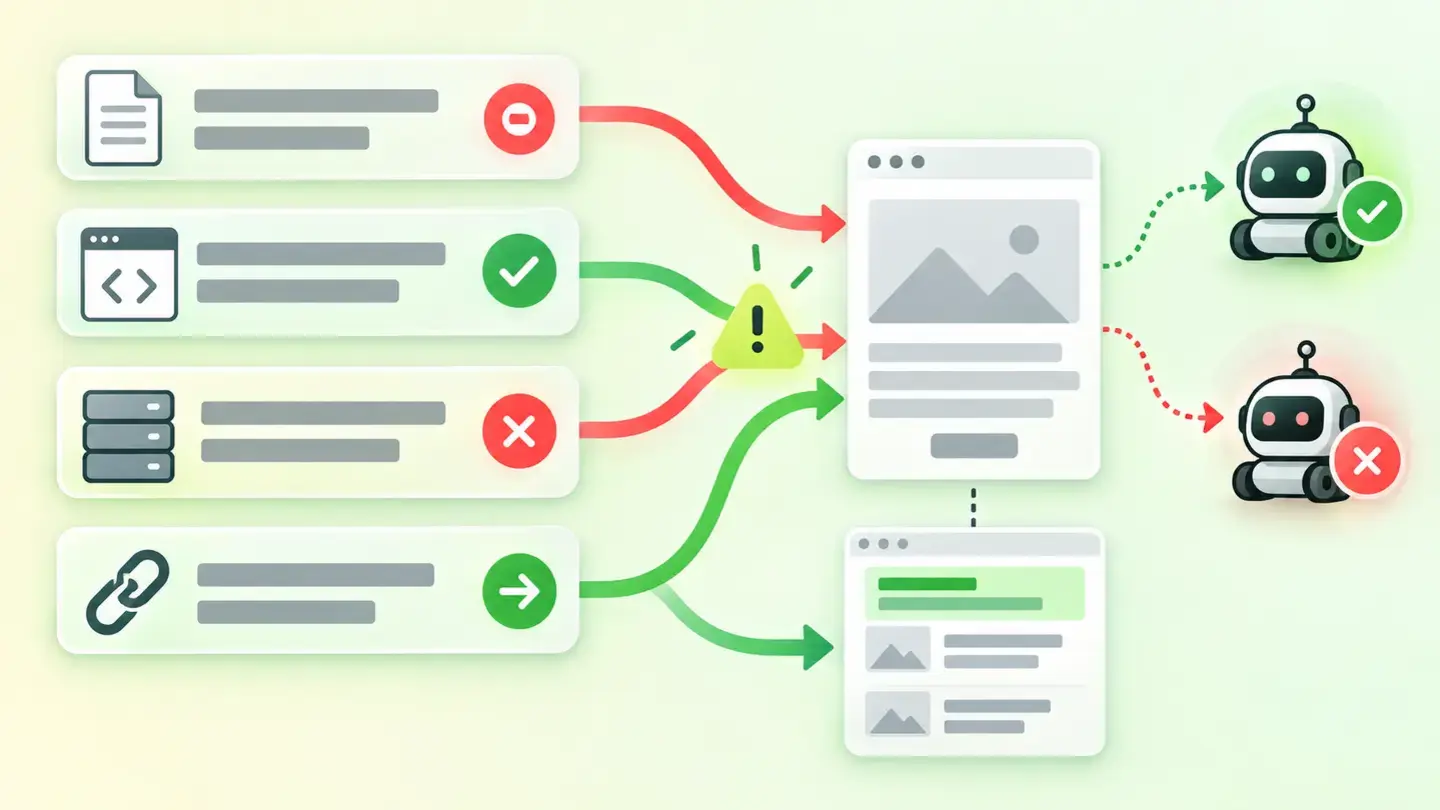
What this finding is and what it checks
A page can give a search engine instructions from four places, and each one works on a different layer. The robots.txt file decides whether the crawler can get in. The robots meta tag and the X-Robots-Tag header decide whether what it has read can be indexed. And the canonical tag says which URL represents that content when there are several similar ones.
Because they’re separate layers, nothing stops you from combining them incoherently. That’s where this finding shows up: not because a directive is missing, but because the ones that exist get in each other’s way.
There’s an asymmetry worth keeping in mind from the start. Robots rules are orders; the canonical isn’t. Google’s documentation describes it as a strong signal of what the canonical URL should be, and adds that none of those methods is mandatory. Wakaris marks this finding with Important severity.
How it is checked
Wakaris analyzes the URL you give it and cross-checks what those four layers say: it reads the robots meta tag in the HTML, the response header, the domain’s robots.txt file and the canonical tag. It then compares the combinations that can’t coexist and returns the specific clash.
The result comes in three forms. One is the combination of noindex with a canonical pointing to another address, which is the case the engine gives its own name to. The other two describe instructions that restrict different things or are outright incompatible with each other.
It’s worth knowing how some of those clashes are resolved, because not all of them end in a tie. When two robots rules contradict each other, Google documents that the most restrictive one applies: if a page carries both a snippet limit and a snippet ban, the ban wins. And if there are rules for different crawlers, the negative ones add up.
Why it matters
The costliest conflict is also the most frequent, and it’s counterintuitive: blocking in robots.txt a page that carries noindex. Google warns about it explicitly: for the rule to take effect, the page can’t be blocked by robots.txt, because if it is, the crawler will never see the rule and the page can still appear in the results.
In other words, the block doesn’t reinforce the order: it cancels it. And the effect can be the opposite of what you wanted, because Google can still index the URL of a blocked page and show it without a description if there are links pointing to it.
The other front is the canonical. When a page asks not to be indexed and at the same time points to another one as representative, it’s giving two orders with different consequences: one removes, the other consolidates. Google expressly advises against using noindex to choose the canonical within the same site, because it blocks the page from search entirely instead of grouping signals.
Common causes
Nobody writes a contradiction on purpose. They pile up, almost always in one of these four ways.
The first is migrations and redesigns. The test environment configuration, which blocks everything so it doesn’t get indexed, travels to production and coexists with the new tags.
The second is overlapping layers: the content management system adds its meta tag, an SEO plugin adds its own, the server adds a header and nobody has the full picture of all three at once.
The third is wanting to hide a section and using both tools just in case. Blocking in robots.txt and also adding noindex seems safer and is exactly what breaks the mechanism.
The fourth is declaring different canonicals in different ways. Google advises against specifying one canonical URL in one place and a different one by another method, and warns that robots.txt can’t be used for canonicalization.
How to fix it
The fix starts with a decision, not with code: what exactly you want from that page. Wakaris tells you which layers are in conflict, which is where that decision starts.
If you don’t want it to appear in search, keep the noindex and remove the robots.txt block. The crawler has to be able to get in to read the order.
If you only want to save crawling on a low-value area, use the block and remove the noindex: it adds nothing where nobody is going to read it.
If what you have are similar versions of the same thing, the tool is the canonical, and only the canonical. Make it point to the same URL from every route and don’t mix it with indexing instructions.
Finally, check before taking anything for granted and be patient: Google caches the contents of robots.txt for up to 24 hours, so a change there doesn’t take effect instantly. Run the page through Wakaris again to confirm there’s no clash anymore.
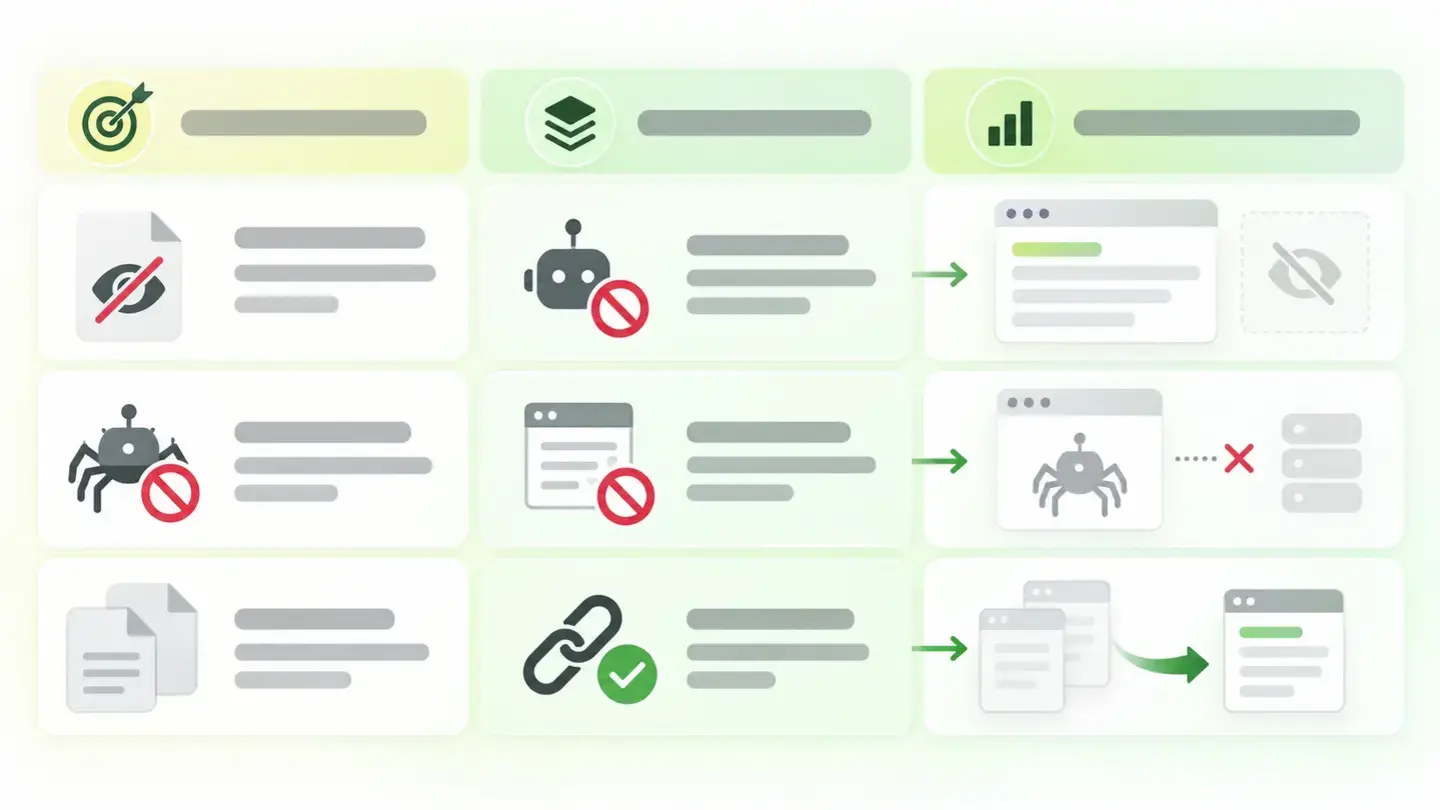
Table matching the desired goal with the right layer: don’t index, don’t crawl or consolidate duplicate versions
Brief to generate the image
Editorial illustration for a Wakaris technical guide.
Topic: Table matching the desired goal with the right layer: don’t index, don’t crawl or consolidate duplicate versions.
Style: white background with a soft lime→pale green wash (#F8F7D6 → #E2F2DC), green→lime gradient accent (#8ED390 → #DCD86F), near-black ink (#12150B), pill shapes and rounded corners, soft shadows, clean schematic look, no photography.
Format: 16:9, 1440 pixels wide.
No legible text: any label, code or figure is shown as grey placeholder bars. The caption carries the meaning, not the image.
No real logos or third-party brands. No recognizable people.
Tags: directives, seo, conflict, table, relates, goal, desired, layer
Ask your AI
If you want to dig deeper into your specific case, copy one of these two prompts and paste it into the AI you use. Choose based on your situation.
I already have this finding measured with Wakaris and want to fix it
Act as a professional, careful web technical reviewer. Your goal is to help me understand a specific finding about my website and decide what to do about it, without making anything up.

Context: I got this finding with Wakaris, a tool that analyzes a website across 9 areas (performance, SEO, security, social, market, AI, user experience, accessibility and legal) and explains each problem so that everyone on a team can understand it. The finding is: SEO directive consistency. My page gives search engines contradictory instructions across the robots.txt file, the robots meta tag, the X-Robots-Tag header and the canonical tag. For reference: it counts as a failure if a page carries noindex with a canonical pointing to another address, or if the instructions restrict different things or are incompatible.

Paste the Wakaris result here: which conflict it flagged, on which page and between which layers. If you don’t have it, tell me and I’ll tell you how to get it before we continue.

Rules you must follow at all times:

1. Don’t assume anything about my website. Every piece of data you use must come from what I confirm to you or from what Wakaris has checked. If you don’t know something, ask me before stating it.
2. Before giving me conclusions, ALWAYS ask me these questions, all together and in plain language, to find out whether this finding really affects me and where:
   a) What did you want to achieve with that page: keep it out of search, save crawling, or group several similar versions into one?
   b) What platform is your website on, and do you have any SEO plugin installed?
   c) Can anyone else change the robots.txt or the server headers apart from you?
   d) Has the website recently gone through a migration, a redesign or a launch from a test environment?
   e) Does that page get visits from search today, or do you not mind losing them?
   f) If the server or template needs to be changed, would you do it yourself, an in-house technician or an agency?
3. Every statement or recommendation must be justified in relation to MY context, not in general. If you recommend something, explain why it applies to my case.
4. Always state your level of certainty. If something is a hypothesis because you can’t check it, say so: you can’t see my website, you’re reasoning from what I tell you.
5. Warn me about the risk before suggesting changes. Removing or adding one of these instructions can take pages that bring in visits today out of search, or put pages I don’t want into it: it’s best to review it page by page and not all at once.
6. If you need data that can only be obtained by analyzing the website (what is published in each layer right now, or whether the change has taken effect), tell me and recommend that I run the page through Wakaris again: that gets checked, not guessed.
7. The final decision is mine, not yours. Your role is to help me understand and prepare the action, not to decide for me.
8. If the fix is beyond what I can do myself, or a team is going to carry it out, help me get the problem ready to hand over: what it is, where it is, why it matters and what should be done, in an actionable format for that person.

Source of this finding: https://www.wakaris.com/en/guides/seo/conflicting-seo-directives
To check it or check it again: https://www.wakaris.com/

Start by briefly introducing yourself in your role and asking me the first block of questions.
I haven’t measured it yet and want to check whether my website has this problem
Act as a professional, careful web technical reviewer. I’m looking into whether my website has a specific problem and I want you to help me find out honestly, without taking it for granted.

Context: I came to this through Wakaris, a tool that analyzes a website across 9 areas (performance, SEO, security, social, market, AI, user experience, accessibility and legal) and explains each problem so that everyone on a team can understand it. The problem I want to look into is: conflicting SEO directives. It means the instructions my website gives search engines through robots.txt, the robots meta tag, the X-Robots-Tag header and the canonical tag contradict each other. I DON’T know yet whether my website has it: I want to find out.

Rules you must follow at all times:

1. First and most important: this is checked by reading my pages’ code and headers and my domain’s robots.txt file, and you can’t do that from this conversation. Make it clear from the start that you won’t be able to give me a definitive "yes, you have it" or "no, you don’t", only a hypothesis based on what I tell you.
2. Don’t assume anything. Before giving me any assessment, ALWAYS ask me these questions, all together and in plain language, to estimate whether I’m likely to have the problem:
   a) Do you have pages you want to keep out of search: private areas, filter results, thank-you pages?
   b) Do you know whether anyone blocked a section in the robots.txt file?
   c) Do you use an SEO plugin that adds tags on its own?
   d) Has the website gone through a migration, a redesign or a launch from a test environment in recent months?
   e) Have you noticed pages you thought were hidden showing up in search, or the other way round, important pages disappearing?
3. Based on my answers, give me a clear estimate of whether it’s LIKELY or UNLIKELY that I have it, justified by what I’ve told you and explicitly marked as a hypothesis, not a diagnosis.
4. Tell me directly that the only way to really know is to check it, and that I can do it for free and without creating an account by running my website through Wakaris, which will tell me what each layer says, where the clash is and, along the way, the state of the other areas.
5. If I ask you how to check it by hand, don’t hide it from me, but remind me that Wakaris does it faster, cross-checking all four layers at once and with additional information I don’t get by hand.
6. If checking shows that I do have it, tell me that the next step is to understand how it affects me and how to fix it in my specific case.
7. The conclusion and the decision are mine, not yours. You help me find my way.

Source of this finding: https://www.wakaris.com/en/guides/seo/conflicting-seo-directives
To check it: https://www.wakaris.com/

Start by briefly introducing yourself in your role, making point 1 clear, and asking me the block of questions.
Frequently asked questions
Why doesn’t blocking a page with noindex in robots.txt work? +
Because the block stops the crawler from getting in, and the order not to index is inside the page. Google says it clearly: if it’s blocked, the crawler will never see the rule and the page can still appear in the results. The block cancels the order.
Does robots.txt remove a page from the index? +
No. It only controls crawling. Google documents that it can’t index the content of blocked pages, but it can index the URL and show it in the results without a description. To really remove it you need noindex, and the crawler has to be able to read it.
Can I use noindex to choose the right version of a duplicate page? +
Google expressly advises against it: it blocks the page from search entirely instead of consolidating the signals of the versions. That’s what the canonical tag is for: it groups the variants and keeps the accumulated value of all of them.
If two rules contradict each other, which one wins? +
Between robots rules, Google applies the most restrictive: with a snippet limit and a snippet ban at the same time, the ban wins. And if there are rules aimed at different crawlers, the negative ones add up instead of canceling out.
Sources cited
- developers.google.comBlock Search indexing with noindex, Google Search Central: for noindex to work the page can’t be blocked by robots.txt, and if it is, the crawler will never see the rule.
- developers.google.comRobots meta tag, data-nosnippet, and X-Robots-Tag specifications, Google Search Central: with contradictory rules the most restrictive applies, and rules for different crawlers add up.
- developers.google.comHow to specify a canonical URL, Google Search Central: the canonical is a strong signal, not an obligation; don’t use noindex to canonicalize or robots.txt for that purpose; don’t declare different canonicals in different ways.
- developers.google.comIntroduction to robots.txt, Google Search Central: a blocked URL can still be indexed without a description, and the file is cached for up to 24 hours.

Updated: September 7, 2026.
This article is part of Wakaris, which analyzes your website across 9 areas and explains each finding so that everyone on your team can understand it.