In short
What is checked
whether the form sends data encrypted and whether it has any protection against automated submissions.
When it’s triggered
when submission is insecure, or when there’s no anti-spam protection at all.
Why it matters
the data someone types travels in readable form, and the browser tells them so on screen.
Severity in Wakaris
Improvement. It appears on 16.9% of analyzed pages, an internal catalog figure counted across all pages, including those without forms.
What this finding is and what it checks
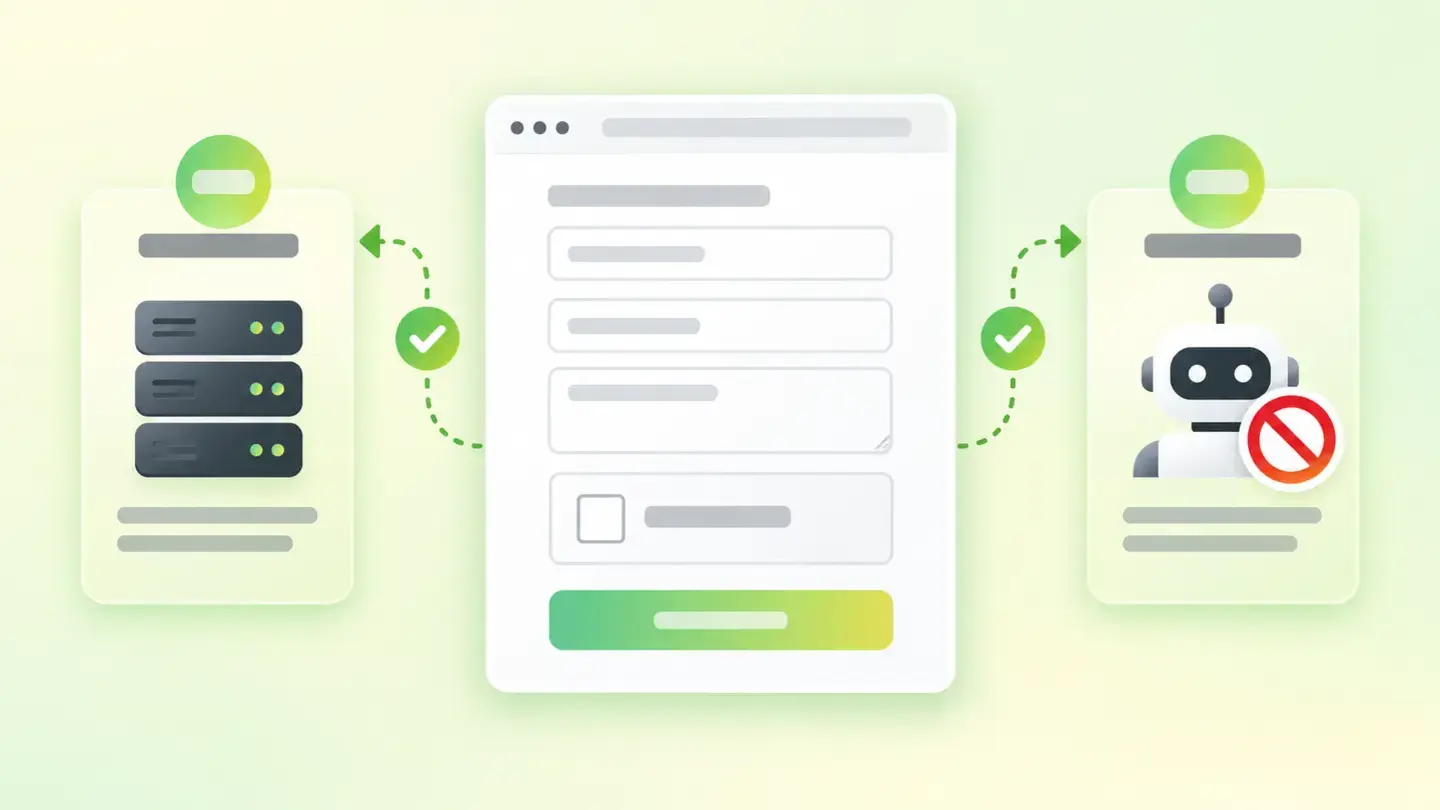
Wakaris calls Form protection the review of two different properties of the same element: where the data someone types into your form goes, and whether anything stops that form from being filled in automatically, thousands of times, by a bot.
The check relies on three pieces of evidence. The first records whether the page has forms, and it decides whether the other two make sense: on a page without forms there’s nothing to protect. The second looks at submission, that is, whether data leaves encrypted or in plain text. The third looks at whether there’s any protection against automated submissions.
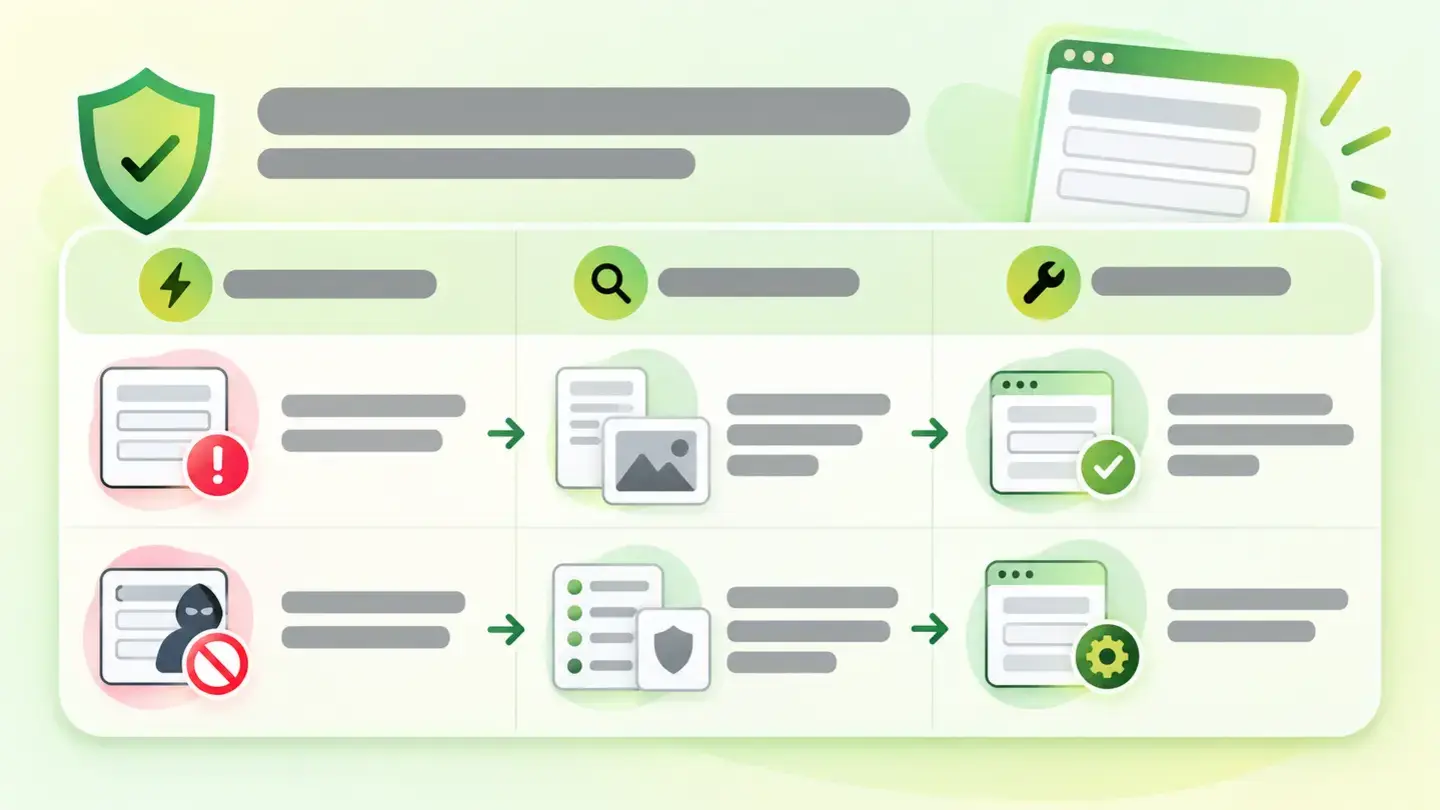
The finding is triggered in two situations and the report tells you which: submission is insecure, or there’s no anti-spam protection. They’re two very different problems under one name, so it’s worth reading the evidence before deciding what to do.
How it’s checked
Wakaris analyzes the URL you give it, finds the forms on that page and tells you whether submission is secure and whether there’s any anti-spam protection, with the severity of the finding and without installing anything. That’s the direct way to know where you stand.
It helps to know the scope of the check, because it changes how you read the result. It runs on a single page and a single load: a form that only appears after logging in, or that is built later by JavaScript, is left out. And it checks presence, not effectiveness: having an anti-spam barrier doesn’t mean it works, just as encrypted submission doesn’t guarantee that whoever receives the data handles it well.
There are two things the check’s definition doesn’t specify and that you should confirm with the team before disputing a result: which mechanisms count as valid anti-spam protection, and whether submission is judged only by the address declared in the form or also by what the code that processes it does.
Why it matters
It matters for two reasons that have nothing to do with each other.
The first is that the data travels in readable form. MDN’s documentation puts it bluntly: if the form is on a secure page and its submission address points to an insecure http URL, every browser shows the user a security warning each time they try to submit data, because the data won’t be encrypted. Your customer sees that warning right as they type their phone number. And since January 2017, Chrome also marks as not secure any page that asks for a password or a card outside a secure context; putting the form in an https frame inside an http page isn’t enough, because the top-level page must be https too.
The second is automated spam, which OWASP lists as a threat of its own under code OAT-017: adding malicious or questionable information to content or messages, public or private. It includes malware, stolen intellectual property, tracking code and content posted to rank or to bury other posts.
Common causes
With insecure submission, the main cause is a half-finished migration to https. The page was moved to https and the form’s submission address was left hard-coded with http in the template. The form still works, so nobody looks at it. Next come forms that submit to an external service or to an old contact manager that only responds over http.
With missing anti-spam protection there are three patterns. The form started as a quick contact form and nothing was ever added. The barrier existed and was removed on purpose, because it lost conversions or broke on mobile. Or what’s there is browser validation: checks that stop the form from being submitted when filled in wrongly, but that a bot skips by sending the data straight to the destination, without opening the page.
How to fix it
In order of effort versus result.
First, fix the submission address. Wakaris points out which form fails; switch it to https or make it relative so it inherits the page’s scheme. And if it collects anything sensitive, don’t send it via GET: MDN warns never to use that method for a password, because it ends up visible in the address bar.
Second, add a barrier that doesn’t punish whoever fills it in. The W3C note on the inaccessibility of CAPTCHA recommends non-interactive approaches, because they pose no accessibility challenge, and mentions hidden honeypot fields and server-side spam filtering. If you use a visual challenge, there must be an alternative.
Third, validate on the server: MDN’s rule allows no exceptions, all incoming data must be checked and sanitized.
Fourth, close the door with a header. The Content Security Policy form-action directive restricts the URLs that can be the target of a submission. Then run the page through Wakaris again.
Table with the two situations that trigger the finding, the evidence linked to each one and the matching fix
Brief to generate the image
Editorial illustration for a Wakaris technical guide.
Subject: Table with the two situations that trigger the finding, the evidence linked to each one and the matching fix.
Style: white background with a soft lime→pale green wash (#F8F7D6 → #E2F2DC), green→lime gradient accent (#8ED390 → #DCD86F), near-black ink (#12150B), pill shapes and rounded corners, soft shadows, clean schematic look, no photography.
Format: 16:9, 1440 pixels wide.
No legible text: any label, code or figure is shown as gray placeholder bars. The caption carries the meaning, not the image.
No real logos or third-party brands. No recognizable people.
Tags: protection, forms, table, situations, trigger, finding, evidence, linked
Ask your AI
If you want to dig into your specific case, copy one of these two prompts and paste it into the AI you use. Pick the one that fits your situation.
I already have the finding measured with Wakaris and want to fix it
Act as a professional, careful web technical auditor. Your goal is to help me understand a specific finding about my website and decide what to do about it, without making anything up.

Context: I got this finding with Wakaris, a tool that analyzes a website across 9 areas (performance, SEO, security, social, market, AI, user experience, accessibility and legal) and explains each problem so that every profile on a team can understand it. The finding is: Form protection. It reviews the forms on a page and checks two things: whether they send data over an encrypted connection and whether they have any barrier against automated submissions. Reference: the finding is triggered when submission is insecure, or when there's no anti-spam protection at all.

Paste the Wakaris result here: which evidence came up red (insecure submission or missing anti-spam protection), on which page and, if it says so, on which form. If you don't have it, tell me and I'll explain how to get it before we continue.

Rules you must follow at all times:

1. Don't assume anything about my website. Every piece of data you use must come from what I confirm to you or from what Wakaris has measured. If you don't know it, ask me before stating it.
2. Before giving me conclusions, ALWAYS ask me these questions, all together and in plain language, to find out whether this finding really affects me and where:
   a) What platform is your website on? (WordPress, Shopify, custom-built, other)
   b) How many forms does the affected page have and what is each one for (contact, newsletter sign-up, quote request, password login, payment)?
   c) What data does the affected form collect? Are there passwords, payment details, ID documents or health data?
   d) Do you know where it sends the data: to your own website, to an external form service, to a contact manager or to an email address?
   e) Does it currently have any protection against automated submissions? Do you know which one?
   f) Do you receive junk submissions through that form? Lots, or the odd one?
   g) If a technical fix is needed, would you do it yourself, an in-house technician or an agency?
3. Every statement or recommendation must be reasoned in relation to MY context, not in general. If you recommend something, explain why it applies to my case.
4. Always state your level of certainty. If something is a hypothesis because you can't measure it, say so: you can't see my website, you reason from what I tell you.
5. Don't suggest irreversible or risky technical changes (server configuration, deleting resources, direct changes in production) without first warning me of the risk and that a backup or a test environment is advisable.
6. Don't suggest testing the form by submitting other people's personal data or launching mass submissions against my own website to see if it holds up. If a test is needed, tell me how to do it with made-up data and in a test environment.
7. If you need data that can only be obtained by analyzing the website (confirming which form fails, or whether the fix worked), tell me and recommend I run the page through Wakaris again: that gets checked, not guessed.
8. The final decision is mine, not yours. Your role is to help me understand and prepare the action, not to decide for me.
9. If the fix is beyond what I can do myself, or a team is going to carry it out, help me get the problem ready to hand over: what it is, where it is, why it matters and what needs to be done, in an actionable format for that person.

Source of this finding: https://www.wakaris.com/en/guides/security/form-protection
To check it or check it again: https://www.wakaris.com/

Start by briefly introducing yourself in your role and asking me the first block of questions.
I haven’t measured it yet and want to check whether my website has this problem
Act as a professional, careful web technical auditor. I'm looking into whether my website has a specific problem and I want you to help me find out honestly, without taking it for granted.

Context: I came to this through Wakaris, a tool that analyzes a website across 9 areas (performance, SEO, security, social, market, AI, user experience, accessibility and legal) and explains each problem so that every profile on a team can understand it. The problem I want to look into is: Form protection. It's about whether the forms on my page send data over an encrypted connection and whether they have any barrier against automated submissions. Reference: the problem exists when submission is insecure, or when there's no anti-spam protection at all. I DON'T know yet whether my website has it: I want to find out.

Rules you must follow at all times:

1. First and most important: this is CHECKED by reading my page's code, and you can't do that from this conversation. Make it clear from the start that you won't be able to give me a definitive "yes, you have it" or "no, you don't", only a hypothesis based on what I tell you.
2. Don't assume anything. Before giving me any assessment, ALWAYS ask me these questions, all together and in plain language, to estimate whether I'm likely to have the problem:
   a) Does your website have forms? Which ones and on which pages (contact, newsletter, quote request, login, payment)?
   b) What data does each one ask for? Does any ask for a password or payment details?
   c) Does your website load with the browser padlock, that is, over https? Did you migrate it from http at some point?
   d) When you submit the form yourself to test it, does the browser show any warning that the information isn't secure?
   e) Were the forms built by the same person who built the website, or do they come from an external service or a plugin?
   f) Do you receive junk submissions through those forms? Roughly how many a day?
   g) What platform is the website on? (WordPress, Shopify, custom-built, other; or I don't know)
3. Based on my answers, give me a clear estimate of whether it's LIKELY or UNLIKELY that I have it, and which of the two things would be the suspect, reasoned from what I've told you and explicitly marked as a hypothesis, not a diagnosis.
4. Tell me directly that the only way to really know is to check it, and that I can do it for free and without creating an account by running my website through Wakaris, which will tell me which form fails, on which evidence and, along the way, the status of the other areas.
5. If I ask you how to check it by hand, don't hide it from me, but remind me that Wakaris does it faster, on the real page and with extra information I don't get by hand.
6. Don't suggest launching mass submissions or attack tests against my own website to find out.
7. If checking it turns out that I do have it, tell me the next step is to understand how it affects me and how to fix it in my specific case.
8. The conclusion and the decision are mine, not yours. You help me find my bearings.

Source of this finding: https://www.wakaris.com/en/guides/security/form-protection
To check it: https://www.wakaris.com/

Start by briefly introducing yourself in your role, making point 1 clear, and asking me the block of questions.
Frequently asked questions
Why do I get this finding if my website already uses https? +
Because where the page lives and where the form sends its data are two different things. The submission address can still point to http even if the page loads over https. MDN documents that, in that case, every browser warns the user each time they try to submit the data, because it won’t be encrypted.
Is validating the form in the browser enough? +
No. That validation improves the experience for whoever fills it in, but a bot doesn’t open your page: it sends the data straight to the destination address and never runs that code. The check that works against automated spam is the one that happens on the server, once the data has arrived.
Do I need a CAPTCHA to pass this check? +
Not necessarily. The W3C notes that solving one takes 32 seconds on average and that non-interactive approaches, such as a hidden honeypot field or server-side filtering, pose no accessibility challenge. Any effective barrier counts, and one that makes you prove you’re not a bot has a cost.
Are a form that sends unencrypted and one without anti-spam the same finding? +
Yes, they’re the same check with the same severity, because severity is an attribute of the check, not of the specific case. What tells you which of the two you have is the evidence that comes with the finding in the report. The fix, on the other hand, is completely different.
Sources cited
- developer.mozilla.orgSending form data, MDN: the warning every browser shows when the submission address is insecure http, the ban on GET for passwords and the rule to check and sanitize all data that reaches the server.
- developer.mozilla.orgMixed content, MDN: definition of mixed content and the split between requests the browser upgrades to https and requests it blocks.
- developer.chrome.comAvoiding the not secure warning in Chrome, Chrome for Developers: pages with password or card fields outside a secure context marked as not secure since January 2017, and why an https frame inside an http page isn’t enough.
- owasp.orgOAT-017 Spamming, OWASP: definition of spam as an automated threat and the types of content it introduces.
- w3.orgInaccessibility of CAPTCHA, W3C: an average of 32 seconds to solve a CAPTCHA and the recommendation of non-interactive approaches, honeypot fields and spam filtering.
- developer.mozilla.orgContent-Security-Policy: form-action, MDN: the directive restricts the URLs that can be the target of a form submission.

Updated: September 8, 2026.
This article is part of Wakaris, which analyzes your website across 9 areas and explains each finding so that every profile on your team can understand it.