In short
What is counted
marketing automation integrations and advertising platforms detected on the page.
What it delivers
the count of each type, not a pass or a fail.
Why it matters
what loads without anyone remembering it costs speed, complicates consent and nobody uses it.
Severity in Wakaris
Improvement. It’s material for making decisions, not a fault to repair.

What this finding is and what it measures
The finding looks at two different things and counts them separately. The first are marketing automation integrations: the code that connects your page to the system where your contacts live, which usually comes in through a form, a subscription pop-up or a chat. The second are advertising platforms: the snippets that record who visited what so a sale can be attributed to an ad or that person can be retargeted later.
It’s worth being precise about what the result means, because the checker’s catalog leaves an open point here. The threshold is the same for both counts —from one upwards— and there are no ranges: one integration and twelve produce the same notice with the same severity. Read as is, the finding appears because you have integrations, not because they’re wrong, so the useful reading is as an inventory: this is what’s loading. Deciding whether any is unnecessary is the next step, and it’s yours.
How it’s measured
Wakaris analyzes the URL you give it and counts the integrations of each of the two types it finds in that load, without installing anything or touching your website. That’s the direct way to get the inventory of a specific page.
Three details change how the number is read. The first is that the observation is of a single load with no interaction: whatever is triggered by scrolling, opening a chat or submitting a form doesn’t enter the count. The second is consent: if your cookie notice holds the integrations back until someone accepts, what gets counted is what loads before accepting, which is exactly what’s worth watching.
The third is about scope and the catalog doesn’t document it: it isn’t stated which list of platforms is used for identification, so an uncommon integration may not be recognized. The count is a reliable floor, not a guaranteed ceiling.
Why it matters
The first reason is cost. Chrome for Developers documentation puts the share of sites loading third-party resources at over 94%, with about 21 different providers per site, and estimates that some 2,700 origins account for around 57% of all script execution time. Each integration adds connections, downloads and work for the browser, and the one nobody uses anymore adds it for nothing.
The second is privacy. MDN explains that by combining the information these pieces leave on different sites, it’s possible to build “a detailed profile of a user’s browsing history, interests, habits, and personal information”. What you load defines what you need to declare and ask for.
The third is governance, and it’s the one almost nobody looks at. web.dev’s documentation sums it up like this: tags “tend to accumulate over time: they are added but rarely removed”. Without an inventory there’s no possible conversation about what to remove.
Common causes
The list rarely grows through a decision; it grows through sedimentation. The most common cause is campaigns that end and code that doesn’t: a pixel is installed to measure a seasonal promotion, the promotion ends, and the pixel is still loading on every page two years later.
The second is handovers. Every agency, freelancer or marketing manager who passes through the website installs their own, and almost nobody removes what the previous one left, partly because nobody knows for sure what it was for.
The third is templates and extensions, which bring their own connections enabled by default: you install an extension for a contact form and two integrations nobody asked for appear.
And the fourth is duplicates from migration: when switching platforms the new one is installed and dismantling the old one is forgotten, so for months both coexist measuring the same thing.
How to fix it
Start by having the list: Wakaris gives you the count of advertising and automation integrations on your real page, which is the starting point for deciding anything.
Then ask the uncomfortable question, one per integration: who looks at the data it produces and how often. If there’s no name and no frequency, it’s not needed. That’s the question that separates the inventory from the cleanup.
With the answer in hand, really remove what isn’t used. web.dev’s documentation is explicit that unused tags “should be paused or removed”, not left installed with an exception blocking them from firing: that keeps them loading and only hides the problem.
Whatever stays, tie it to consent, so that nothing related to advertising or profiling loads before the person accepts. And keep the inventory in writing with an owner per line, because the problem wasn’t having integrations: it was not knowing which ones. Check the page again after cleaning up, to confirm that what you removed no longer loads.
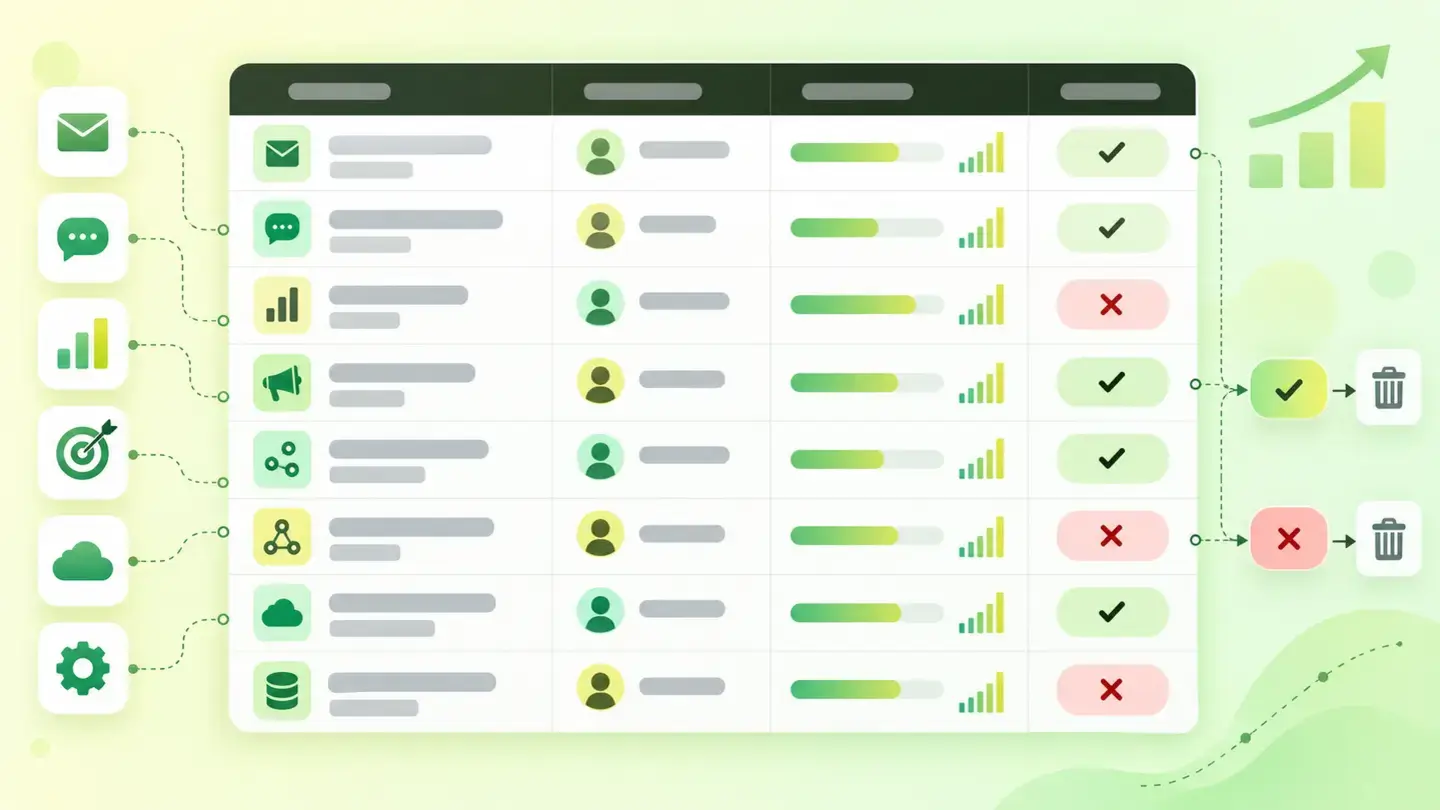
Marketing integrations inventory table with columns for owner, use and the decision to keep or remove
Brief to generate the image
Editorial illustration for a Wakaris technical guide.
Subject: Marketing integrations inventory table with columns for owner, use and the decision to keep or remove.
Style: white background with a soft lime→pale green wash (#F8F7D6 → #E2F2DC), green→lime gradient accent (#8ED390 → #DCD86F), near-black ink (#12150B), pill shapes and rounded corners, soft shadows, clean schematic look, no photography.
Format: 16:9, 1440 pixels wide.
No legible text: any label, code or figure is shown as gray placeholder bars. The caption carries the meaning, not the image.
No real logos or third-party brands. No recognizable people.
Tags: integrations, marketing, table, inventory, columns, owner, use, decision
Ask your AI
If you want to dig into your specific case, copy one of these two prompts and paste it into the AI you use. Pick the one that fits your situation.
I already have the finding measured with Wakaris and want to fix it
Act as a professional, careful web technical auditor. Your goal is to help me understand a specific finding about my website and decide what to do about it, without making anything up.

Context: I got this finding with Wakaris, a tool that analyzes a website across 9 areas (performance, SEO, security, social, market, AI, user experience, accessibility and legal) and explains each problem so that every profile on a team can understand it. The finding is: Marketing integrations. It counts how many marketing automation integrations and how many advertising platforms load on my page. Reference: the result is an inventory, a count of each type, not a pass or a fail.

Paste the Wakaris result here: how many integrations of each type it counted and on which page. If you don't have it, tell me and I'll explain how to get it before we continue.

Rules you must follow at all times:

1. Don't assume anything about my website. Every piece of data you use must come from what I confirm to you or from what Wakaris has measured. If you don't know it, ask me before stating it.
2. Before giving me conclusions, ALWAYS ask me these questions, all together and in plain language, to know where to start:
   a) What platform is your website on? (WordPress, Shopify, custom-built, other)
   b) Do you know what each integration that came up is for, or is there one you don't recognize?
   c) Are there advertising campaigns running right now, or did the last ones end a while ago?
   d) Has more than one agency or more than one marketing manager worked on your website?
   e) Who can edit the code or the tag manager: you, an in-house technician or someone external?
   f) Do you have a cookie notice that holds these integrations back until the person accepts, or do they load from the start?
3. Help me sort each integration into three buckets: it's used and someone looks at the data, it's not used and can be removed, or I don't know and I need to ask a specific person.
4. Every recommendation must be reasoned in relation to MY context, not in general.
5. Always state your level of certainty. If something is a hypothesis because you can't check it, say so: you can't see my website, you reason from what I tell you.
6. Before suggesting I remove anything, warn me that removing an integration can break the continuity of historical data or stop attributing sales to an active campaign, and that it's worth checking first and recording the date.
7. Don't suggest direct changes in production without warning me of the risk and that a backup or a test environment is advisable.
8. If you need to confirm what really loads or whether what was removed no longer appears, tell me and recommend I run the page through Wakaris again: that gets checked, not guessed.
9. The final decision is mine, not yours. Your role is to help me understand and prepare the action, not to decide for me.

Source of this finding: https://www.wakaris.com/en/guides/marketing/marketing-integrations
To check it or check it again: https://www.wakaris.com/

Start by briefly introducing yourself in your role and asking me the first block of questions.
I haven’t checked it yet and want to know whether my website piles up unused integrations
Act as a professional, careful web technical auditor. I'm looking into something specific about my website and I want you to help me honestly, without taking it for granted.

Context: I came to this through Wakaris, a tool that analyzes a website across 9 areas (performance, SEO, security, social, market, AI, user experience, accessibility and legal) and explains each problem so that every profile on a team can understand it. What I want to know about is: Marketing integrations. That is, how many marketing automation integrations and how many advertising platforms are loading on my page. I DON'T have that list yet: I want to get it.

Rules you must follow at all times:

1. First and most important: this is checked by looking at what the page loads, and you can't see my website from this conversation. Make it clear from the start that you won't be able to give me the list, only a hypothesis based on what I tell you.
2. Don't assume anything. Before giving me any assessment, ALWAYS ask me these questions, all together and in plain language:
   a) Have you ever run advertising? How long ago was the last campaign?
   b) Do you have forms, subscription pop-ups or a chat on the website? Where do those contacts go?
   c) How many different people or companies have worked on your website in recent years?
   d) Have you ever switched analytics or email platforms without dismantling the previous one?
   e) Do you use extensions or templates that come with their own connections enabled?
   f) Do you have a cookie notice? Do you know whether it holds anything back until the person accepts?
3. Based on my answers, give me a clear estimate of whether it's LIKELY that I have unused integrations piling up, reasoned from what I've told you and explicitly marked as a hypothesis, not a diagnosis.
4. Tell me directly that the only way to get the real list is to check it, and that I can do it for free and without creating an account by running my website through Wakaris, which will give me the count of each type and, along the way, the status of the other areas.
5. If I ask you how to look at it by hand, don't hide it from me, but remind me that Wakaris does it faster, on the real page and with extra information I don't get by hand.
6. If it turns out I have integrations I don't recognize, tell me the next step is to find out who uses each piece of data before touching anything.
7. The conclusion and the decision are mine, not yours. You help me find my bearings.

Source of this finding: https://www.wakaris.com/en/guides/marketing/marketing-integrations
To check it: https://www.wakaris.com/

Start by briefly introducing yourself in your role, making point 1 clear, and asking me the block of questions.
Frequently asked questions
Is having marketing integrations bad? +
No. This finding doesn’t say there are too many: it says how many there are. The problem appears when the list grows without anyone reviewing it, something web.dev’s documentation describes as common because tags get added but rarely removed. With the list in front of you, the decision is yours.
How many integrations are too many? +
There’s no right number. As an industry reference, Chrome for Developers estimates that a site loads resources from about 21 different providers on average. The useful criterion isn’t the number, but whether someone looks at the data each one produces and how often.
Is this the same as the cookie notice? +
No, although they’re connected. The cookie notice is the legal part: asking for permission and respecting it. This finding is the inventory of what’s installed, and it’s what tells you what you need to declare and what should be held back until the person accepts.
Can I remove an integration without breaking anything? +
Usually yes, but check two things first: that no active campaign depends on it to attribute sales and that nobody uses its report. Removing it breaks the continuity of that history, so it’s worth noting the date of the change before you make it.
Sources cited
- developer.chrome.comCan browsers optimize the loading of third-party resources?, Chrome for Developers: over 94% of sites with third-party resources, about 21 providers per site and ~2,700 origins accounting for ~57% of execution time.
- web.devBest practices for tags and tag managers, web.dev: tags accumulate over time, they’re added but rarely removed, and unused ones should be paused or removed rather than blocked.
- web.devThird-party JavaScript, web.dev: what third-party code is, what it’s used for and why it’s outside your control.
- developer.mozilla.orgThird-party cookies, MDN: how information is combined across sites to build a detailed profile of a person.

Updated: September 8, 2026.
This article is part of Wakaris, which analyzes your website across 9 areas and explains each finding so that every profile on your team can understand it.