In short
What is checked
whether the page declares its four main zones: content (main), header (header), menu (nav) and footer (footer).
Tags that count
header, nav, main, article, section, aside and footer, as opposed to div and span.
Why it matters
assistive technologies find their way with those tags; generic containers say nothing.
Severity in Wakaris
Improvement. It doesn’t break anything, but it leaves the page mute for anyone who can’t see it.
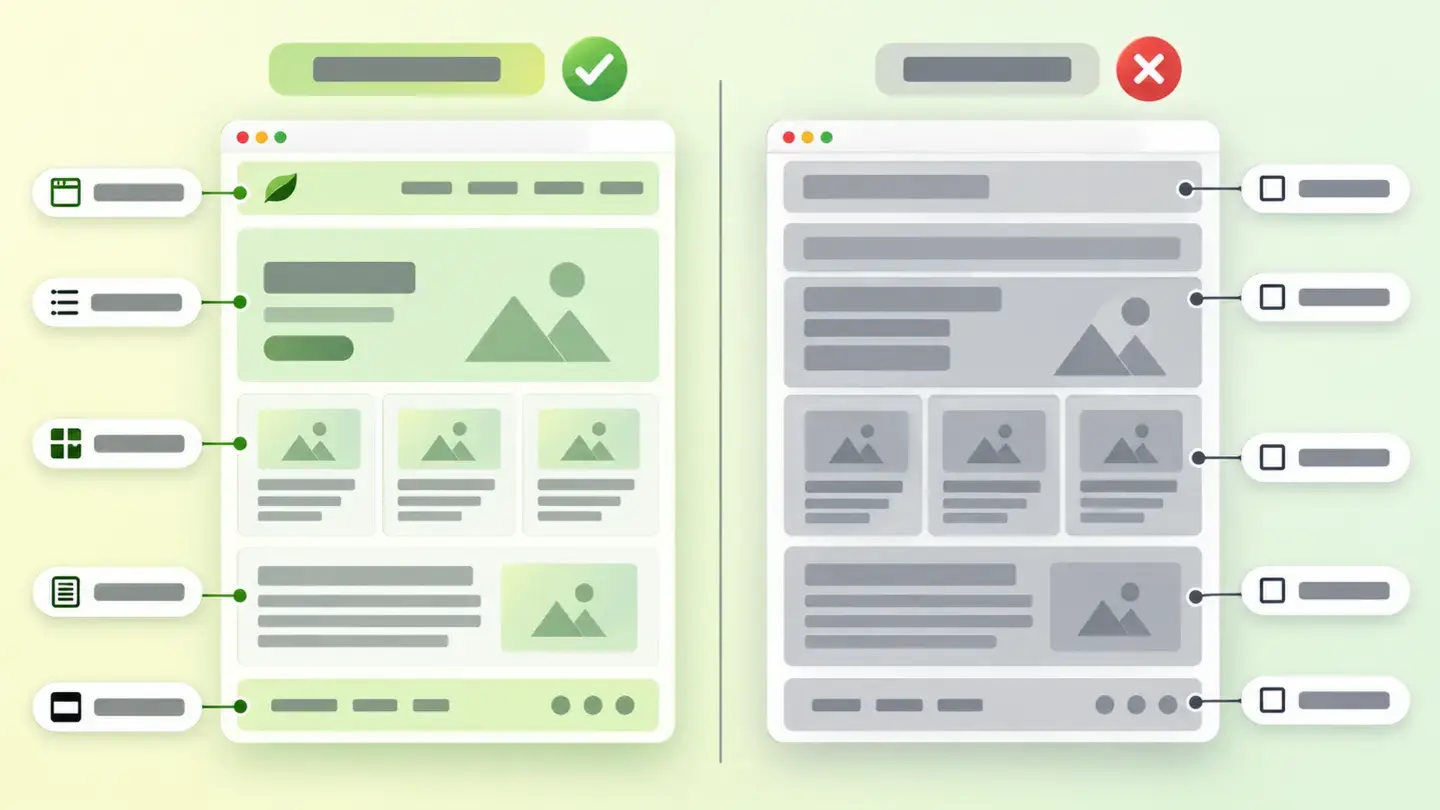
What this finding is and what it checks
HTML has tags that describe the role of each block on the page. MDN’s documentation defines them one by one: header groups introductory content, nav contains the main navigation, main is that page’s unique content and is used only once, article wraps a block that makes sense on its own, section groups a thematic part, aside holds what accompanies without being the central content and footer closes the page.
Opposite those seven is the generic container. MDN puts it bluntly: div elements “don’t add any semantic value, they just clutter your HTML code”, and it recommends using them “only when there is no better semantic solution”. This finding is triggered when the page doesn’t say what its main zones are: it’s built, but not described. Wakaris rates it in two grades: low if the main content (main) is missing and medium if it’s there but the header, menu or footer is missing.
How it’s checked
Wakaris analyzes the HTML of the URL you give it and checks whether it declares its four main zones —main, header, nav and footer, or their equivalent role—, without installing anything. That’s the direct way to know how yours is built: it gives you the grade of the finding and its severity within the technical area.
It helps to understand what it measures and what it doesn’t. It’s a structure check, not a content check: it looks at how the text is wrapped, not whether the text is good or whether the tags are well chosen. A page that wraps the menu in main and the body in nav would pass the check with the wrong structure, so it’s an indication, not a verdict. And the div elements the layout needs inside those zones don’t count against you: any design uses them.
One point worth knowing when you read the report: the HTML delivered by the server is analyzed, so zones that the code itself creates as the page is assembled aren’t seen.
Why it matters
The best-documented benefit is orientation for people who can’t see the screen. The W3C’s H101 technique, linked to WCAG success criterion 1.3.1, describes how seven of those tags automatically produce identifiable regions, and web.dev’s documentation explains that the browser uses them to build an accessibility tree that screen readers use to move through the page. With generic containers that map doesn’t exist and the page is navigated blind.
The second reason is maintenance, and MDN lists it among the advantages: finding a specific block is much easier than searching through endless containers.
It pays to be precise about the third front, search engines, because that’s where things get exaggerated most. Google states in its SEO starter guide that “the web in general is not valid HTML, so Google Search can rarely depend on semantic meanings hidden in the HTML specification”. Put plainly: this is done for the people who use the website and for the team that maintains it, not for rankings.
Common causes
The most frequent cause isn’t lack of knowledge, it’s the workflow. A design is turned into visual blocks and each block is wrapped in a generic container with style classes: the result looks exactly like the design and describes nothing. MDN warns about exactly that, that generic containers are so convenient they get overused.
The second cause is visual builders and templates. They generate the layout by nesting containers to achieve columns, margins and animations, and several layers of nesting per visible section is normal. The page works, but often nobody ever marks which is the main content.
The third is the app built with JavaScript frameworks, where each component brings its own wrapper and the final structure is a sum of pieces nobody designed as a document.
And the fourth is historical baggage: a website that’s years old often has the old layout underneath a recent redesign.
How to fix it
Start by knowing where you stand: Wakaris gives you the grade of the finding on your real page, and from there the fix is done in layers and without touching the look.
First and most worthwhile are the four large zones. Replace the header container with header, the menu container with nav, the body container with main —only once per page— and the footer container with footer. They’re four tag changes that keep the classes and styles, and they’re the ones that produce the regions described by the W3C’s H101 technique.
Then move down to the content: each post, product page or card that makes sense on its own becomes an article, each thematic part a section, and the secondary material an aside.
Finally, prune. Containers that only existed to position things and that are now unnecessary with modern layout can be removed: web.dev’s documentation considers a tree of more than 1,400 nodes excessive, and slimming it down also speeds up the page.
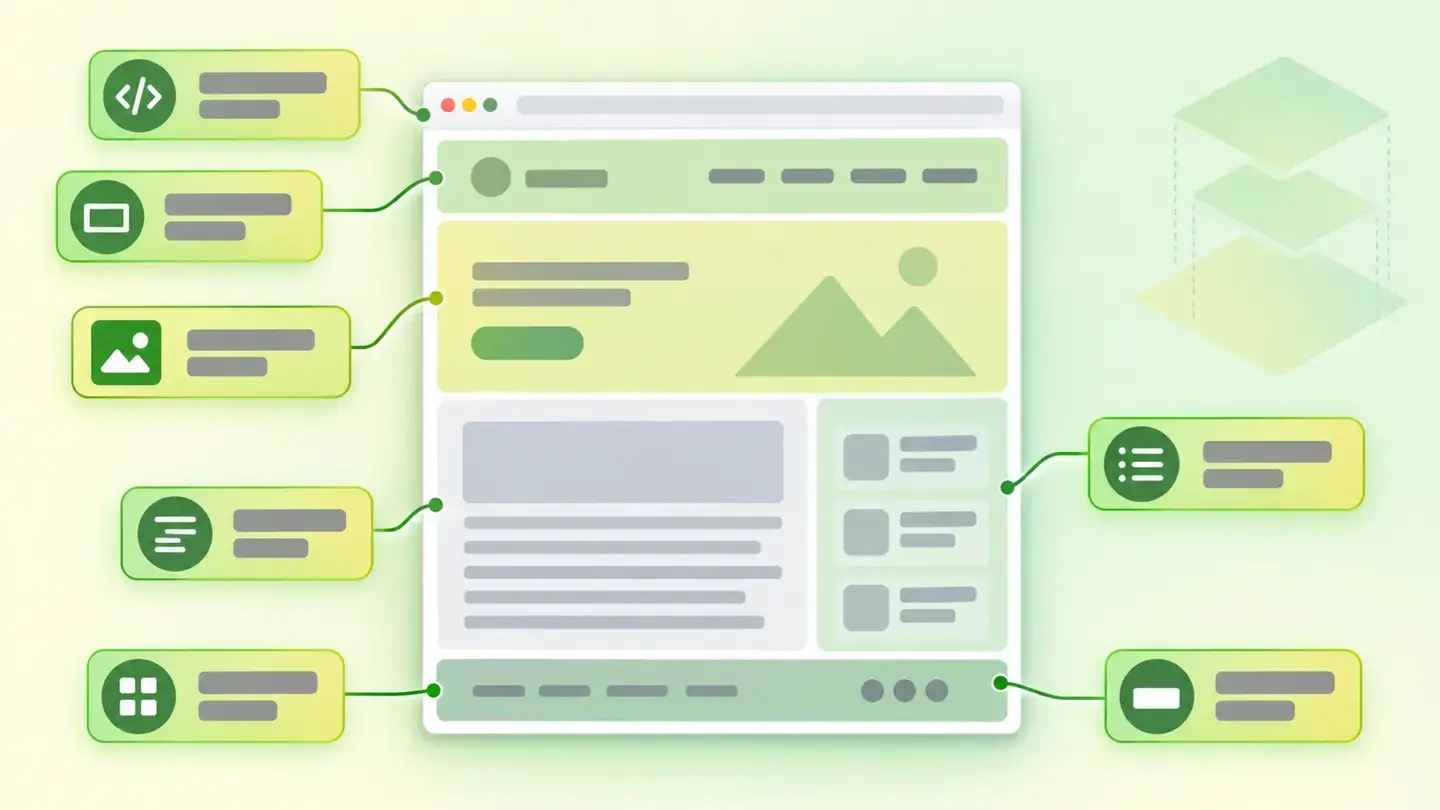
Diagram of the seven semantic structure tags placed on the skeleton of a web page
Brief to generate the image
Editorial illustration for a Wakaris technical guide.
Subject: Diagram of the seven semantic structure tags placed on the skeleton of a web page.
Style: white background with a soft lime→pale green wash (#F8F7D6 → #E2F2DC), green→lime gradient accent (#8ED390 → #DCD86F), near-black ink (#12150B), pill shapes and rounded corners, soft shadows, clean schematic look, no photography.
Format: 16:9, 1440 pixels wide.
No legible text: any label, code or figure is shown as gray placeholder bars. The caption carries the meaning, not the image.
No real logos or third-party brands. No recognizable people.
Tags: use, html, semantic, diagram, tags, semantic, structure, placed
Ask your AI
If you want to dig into your specific case, copy one of these two prompts and paste it into the AI you use. Pick the one that fits your situation.
I already have the finding measured with Wakaris and want to fix it
Act as a professional, careful web technical auditor. Your goal is to help me understand a specific finding about my website and decide what to do about it, without making anything up.

Context: I got this finding with Wakaris, a tool that analyzes a website across 9 areas (performance, SEO, security, social, market, AI, user experience, accessibility and legal) and explains each problem so that every profile on a team can understand it. The finding is: Use of semantic HTML. It checks that my page declares its four main zones with tags that say what each part is: the content (main), the header (header), the menu (nav) and the footer (footer); layout divs don't count against it. Reference: the finding has two grades: low if the main content (main) is missing and medium if it's there but one of the other three is missing.

Paste the Wakaris result here: which grade you got and on which page. If you don't have it, tell me and I'll explain how to get it before we continue.

Rules you must follow at all times:

1. Don't assume anything about my website. Every piece of data you use must come from what I confirm to you or from what Wakaris has measured. If you don't know it, ask me before stating it.
2. Before giving me conclusions, ALWAYS ask me these questions, all together and in plain language, to find out whether this finding really affects me and where:
   a) What platform is your website on? (WordPress, Shopify, custom-built, other)
   b) Was the layout made with a visual builder, a purchased template or custom-coded?
   c) Do you know whether your page already has a header, a menu, a body and a footer clearly marked out in the code, or have you never looked?
   d) Who can edit the templates: you from the dashboard, an in-house technician or an agency?
   e) Do you have many pages built with the same template, or is each one different?
   f) Has anyone ever reported problems navigating your website with a screen reader or with the keyboard only?
3. Every statement or recommendation must be reasoned in relation to MY context, not in general. If you recommend something, explain why it applies to my case.
4. Always state your level of certainty. If something is a hypothesis because you can't measure it, say so: you can't see my website, you reason from what I tell you.
5. Don't suggest irreversible or risky technical changes (editing templates in production, replacing tags across the whole site at once) without first warning me of the risk and that a backup or a test environment is advisable.
6. Changing a container tag can break styles or scripts that depended on it. Warn me of that possibility and help me plan the change zone by zone, checking the look after each step.
7. If you need data that can only be obtained by analyzing the website (confirming the real grade or whether the fix worked), tell me and recommend I run the page through Wakaris again: that gets checked, not guessed.
8. The final decision is mine, not yours. Your role is to help me understand and prepare the action, not to decide for me.
9. If the fix is beyond what I can do myself, or a team is going to carry it out, help me get the problem ready to hand over: what it is, where it is, why it matters and what needs to be done, in an actionable format for that person.

Source of this finding: https://www.wakaris.com/en/guides/ai-visibility/semantic-html-use
To check it or check it again: https://www.wakaris.com/

Start by briefly introducing yourself in your role and asking me the first block of questions.
I haven’t checked it yet and want to know whether my website has this problem
Act as a professional, careful web technical auditor. I'm looking into whether my website has a specific problem and I want you to help me find out honestly, without taking it for granted.

Context: I came to this through Wakaris, a tool that analyzes a website across 9 areas (performance, SEO, security, social, market, AI, user experience, accessibility and legal) and explains each problem so that every profile on a team can understand it. The problem I want to look into is: Use of semantic HTML. It's about whether my page declares its four main zones with tags that say what each part is: the content (main), the header (header), the menu (nav) and the footer (footer). I DON'T know yet whether my website has it: I want to find out.

Rules you must follow at all times:

1. First and most important: this is checked by looking at the page's code, and you can't see my website from this conversation. Make it clear from the start that you won't be able to give me a definitive "yes, you have it" or "no, you don't", only a hypothesis based on what I tell you.
2. Don't assume anything. Before giving me any assessment, ALWAYS ask me these questions, all together and in plain language, to estimate whether I'm likely to have the problem:
   a) How was your website made: with a visual builder, with a purchased template, with a standard content management system or custom-coded?
   b) How many years old is the current layout? Was it redesigned on top of a previous one?
   c) Is it a website of normal pages or an app that assembles itself in the browser?
   d) Who maintains it today: you, an in-house technician, an agency or nobody?
   e) Have you ever received a complaint about navigating it with a screen reader or with the keyboard only?
   f) Do you know whether anyone reviewed the website's accessibility at some point?
3. Based on my answers, give me a clear estimate of whether it's LIKELY or UNLIKELY that I have it, reasoned from what I've told you and explicitly marked as a hypothesis, not a diagnosis.
4. Tell me directly that the only way to really know is to check it, and that I can do it for free and without creating an account by running my website through Wakaris, which will give me the real grade and, along the way, the status of the other areas.
5. If I ask you how to check it by hand, don't hide it from me, but remind me that Wakaris does it faster, on the real page and with extra information I don't get by hand.
6. If checking it turns out that I do have it, tell me the next step is to understand how it affects me and how to fix it in my specific case.
7. The conclusion and the decision are mine, not yours. You help me find my bearings.

Source of this finding: https://www.wakaris.com/en/guides/ai-visibility/semantic-html-use
To check it: https://www.wakaris.com/

Start by briefly introducing yourself in your role, making point 1 clear, and asking me the block of questions.
Frequently asked questions
Which tags count as semantic? +
The ones that describe the role of a block: header, nav, main, article, section, aside and footer. The W3C’s H101 technique lists seven elements that produce identifiable regions. By contrast, div and span are containers with no meaning: they’re for grouping and positioning, nothing more.
Does this improve my ranking on Google? +
Don’t count on it. Google states that the web in general isn’t valid HTML and that its search engine can rarely depend on meanings hidden in the specification. The reason to do it right is so the page can be navigated without seeing it and so the team can maintain it without getting lost.
Is it enough to add a role to the generic container? +
It works, but it’s a detour. The W3C’s own H101 technique points out that modern browsers don’t need the equivalent role added: writing main role="main" is unnecessary and main alone is enough. Changing the tag costs the same and leaves the code cleaner.
How many generic containers are too many? +
For this finding, none: what counts is that the four main zones are declared, not how many generic containers there are inside. As a reference of a different kind, web.dev’s documentation considers a tree of more than 1,400 nodes excessive, and surplus layers of containers are one of the ways to get there.
Sources cited
- developer.mozilla.orgStructuring documents, MDN: definition of
header,nav,main,article,section,asideandfooter, and the warning about overusing generic containers. - developer.mozilla.orgSemantics, MDN: what a semantic element is and the list of advantages, including finding blocks of code versus endless containers.
- web.devSemantic HTML, web.dev: implicit roles, landmark regions and the accessibility tree that screen readers use.
- w3.orgH101: Using semantic HTML elements to identify regions of a page, W3C: relationship with criterion 1.3.1, the seven tags with their own region and why repeating the role is unnecessary.
- developers.google.comSEO Starter Guide, Google Search Central: the web in general isn’t valid HTML and Search can rarely depend on semantic meanings from the specification.
- web.devHow large DOM sizes affect interactivity, web.dev: the 1,400-node threshold as an excessive tree and its effect on rendering.

Updated: September 8, 2026.
This article is part of Wakaris, which analyzes your website across 9 areas and explains each finding so that every profile on your team can understand it.