In short
What’s checked
whether the page exposes debug information, in two degrees: a full error trace or something minor.
Why it matters
OWASP warns that these messages reveal implementation details that should never be revealed.
Frequency
it’s the rarest finding Wakaris has published so far, with 0.7% of pages affected according to its own catalog.
Severity in Wakaris
Important. Rare isn’t the same as minor: when it appears, it gives information away in one go.
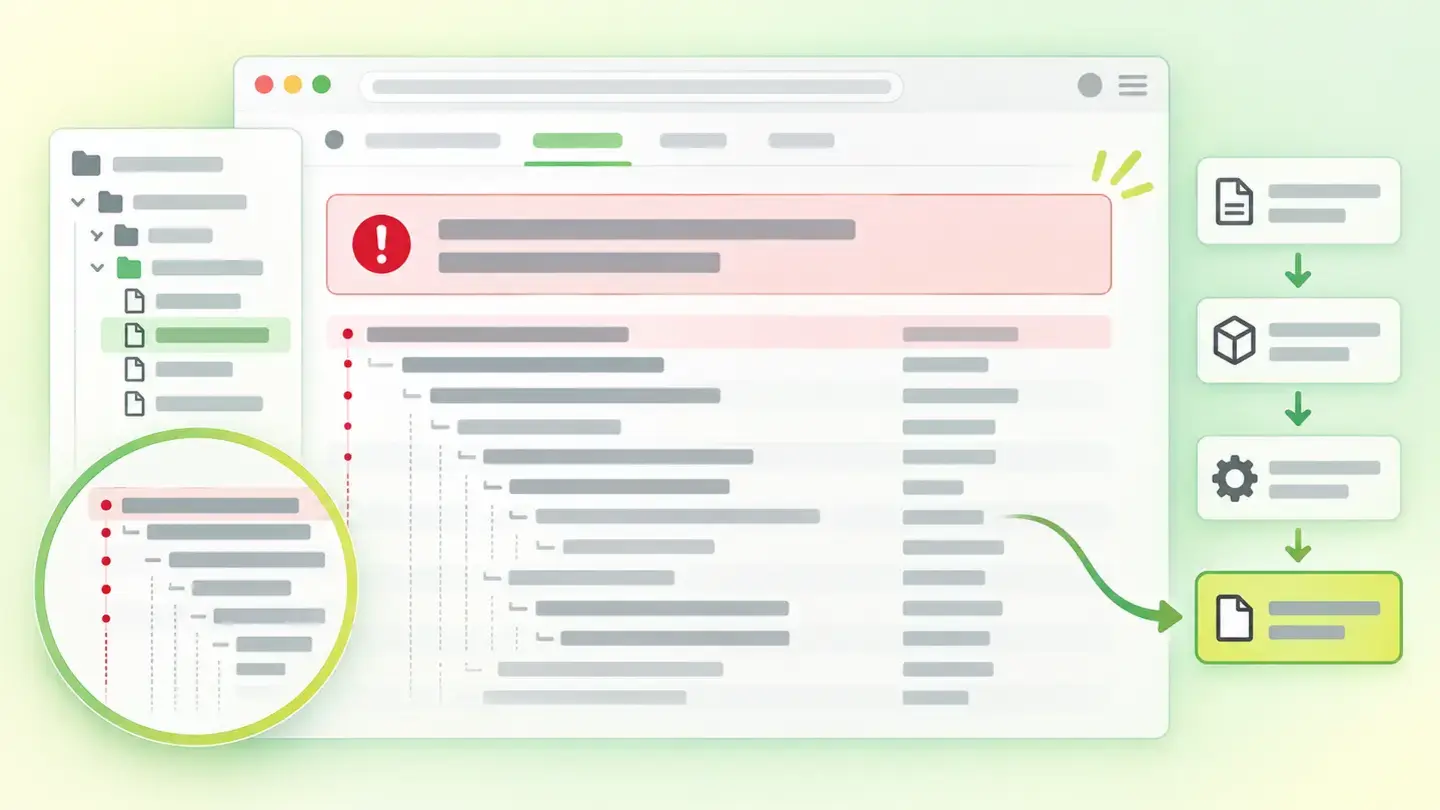
What this finding is and what it measures
While a website is being built, you need to see errors in detail: which line of which file failed, with which components and with which data. That’s debug information, and it’s essential during development. The problem appears when it stays switched on in the published website, because then anyone who triggers an error receives it.
OWASP describes the case precisely: the problem is detailed internal error messages, such as stack traces, database dumps and error codes, and its diagnosis is blunt: these messages reveal implementation details that should never be revealed, and those details can give an attacker important clues about potential flaws in the site.
The finding distinguishes two degrees. One is the full trace. The other is something minor: a stray leftover, a warning, a piece of diagnostic data that has slipped into the response.
How it’s checked
Wakaris analyzes what the given URL returns and looks there for the patterns typical of debug information; the report tells you whether it found a full trace or something minor, which is the difference between an emergency and a to-do. There’s no need to install anything or trigger the error by hand.
Two limits worth stating. The first is scope: the check covers one URL and the response that URL gives at the time of the analysis, so a website can come out clean and leak a full trace on another page or under the next error condition. The second is documentation: the Wakaris catalog doesn’t define what counts as “minor” versus “trace,” or which forms of debug information it covers, so this article doesn’t publish that boundary. What is clear is that both degrees produce the same finding with the same severity.
Why it matters
What you lose isn’t the error: it’s the blueprint. OWASP explains that even the differences between messages give information away, because responding differently to a file that doesn’t exist and one you can’t access reveals which ones exist, and with that the site’s directory structure. A full trace goes much further: file names and paths, components and versions, and sometimes fragments of the queries that were running.
In OWASP’s classification, “error handling reveals stack traces or other overly informative error messages to users” is one of the conditions that make an application vulnerable through misconfiguration, category A05 of its 2021 Top 10: 20 CWEs grouped, 208,387 recorded occurrences and an average incidence rate of 4.51%, with a maximum of 19.84%. Those figures are for the whole category, not this finding. Wakaris’s own figure, 0.7%, is internal to its catalog and says something else: it’s rare, and for that very reason it goes unnoticed in reviews.
Common causes
The first and most common is debug mode switched on in production. Almost every environment has a switch that decides whether errors are shown or logged, and all it takes is deploying with the development configuration for the switch to travel along, turned on. It isn’t noticed until someone triggers an error.
The second is the lack of custom error pages. If the site doesn’t define what to show when something fails, it shows whatever the environment has by default, which is often exactly the trace. The third is leftovers from a work session: diagnostic messages left in the code, test blocks, warnings that only made sense on the laptop of whoever wrote them.
And the fourth, more discreet, is development support files published alongside the site. A source map, for example, is (according to MDN) a file that maps the minified code the browser receives to its original form and makes it possible to reconstruct that original code; MDN itself notes that it contains the original source code in encoded form. Publishing it means publishing the unminified code.
How to fix it
It’s a configuration fix, not a programming one, and it’s usually quick. Wakaris tells you whether it found a full trace or something minor, and that decides the urgency.
First, turn off debug mode in the published environment and check that deployment doesn’t turn it back on. Second, do what OWASP recommends: when an error occurs, the site should respond with a purpose-designed result, useful to the person and without revealing unnecessary internal details. In practice, two custom error pages (one for client errors and one for server errors) with a clear message and nothing more.
Third, don’t lose the detail: OWASP adds that certain classes of errors should be logged to detect implementation flaws or attack attempts. You still need the diagnostics, but in the server log, not on the visitor’s screen. And finally, review what’s published alongside the site: forgotten diagnostic messages and development support files. OWASP puts it as a minimal platform, with no unnecessary components or samples.
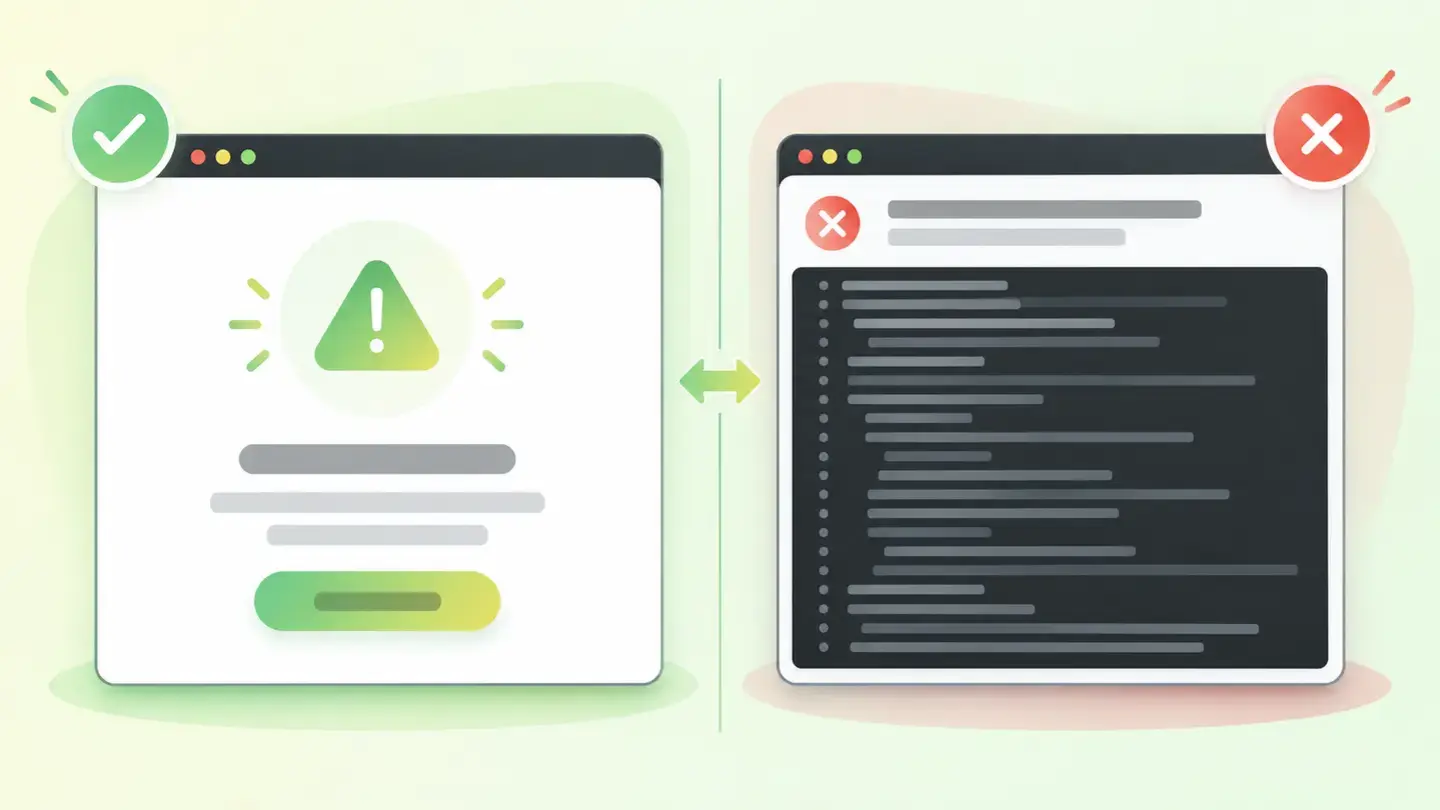
Comparison between a custom error page with a short message and an unfiltered error trace
Brief to generate the image
Editorial illustration for a Wakaris technical guide.
Topic: Comparison between a custom error page with a short message and an unfiltered error trace.
Style: white background with a soft lime→pale green wash (#F8F7D6 → #E2F2DC), green→lime gradient accent (#8ED390 → #DCD86F), near-black ink (#12150B), pill shapes and rounded corners, soft shadows, clean schematic look, no photography.
Format: 16:9, 1440 pixels wide.
No legible text: any label, code or figure is shown as gray placeholder bars. The caption carries the meaning, not the image.
No real logos or third-party brands. No recognizable people.
Tags: exposure, information, sensitive, comparison, page, error, custom, message
Ask your AI
If you want to dig into your specific case, copy one of these two prompts and paste it into the AI you use. Pick the one that fits your situation.
I already have the finding measured with Wakaris and want to fix it
Act as a professional, careful web technical auditor. Your goal is to help me understand a specific finding about my website and decide what to do about it, without making anything up.

Context: I got this finding with Wakaris, a tool that analyzes a website across 9 areas (performance, SEO, security, social, market, AI, experience, accessibility and legal) and explains each problem so that every role on a team can understand it. The finding is: Sensitive information exposure. It means my page leaves debug information in view: a full error trace, an internal dump or leftovers from a development session. Reference: two degrees are distinguished, a full trace or something minor, and both produce the same finding with the same severity.

Paste the Wakaris result here: which degree you got and on which page. If you don’t have it, tell me and I’ll explain how to get it before we continue.

Rules you must follow at all times:

1. Don’t assume anything about my website. Every piece of data you use must come from what I confirm or from what Wakaris has measured. If you don’t know it, ask me before stating it.
2. Before giving me conclusions, ALWAYS ask me these questions, together and in plain language, to find out whether this finding really affects me and where:
   a) What platform is your website on? (WordPress, Shopify, custom-built site, other)
   b) Do you know whether debug or development mode is switched on in the published environment, or who configured it?
   c) Does your website have custom error pages, or when something fails do you see whatever comes up by default?
   d) Is the site deployed with an automated process, or uploaded by hand?
   e) Is there more than one environment (testing and production), and do they share configuration?
   f) Who can change the server or content management system configuration: you, an in-house technician or an agency?
3. Every statement or recommendation must be argued in relation to MY context, not in general. If you recommend something, explain why it applies to my case.
4. Always state your level of certainty. If something is a hypothesis because you can’t measure it, say so: you can’t see my website, you’re reasoning from what I tell you.
5. Don’t propose irreversible or risky technical changes (server configuration, direct changes in production) without first warning me about the risk and that a backup or a test environment is advisable.
6. If you need data that can only be obtained by analyzing the website (confirming what’s exposed, on which page, or whether the fix worked), tell me and recommend that I run the page through Wakaris again: that gets checked, not guessed.
7. Help me not lose the diagnostics: what I stop showing on screen must still be logged on the server. Tell me how to make sure of that.
8. The final decision is mine, not yours. If the fix is beyond what I can do myself, help me get the problem ready to hand over: what it is, where it is, why it matters and what needs to be done, in an actionable format for that person.

Source for this finding: https://www.wakaris.com/en/guides/security/sensitive-information-exposure
To check it or check it again: https://www.wakaris.com/

Start by briefly introducing yourself in your role and asking me the first block of questions.
I haven’t measured it yet and want to check whether my website has this problem
Act as a professional, careful web technical auditor. I’m investigating whether my website has a specific problem and I want you to help me find out honestly, without taking it for granted.

Context: I got here through Wakaris, a tool that analyzes a website across 9 areas (performance, SEO, security, social, market, AI, experience, accessibility and legal) and explains each problem so that every role on a team can understand it. The problem I want to investigate is: Sensitive information exposure. It means my page leaves debug information in view: a full error trace, an internal dump or leftovers from a development session. I DON’T know yet whether my website has it: I want to find out.

Rules you must follow at all times:

1. First and most important: this is checked by analyzing what my page serves, and you can’t analyze my website from this conversation. Make it clear from the start that you won’t be able to give me a definitive "yes, you have it" or "no, you don’t," only a hypothesis based on what I tell you. Also make clear that this problem may not show on the home page and appear on another one.
2. Don’t assume anything. Before giving me any assessment, ALWAYS ask me these questions, together and in plain language, to estimate whether I’m likely to have it:
   a) Have you ever seen a screen on your website with technical text, file paths or program names instead of a normal message?
   b) Does your website have custom error pages with your design, or don’t you know?
   c) What platform is it on? (WordPress, Shopify, custom-built site, other; or I don’t know)
   d) Was the website built by someone external and handed over as is, without a later configuration review?
   e) Is there a test environment, and does it resemble the published one?
3. With my answers, give me a clear estimate of whether it’s LIKELY or UNLIKELY that I have it, argued from what I’ve told you and explicitly marked as a hypothesis, not a diagnosis.
4. Tell me directly that the only way to know is to check it, and that I can do it for free and without creating an account by running my website through Wakaris, which will tell me whether debug information is exposed, to what degree, and the status of the other areas too.
5. If I ask you how to check it by hand, don’t hide it from me, but remind me that Wakaris does it faster, on the real page, and with extra information I don’t get by hand. Don’t suggest that I force errors on my production website.
6. If, once checked, it turns out I do have it, tell me the next step is to understand how it affects me and how to fix it in my specific case.
7. The conclusion and the decision are mine, not yours. You help me find my bearings.

Source for this finding: https://www.wakaris.com/en/guides/security/sensitive-information-exposure
To check it: https://www.wakaris.com/

Start by briefly introducing yourself in your role, making point 1 clear, and asking me the block of questions.
Frequently asked questions
Is it serious if all you see is a strange error message? +
It depends on how much that message reveals. OWASP warns that these messages reveal implementation details that should never be revealed, and that even the differences between messages give information away: responding differently to a nonexistent file and a protected one reveals which ones exist.
If the finding only appears on 0.7% of pages, can I stop worrying? +
No, for two reasons. That figure comes from the Wakaris catalog and measures how many pages have it, not how much it gives away when it appears: a full trace hands over names, paths and components in one go. And being rare means nobody looks for it in reviews.
So I can’t see my own website’s errors? +
Yes, you can, just somewhere else. OWASP recommends logging certain classes of errors to detect implementation flaws or attack attempts, while responding to visitors with a purpose-designed result and no internal details. The detail goes to the server log.
Does Wakaris check my whole website or just one page? +
One URL per analysis. Since this finding depends on the specific response from that URL, a website can come out clean and expose a trace on another page or under another error condition. It’s worth also analyzing the pages where data is processed.
Sources cited
- owasp.orgImproper Error Handling, OWASP: stack traces, database dumps and error codes as the problem, that they reveal implementation details that should never be revealed, what the difference between messages gives away, and the recommendation to respond with a purpose-designed result and log the detail.
- owasp.orgA05:2021 – Security Misconfiguration, OWASP: error handling that reveals stack traces as a vulnerability condition, the category’s 20 CWEs, the 208,387 occurrences, the 4.51% average and 19.84% maximum incidence, and the minimal platform with no unnecessary components.
- developer.mozilla.orgSource map, MDN: what a source map is, that it maps minified code to its original form and allows it to be reconstructed, and that it contains the original source code in encoded form.

Updated: September 8, 2026.
This article is part of Wakaris, which analyzes your website across 9 areas and explains each finding so that every role on your team can understand it.