In short
What’s counted
autoplaying sound and requests for notifications, geolocation and camera or microphone triggered without anyone asking.
Cut-off
more than zero, the same for all four, with no bands. Severity in Wakaris: Important.
Why it matters
browsers block autoplay sound by default, and a denied permission can’t be asked for again.
Frequency
triggered on 0.3% of analyzed pages, the lowest rate of the findings published so far (internal Wakaris figure).
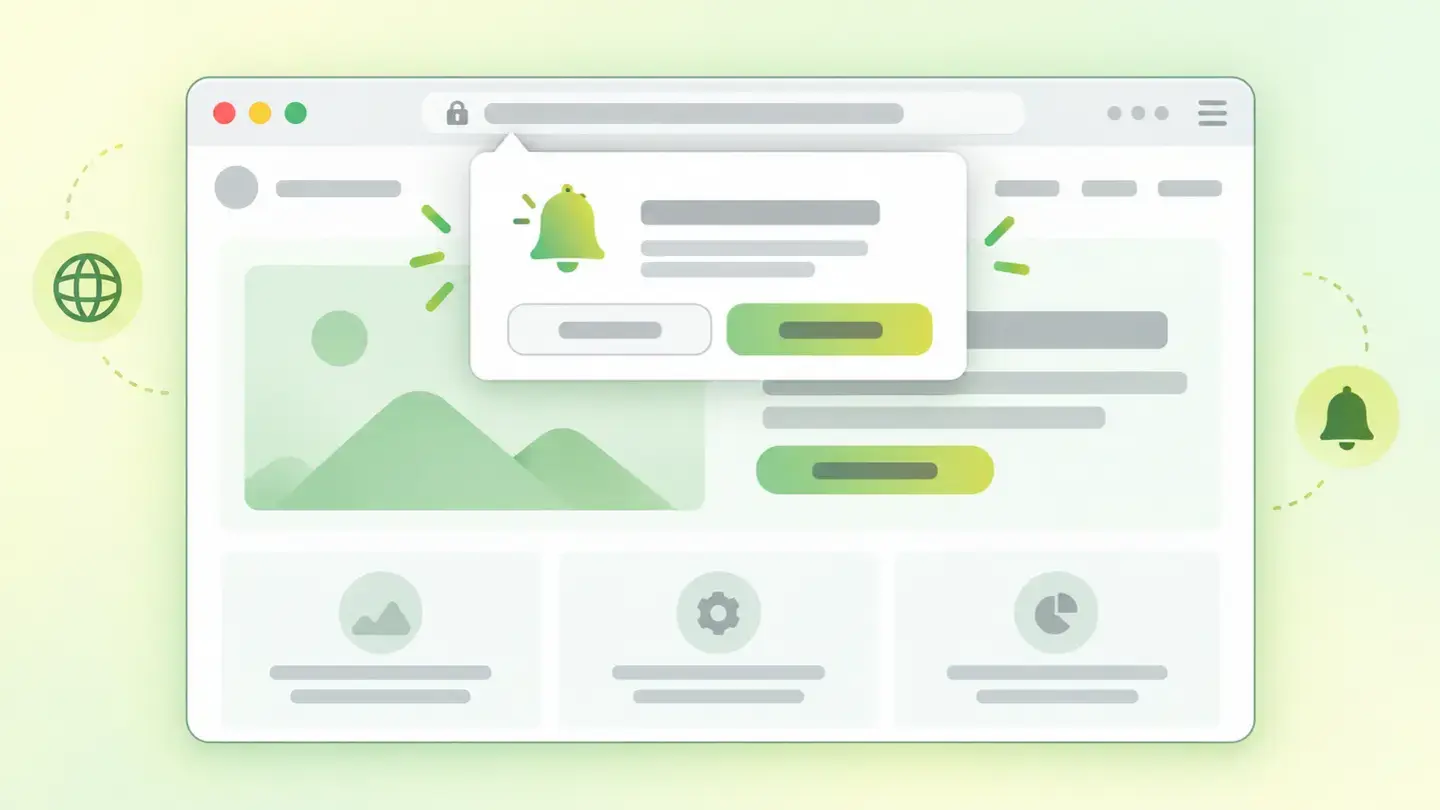
What this finding is and what it measures
This finding groups four actions a page can take on its own as soon as it opens, without the visitor having asked for anything. Wakaris counts them separately.
The first is audible autoplay: audio or video with sound that starts on its own. The other three are permission requests to the browser, one for each sensitive capability the page wants to use: notifications, geolocation and camera or microphone. Each one opens a prompt that sits in front of the content and forces a decision before anything has been seen.
What they have in common isn’t the technology, but the timing. None of the four is a problem just for existing: a radio station needs sound and a shop with in-store pickup needs location. The finding is triggered when those capabilities are activated on first load, before the visitor has expressed any intent.
How it’s measured
Wakaris loads your page as someone visiting for the first time would, without clicking anything, and records each of the four actions that fire on their own. The report tells you how many there are and of what type, with nothing to install and no account to create.
The catalog has a single cut-off, the same for all four: more than zero. There are no bands. One notification request and four actions at once produce the same finding with the same severity.
There are two limits to keep in mind when reading the result. The first is that Wakaris observes a single load and doesn’t interact with the page: whatever your website asks for after a scroll, ten seconds of waiting or a click is left out of the count. The second is that the check covers one specific URL, not the whole site, so a clean home page doesn’t guarantee the product page is clean too.
Why it matters
Mozilla’s documentation puts it bluntly: a page that starts making noise on its own can be jarring, uncomfortable or unpleasant for the visitor. That’s why browsers block playback with sound by default in a tab that hasn’t been interacted with yet.
Something similar happens with permissions, and here there’s data. Chrome’s developer documentation publishes the breakdown of responses to the notification prompt on Google’s news service: 82.3% accept it, 7.9% dismiss it, 5.0% ignore it and 4.8% deny it. The useful reading isn’t the high percentage, it’s the condition that explains it: there, permission is asked with context. The same page recommends avoiding prompts without context or immediately after someone arrives on the site, because they interrupt browsing without explaining what they’re for.
And there’s a cost you don’t get back: when someone denies a permission, the browser remembers the refusal and the next attempt never gets shown.
Common causes
The four actions almost always arrive the same way: a component installed with its factory settings that nobody reviews afterwards.
For notifications, the dominant pattern is a messaging or cart recovery service that asks for permission as soon as its code loads, because that maximizes the capture window. For geolocation, it’s usually the store locator or shipping calculator, which queries the position when it mounts instead of waiting for someone to click “see the nearest store.” For camera or microphone, it’s almost always a video call, virtual try-on or code-scanning component that initializes with the page instead of with the action.
Audible autoplay has its own origin: header videos and carousels that had the muting attribute removed, or embedded players that come with sound on by default.
How to fix it
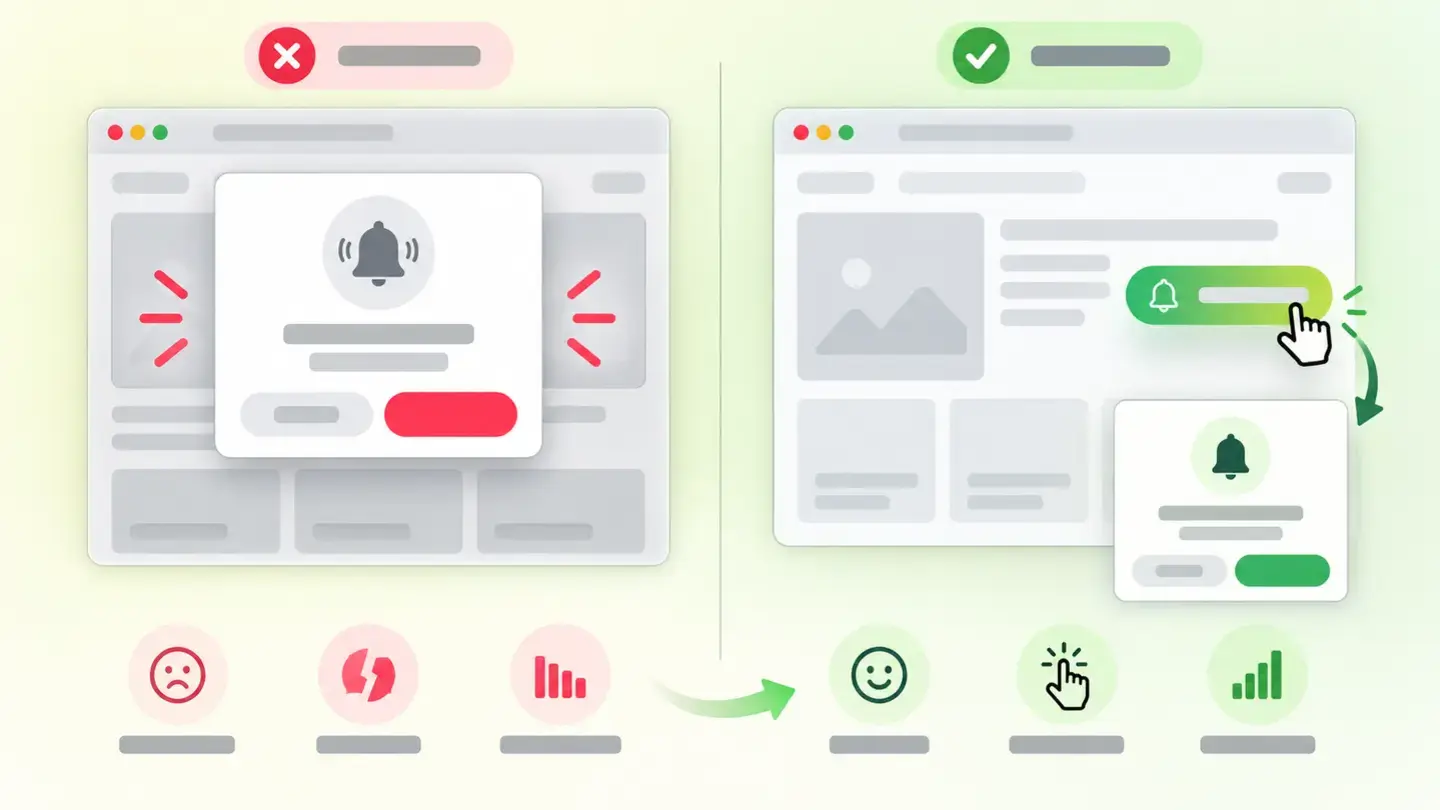
The fix is the same in all four cases and it isn’t technical, it’s about order: move the action from page load to the moment someone asks for it.
Start by finding out which of the four is triggered, because each one lives in a different part of the code. Wakaris gives you the exact type in the report and saves you from searching blindly.
For the three permission requests, the pattern that works is to fire them inside a click handler and not when the component mounts. Before the browser prompt, add your own element explaining what it’s for (“notify me when it’s back in stock,” “use my location for the nearest store”) and only ask for permission if the person accepts. That way it arrives with context and, if they say no, you haven’t wasted the only attempt the browser gives you.
For sound, declare the video muted and with controls visible, so whoever wants to hear it can turn it on. A video with no audio track or muted isn’t subject to the autoplay block and doesn’t produce this finding either.
Comparison between asking for a permission on page load and asking after an explanatory click
Brief to generate the image
Editorial illustration for a Wakaris technical guide.
Topic: Comparison between asking for a permission on page load and asking after an explanatory click.
Style: white background with a soft lime→pale green wash (#F8F7D6 → #E2F2DC), green→lime gradient accent (#8ED390 → #DCD86F), near-black ink (#12150B), pill shapes and rounded corners, soft shadows, clean schematic look, no photography.
Format: 16:9, 1440 pixels wide.
No legible text: any label, code or figure is shown as gray placeholder bars. The caption carries the meaning, not the image.
No real logos or third-party brands. No recognizable people.
Tags: interruptions, automatic, comparison, ask, permission, load, page, ask for it
Ask your AI
If you want to dig into your specific case, copy one of these two prompts and paste it into the AI you use. Pick the one that fits your situation.
I already have the finding measured with Wakaris and want to fix it
Act as a professional, careful web technical auditor. Your goal is to help me understand a specific finding about my website and decide what to do about it, without making anything up.

Context: I got this finding with Wakaris, a tool that analyzes a website across 9 areas (performance, SEO, security, social, market, AI, experience, accessibility and legal) and explains each problem so that every role on a team can understand it. The finding is: Automatic interruptions. As soon as it loads, and without anyone asking, my page takes one of these four actions on its own: playing sound, asking for notification permission, asking for location, or asking for the camera or microphone. Reference: the finding is triggered by a single automatic action detected on first load.

Paste the Wakaris result here: which type of interruption you got, how many and on which page. If you don’t have it, tell me and I’ll explain how to get it before we continue.

Rules you must follow at all times:

1. Don’t assume anything about my website. Every piece of data you use must come from what I confirm or from what Wakaris has measured. If you don’t know it, ask me before stating it.
2. Before giving me conclusions, ALWAYS ask me these questions, together and in plain language, to find out whether this finding really affects me and where:
   a) What platform is your website on? (WordPress, Shopify, custom-built site, other)
   b) Of the four, which one did you get: autoplay sound, notifications, location or camera/microphone? If several, tell me all of them.
   c) Do you know which component, plugin or external service causes it, or does it need to be tracked down?
   d) Do you really need that capability on that page, or is it something that came preinstalled?
   e) If you need it, at what moment would it make sense to ask for it: when clicking a button, when reaching a section, when starting a process?
   f) If code or plugin settings need changing, would you do it yourself, an in-house technician or an agency?
3. Every statement or recommendation must be argued in relation to MY context, not in general. If you recommend something, explain why it applies to my case.
4. Always state your level of certainty. If something is a hypothesis because you can’t measure it, say so: you can’t see my website, you’re reasoning from what I tell you.
5. Don’t propose irreversible or risky technical changes (disabling components in production, changing server configuration, deleting resources) without first warning me about the risk and that a backup or a test environment is advisable.
6. If you need data that can only be obtained by measuring the website (confirming which action is triggered, on which page, or whether the fix worked), tell me and recommend that I run the page through Wakaris again: that gets measured, not guessed.
7. The final decision is mine, not yours. Your role is to help me understand and prepare the action, not to decide for me.
8. If the fix is beyond what I can do myself, or a team is going to carry it out, help me get the problem ready to hand over: what it is, where it is, why it matters and what needs to be done, in an actionable format for that person.

Source for this finding: https://www.wakaris.com/en/guides/user-experience/automatic-interruptions
To measure it or measure it again: https://www.wakaris.com/

Start by briefly introducing yourself in your role and asking me the first block of questions.
I haven’t measured it yet and want to check whether my website has this problem
Act as a professional, careful web technical auditor. I’m investigating whether my website has a specific problem and I want you to help me find out honestly, without taking it for granted.

Context: I got here through Wakaris, a tool that analyzes a website across 9 areas (performance, SEO, security, social, market, AI, experience, accessibility and legal) and explains each problem so that every role on a team can understand it. The problem I want to investigate is: Automatic interruptions. It’s when a page, as soon as it loads and without anyone asking, starts playing sound or asks for notification, location, or camera and microphone permission. Reference: a single one of those actions on first load is enough. I DON’T know yet whether my website has it: I want to find out.

Rules you must follow at all times:

1. First and most important: this is checked by loading the page and observing what it does, and you can’t load my website from this conversation. Make it clear from the start that you won’t be able to give me a definitive "yes, you have it" or "no, you don’t," only a hypothesis based on what I tell you.
2. Don’t assume anything. Before giving me any assessment, ALWAYS ask me these questions, together and in plain language, to estimate whether I’m likely to have it:
   a) When you open your website in a new tab, does anything play without you clicking anything?
   b) Does a browser prompt appear asking for permission (notifications, location, camera or microphone) before you’ve clicked anything?
   c) Do you have any notification, chat, cart recovery or nearby store locator service installed?
   d) Is there a video or carousel in the page header?
   e) What platform is it on? (WordPress, Shopify, custom-built site, other; or I don’t know)
   f) Do you notice the same thing on mobile as on desktop?
3. With my answers, give me a clear estimate of whether it’s LIKELY or UNLIKELY that I have it, and which of the four actions would be the suspect, argued from what I’ve told you and explicitly marked as a hypothesis, not a diagnosis.
4. Tell me directly that the only way to really know is to check it, and that I can do it for free and without creating an account by running my website through Wakaris, which will tell me which actions fire on their own, what type they are, and the status of the other areas too.
5. If I ask you how to check it by hand, don’t hide it from me, but remind me that Wakaris does it faster, on the real page, and with extra information I don’t get by hand.
6. Keep in mind that my own browser may already have saved my permission answers for that site, so what I see may not be what a first-time visitor sees.
7. If, once checked, it turns out I do have it, tell me the next step is to understand how it affects me and how to fix it in my specific case.
8. The conclusion and the decision are mine, not yours. You help me find my bearings.

Source for this finding: https://www.wakaris.com/en/guides/user-experience/automatic-interruptions
To measure it: https://www.wakaris.com/

Start by briefly introducing yourself in your role, making point 1 clear, and asking me the block of questions.
Frequently asked questions
Is it wrong to ask for notification permission? +
No, what’s wrong is the timing. Mozilla’s documentation recommends asking in response to an interaction, for example a click handler. Asked with context, it works very well; asked on load, you waste the only attempt the browser gives you.
If the browser already blocks autoplay sound, why does the finding appear? +
Because the block is neither universal nor permanent. It lets through muted content, sites the person has already visited and pages with permission granted. Wakaris records your page’s attempt, which is what you can fix; what each browser does with it is out of your control.
It only fails on 0.3% of pages. Is it worth looking at? +
Rare doesn’t mean minor. Frequency and severity are different axes: this finding appears on very few pages, but where it does, it affects the first second of the visit. If your page is in that 0.3%, the percentage is no consolation.
Does Wakaris detect what my website asks for a few seconds later? +
No. Wakaris observes one load without interacting, so a request fired after a scroll, a timer or a click is left out of this count. If your website uses that pattern, check it by hand: it’s just as annoying even if it doesn’t appear in the report.
Sources cited
- developer.mozilla.orgAutoplay guide for media and Web Audio APIs, MDN: audible playback blocked by default, the exception for muted content, and the effect on the visitor.
- developer.mozilla.orgNotification.requestPermission(), MDN: the request must be made in response to an interaction, inside the click handler.
- developer.mozilla.orgGeolocation API, MDN: the permission prompt appears when the position functions are called, and the data can reveal information the person doesn’t want to share.
- developer.mozilla.orgMediaDevices: getUserMedia(), MDN: camera and microphone permission is always required, and the request may go unanswered.
- developer.chrome.comAdding notification permission data, Chrome for Developers: breakdown of responses to the notification prompt (82.3% accept, 7.9% dismiss, 5.0% ignore, 4.8% deny) and the recommendation not to ask without context or right on arrival.

Updated: September 8, 2026.
This article is part of Wakaris, which analyzes your website across 9 areas and explains each finding so that every role on your team can understand it.