In short
What gets checked
four pieces separately: a valid favicon, an Open Graph image, an image for X and a logo in the organization markup.
Threshold
a single one, the same for all four: “it’s not there”. Presence or absence, with no grades.
Why it matters
they’re the only pieces someone sees when they come across your brand before visiting your website.
Severity in Wakaris
Improvement. One of the four is missing on 81.4% of analyzed pages (internal Wakaris figure).
What it is and what this finding checks
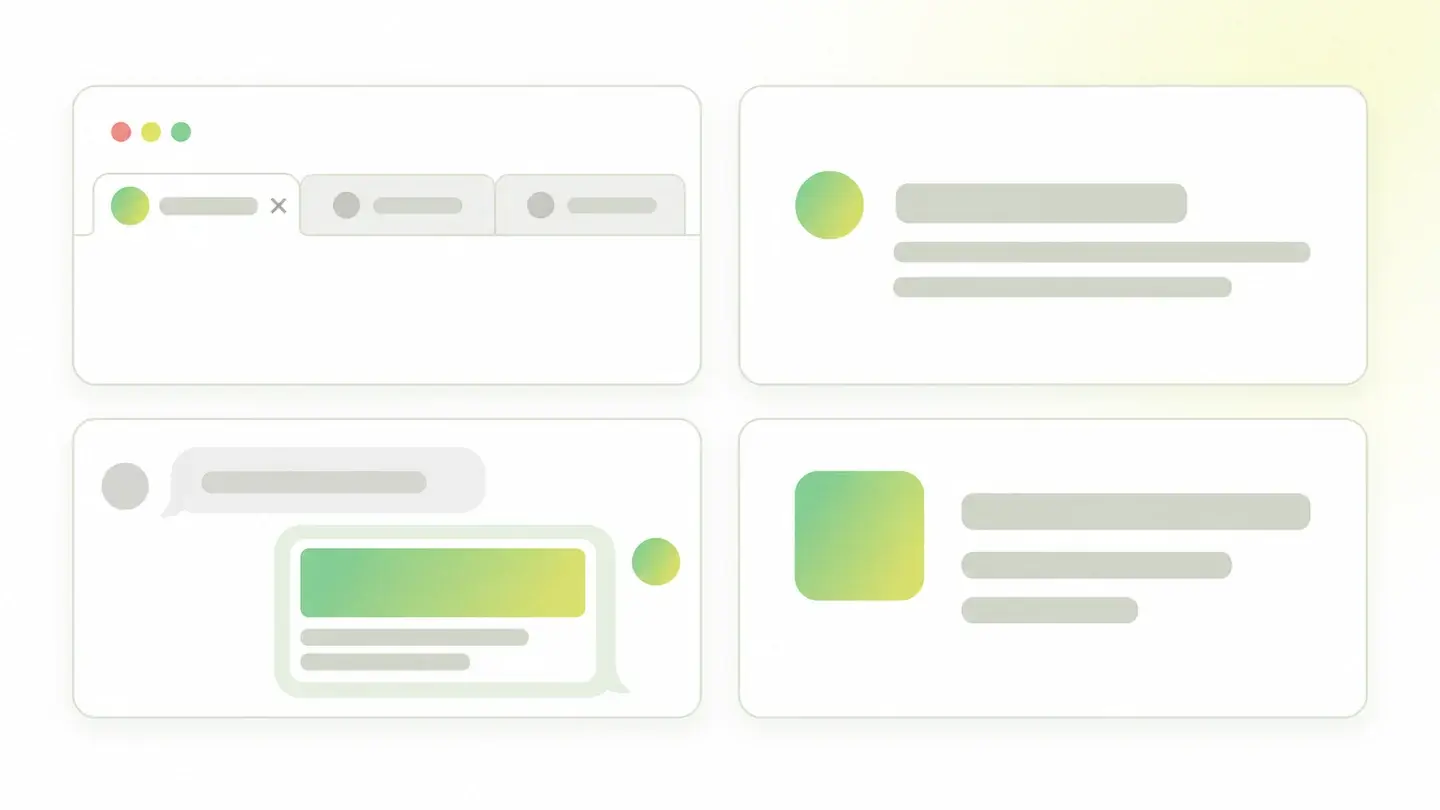
Part of your visual identity doesn’t live on your website but outside it. When someone finds you in a search engine, when someone pastes your link into a chat or when your profile shows up in a side panel, someone else draws the screen. The only thing you decide is which image it picks.
This finding reviews the four declarations that govern that. The favicon, the site’s square icon that appears in the tab and next to your search result. The Open Graph image, shown in most previews when a link is shared. The equivalent image for X. And the logo declared in the organization markup, which is what the search engine uses to know which of your website’s images is your logo.
Wakaris checks each one separately and tells you which is missing.
How it’s checked
Wakaris analyzes the page you give it and looks for the four declarations: the link to the icon, the two preview image tags and the logo property inside the organization markup. The result is presence or absence, with no grades. Since there’s a single threshold and one piece of evidence per item, the warning always tells you exactly which of the four is missing.
One note on the name. The check is called technical branding consistency, but what it checks is that the declarations exist, not that the four images look alike or match your brand. You could have a template favicon and a sharing image with another company’s photo and the finding won’t fire, because everything is declared. Whether they’re consistent is for a person to look at; whether they’re there, Wakaris looks at.
Why it matters
The favicon is the most measurable case. Google documents that it appears next to your search result, that it must be square and at least 8 by 8 pixels —it recommends going above 48—, that its address must be stable and crawlable, and that the icon should visually represent your brand. It also warns that it may replace anything that doesn’t comply with a generic icon. A result with a generic icon among branded results loses before anyone reads the title.
Something similar, with more consequence, happens with the declared logo. Google explains that declaring it helps its search engine understand which logo you want it to show, for example in results and knowledge panels, and asks for the image to be at least 112 by 112 pixels, crawlable and indexable, and to look good on a white background. Without that declaration, the search engine makes the choice on its own.
The two preview images are about something else: what appears when someone shares your link. Without them, each platform improvises.
Common causes
The four pieces get lost for different reasons, and none of them is truly technical.
The favicon is usually there, but inherited: the icon from the template or builder the website was made with, which nobody replaced when adding the brand. When it’s missing altogether, it’s almost always a custom-built website where that step didn’t make the list.
The preview images are the most common oversight of the four, because you can’t see them from the inside: nobody misses them while browsing their own website. They only show up when someone shares the link, and by then it’s too late. In many content managers you have to install something or fill in a separate field to declare them.
The logo in the organization markup fails for a different reason: it’s the only one of the four that requires structured data, and many websites have none. And when they do, the block often describes the page or the article and not the organization behind it, so there’s nowhere to hang the logo.
How to fix it
Wakaris tells you which of the four is missing, so start there instead of redoing them all.
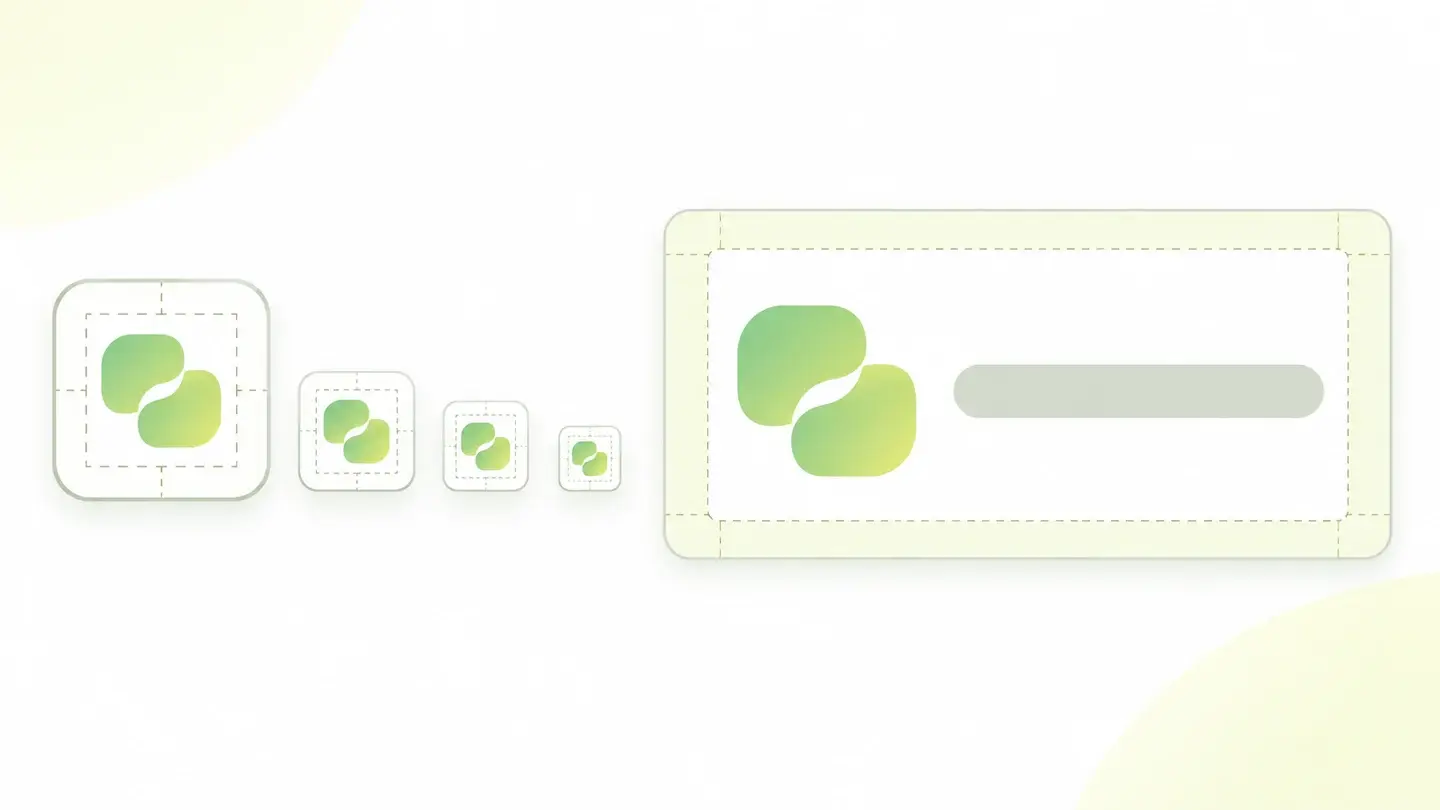
For the favicon, prepare a square image with enough margin for the symbol to be recognizable at a tiny size, upload it to an address you won’t change and declare it in the header of every page. A shrunken horizontal logo doesn’t work: at 16 pixels it can’t be read.
For the two preview images, use a single landscape image with the brand name legible and declare it in both tags. Keep in mind it gets cropped depending on the platform, so leave room around what matters.
For the declared logo, add a structured data block to the home page that describes the organization and includes your logo’s address. Meet Google’s minimums —112 pixels per side, an accessible image that looks good on a white background— and use the same logo as in the rest of your communication. That’s the consistency part the finding can’t check, and it’s up to you.
Ask your AI
If you want to dig into your specific case, copy one of these two prompts and paste it into the AI you use. Pick the one that fits your situation.
I already have the finding measured with Wakaris and want to fix it
Act as a professional, careful technical web consultant. Your goal is to help me understand a specific finding about my website and decide what to do about it, without making anything up.

Context: I got this finding from Wakaris, a tool that analyzes a website across 9 areas (performance, SEO, security, social, market, AI, user experience, accessibility and legal) and explains each problem so every role on a team can understand it. The finding is: Technical branding consistency. My website doesn’t declare one or more of the four pieces that represent the brand outside the site: the favicon, the preview image when sharing, the equivalent image for X and the logo declared in the organization markup. Reference: it checks that each one is declared; it’s presence or absence, with no grades.

Paste the Wakaris result here: which of the four it flags as missing and on which page. If you don’t have it, tell me and I’ll explain how to get it before we continue.

Rules you must follow at all times:

1. Don’t assume anything about my website. Every piece of data you use must come from what I confirm or from what Wakaris measured. If you don’t know something, ask me before stating it.
2. Before giving me any conclusions, ALWAYS ask me these questions, all together and in plain language, to find out whether this finding really affects me and where:
   a) What platform is your website on? (WordPress, Shopify, custom build, other)
   b) Do you have a good-quality logo file, or only the version shown on the website?
   c) Is your logo a square symbol, a landscape wordmark or both?
   d) Are links to your website often shared in chats or social media, or does almost all traffic come from search?
   e) Do you know whether your website has structured data and of what type, or aren’t you sure?
   f) Can you edit the templates’ header, or only the content from the admin panel?
3. Every statement or recommendation must be argued with respect to MY context, not in general. If you recommend something, explain why it applies to my case.
4. Always flag your level of certainty. If something is a hypothesis because you can’t check it, say so: you can’t see my website, you’re reasoning from what I tell you.
5. Keep in mind that this finding checks that the declarations exist, not that the images are consistent with each other or match my brand. Help me with that part too, which no automated check decides.
6. Don’t suggest changing the address of a favicon that already works without warning me that the address should stay stable.
7. If you need data that can only be obtained by checking the website (what’s declared and what isn’t, or whether the fix worked), tell me and recommend I run the page through Wakaris again: that gets checked, not guessed.
8. The final decision is mine, not yours. Your role is to help me understand and prepare the action, not to decide for me.

Source of this finding: https://www.wakaris.com/en/guides/online-presence/technical-branding-consistency
To check it or check it again: https://www.wakaris.com/

Start by briefly introducing yourself in your role and asking me the first block of questions.
I haven’t measured it yet and want to check whether my website has this problem
Act as a professional, careful technical web consultant. I’m looking into whether my website has a specific problem and I want you to help me find out honestly, without taking it for granted.

Context: I came to this through Wakaris, a tool that analyzes a website across 9 areas (performance, SEO, security, social, market, AI, user experience, accessibility and legal) and explains each problem so every role on a team can understand it. The problem I want to look into is: Technical branding consistency. It’s when a website doesn’t declare one or more of the four pieces its brand is shown with outside the site: the favicon, the preview image when sharing, the equivalent image for X and the logo in the organization markup. Reference: it’s presence or absence, with no grades. I do NOT know yet whether my website has it: I want to find out.

Rules you must follow at all times:

1. First and most important: this is checked by reading the page’s code, and you can’t access my website from this conversation. Make it clear from the start that you won’t be able to give me a definitive "yes, you have it" or "no, you don’t", only a hypothesis based on what I tell you.
2. Don’t assume anything. Before giving me any assessment, ALWAYS ask me these questions, all together and in plain language, to estimate whether I’m likely to have it:
   a) Does your brand icon appear in the browser tab when you open your website, or is there a generic or template icon?
   b) When you paste your website’s link into a chat, does an image of yours show up, some random image or nothing at all?
   c) Was the website built with a template or a visual builder, or was it custom-made?
   d) Has anyone worked on your site’s structured data?
   e) Do you have the logo in a good-quality file and in a square version?
3. Based on my answers, give me a clear estimate of whether it’s LIKELY or UNLIKELY that one of the four is missing and which one would be the suspect, explicitly marked as a hypothesis and not a diagnosis.
4. Keep in mind that the two preview images can’t be seen while browsing the website itself, so my impression from the inside isn’t enough to rule them out.
5. Tell me directly that the only way to really know is to check, and that I can do it for free and without creating an account by running my website through Wakaris, which will tell me which of the four are declared and, along the way, the state of the other areas.
6. If I ask you how to check it by hand, don’t hide it from me, but remind me that Wakaris does it faster, on the real page and with extra information I can’t get by hand.
7. If checking shows one is missing, tell me the next step is to understand how it affects me and how to fix it in my specific case.
8. The conclusion and the decision are mine, not yours. You help me find my bearings.

Source of this finding: https://www.wakaris.com/en/guides/online-presence/technical-branding-consistency
To check it: https://www.wakaris.com/

Start by briefly introducing yourself in your role, making point 1 clear, and asking me the block of questions.
Frequently asked questions
What size should the favicon be? +
Google asks for it to be square and at least 8 by 8 pixels, but recommends going above 48 by 48 so it looks good on different surfaces. The file’s address should also be stable, and both the icon and the home page must be crawlable.
Does this finding check that my brand is consistent? +
No, despite the name. It checks that the four declarations exist. If the favicon is the original template’s and the sharing image has nothing to do with your identity, the finding won’t fire. That review is still a person’s job.
Can one file serve all four pieces? +
For the two preview images, yes: the same landscape image works. For the favicon, no, because it needs a square format that’s legible at a very small size. And the logo in the markup usually wants a clean version that reads well on a white background.
What’s the point of declaring the logo in structured data? +
Google explains that it helps it understand which logo you want it to show, for example in search results and knowledge panels. It asks for a minimum of 112 by 112 pixels and for the image to be crawlable, indexable and correct on a white background.
Sources cited
- developers.google.comFavicon in search results, Google Search Central: the square favicon of at least 8 by 8 pixels with a recommendation to exceed 48, the stable address, the crawling requirement and the visual representation of the brand.
- developers.google.comLogo structured data (Organization), Google Search Central: declaring the logo helps Google understand which logo to show in results and knowledge panels, with a minimum of 112 by 112 pixels, a crawlable and indexable image that looks right on a white background.
- schema.orgOrganization, Schema.org: the type that describes an organization and its
logoproperty, whose expected value is an image or an address.

Updated: September 8, 2026.
This article is part of Wakaris, which analyzes your website across 9 areas and explains each finding so every role on your team can understand it.