In short
What happened
two critical PHP flaws with a severity score of 9.2 out of 10.
What Wakaris checks
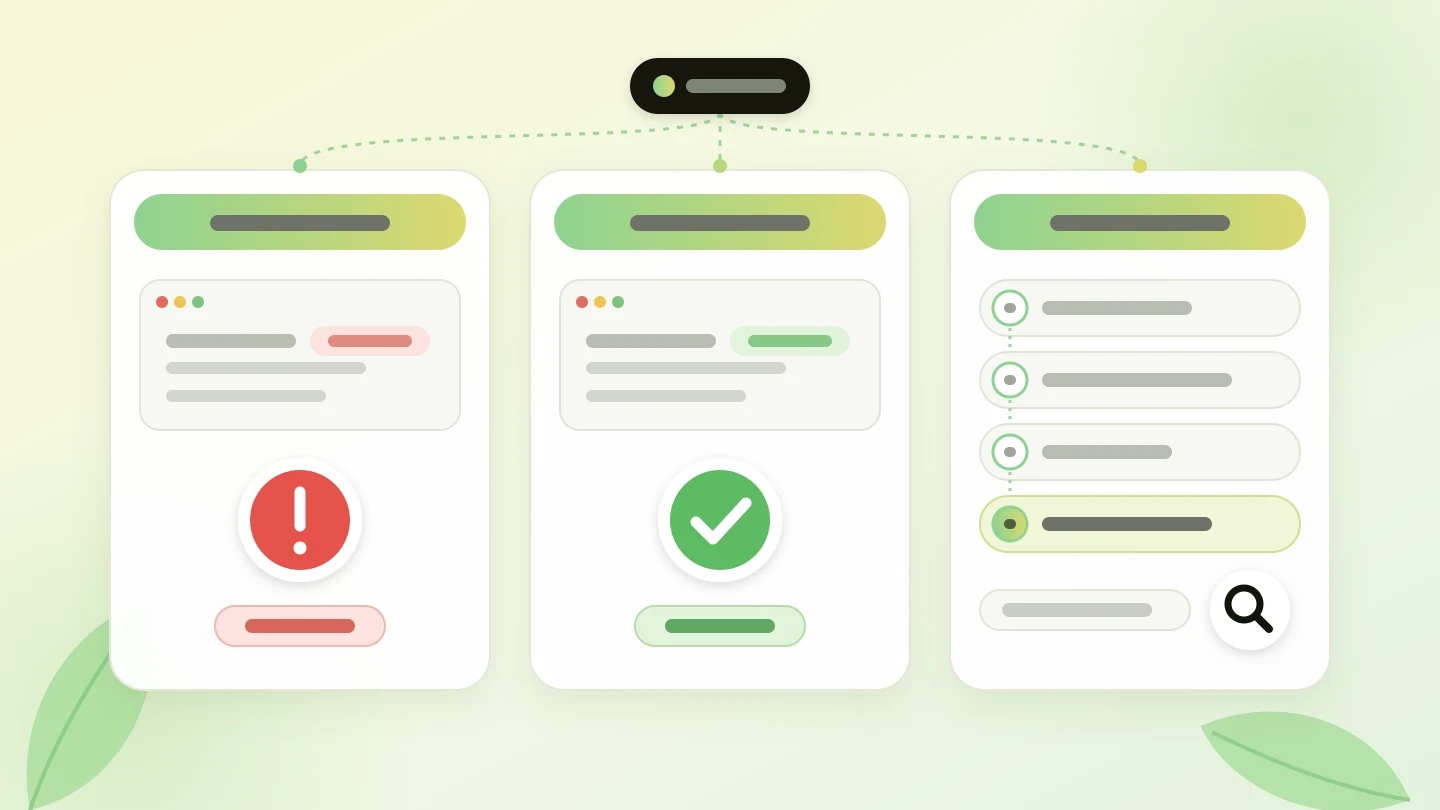
whether your server announces a PHP version older than the patched one. Severity: Critical.
Who fixes it
your hosting provider. Updating the CMS doesn’t change PHP.
What PHP2Shell is and what Wakaris measures
PHP is the language most websites run on, including every site built with WordPress, PrestaShop or Drupal: according to W3Techs, it’s behind 69.3% of the sites whose server-side language is known.
On October 21, 2026, the PHP project released patched versions for two flaws, CVE-2026-109618 and CVE-2026-109619, with a severity score of 9.2 out of 10. According to the official advisory, they can allow code to run on the server without authentication and there is no complete mitigation: updating is the only safe option.
| Branch | Patched version |
|---|---|
| 8.5 | 8.5.12 |
| 8.4 | 8.4.27 |
| 8.3 | 8.3.36 |
| 8.2 | 8.2.35 (supported until 12-31-2026) |
| 8.1, 8.0 and 7.4 | No official release; source code only, to compile yourself |
| 7.3 and earlier | No patch from the project |
In Wakaris, the finding appears as “Is your website vulnerable to PHP2Shell?”, belongs to the security area and has Critical severity.
How do you check whether the PHP vulnerability affects your website?
Wakaris checks it from the outside, without touching anything on your website: it reads the headers your server responds with, specifically X-Powered-By and Server, where many servers say which PHP version they use, and gives one of these three results.
If your website declares a version older than the patched one, for example with a header that says X-Powered-By: PHP/7.4.33, you’ll see a Critical warning with the version and the page analyzed, and the next step will be to ask your hosting provider for the update. If it declares an up-to-date version, the check is passed.
If it doesn’t declare any, that’s good practice and isn’t penalized, although it doesn’t tell you which PHP you have, so Wakaris gives you the step-by-step to look it up in WordPress, PrestaShop, Drupal or your hosting control panel. The exact paths are in the frequently asked questions.
Note: since some Linux distributions apply the patch without changing the version number, Wakaris says your website declares an older version, not that it’s vulnerable, and your hosting provider is the one who can confirm it.
Why does an unpatched PHP matter?
It matters for two reasons. The first is the flaw itself. The PHP advisory describes two ways to run code on the server with a request that needs no credentials, and points out that the risk is higher with mod_php, because it can be triggered before the website’s own code runs. Whoever runs code on a server can reach the website and the data that passes through it: forms, orders, customer accounts.
The second is the shop window. Announcing the exact version doesn’t create the flaw, but it saves work for anyone scanning the internet for unpatched servers: reading a single header is enough to know which websites to try first. Hiding it doesn’t protect you on its own; what protects you is updating.
According to W3Techs, among websites running PHP, 27.0% use PHP 7 and 7.7% use PHP 5, branches for which the project doesn’t release a patched version.
Common causes: why are so many websites still on an old PHP?
The first cause is thinking that PHP updates itself, when it’s a server component: the WordPress guide says it plainly, the PHP version available is decided by your hosting company. Updating WordPress, PrestaShop or Drupal keeps the application up to date, but not the PHP that runs it, as the researchers at php2shell.com point out.
The second is the fear of breaking the website, because an old theme, plugin or module that only works with PHP 7 can hold back a version change for years.
The third is unsupported branches: anyone still on PHP 8.1 or earlier no longer gets official releases, as the table shows, and depends on what their provider does.
The fourth is that nobody is assigned the task, and between the agency, the hosting provider and the business, the PHP version ends up in no man’s land.
How to fix it: what to ask your hosting provider
The fix is to update PHP to 8.5.12, 8.4.27, 8.3.36 or 8.2.35, or a later version, and restart the services. You don’t have to do it yourself: you have to ask for it in writing, with exactly the right details.
If you’re on PHP 8.1 or earlier, the change is bigger: you need to move to a supported branch, and your agency or your technician should first check that the theme, plugins and modules work with it, ideally on a test copy. If they offer you 8.2, bear in mind that it stops receiving patches on December 31, 2026.
PHP’s temporary measures are the hosting provider’s job and, according to the advisory itself, only partial. Once they confirm the change, run your page through Wakaris again.
The email for your hosting provider, ready to copy
Replace the brackets, add the version your website declares according to Wakaris or the one you see on your platform, and send it from the email address you used to sign up for the hosting.
Subject: Urgent PHP update (CVE-2026-109618 and CVE-2026-109619)

Hello,

I’m the person responsible for the website [domain], hosted on your service under the username or contract [identifier].

On October 21, 2026, PHP released two critical security patches (versions 8.5.12, 8.4.27, 8.3.36 and 8.2.35) for the vulnerabilities CVE-2026-109618 and CVE-2026-109619. Please confirm in writing:

1. Which PHP version my website is running right now.
2. Whether that version already includes the patch or, if not, when it will.
3. If my version doesn’t get a patch (8.1 or earlier), what options I have to move to a supported version and what I should check on my website beforehand.
4. Whether you have applied any temporary measures on the server while it’s being updated.

If you need me to do anything on my side, tell me exactly what.

Thank you,
[name and phone number]
Ask your AI
If you want to dig deeper into your specific case, copy one of these two prompts and paste it into the AI you use. Choose based on your situation.
I already have this finding measured with Wakaris and want to fix it
Act as a professional, careful web technical reviewer. Your goal is to help me understand a specific finding about my website and decide what to do about it, without making anything up.

Context: I got this finding with Wakaris, a tool that analyzes a website across 9 areas (performance, SEO, security, social, market, AI, user experience, accessibility and legal) and explains each problem so that everyone on a team can understand it. The finding is: "Is your website vulnerable to PHP2Shell?". My server announces in its headers a PHP version older than the first one that fixes the vulnerabilities CVE-2026-109618 and CVE-2026-109619 (PHP2Shell), published by PHP on October 21, 2026.
For reference: the patched versions are 8.5.12, 8.4.27, 8.3.36 and 8.2.35; PHP 8.1 and earlier have no official patched release.

Rules you must follow at all times:

1. Don’t assume anything about my website. Every piece of data you use must come from what I confirm to you or from what Wakaris has checked. If you don’t know something, ask me before stating it.
2. Before giving me conclusions, ALWAYS ask me these questions, all together and in plain language, to find out whether this finding really affects me and where:
 a) Paste the Wakaris result: the PHP version your website declares and the page analyzed. If you don’t have it, analyze your website with Wakaris first and come back with the result.
 b) What platform is your website on? (WordPress, PrestaShop, Drupal, custom-built, other)
 c) What kind of hosting do you have: a hosting plan with a control panel, a server managed by your agency or a server you manage yourself?
 d) Have you already written to your hosting provider? If they replied, what did they say?
 e) Do you know whether your theme, plugins or modules work with PHP 8.2 or later?
 f) If the version needs to change, would your hosting provider, your agency or you do it? If an answer calls for it, add a follow-up question, but never skip the ones above or move on to conclusions without having them answered.
3. Every statement or recommendation must be argued with respect to MY context, not in general. If you recommend something, explain why it applies to my case.
4. Always flag your level of certainty. You can’t see my server. Also remind me that an old declared version doesn’t always mean the patch is missing, because some Linux distributions apply it without changing the number: my hosting provider is the one who confirms it.
5. Don’t ask me to touch the server configuration if I don’t manage it. Temporary measures are the hosting provider’s job and are no substitute for updating.
6. If my version is 8.1 or earlier, warn me that changing branch can affect the website and that it’s advisable to test it on a copy first.
7. If you need to confirm which version my website declares now, or whether the change worked, tell me and recommend that I run the page through Wakaris again: that gets checked, not guessed.
8. The final decision is mine, not yours. If someone else is going to do the fix, help me get it ready to hand over: what it is, where it is, why it matters and what should be requested.

Source of this finding: https://www.wakaris.com/en/guides/security/php-vulnerability-2026-php2shell
To check it or check it again: https://www.wakaris.com/

Start by briefly introducing yourself in your role and asking me the first block of questions.
I haven’t measured it yet and want to check whether my website has this problem
Act as a professional, careful web technical reviewer. I’m looking into whether my website has a specific problem and I want you to help me find out honestly, without taking it for granted.

Context: I came to this through Wakaris, a tool that analyzes a website across 9 areas (performance, SEO, security, social, market, AI, user experience, accessibility and legal) and explains each problem so that everyone on a team can understand it. The problem I want to look into is: "Is your website vulnerable to PHP2Shell?". It means my server announces a PHP version older than the one that fixes the vulnerabilities CVE-2026-109618 and CVE-2026-109619 (PHP2Shell), published by PHP on October 21, 2026 (patched versions: 8.5.12, 8.4.27, 8.3.36 and 8.2.35). I DON’T know yet whether my website has it: I want to find out.

Rules you must follow at all times:

1. First and most important: this is CHECKED by reading my server’s actual response, and you can’t do that from this conversation. Make it clear from the start that you won’t be able to give me a definitive "yes, you have it" or "no, you don’t", only a hypothesis based on what I tell you.
2. Don’t assume anything. Before giving me any assessment, ALWAYS ask me these questions, all together and in plain language, to estimate whether I’m likely to have the problem:
 a) What platform is your website on? (WordPress, PrestaShop, Drupal, custom-built, other; or I don’t know)
 b) Do you know when the PHP on your server was last updated?
 c) If you use WordPress, which PHP version appears under Tools, Site Health, Info, Server?
 d) Do you have a hosting control panel where the PHP version is shown?
 e) Has your hosting provider warned you about anything related to PHP in the last few days?
3. With my answers, give me a clear estimate of whether it’s LIKELY or UNLIKELY that I have it, argued according to what I’ve told you and explicitly marked as a hypothesis, not a diagnosis.
4. Tell me directly that the way to know which version my website declares is to check it, and that I can do it for free and without creating an account by running my website through Wakaris, which will tell me which version it announces and, along the way, the state of the other areas. If my website doesn’t announce any, Wakaris will give me the step-by-step to look it up on my platform.
5. If I ask you how to check it by hand, don’t hide it from me, but remind me that Wakaris does it faster, on the real page and with additional information.
6. Remind me that the definitive confirmation of whether I have the patch comes from my hosting provider, and that updating WordPress, PrestaShop or Drupal doesn’t update PHP.
7. The conclusion and the decision are mine, not yours. You help me find my way.

Source of this finding: https://www.wakaris.com/en/guides/security/php-vulnerability-2026-php2shell
To check it: https://www.wakaris.com/

Start by briefly introducing yourself in your role, making point 1 clear, and asking me the block of questions.
Frequently asked questions
What is PHP2Shell? +
It’s the name given to CVE-2026-109618 and CVE-2026-109619, two critical PHP vulnerabilities published on October 21, 2026 with a severity score of 9.2 out of 10. They can allow code to run on the server without credentials, and they are fixed by updating PHP to the patched version of its branch.
If my website declares an old PHP version, is it already vulnerable? +
Not necessarily. Declaring a version older than the patched one is a serious warning, but some Linux distributions apply the patch without changing the number, and it doesn’t mean anyone has broken into your website either. It does mean you should ask your hosting provider today which version it serves and whether it includes the patch.
Does updating WordPress or PrestaShop fix the problem? +
No. WordPress, PrestaShop and Drupal are applications that run on top of PHP, and updating them doesn’t change the server’s PHP, which your hosting provider manages. Keeping the platform up to date is still a good idea, but these two vulnerabilities are only fixed by updating PHP.
How do I see the PHP version of my WordPress, PrestaShop or Drupal site? +
In WordPress, go to Tools, Site Health, Info tab, Server section. In PrestaShop, go to Advanced Parameters, Information. In Drupal, go to Reports, Status report. It also appears in the PHP section of your hosting control panel. If it’s older than the patched version of its branch, ask for the update.
Do I have to touch php.ini or the server configuration myself? +
No, unless you manage the server yourself. The temporary measures published by PHP are applied in the server configuration and require restarting processes, and the advisory itself says they don’t make the installation secure. With a hosting plan that has a control panel, your part is to ask for the update and then check the result.
Sources cited
- php.netPHP News Archive 2026, php.net: security advisory, patched versions, temporary measures and end of support for PHP 8.2.
- github.comGHSA-w8hw-w9fx-j79w, php-src: entry for CVE-2026-109618.
- github.comGHSA-6wmf-4rv5-p3rp, php-src: entry for CVE-2026-109619.
- w3techs.comUsage statistics of PHP, W3Techs: PHP usage and breakdown by version.
- wordpress.orgGet the most out of WordPress by updating PHP, WordPress.org: who decides the PHP version and where to see it.
- php2shell.comPHP2Shell: updating the application doesn’t update PHP.

Updated: October 22, 2026.
This article is part of Wakaris, which analyzes your website across 9 areas and explains each finding so that everyone on your team can understand it.